The network for creativity
Join 1.25M professional creatives like you
Connect with clients, get discovered, and run your business 100% commission-free
Creatives on Contra have earned over $150M and we are just getting started
Back to feedPost

3 Bottlenecks Ruining Your SLA Metrics (and How to Fix Them)
In enterprise operations, high resolution times and missed SLAs usually come down to 3 root causes:
Tribal Knowledge: Teams relying on unwritten habits instead of documented SOPs.
Manual Escalations: Tickets sitting in unassigned queues waiting for manual review.
Band-Aid Fixes: Resolving individual tickets without performing Root Cause Analysis (RCA).
By applying Lean Six Sigma DMAIC frameworks and ServiceNow automation, we achieved these results:
• 50% reduction in Mean Time to Resolution (MTTR)
• 77% automated handling via workflow BOTs
• First Contact Resolution (FCR) increased from 30% to 50%+
Are you looking to optimize operational workflows, build an ISO 9001 QMS, or improve SLA compliance? Check out my available Services or send me a direct message!
The network for creativity
Join 1.25M professional creatives like you
Connect with clients, get discovered, and run your business 100% commission-free
Creatives on Contra have earned over $150M and we are just getting started
Related posts

A minimal SaaS dashboard widget designed to simplify project progress tracking. Featuring color-coded task statuses, circular progress indicators, and clear task counts, this component helps users understand project status at a glance.
Building a SaaS product? Let's connect and create a dashboard experience that works for your users.

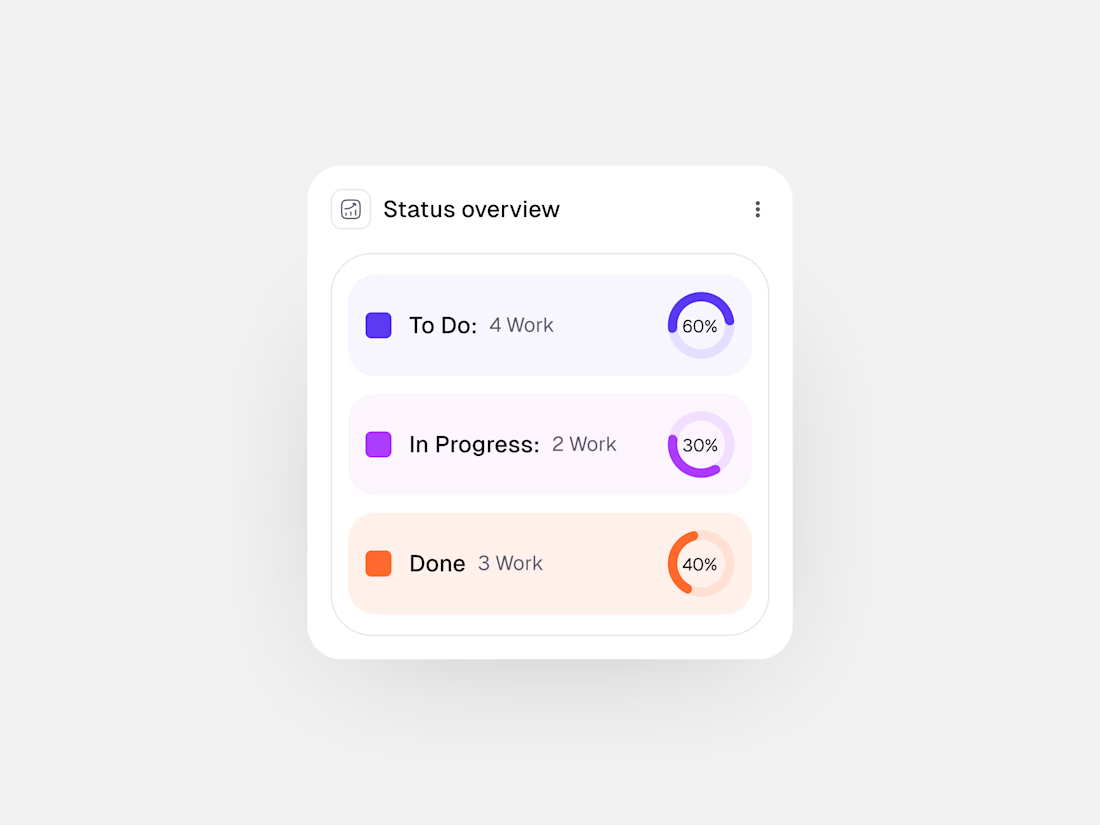

Clean layout. What do the percentages represent?

Buried in DMs? Let automation turn missed messages into organized, responded leads. 📲✨
Stay focused on selling while your system captures, tags, and follows up with every opportunity.
#RealEstate #RealEstateAgent #LeadManagement #CRM #RealEstateMarketing #Automation #BusinessGrowth #InstagramMarketing #Productivity #DigitalMarketing

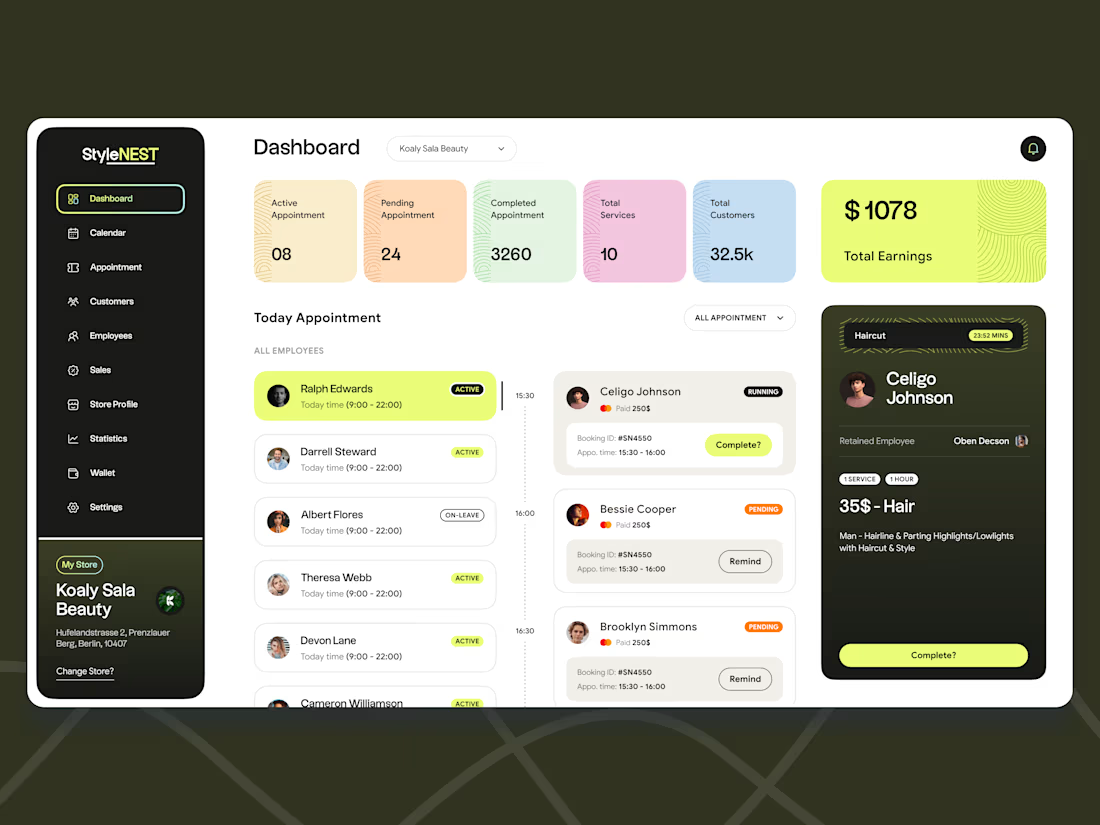
Designing high-density SaaS - Salon dashboards that don't feel overwhelming!