The network for creativity
Join 1.25M professional creatives like you
Connect with clients, get discovered, and run your business 100% commission-free
Creatives on Contra have earned over $150M and we are just getting started
Back to feedPost

𝗜𝗳 𝘆𝗼𝘂'𝗿𝗲 𝗯𝘂𝗶𝗹𝗱𝗶𝗻𝗴 𝗔𝗜 𝗮𝗽𝗽𝘀 𝗮𝗻𝗱 𝘆𝗼𝘂 𝘀𝘁𝗶𝗹𝗹 𝗱𝗼𝗻'𝘁 𝘂𝗻𝗱𝗲𝗿𝘀𝘁𝗮𝗻𝗱 𝗠𝗖𝗣, 𝘁𝗵𝗶𝘀 𝗽𝗼𝘀𝘁 𝗶𝘀 𝗳𝗼𝗿 𝘆𝗼𝘂.
An LLM on its own is a smart brain in a jar. It can't see your database, your Gmail, your GitHub or your calendar.
So every developer was writing custom glue code for every tool, for every model.
5 AI apps × 10 tools = 50 integrations to maintain.
𝗧𝗵𝗲 𝗳𝗶𝘅: 𝗠𝗖𝗣 (𝗠𝗼𝗱𝗲𝗹 𝗖𝗼𝗻𝘁𝗲𝘅𝘁 𝗣𝗿𝗼𝘁𝗼𝗰𝗼𝗹)
It's an open standard, introduced by Anthropic, that gives AI apps ONE common way to talk to external tools and data.
Think of it as USB-C for AI.
Build a tool once as an MCP server, and any MCP-compatible app can use it.
50 integrations become 5 + 10.
𝗛𝗼𝘄 𝗶𝘁 𝘄𝗼𝗿𝗸𝘀
🔹 𝗛𝗼𝘀𝘁: the AI app (Claude Desktop, an IDE, your own app)
🔹 𝗖𝗹𝗶𝗲𝗻𝘁: lives inside the host and connects to one server
🔹 𝗦𝗲𝗿𝘃𝗲𝗿: a small program that exposes your tools or data
A server can expose 3 things:
1️⃣ 𝗧𝗼𝗼𝗹𝘀: actions the model can call (send email, query DB)
2️⃣ 𝗥𝗲𝘀𝗼𝘂𝗿𝗰𝗲𝘀: read-only data for context (files, docs)
3️⃣ 𝗣𝗿𝗼𝗺𝗽𝘁𝘀: reusable prompt templates
𝗧𝗵𝗲 𝗳𝗹𝗼𝘄: the client asks what the server can do → the LLM picks the right tool from its description → your server runs it → the LLM uses the result to answer.
Your tool descriptions are basically prompts.
Unclear description = wrong tool picked.
Clear description = magic.
𝟯 𝗺𝗶𝘀𝘁𝗮𝗸𝗲𝘀 𝘁𝗼 𝗮𝘃𝗼𝗶𝗱
❌ 40 tiny tools instead of a few well-designed ones
❌ Lazy descriptions like "gets data"
❌ Zero permission checks on risky actions like delete, send or pay
𝗪𝗵𝘆 𝗹𝗲𝗮𝗿𝗻 𝗶𝘁 𝗻𝗼𝘄
RAG gave LLMs knowledge.
MCP gives them hands.
If you want to build real agents, not just chatbots, this is the layer that connects the model to the real world.
𝗦𝘁𝗮𝗿𝘁 𝘁𝗵𝗶𝘀 𝘄𝗲𝗲𝗸𝗲𝗻𝗱: build a simple server with 2 tools using the Python or TypeScript SDK, connect it to Claude Desktop, and test it with the MCP Inspector.
I've been using MCP together with RAG pipelines in the AI apps I build, and the difference in what you can ship is huge.
Want a full tutorial on building an MCP server from scratch? Drop a comment and I'll put it on the YouTube channel (CodeWithMasood) 🙌
♻️ Repost if this helped
➕ Follow for more AI dev content
#MCP #AIEngineering #LLM #AIAgents #SoftwareDevelopment
The network for creativity
Join 1.25M professional creatives like you
Connect with clients, get discovered, and run your business 100% commission-free
Creatives on Contra have earned over $150M and we are just getting started











Related posts

AI Automation SaaS Website Design
AUTONIX is a modern AI automation SaaS website concept designed to help businesses streamline workflows, automate repetitive tasks, and manage AI agents more efficiently.
The design combines a clean, minimal interface with bold typography, futuristic visuals, interactive UI elements, and a seamless user experience. From AI-powered task automation to real-time productivity insights, every section is designed to communicate the value of intelligent automation in a clear and engaging way.
This project explores how thoughtful UI/UX design can make complex AI technology feel intuitive, accessible, and easy to use for modern businesses.
Services: SaaS Website Design, UI/UX Design, Landing Page Design, AI Product Design.


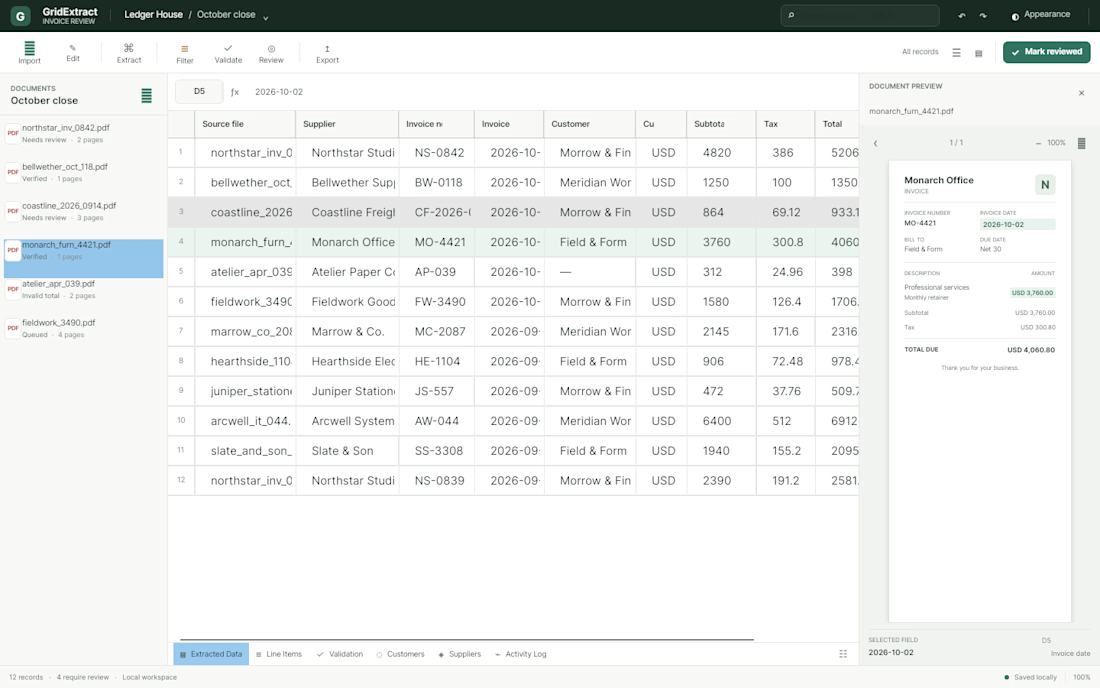
I'm currently building a PDF data extraction application for road freight and logistics companies.
I'm focusing on flexible field selection, local document processing, and handling different PDF layouts.




AI Launch Film: a six-scene launch film for AI products
Built with the SVGator MCP: Claude authored every layer and keyframe in one create_project call, then swapped the second product in by layer name. Original artwork, UI screens and sound design.