The network for creativity
Join 1.25M professional creatives like you
Connect with clients, get discovered, and run your business 100% commission-free
Creatives on Contra have earned over $150M and we are just getting started
Back to feedPost

Case Study 2: Searching for Sound Engineers
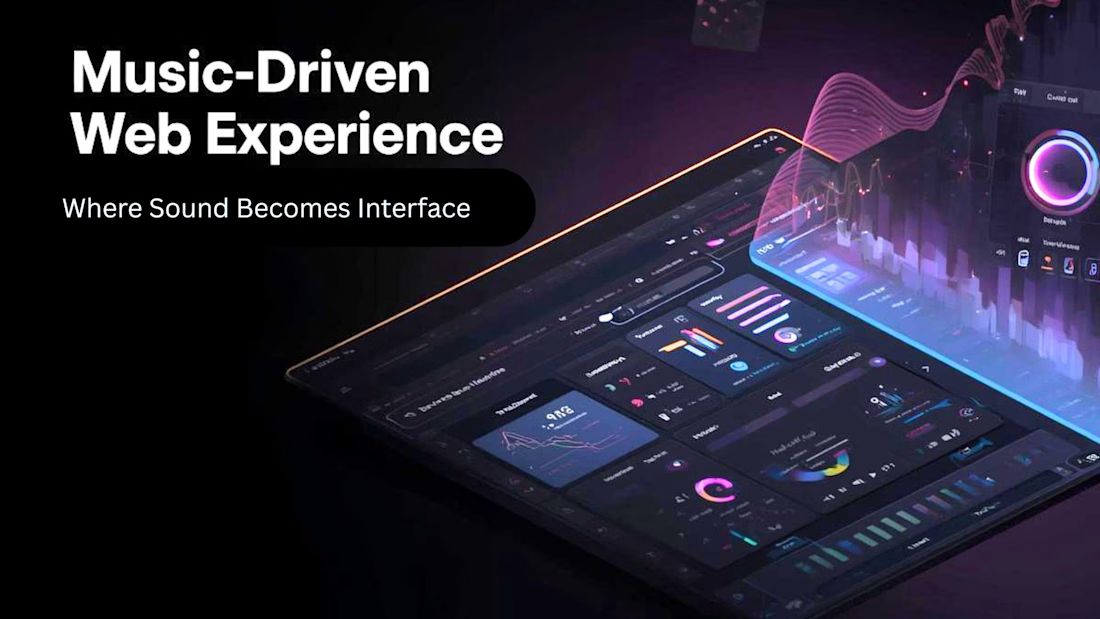
Music-Driven Web Experience — Emotion-Based UX System
One-liner: A web experience where the currently playing track controls the visual environment, creating a dynamic interface that responds to sound as a first-class design input.
Problem
Music platforms treat audio and UI as separate layers — you hear a song while looking at static metadata and album art. There is no system that allows sound itself to become a generative design material, leaving a significant emotional bandwidth on the table.
Solution
The system treats audio as a live data source. As music plays, extracted properties — tempo, frequency range, energy level, mood classification — drive UI state in real time. Color, motion, layout density, and interaction behavior all respond to what is playing. The experience is not visualized audio; it is an interface that feels like the music.
Experience System
Audio → State: The audio engine extracts properties per track (BPM, energy, key, mood). These map to a set of defined UI states — not a 1:1 linear translation, but a curated system of thematic environments.
State → Visual: Each UI state has a corresponding visual language: color temperature, typography behavior, background motion, and element density. A high-energy track produces a compressed, kinetic interface. A slow, low-frequency track expands the layout and reduces motion.
Visual → Interaction: User interactions (hover, scroll, click) are modulated by the current audio state. Hover effects are faster in high-BPM states, slower and more diffuse in ambient states. The interface is never static — behavior is continuous and reactive.
Key Interaction Moments
Track Transition — When a track changes, the UI transitions through a bridging state rather than cutting abruptly. Color and motion shift over 1–2 seconds, matching the audio's fade behavior.
Energy Peak — At detected energy peaks (chorus, drop, climax), a brief full-screen pulse or layout shift signals the moment without interrupting the experience.
User Hover / Explore — Hovering over track metadata or navigation elements reveals information through motion rather than a static tooltip. Reveal behavior scales with current audio energy.
Silence / Pause — When audio stops, the UI enters a resting state — reduced contrast, minimal motion, slow breathing animation. The interface communicates absence without becoming dead.
Visual / Aesthetic Direction
The visual language is defined by restraint with controlled moments of intensity. The base palette is near-neutral — dark ground with desaturated tones — allowing color to carry full meaning when audio state triggers it. Typography shifts between a geometric grotesque (high-energy states) and a high-contrast serif (ambient states), reinforcing mood through form. Motion is physics-based: easing curves match the emotional texture of each audio state rather than defaulting to ease-in-out uniformity.
Technical Considerations
Audio Analysis: Web Audio API for real-time frequency and amplitude data; track metadata (BPM, energy, key) sourced from a music intelligence API (Spotify Audio Features or equivalent) for non-real-time properties.
State Management: A finite set of UI states (~5–7) maps to audio property ranges. State transitions are debounced to prevent thrashing on rapid audio changes.
Performance: CSS custom properties (--energy, --tempo, --mood-hue) are updated by a single JavaScript loop, keeping layout-triggering reflows out of the animation path. All background motion runs on the compositor via transform and opacity only.
Responsiveness: The system degrades gracefully on mobile — motion is reduced, layout simplifications are applied, and battery-sensitive devices receive a low-motion mode via prefers-reduced-motion.
Accessibility: Audio-reactive motion respects the OS-level reduced motion preference. Color contrast is validated against WCAG 2.1 AA at all UI states, including high-saturation peak moments.
Outcome / Impact
The experience creates a demonstrably higher sense of immersion and presence compared to static music interfaces — users spend more time in active listening states and engage more with track discovery. The system design is reusable: the audio-to-UI-state mapping layer can be extended to any visual theme without rearchitecting the core engine. As a portfolio piece, it demonstrates mastery of interaction design, real-time system behavior, and the use of sensory input as a first-class UX variable.


The network for creativity
Join 1.25M professional creatives like you
Connect with clients, get discovered, and run your business 100% commission-free
Creatives on Contra have earned over $150M and we are just getting started
Trending

Claude
Claude has entered the design space. How are you using it?

Contra University
Learn from expert creatives how to earn more using next-gen AI tools.
Brand Design
The best brand designers are on Contra. Scroll to see what's trending in brand design. What are you building?
creativeaiflow
Creative AI workflows are evolving. What tools do you use, and what are their strengths and weaknesses?
freelancerlife
Freelancer life is wins, pivots, and everything in between. What’s yours right now?



Related posts


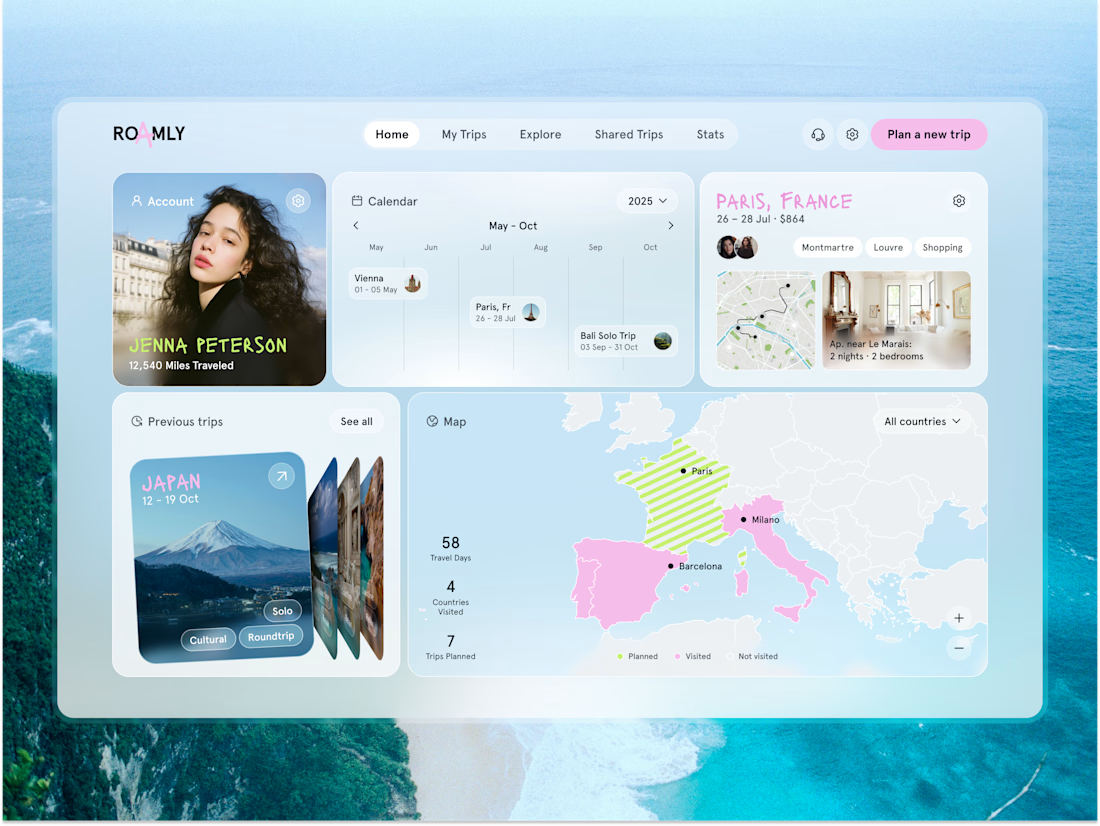
Just released a new product design for the AI trip planner 🌎 Would you use it?
Check it out


It's a nice design, Oleksandra! Although, I'm not sure how the typography would work if I wanted to visit Äteritsiputeritsipuolilautatsijänkä in Finland 🙃

Brand identity for INNO100, a flagship retail store in Shenzhen showcasing 100 of the world’s most innovative products.
The challenge was to position the brand as premium, fashion-aware and future-facing — without defaulting to the usual cold tech aesthetic.
We combined a soft, atmospheric palette with flowing patterns inspired by city skylines, circuit boards and natural forms. The result is a flexible identity that works across the physical store, packaging, digital touchpoints and brand guidelines.
Building a brand for what’s next? Let’s work together!


I love the animation 💙 Did you do it on AE?

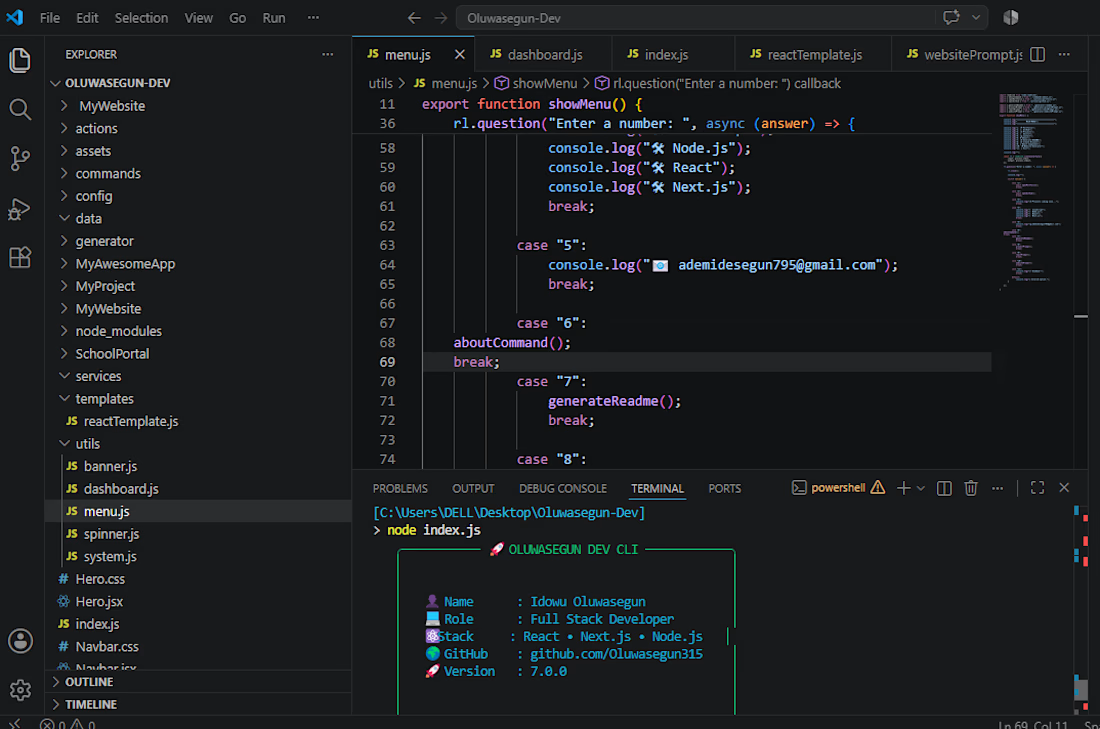
Most developers stop after building the app.
I enjoy building the tools that make developers faster.
Today I'm working on my custom Developer CLI to automate repetitive tasks and streamline my workflow.
If you could add one feature to your dream developer CLI, what would it be?
👇 I'm curious to hear your ideas.




The dream feature is usually context memory a CLI that remembers what you were doing across sessions instead of starting fresh every time. the repetitive tasks are annoying but re-establishing context after a break is the real time sink