The network for creativity
Join 1.25M professional creatives like you
Connect with clients, get discovered, and run your business 100% commission-free
Creatives on Contra have earned over $150M and we are just getting started
Back to feedPost

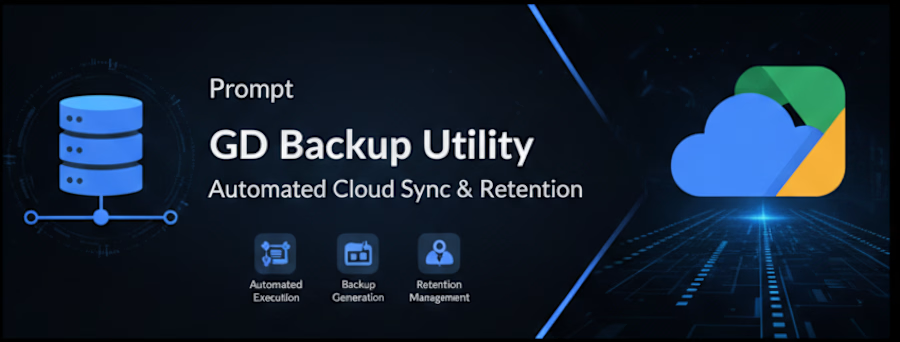
Google Drive Backup Utility
Automated. Secure. Cloud-Ready.
In today's infrastructure landscape, data loss isn't a possibility — it's a risk that every engineering team must proactively eliminate. Google Drive Backup Utility is a lightweight, Python-based automation service engineered to do exactly that: keep your critical data safe, synchronized, and retrievable — without manual intervention.
What It Does
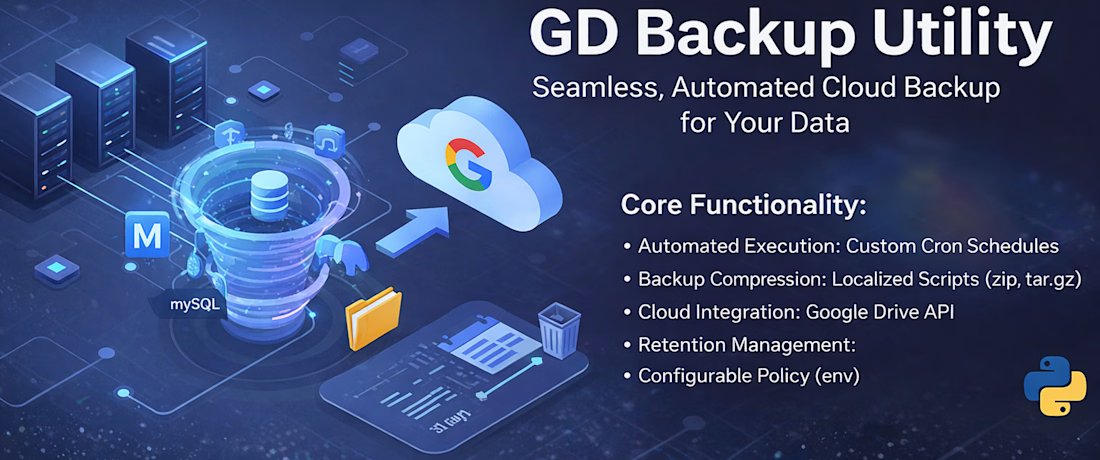
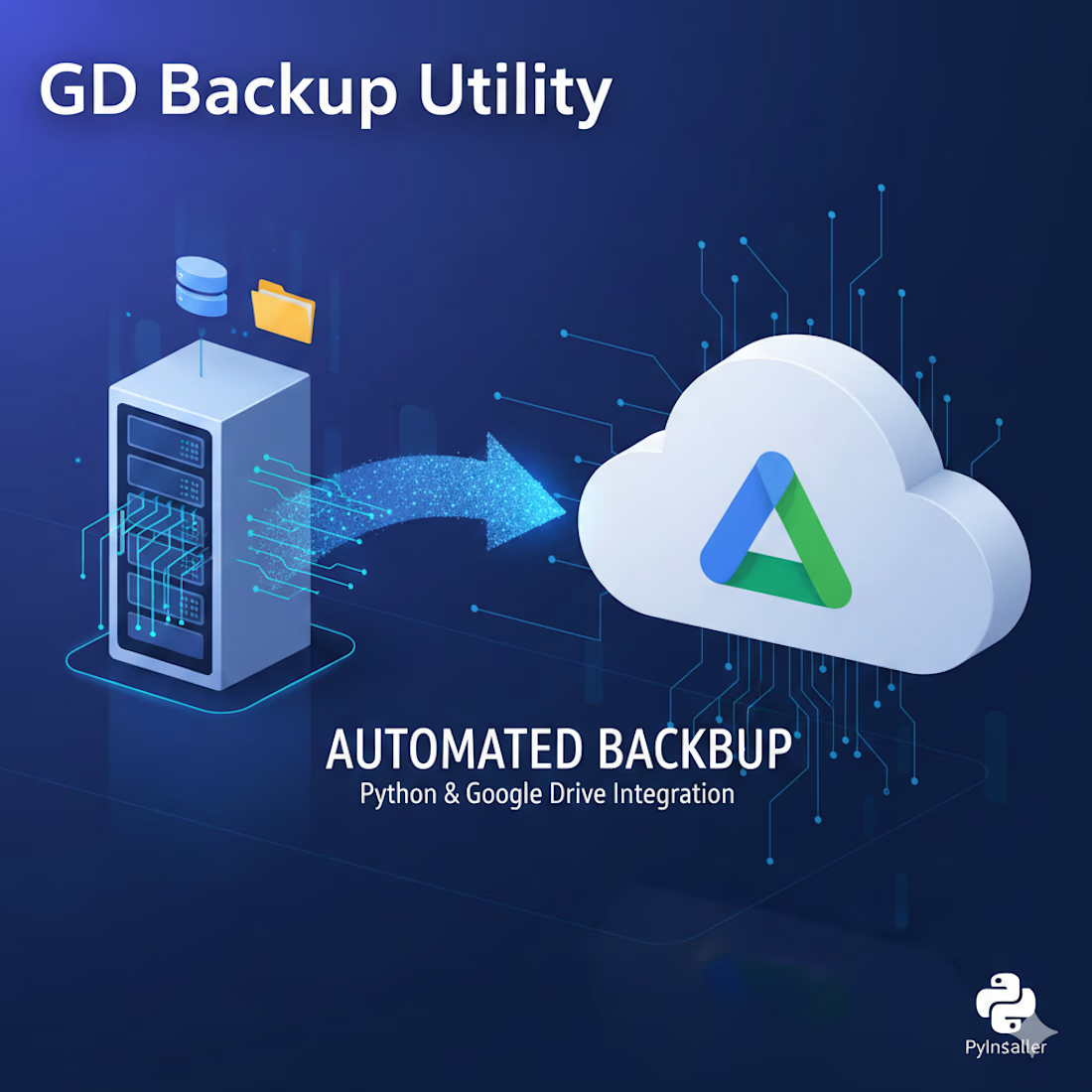
Google Drive Backup Utility bridges the gap between your local server environment and Google Drive, creating a fully automated backup pipeline that runs silently in the background. From the moment it's configured, it takes ownership of your backup lifecycle — generating, compressing, uploading, and cleaning up — so your team doesn't have to.
How It Works
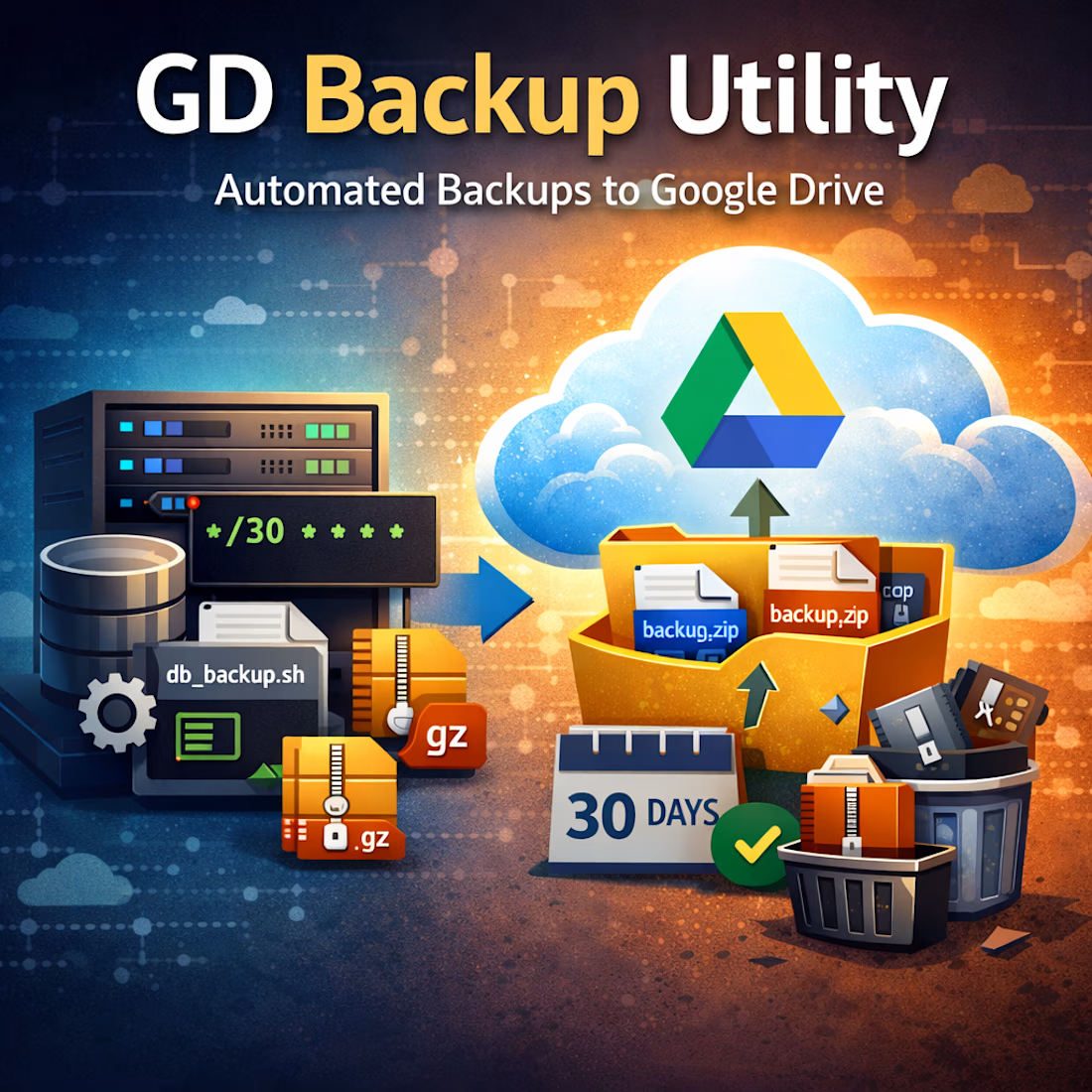
The utility runs as a scheduled background service, orchestrated through a clean, four-stage workflow:
1. Automated Scheduling
Backups are triggered automatically based on a custom Cron expression defined directly in your .env configuration file. Whether you need hourly snapshots or nightly archives, the schedule is entirely yours to control — no code changes required.
2. Backup Generation
The service invokes localized bash scripts (such as startup.sh) that handle the heavy lifting: spinning up dump processes for your databases — MySQL, PostgreSQL, and more — and compressing the output into portable .zip or .tar.gz archive formats, ready for transfer.
3. Secure Cloud Upload
Compressed archives are uploaded directly to a pre-configured Google Drive folder using the official Google Drive API, ensuring authenticated, encrypted, and reliable cloud synchronization. Your backups land exactly where you expect them — every time.
4. Retention Management
Storage bloat is handled automatically. The utility scans your Drive folder and purges files older than a user-defined retention threshold (e.g., 30 days), keeping your storage clean and costs predictable. Like everything else, this is fully configurable via .env.
Why Google Drive Backup Utility?
Zero manual effort — once configured, it runs indefinitely without intervention
Flexible scheduling — Cron-based timing adapts to any backup frequency
Multi-database support — works seamlessly with MySQL, PostgreSQL, and other dump-compatible engines
Environment-driven configuration — all critical settings live in a single .env file, making deployments and updates straightforward
Automatic housekeeping — retention policies prevent unbounded storage growth
Lightweight footprint — no heavy dependencies, no bloat; just Python doing what it does best
System Requirements
Requirement Minimum Version
Operating System: Ubuntu 22.04+
Python 3.11+
Built for Engineers, by Engineers
Google Drive Backup Utility isn't a GUI tool wrapped in marketing — it's a no-nonsense, production-grade automation service designed for developers and DevOps engineers who value reliability, transparency, and control. Drop it into your server, configure your .env, and let it run.
Your data is too important to leave to chance. Automate it.
You can either visit: https://contra.com/payment-link/xB4Ialnj-google-drive-backup-utility
(50% discount) You can also purchase it here: https://mtechltd.gumroad.com/l/google-drive-backup-utility)
If you feel the price is a bit expensive, feel free to message me with a genuine reason — I’ll try to offer up to a 90% discount.
The network for creativity
Join 1.25M professional creatives like you
Connect with clients, get discovered, and run your business 100% commission-free
Creatives on Contra have earned over $150M and we are just getting started
Related posts

87% of marketers use AI in at least one workflow now.
Only 6% have fully implemented it (Supermetrics 2026).
The gap between those numbers is basically the entire job description for what I do.
Going to break down what an AI automation engineer is, what we ship, and how to tell the bad ones from the good ones.


An AI automation engineer connects AI to the workflows your business already runs.
We don't train models. We don't write papers. We don't do research.
We pick the right model for the job, wire it into the systems your team uses every day, and ship the build.


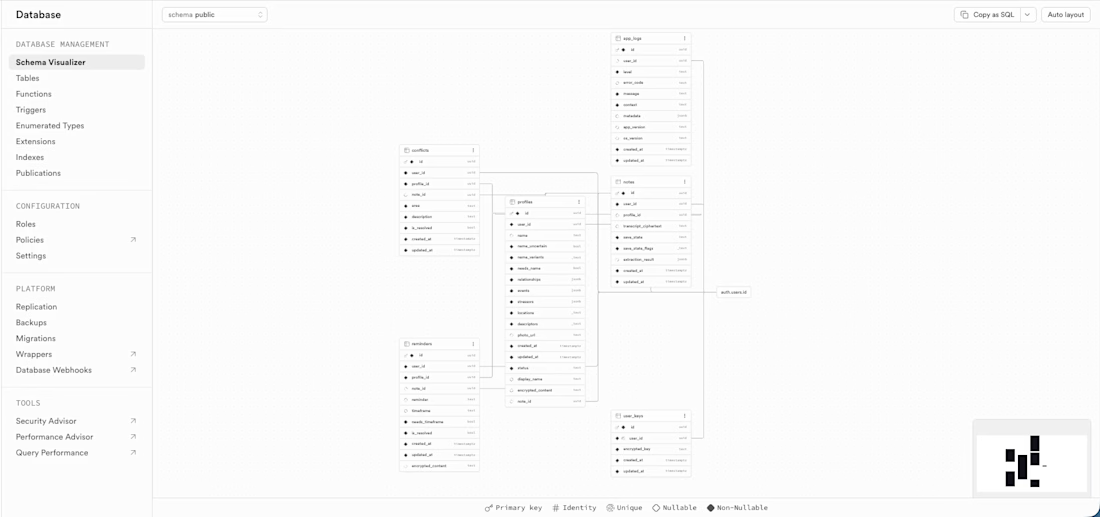
Excited to share some of the backend work I've been doing lately with Supabase! 🚀
Here's a look at what went into building a production-ready backend from scratch:
🗄️ Database Schema Design
Designed a relational schema with multiple interconnected tables: profiles, notes, reminders, conflicts, and a dedicated user_keys table for encryption key management. Every table has proper foreign key relationships, timestamps, and nullable/non-nullable constraints enforced at the DB level.
🔒 Row Level Security (RLS)
Every single table has RLS enabled with two policies: users can only access their own rows, and anonymous access is blocked entirely. No exceptions. Security is enforced at the database layer, not just the application layer.
🔑 Auth & Email Flows
Set up Supabase Auth with email + OAuth support, including full PKCE flow for secure token exchange. Configured deep link redirects for email confirmation and password reset flows, all tested end to end.
⚡ Edge Functions
Built and deployed multiple Supabase Edge Functions handling AI processing pipelines, including JWT validation at the top of every function before any processing begins. The OpenAI API key lives exclusively in Supabase secrets, never in the app or any config file.
🔄 Merge Pipeline
Built a follow-up note merge pipeline as an Edge Function. New facts are appended to existing profiles, duplicates are detected and skipped, conflicts are logged, and resolved reminders are handled gracefully.
📦 Migrations
All schema changes go through versioned migration files under source control. No manual dashboard changes. CI/CD triggers migrations automatically on merge to main.
🔐 Encryption Architecture
Client-side AES-GCM encryption via CryptoKit. Plaintext never sits in the database. Encryption keys are stored in a dedicated RLS-scoped table, fetched after login, and held in memory only for the session duration.
Still a lot more to share about this project. Excited to talk about it publicly when it launches! 👀



Interesting work! Nice 🔥 Have there been any bottlenecks so far in testing?
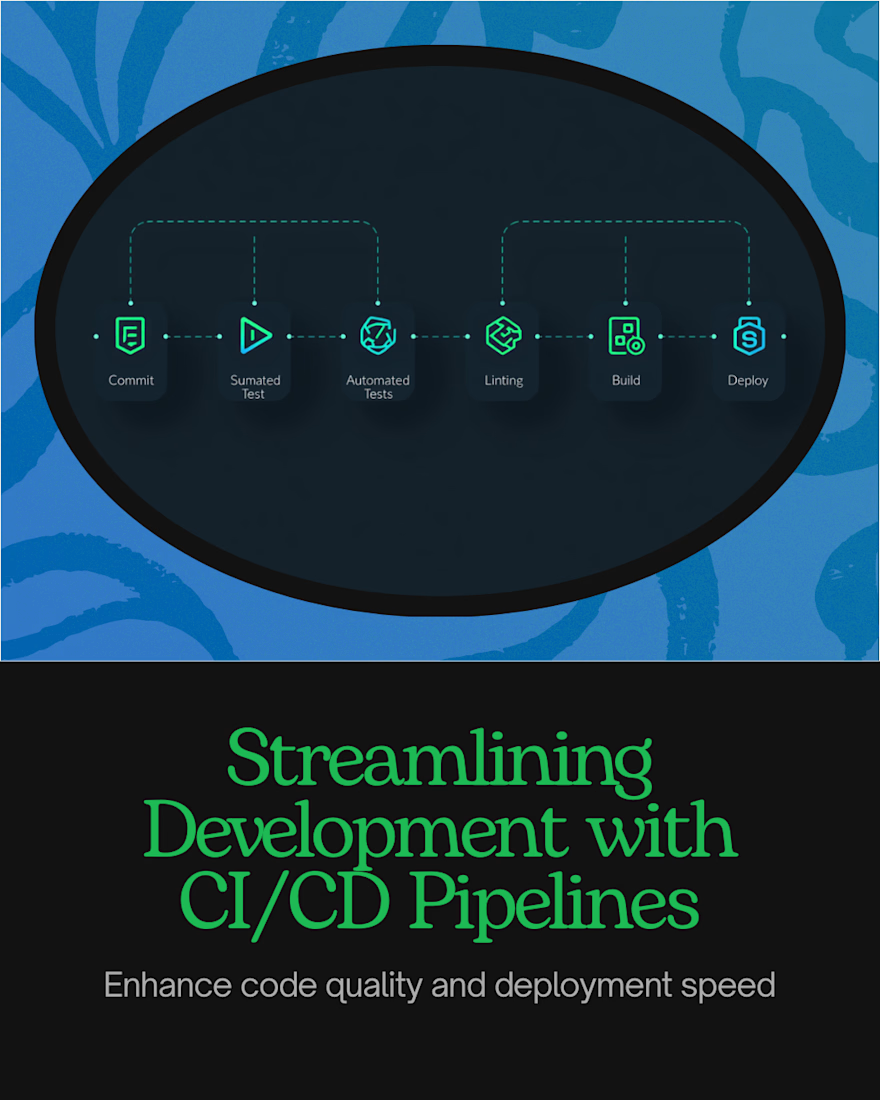
Why CI/CD for your backend is not optional, especially when you're working on a project that will be released 🚀
The moment you have production data, manual deployments become a liability.
Here's why setting up CI/CD from day one matters:
📦 Every schema change is tracked
No manual edits directly on the server or dashboard. Every change goes through a versioned file committed to the repo. If something breaks, you know exactly what changed, when, and why.
⚡ Deployments are consistent and automatic
No manually running commands and hoping you didn't forget a step. Merge to main and the pipeline handles it. Every time. The same way.
🛡️ Mistakes get caught before they reach users
When your pipeline runs in order, you catch integration issues early. Quality gates like automated tests, linting, and build checks run on every single change before anything ships. A change that works locally but fails against the real environment gets caught in the pipeline, not by a user at 2am.
🔄 Rollbacks are possible because history exists
Every change is tracked in source control. You always have a clear record of what the state was at any point. No mystery changes, no undocumented manual fixes that only one person knows about.
👥 It protects teams
When more than one person touches the backend, CI/CD is what keeps everyone aligned. No more "works on my machine" or deployments only the person who ran them understands.
The upfront cost is a few hours. The cost of not having it shows up at the worst possible moment.
Tools like GitHub Actions, Bitrise, and Fastlane make this straightforward to set up regardless of your stack. The investment is worth it every time. 🙌












Trending

Claude
Claude has entered the design space. How are you using Claude Design?

Contra University
Learn from expert creatives how to earn more using next-gen AI tools.
creativeaiflow
Creative AI workflows are evolving. What tools do you use, and what are their strengths and weaknesses?
portfolioreview
The best portfolios tell a story, not just show a grid. Share yours for feedback.
freelancerlife
Freelancer life is wins, pivots, and everything in between. What’s yours right now?