The network for creativity
Join 1.25M professional creatives like you
Connect with clients, get discovered, and run your business 100% commission-free
Creatives on Contra have earned over $150M and we are just getting started
Back to feedPost

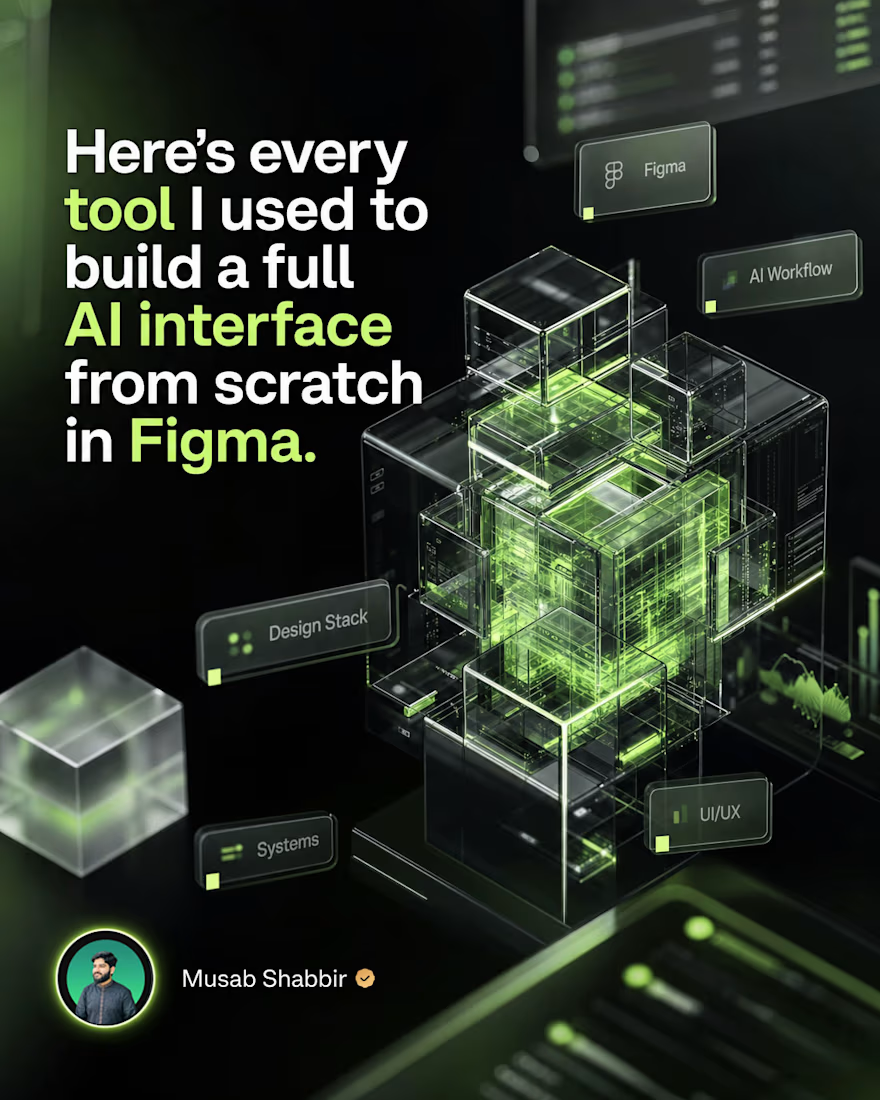
Here's every tool I used to build a full AI interface from scratch in Figma.
No fluff. Just the actual stack I used on a recent AI platform project from the very first blank frame to the final handoff file.
Figma for everything visual. Components, auto layout, variables, prototypes. If you're not using variables for dark and light mode yet, start today.
FigJam for early thinking. User flows, feature mapping, client alignment. Getting the logic right before designing a single screen saves hours later.
Mobbin for reference. Real product patterns from real AI products. Better than searching Dribbble when you need interfaces that actually work.
Fontjoy for typography pairing. AI interfaces need clean, modern type. This tool makes finding the right combination fast.
Coolors for color system building. I lock the primary brand color and build the full palette around it including semantic colors for states and feedback.
Phosphor Icons for the icon set. Consistent weight, clean strokes, and they work perfectly at small sizes inside dense AI dashboards.
Notion for documentation. Every design decision, component note, and client feedback lives here so nothing gets lost between calls.
The tools are not the skill. But the right tools make the skill faster and cleaner.
What's one tool in your design stack you can't work without?
#figma #uiux #aidesign #productdesign #uxdesign #designtools #saasdesign #uidesigner #designprocess #figmatips
The network for creativity
Join 1.25M professional creatives like you
Connect with clients, get discovered, and run your business 100% commission-free
Creatives on Contra have earned over $150M and we are just getting started

Challenges
View all


Related posts

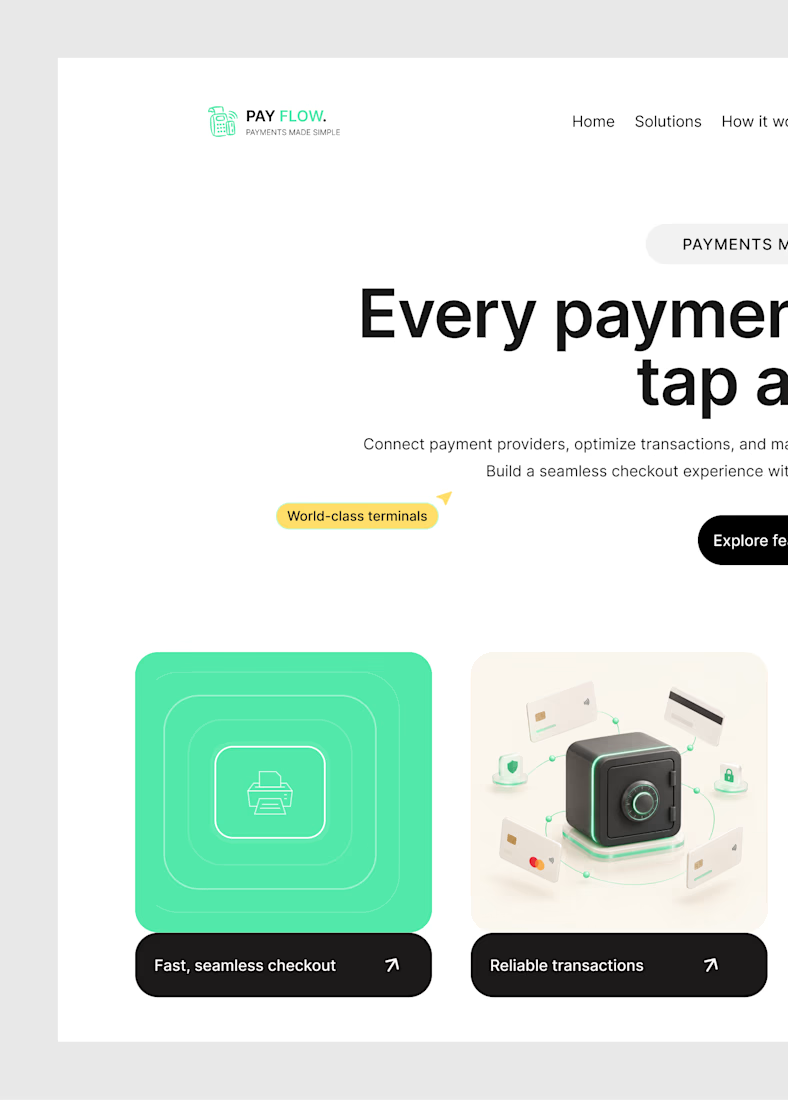
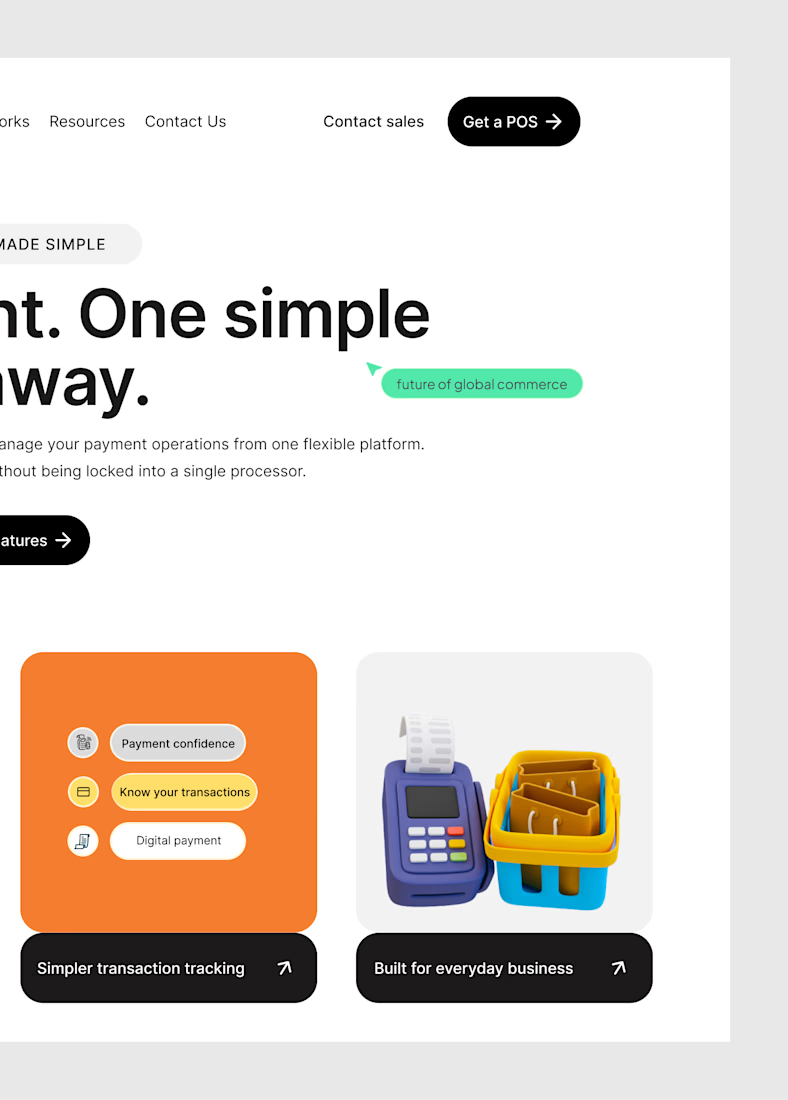
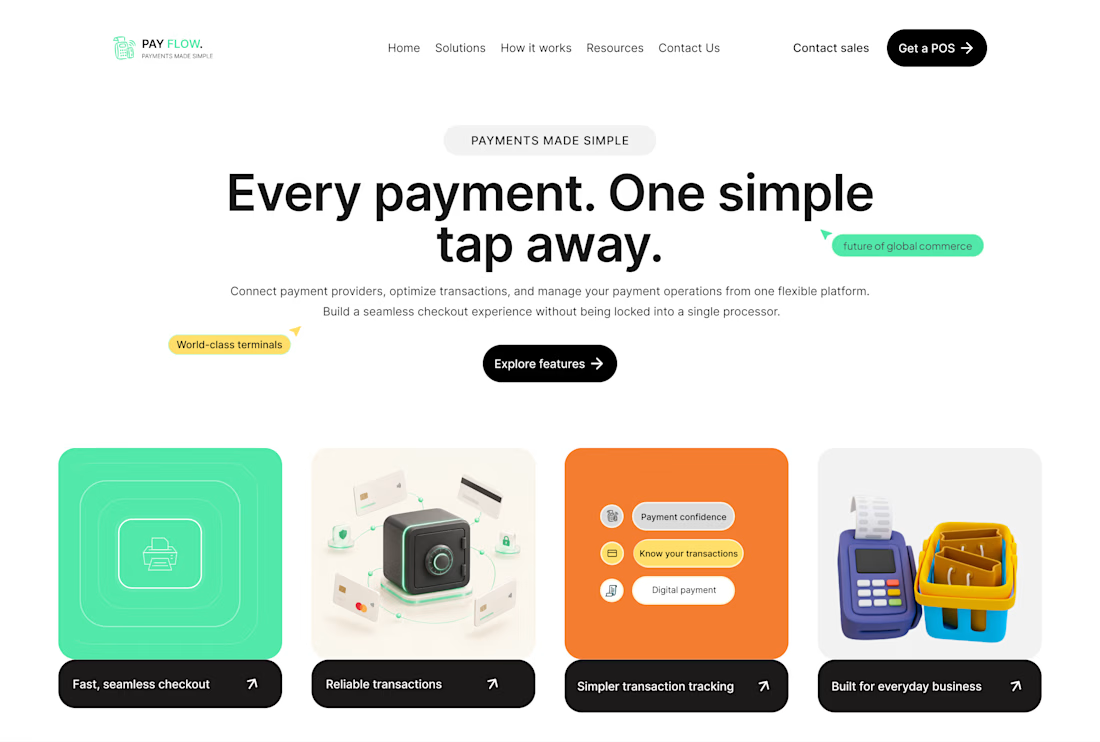
Here's the hero section of the fintech website I'm working on.
Sometimes you open Figma with an idea, and the final result is actually giving what it was supposed to give.
This is one of those moments.And I like what I have going on here.



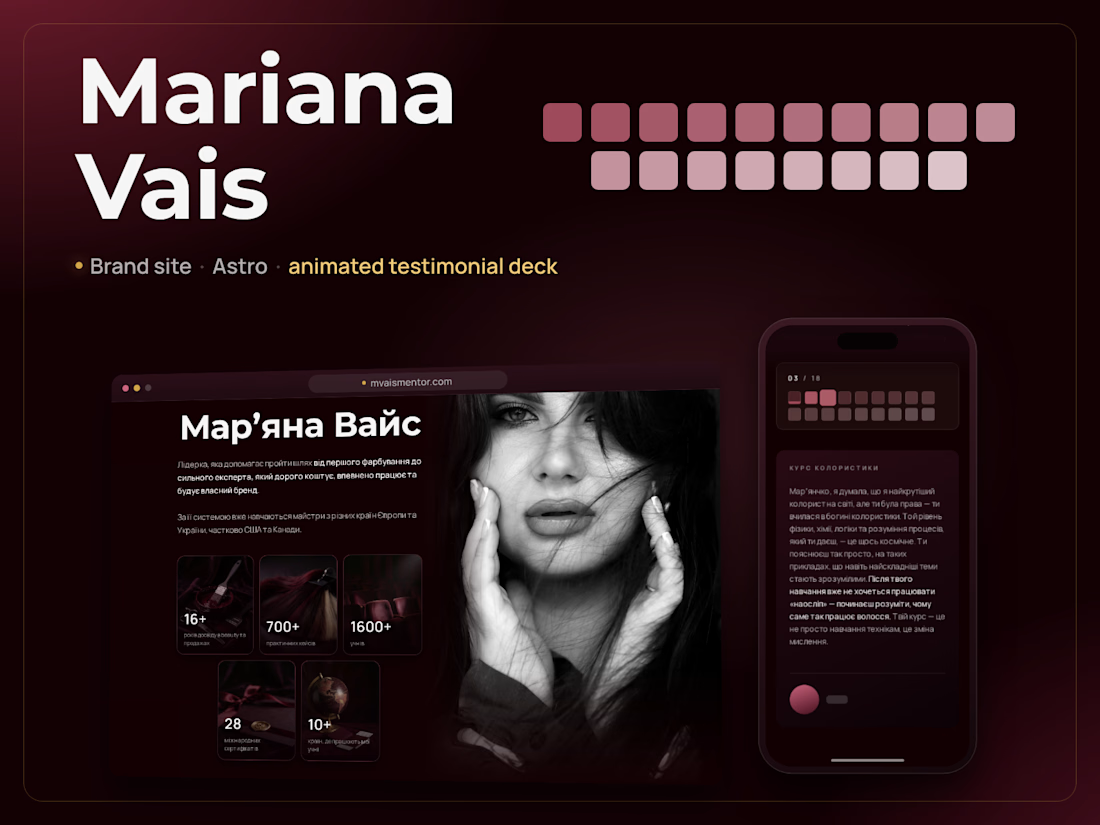
A personal-brand site where the design does the selling — testimonials as a Stories-style deck, a colour that "develops" across a black-and-white portrait, an accordion carousel that works without JavaScript.
What I did: turned the Figma/React references into a lean Astro site (React removed), animations and carousels with no-JS fallbacks, deployed on Cloudflare Workers.



The accordion carousel without JavaScript caught my eye. Did you need to change any of the original interactions when you moved from the React references to Astro, or could you keep the design pretty much as it was?

From a simple brief to a complete AI-powered ad. 🎬
The client provided only the product and script. I handled the entire creative process, from concept development to final render.
My workflow:
Concept & Planning: Script breakdown and scene planning
AI Character Creation: Designed a realistic UGC character
AI Video Generation: Created scenes and product visuals
AI Voiceover: Generated natural-sounding narration
Editing & Sound Design: Pacing, captions, transitions, and SFX
Final Render: Polished and export-ready advertisement
From AI generation to the final cut — the entire creative execution was done by me. 🚀
aivideocreationVideo EditingVideo Post-ProductionAI Video ProductionAdobe Premiere ProGoogle GeminiHiggsfield AI


