The network for creativity
Join 1.25M professional creatives like you
Connect with clients, get discovered, and run your business 100% commission-free
Creatives on Contra have earned over $150M and we are just getting started
Back to feedPost

One of the biggest hurdles to B2B AI adoption is unrestricted agency.
When I designed the Feature Training Center for SparkAGI, I treated Permissions as a primary user experience.
Users need more than just a chatbot, they need AI Governance. By designing a modular toggle system, I’ve made it possible to:
Control Scope: Limit the AI to specific business functions (like Quote Gen) until the team is ready for full automation.
Manage Dependencies: The UI proactively flags what’s missing (e.g., Payment integration required), preventing broken workflows before they happen.
Align Knowledge: Every toggle defines the boundary of the AI’s thought process.
This is how design solves the Risk problem in Enterprise AI System.
#AIGovernance #EnterpriseSaaS #ProductArchitecture #InteractionDesign #B2BTech

The network for creativity
Join 1.25M professional creatives like you
Connect with clients, get discovered, and run your business 100% commission-free
Creatives on Contra have earned over $150M and we are just getting started



Related posts

AI startups are in a peculiar position:
1. People need AI products.
2. People are fatigued and skeptical of AI products.
Address the AI skepticism by showing, not making claims:
put one CTA in the hero - a prompt box.
They try the product before creating an account. By the time you ask for a signup, they’re already hooked.
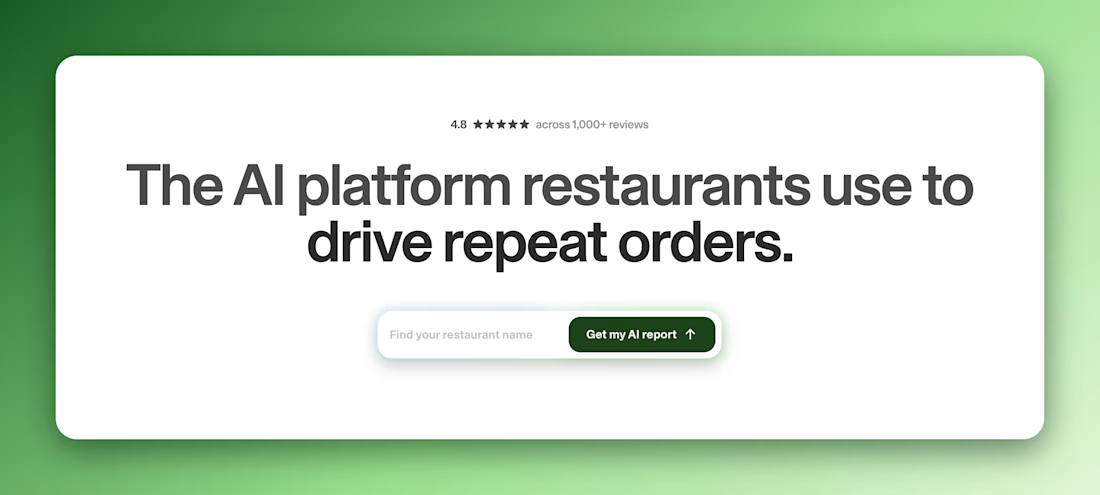

One catch: an empty prompt box leaves people stuck on what to type. A few one-click example prompts fix that.

🤔 Why choose between building visually and coding with AI when you can use BOTH? 😂
There are two interesting ways to build apps with AI:
🎨 Lovable: Prompt your idea, watch the app come to life, and refine it visually.
💻 AI coding tools: Describe the changes you need and let AI work directly with your code.
Here's where things get interesting: You can start with Lovable, sync your project with GitHub, and continue development using tools like Cursor or Claude Code. 🚀
One helps you bring the idea to life visually. The other gives you more flexibility to work directly with the code.
💬 Developers, do you prefer seeing your app come together visually, or letting AI work directly in your codebase? Or do you combine both? 👇



lovable.dev
Blog - Lovable
Insights, updates, and stories from the Lovable team


how stable is the code after?

We used to dread internal tools.
A client would get their product live, and then ask, “Cool, but how do I see all the users? Or refund an order? Or fix this one record?” And suddenly we were building an admin panel nobody budgeted for.
Now we just use Retool.
Hook it up to Supabase or whatever API the project runs on, and in a day or two the client has a real back office. Tables, filters, buttons that actually do things. When something needs custom logic, we write a bit of JavaScript and move on.
We’ve also started using it for the boring-but-important parts of automation work. A simple screen where someone can see what an AI workflow did, approve it, or retry it when it breaks. Clients love this more than the fancy AI part, honestly.
It’s not magic, and it won’t replace a proper product. But for the stuff only your team will ever see, it’s hard to justify spending weeks on it.
If your ops still run on spreadsheets and “can you check that for me?” messages, that’s usually the sign.