The network for creativity
Join 1.25M professional creatives like you
Connect with clients, get discovered, and run your business 100% commission-free
Creatives on Contra have earned over $150M and we are just getting started
Back to feedPost

Airtable Workflow & Automation System
I built a customized Airtable system designed to help a business organize its data, manage ongoing tasks, and reduce repetitive manual work.
The project included a structured Airtable database, customized views, forms, automated workflows, and a simple dashboard for tracking important information. I also connected Airtable with external tools to automate data movement and notifications between different platforms.
The goal was to create a system that was easy to manage, scalable, and tailored to the client’s workflow rather than relying on complicated spreadsheets or disconnected tools.
Tools: Airtable, Zapier, Make, Google Sheets, Slack
Skills: Airtable Automation, Workflow Automation, Database Management, CRM, Data Organization, Process Optimization



The network for creativity
Join 1.25M professional creatives like you
Connect with clients, get discovered, and run your business 100% commission-free
Creatives on Contra have earned over $150M and we are just getting started



Related posts

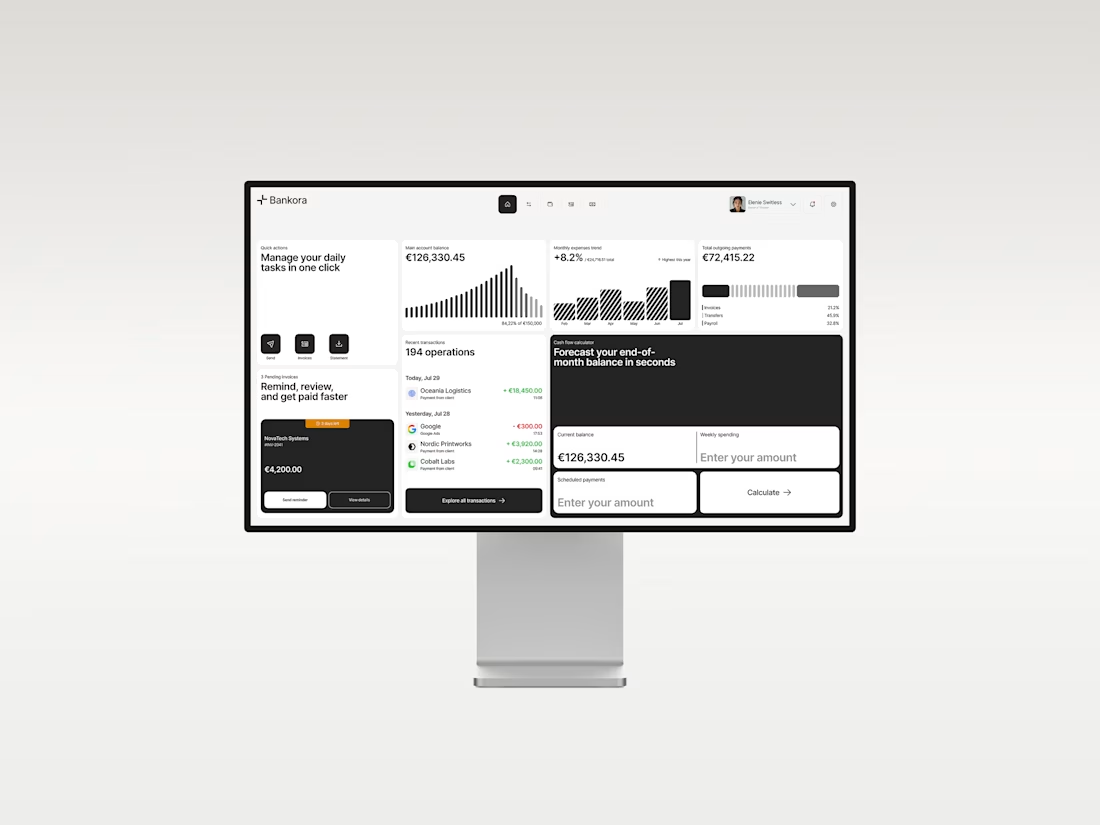
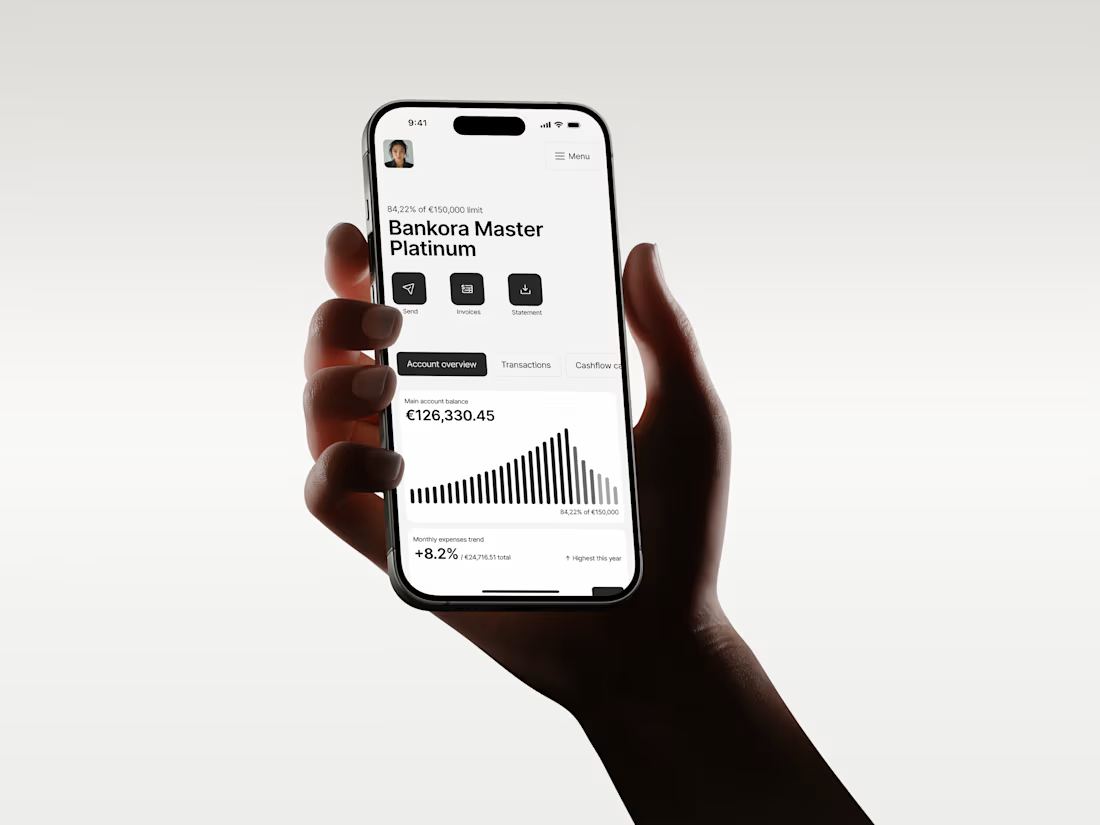
Business banking is already complex. The product shouldn’t make it feel even harder.
That was the thinking behind Bankora.
Payments, invoices, cash flow, financial overview. These are things business teams deal with constantly, yet many banking products still bury simple actions under dense data, long paths, and complicated navigation.
So I started with the workflows, not the screens.
I looked at the tasks people need to complete most often, where unnecessary steps appear, and what information actually needs attention first.
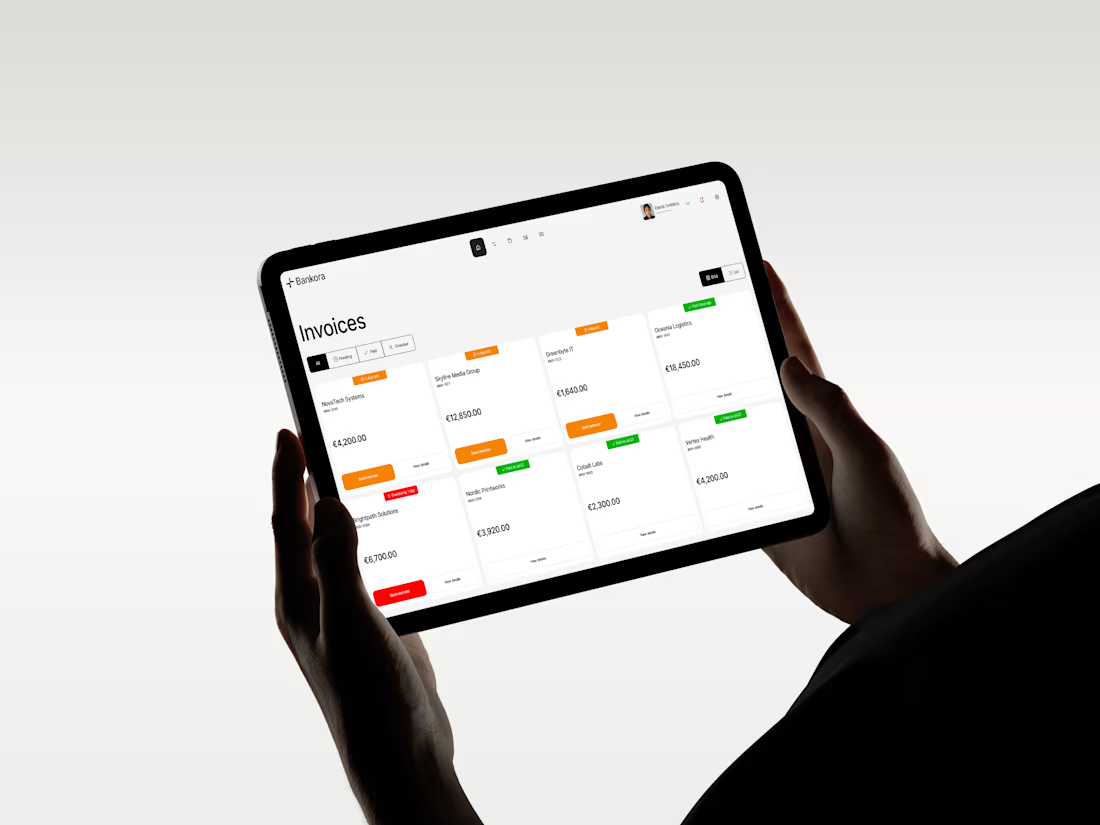
From there, I built the experience around clearer priorities: key actions available quickly, predictable navigation, structured financial data, and modular UI that makes things like pending and overdue invoices easier to understand at a glance.
I also designed an interactive cash flow calculator to help users see where the business may be heading, not just what has already happened.
The goal wasn’t to make financial operations simpler than they really are.
It was to make interacting with them feel simpler.
Less searching. Less cognitive load. More confidence in what to do next.
And it was especially nice to see Bankora later featured by Contra.



Lovely!

I built this to see if I could make a point-cloud museum that moves with your mouse and still stays smooth at 60 FPS without any framework. No libraries. No build steps. Just Canvas2D and a bunch of tiny floating lights.
WHAT I WAS TESTING:
I was testing how well I could keep point-cloud rendering alive under constant user motion while keeping the frame rate locked at 60. The system had to handle hundreds of thousands of points updating every frame, and I had to make sure the browser didn’t stutter from garbage collection or event throttling.
THE TECHNICAL SIDE:
Everything runs in the browser with Canvas2D. No WebGL. No Three.js. No external dependencies. I wrote custom shaders with GLSL to color and animate the point clouds. I hand-tuned the event loop to avoid frame drops during mouse moves, and used requestAnimationFrame with manual frame pacing to stay at 60. Memory is allocated per object and recycled on demand. No global state leaks. No third-party tracking.
WHAT I LEARNED:
The key was not making the math too tight or too loose. Too tight and the browser would freeze. Too loose and the frame rate would drop. I learned to profile frame times, adjust point update rates based on user velocity, and use a simple debounced event handler to keep mouse movement from overwhelming the system. It runs at 60 on an old laptop, and feels buttery on a mid-tier machine.
TRY IT YOURSELF:
Open it in your browser, it's hosted live on my JSFiddle. Move the mouse around. Watch how the clouds react. No lag. No freeze. No framework.😊


Professional, nice work👍

Clients often start with the same request: "Let's build an AI agent."
My counter-question is always: which manual process actually costs you time, errors, or money right now?
My selection rule: remove it first. If it can't be removed, simplify it. If it's still needed, automate it with a plain script. Only then add an integration or an agent. Often the best result is the process that no longer exists.
Safe automation means real scenarios, error handling, and alerts. Without alerts, a workflow can silently lose data for weeks. I always define what stays with a human and what goes to the system.
Question for you: which process would you automate first, and why is it still manual?
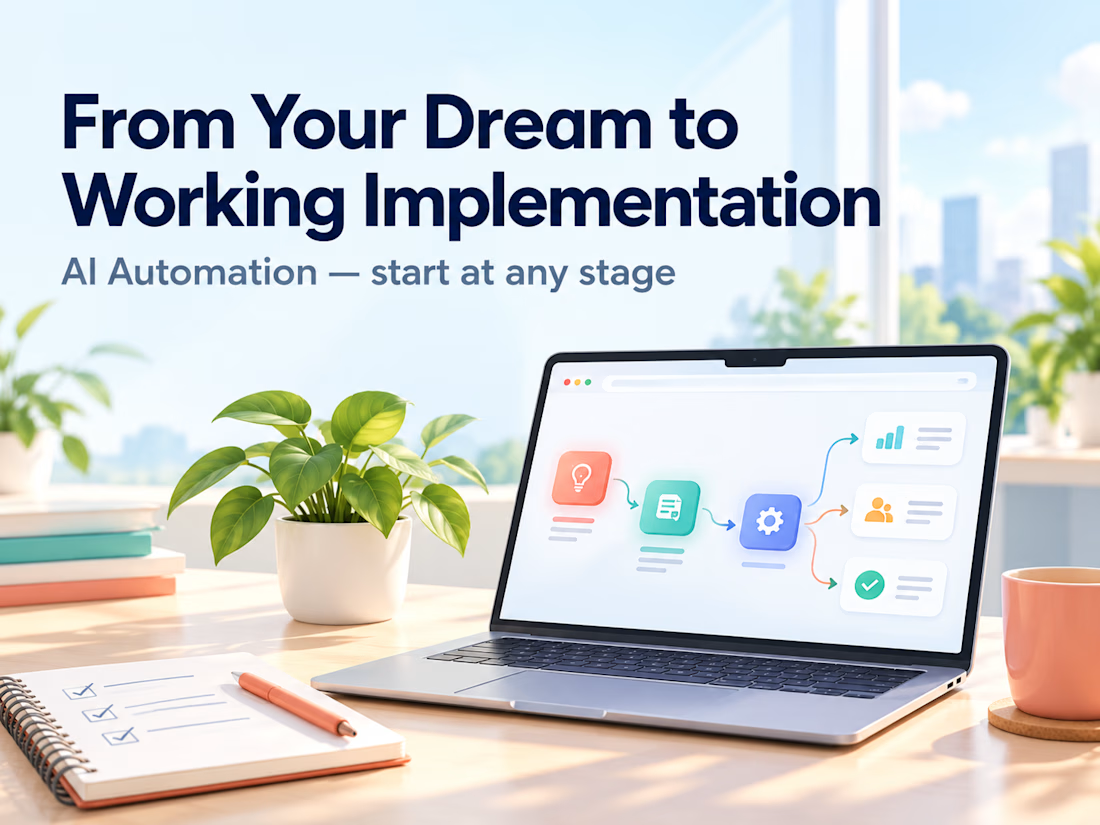
Service for audit and implementation: https://contra.com/s/BmWLbgFU-ai-automation-from-your-dream-to-working-implementation?r=auto_booster