The network for creativity
Join 1.25M professional creatives like you
Connect with clients, get discovered, and run your business 100% commission-free
Creatives on Contra have earned over $150M and we are just getting started
Back to feedPost

Write the browser and device coverage before calling a website ready to launch.
A fictional studio is refreshing its portfolio. Its desktop gallery works in Chrome, but that check leaves mobile navigation, Safari and the downloadable project brief untested. The release owner needs to see those gaps before making the launch decision.
Build the test scope around visitor journeys:
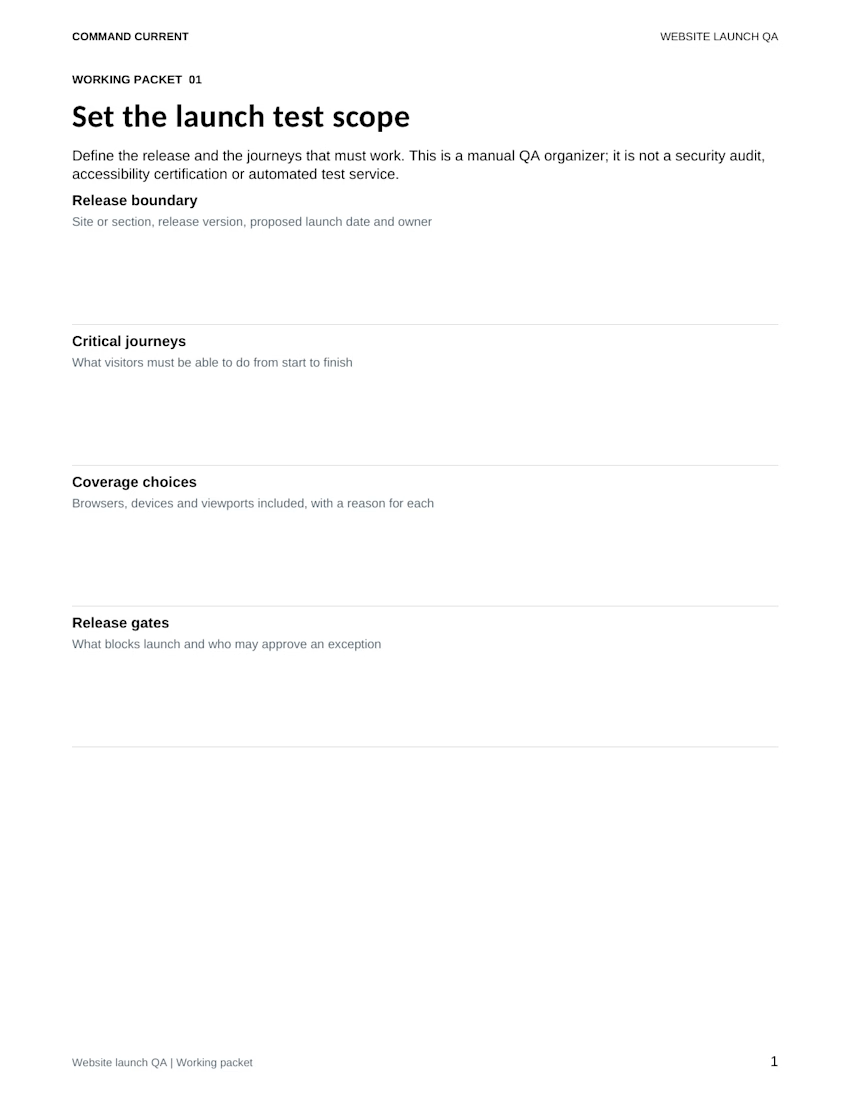
• Define the exact site section and release version
• List what a visitor must complete, such as opening a project, navigating back and downloading its brief
• Choose browser, device and viewport combinations, with a reason for each
• Give each test case and browser/device combination its own tracker row
• Agree which failures block release and who can approve an exception
If time runs short, record the untested coverage and its owner. A passing desktop case cannot stand in for a mobile case that nobody ran.
The preview is the actual Set the launch test scope worksheet from the Website Launch QA Kit. It includes a five-page editable Word packet, matching print PDF, Excel tracker with 40 prepared rows, a fictional completed example and Quick Start.
This is a manual QA organizer. It does not run tests, certify accessibility, scan for vulnerabilities or authorize a launch.
Get the digital kit:
https://contra.com/payment-link/ADjcdlD6-website-launch-qa-kit

The network for creativity
Join 1.25M professional creatives like you
Connect with clients, get discovered, and run your business 100% commission-free
Creatives on Contra have earned over $150M and we are just getting started







Related posts

A few weeks ago I published REVAI as a landing page concept.
Today it's a real template you can use for your product.
The idea behind it hasn't changed: a landing page works when it guides attention in order. Hook, then value, then proof, then the ask. The claim comes first and alone. The features earn their place after the value is clear. The proof shows up right before the ask, not buried at the bottom.
Nothing on the page is there for decoration. Every section is doing a job.
Now it's built in Framer, fully responsive on Desktop, Tablet and Phone, with animated headlines, scroll reveals, a contact page and a Design System guide. Duplicate it, swap in your own brand and copy, and keep the structure.


One thing I underestimated when I started developing websites in Framer:
How much needs to be checked before a website is ready to publish.
Links, buttons, forms, animations and breakpoints. Everything has to work as expected.
Website can look finished in Framer canvas, but still have things that need to be fixed.
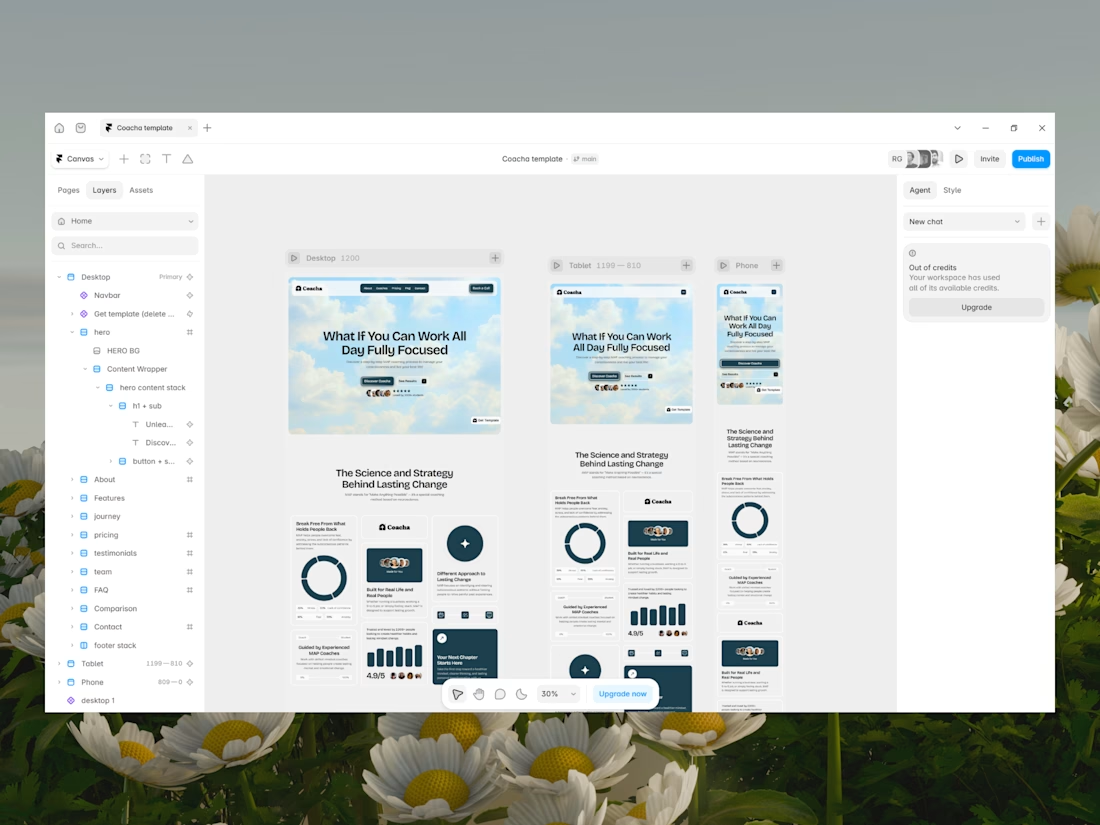


Oh yes. I would even say around 70% (or more) of the implementation is about QA.