The network for creativity
Join 1.25M professional creatives like you
Connect with clients, get discovered, and run your business 100% commission-free
Creatives on Contra have earned over $150M and we are just getting started
Back to feedPost

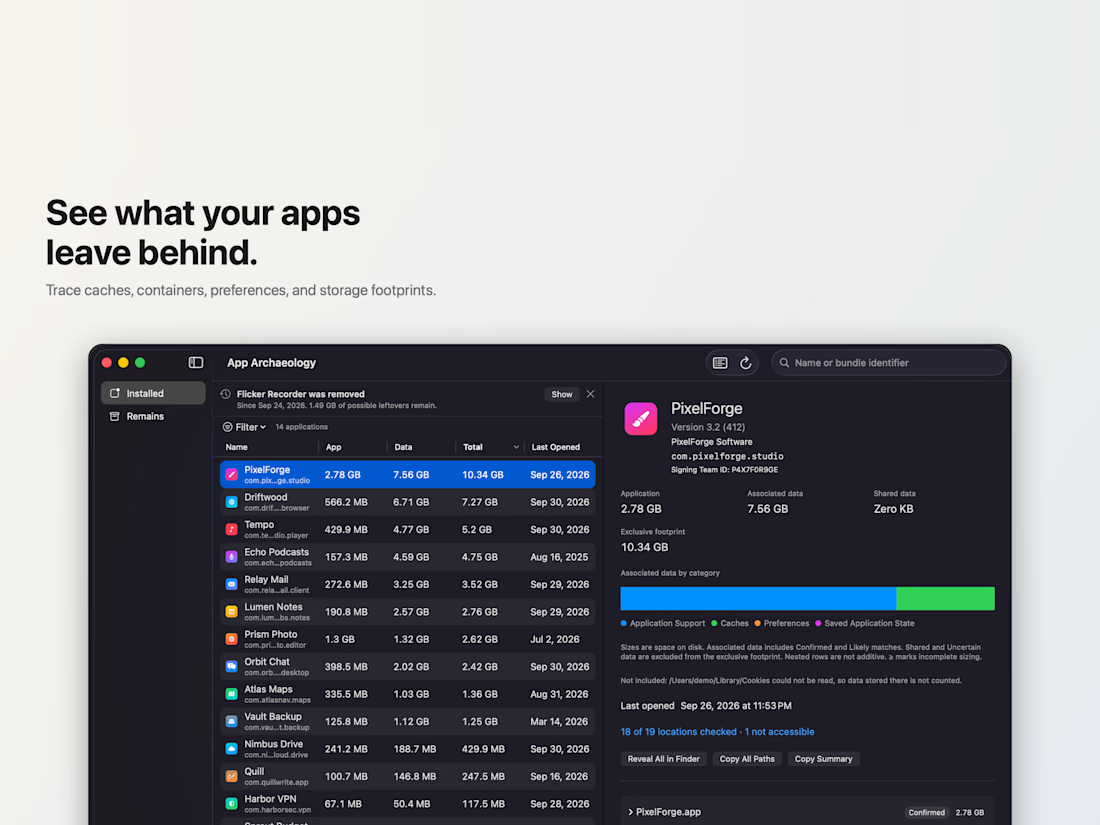
App Archaeology: a read-only storage inspector for macOS
A Mac utility I built and shipped on the Mac App Store under Kumiko Solutions.
It shows where each installed app keeps its data (caches, containers, preferences, logs, launch items), how much space each app really uses, and what deleted apps left behind. It only reads. It never deletes a file and makes no network connection.
The hard part was the macOS sandbox. Some folders are always off limits, and macOS asks before an app can read another app's data. Scan Coverage shows which folders were checked and which ones macOS kept private, so the totals never claim more than they know.
App Review rejected the first build. On macOS 26, a status banner drew over the sidebar and cut off text. I fixed it, then checked every window and sheet at minimum size in light and dark mode, found more clipping, fixed that too, and added UI tests for each case. The resubmission was approved.
SwiftUI, sandboxed, macOS 14 and later.


The network for creativity
Join 1.25M professional creatives like you
Connect with clients, get discovered, and run your business 100% commission-free
Creatives on Contra have earned over $150M and we are just getting started
Related posts


ThisDay 3.0 is live on the App Store
Pay-once day planner for iPhone, iPad, Watch and Mac:
- New UI and D / W / M / Y zoom slider
- New Library
- Native split layout for iPhone Duo
- On-device SiriAI for charts and day planning
- Tasks, events, habits, notes, voice memos, photos and places on one timeline


pay once in 2026, respect 🙌 everyone pushes subscriptions now. the zoom slider from day to year is a really nice way to move through a planner

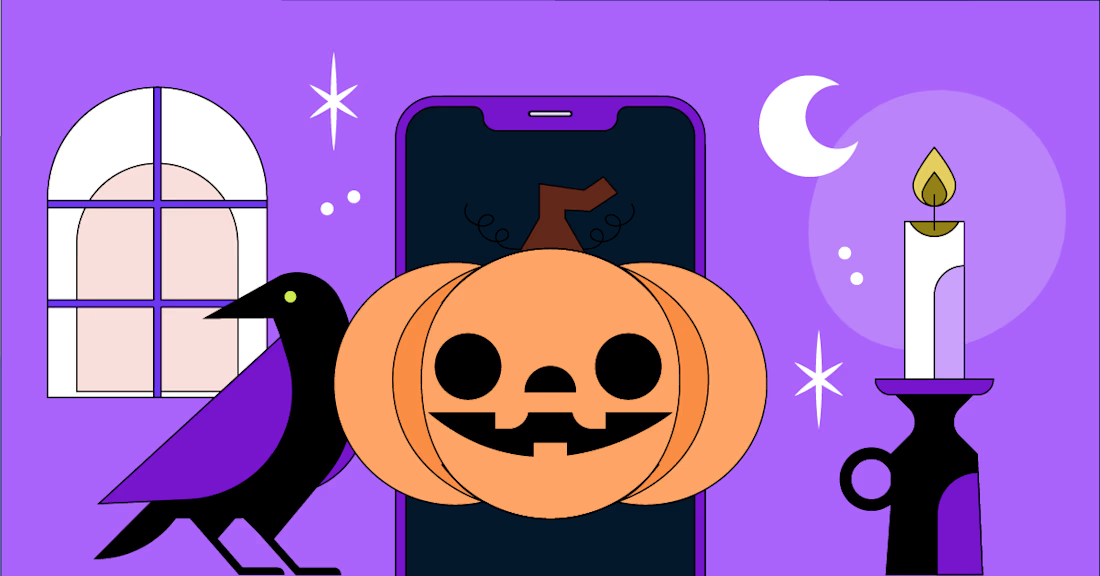
🎃🎃🎃 Halloween special, part 1: the scariest things that happen to apps after launch
🕯️ The App Store rejection email. It lands the morning of your big announcement
🔔 The permission prompt asked too early. One tap on "Don't Allow" and push notifications are gone for good
🕸️ The slow screen. Nobody complains. Users just quietly stop opening the app
🧟 The forgotten test account. It breaks, and App Review rejects you for something you never saw
🪦 The abandoned app. No updates for a year, and the OS update that finally kills it
The antidote is boring and works every time: test early, monitor everything, ship small.
Which one scares you most?:)))

Love this!