The network for creativity
Join 1.25M professional creatives like you
Connect with clients, get discovered, and run your business 100% commission-free
Creatives on Contra have earned over $150M and we are just getting started
Back to feedPost

How do you simplify a platform that does absolutely everything? 🤩
Hey everyone! Mark here.
I’m super excited to share a new case study our team has been working on.
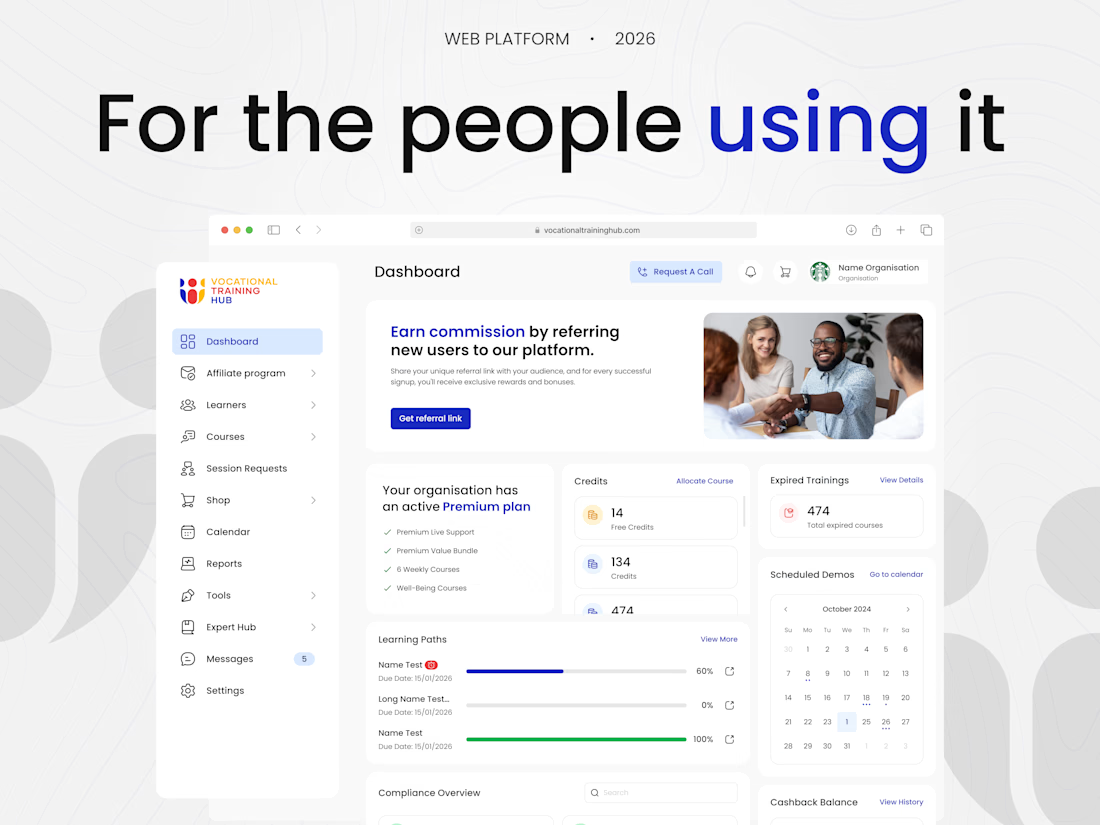
We partnered with a corporate learning platform that had courses, live sessions and credit systems. It’s an amazing product, but as it grew, it just needed a bit more order.
Our goal here was to help organize all these features into a simpler layout for everyday users. Everything started with a basic question: how do people naturally use this product?
We didn’t want them to adjust to a new design. We wanted the design to adjust to them.
Scroll down to see how these small design updates changed everything!
Check it out 🫴🏻
Would love to know what you think🔥



Great approach! Simplifying complex corporate platforms is always a huge challenge, but starting with user habits is the best way to do it. Great visual hierarchy 🔥

Looks great👌

Good work

Simplifying a feature-heavy platform is one of the toughest design challenges, but you've nailed it, Mark! The dashboard layout looks incredibly clean and intuitive. Brilliant work! 🚀💼


Amazing approach to such a complex platform 👌🔥

Designing for user habits rather than forcing new ones is top-tier product thinking. 🧠 Small design updates usually make the biggest impact on everyday usability. Awesome work, Mark!
The network for creativity
Join 1.25M professional creatives like you
Connect with clients, get discovered, and run your business 100% commission-free
Creatives on Contra have earned over $150M and we are just getting started


Related posts


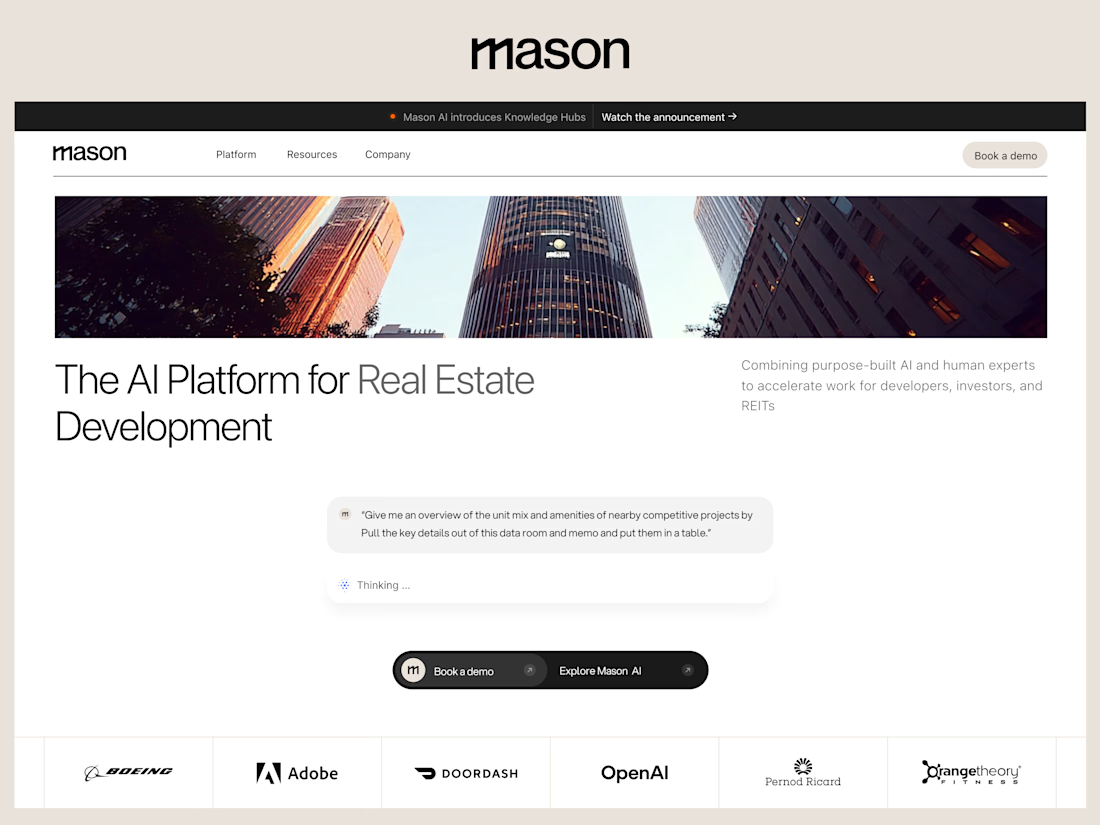
New Project Casestudy for Mason AI :






Love how far you've experimented with the ghost! Keep it going! : )




Love this!
















Trending

Claude
Claude has entered the design space. How are you using Claude Design?

Contra University
Learn from expert creatives how to earn more using next-gen AI tools.

MagicPath
The canvas is infinite, and exploration is becoming the workflow. How are you using MagicPath?
creativeaiflow
Creative AI workflows are evolving. What tools do you use, and what are their strengths and weaknesses?
freelancerlife
Freelancer life is wins, pivots, and everything in between. What’s yours right now?