The network for creativity
Join 1.25M professional creatives like you
Connect with clients, get discovered, and run your business 100% commission-free
Creatives on Contra have earned over $150M and we are just getting started
Back to feedPost

A push notification model usually breaks in one of two ways: a second phone stops receiving anything, or notifications keep arriving for the account that just signed out. Both come from storing one push address per user. Store one row per app installation instead, with the user ID as a field, and someone with a phone and a tablet has two rows that a single query returns.
The sign-out half has an ordering trap. Delete the installation row while the user is still signed in, then call signOut. A security rule that compares the row owner to the signed-in user refuses the delete once there is no user left to compare against, and the device keeps pointing at the previous account.
The full write-up covers the Firestore rules, the Flutter registration listener, a server cleanup that handles both unregistered error codes, and an acceptance sequence to run on two test installations.



duskolicanin.com
Keep Flutter Push Tokens Correct Across Devices
Fix Flutter push notifications that miss a second device or follow the previous user: store one FCM installation ID per device and prune unregistered IDs.

Great breakdown! The sign-out timing is such an easy detail to overlook, but it can cause real issues. 👏
The network for creativity
Join 1.25M professional creatives like you
Connect with clients, get discovered, and run your business 100% commission-free
Creatives on Contra have earned over $150M and we are just getting started








Related posts
One walk through Pasadena. Two ways to design it.
A: Field Guide, with the map up front.
B: Departure Board, with the itinerary up front.
Same places, same features. Which would you choose: A or B?
Download the Flutter source code for both versions for free.
https://contra.com/products/7ySCJSxh-switchback-two-flutter-app-designs

4 voted
50%
4 voted
50%
8 votes
Closed

Map up front for me. When I'm walking a new city I want to see where things are before the schedule. Cool that you shared the Flutter source!

I removed 2 steps from a café's booking flow. Bookings went up 30%.
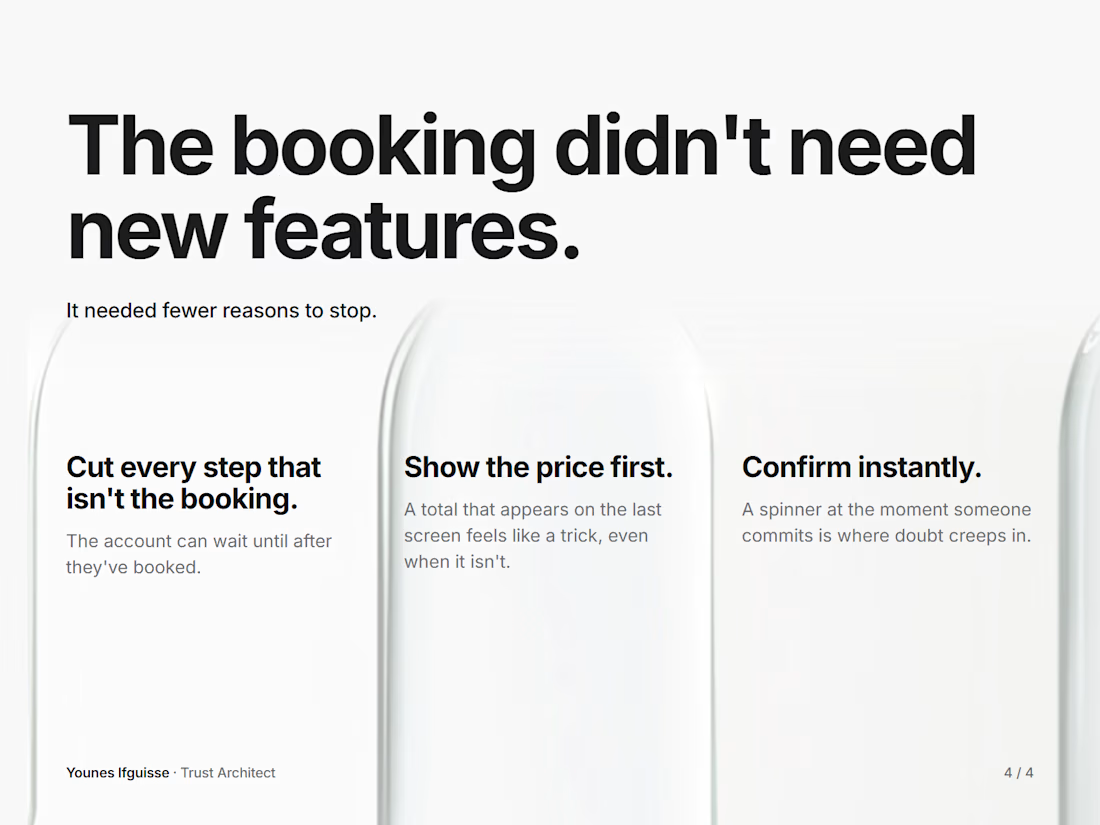
No new features. Just three changes:
Cut every step that isn't the booking. Creating an account can wait until after someone has booked.
Show the price from the first screen. A total that only appears at the last step feels like a trick, even when it isn't.
Confirm instantly. A spinner right at the moment someone commits is where doubt creeps in.
The booking didn't need more. It needed fewer reasons to stop.
How many steps does your booking or checkout take right now?
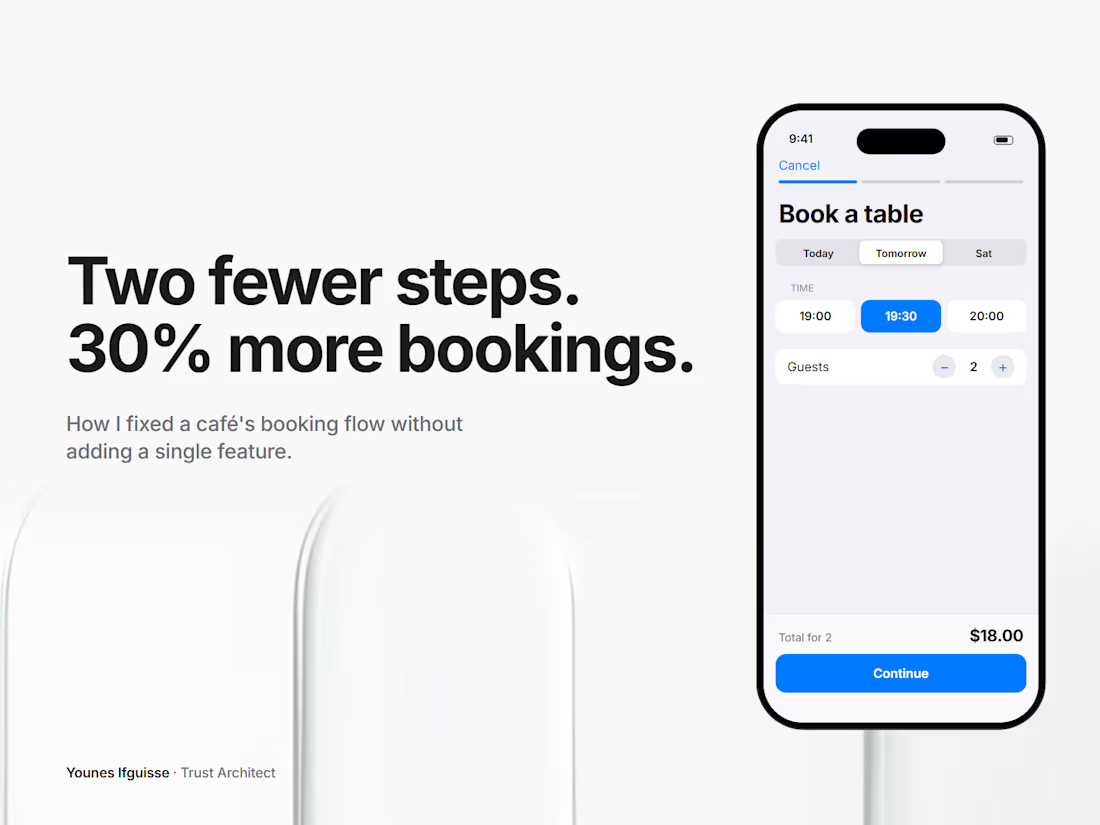
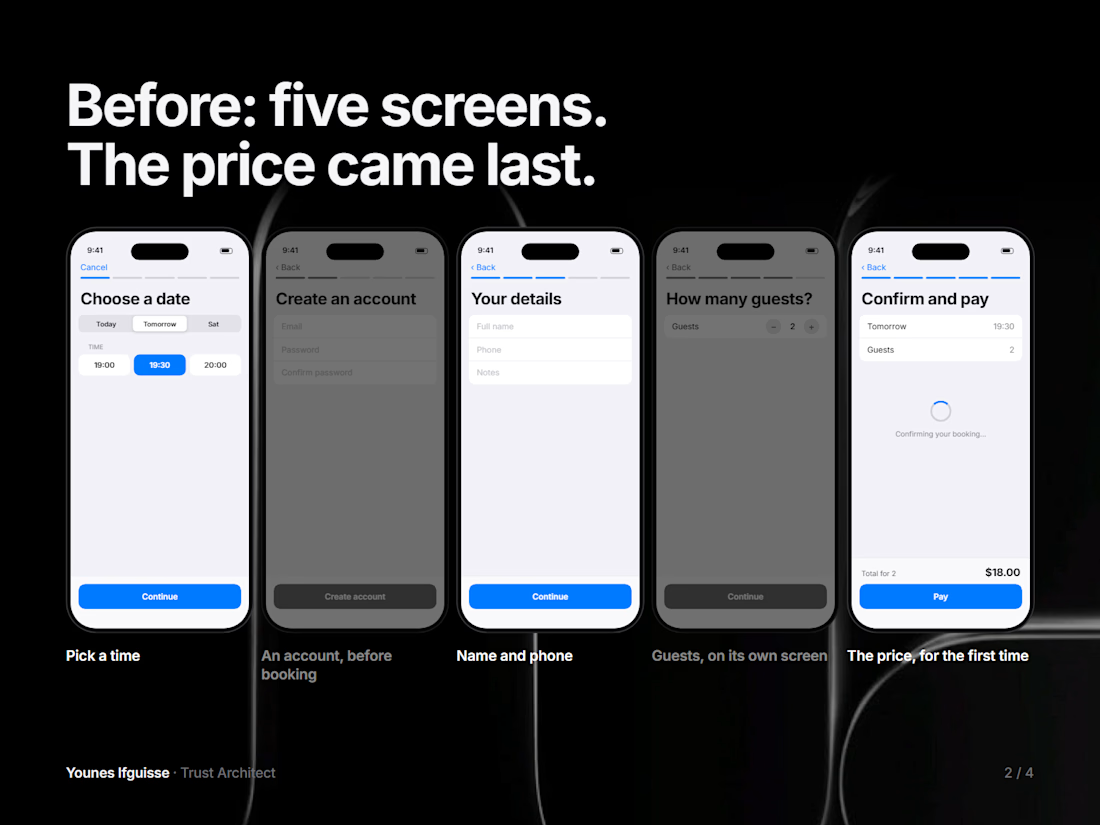
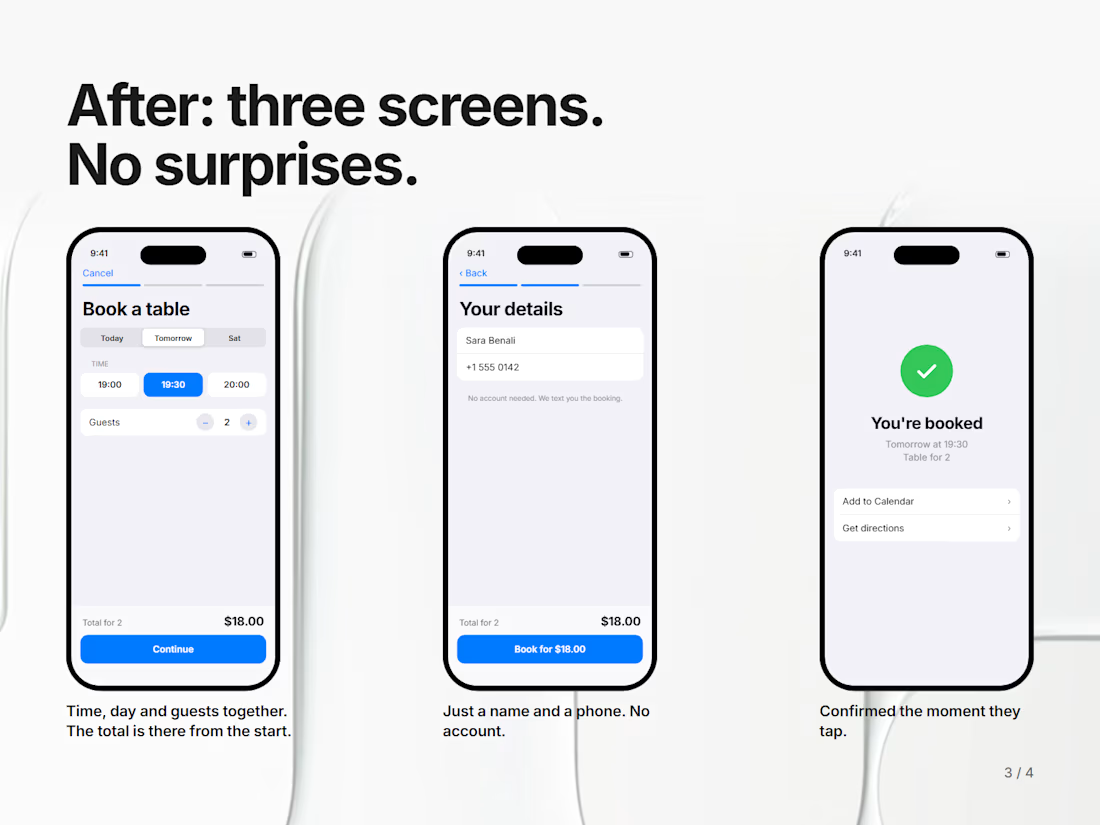

Showing transparent pricing upfront and removing unnecessary steps makes it easier for customers to complete their bookings with confidence.

Most Shopify stores send ONE abandoned cart email and call it done. That is money left on the table. A simple 3-step sequence works far better: send the first reminder about 1 hour after abandonment while intent is still hot, a second one at 24 hours with a gentle nudge or a small incentive, and a final one at 72 hours with urgency before the cart goes cold. Each email has a different job, so repeating the same message three times does not count. How many recovery emails does your store send right now? #Shopify #Ecommerce #MetaAds


The 1h, 24h, 72h spacing makes sense. One thing I'd add is a cart-value split: keep the discount out of the first two emails for higher-value carts and only offer it in the last one, so you don't train people to abandon on purpose. Do you stop the sequence the moment someone buys through another channel, like an ad click?