
ali raza
Web Scraper & Automation Expert




🤖 Tired of reCAPTCHA blocking your scrapers? In this video I show you how to fully automate
Google Search with Playwright + Chromium — including auto-solving reCAPTCHA v2 — at ZERO cost.
No paid services, no 2captcha, no anti-captcha API key needed.
🔗 GitHub Repo:
https://github.com/aliraza948/google-search-keywords
⚙️ What's covered:
✅ Setting up the YAML config (cp config.example.yml config.yml)
✅ Loading keywords from .txt files with auto-remove on success
✅ Hierarchical CSS/XPath selectors — title, URL, snippet grouped per result card
✅ Anti-detection stealth mode + human-like jitter/typing
✅ Loading a private Chromium extension to auto-solve reCAPTCHA v2
✅ Exporting results to PDF, JSON, Markdown, CSV
✅ Rotating proxies + persistent browser profile
📦 Stack:
Python 3.10+
Playwright (Chromium)
Pydantic + PyYAML
WeasyPrint (PDF export)
🚀 Quick Start:
git clone https://github.com/aliraza948/google-search-keywords.git
(https://github.com/aliraza948/google-search-keywords.git)cd google-search-keywords
pip install -r requirements.txt
playwright install chromium
cp config.example.yml config.yml
python main.py (http://main.py)
💬 Want the CAPTCHA solver extension?
It's a private unpacked Chromium extension — not open source, no longer online.
Ping me through my GitHub profile contact links.
🔔 Subscribe for more automation, scraping & AI tooling videos.
👍 Like if this saved you money on CAPTCHA solving APIs!
#python #playwright #webscraping #captcha #automation #chromium #recaptcha #googlesearch #freecaptcha #scraping
1
41
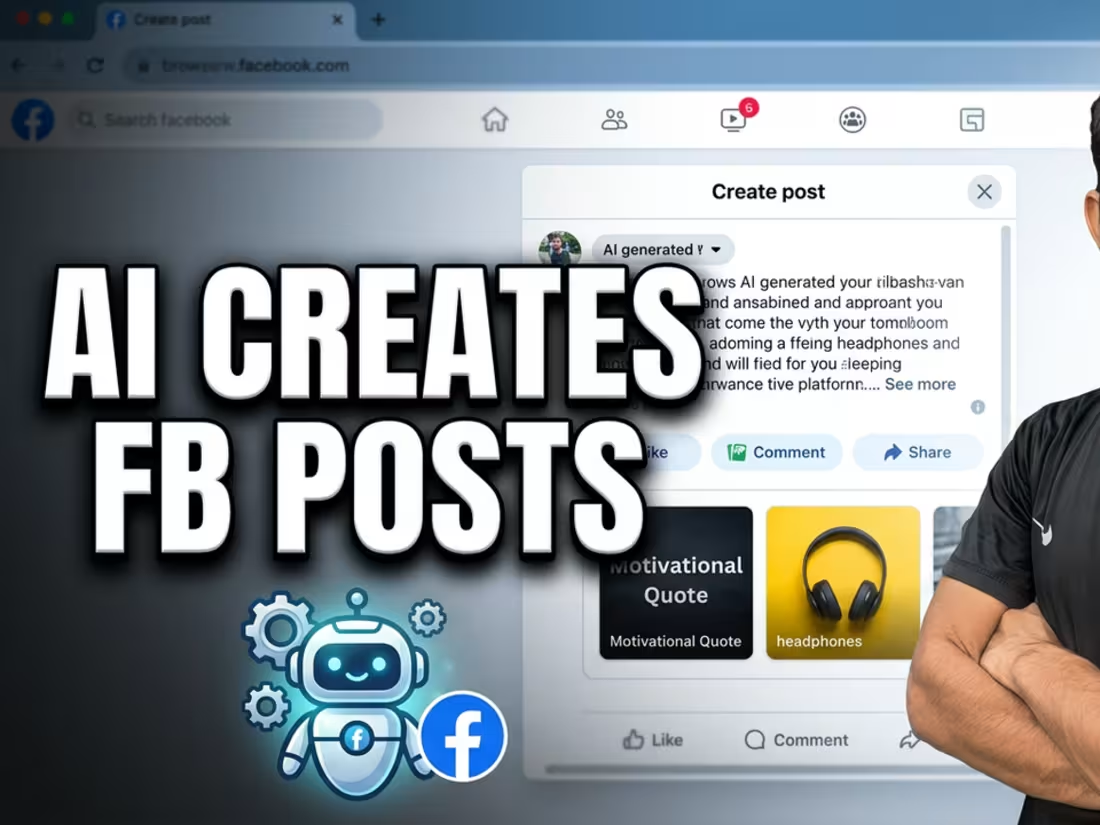
Create Facebook posts, images, and captions on autopilot using an automa automation workflow. Stop doing manual social media tasks.
This tutorial shows how to build a no-code workflow directly in your browser using the free Automa extension. You will learn to connect tools so that a single form submission triggers an entire sequence of content creation. This process is perfect for anyone looking to save time on daily content tasks without needing complex design or copywriting skills.
By following this method, you can send prompts to Nanobrander for flash previews and generate images while simultaneously pushing that same context to GPT-4 for caption and hashtag creation. The system handles the heavy lifting so you can focus on strategy rather than repetitive manual entry. Using a browser extension automation setup ensures your tools work together seamlessly.
Subscribe for weekly automation breakdowns, and comment which platform you want to automate next.
2
2
191
Learn how to extract WhatsApp contacts from group chats automatically. This browser tool simplifies how you save WhatsApp numbers to Excel.
Managing large contact lists manually is tedious and prone to errors. This guide shows you how to use a specific browser extension to scan visible WhatsApp group numbers directly from your screen. By automating this process, you can quickly compile data without copying each number by hand.
This method is ideal for anyone needing to export WhatsApp group numbers into a clean spreadsheet format for business or organization purposes. Once the tool scans the page, it organizes the information, allowing for an immediate export. You will see exactly how to set up the extension and run the scan to get your contact list ready in seconds.
Subscribe for weekly productivity tool breakdowns and comment below if you want more tutorials on automating your communication workflow.
0
29
Use this custom WhatsApp number checker to validate bulk contacts automatically. See how to verify business profiles without manual effort.
This video walks through setting up a dashboard designed for WhatsApp number checker tasks. It is built for anyone needing to verify large lists of phone numbers quickly. You will see how to configure custom number ranges and manage simultaneous requests to speed up the process.
By the end, you will understand how to export valid results directly to CSV files, including profile pictures and business logos. This automated WhatsApp tool streamlines contact management by handling the heavy lifting of verification. Whether you are managing outreach or database cleaning, this WhatsApp business lookup method saves significant time.
Subscribe for weekly automation breakdowns, and comment below if you want to see how to integrate this with other contact management software.
2
70