Aldo Abi Rincon Anzueto
Creo marcas, diseño publicidad para redes sociales
New to Contra
Aldo Abi is ready for their next project!
What I Built
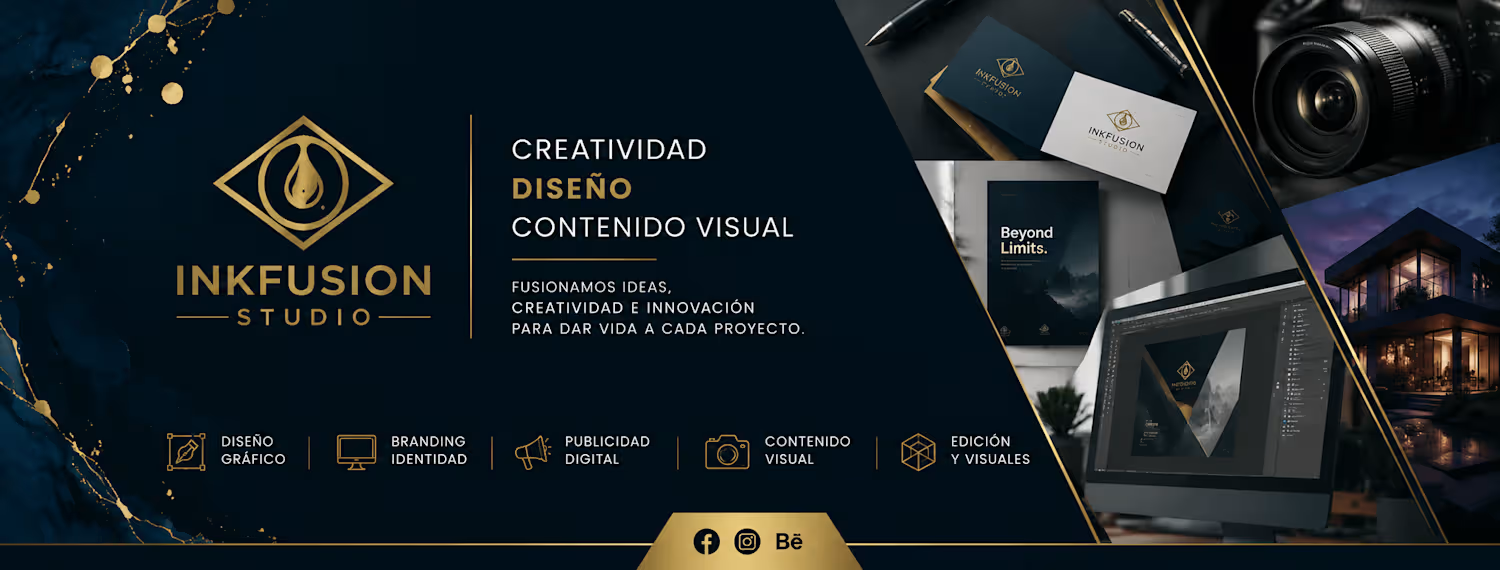
"InkFusion Studio" is a dark-themed website featuring 20 sections, built entirely using Google Stitch.
How I Used Stitch
I created the website section by section, using a total of 20 prompts. Each prompt included a specific layout, color palette, animations, and interactions. The design used a dark background (#0A0A0A), gold accents (#C8A766), and teal highlights (#2A9D8F). Stitch generated each section sequentially on the canvas using streaming generation.
Features Used
Streaming generations to build each section in real time.
In-place AI editing to refine the design and visual style.
Native motion, hover states, and animated transitions.
Gold progress bar preloader and curtain reveal animations.
Canvas HTML rendering for interactive UI elements.
Feedback on Stitch
Stitch handled complex, sequential prompts surprisingly well. Being able to describe an entire section—including layout, colors, animations, and interactions—in a single prompt and watch it generate live was both fast and intuitive. The built-in motion and interaction capabilities made the final result feel like a real website rather than a static mockup.
Project Link
https://www.linkedin.com/posts/arudo-ku-5b2a66412_stitchchallenge-0a0a0a-c8a766-ugcPost-7466392320670728192-Vj4w/?utm_source=share&utm_medium=member_desktop&rcm=ACoAAGkp6dYB0SgmdNsqx2ifv-gzWJ2GwUckt9I
https://3195640e-inkfusion-studio-portfolio.netlify.app/
https://stitch.withgoogle.com/projects/14437321534354268075
#StitchChallenge #GoogleStitch @stitchbygoogle
3
195
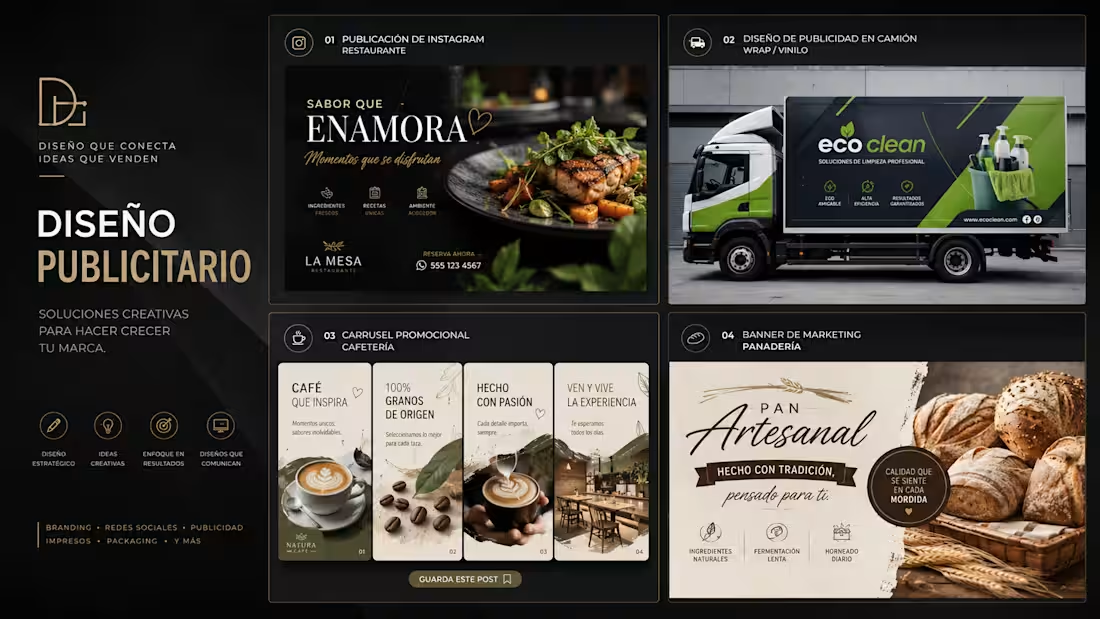
Publicidad con IA para Negocios
0
0
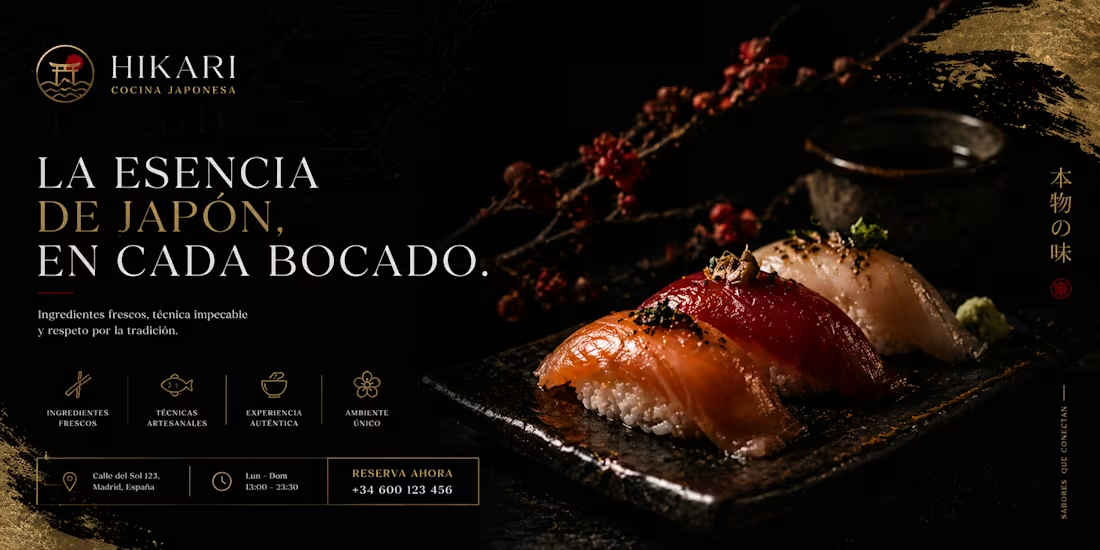
Diseño de Gráfica Publicitaria Gastronómica
1
50
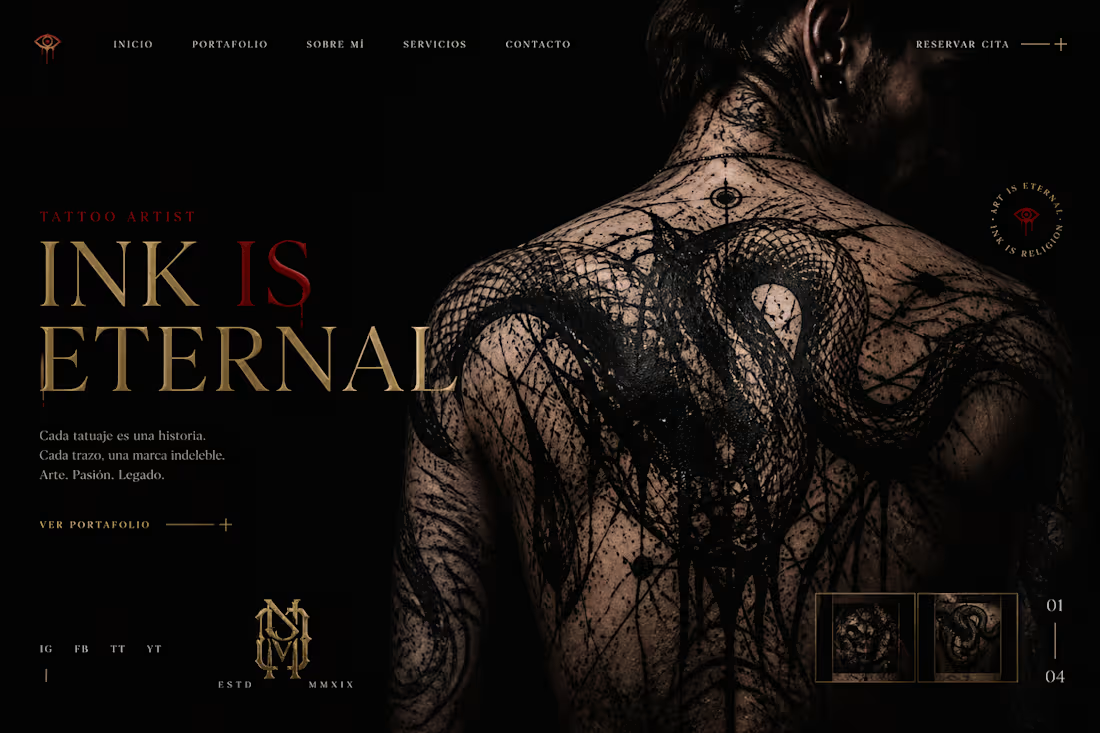
Diseño e Interfaz Web (UI)
0
43
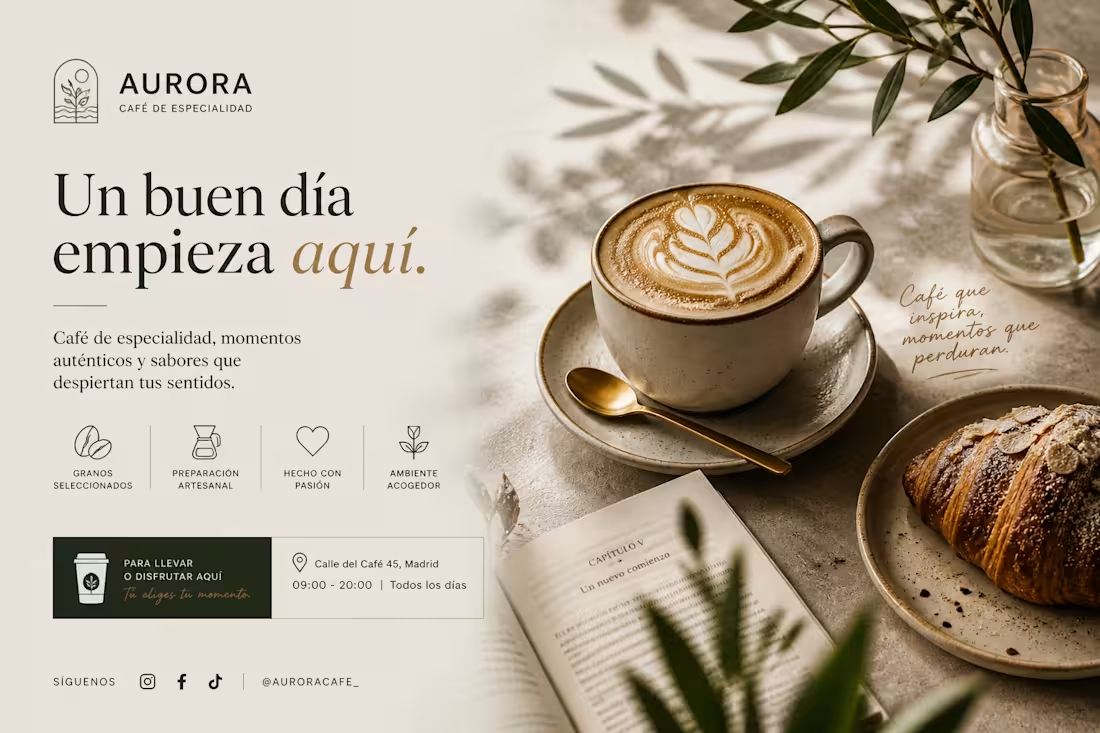
Diseño de pieza promocional para "Aurora Café de Especialidad"
0
43
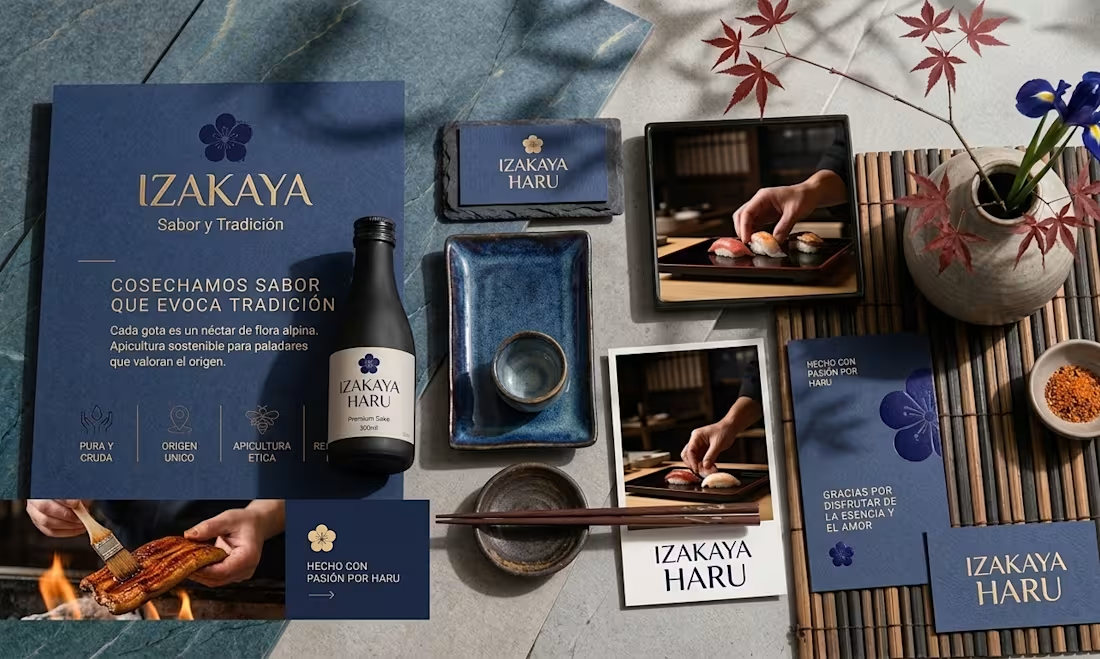
Diseño de Identidad, Branding y Empaque.
0
45