
Workflow Optimization & Systems SetupVarghese C
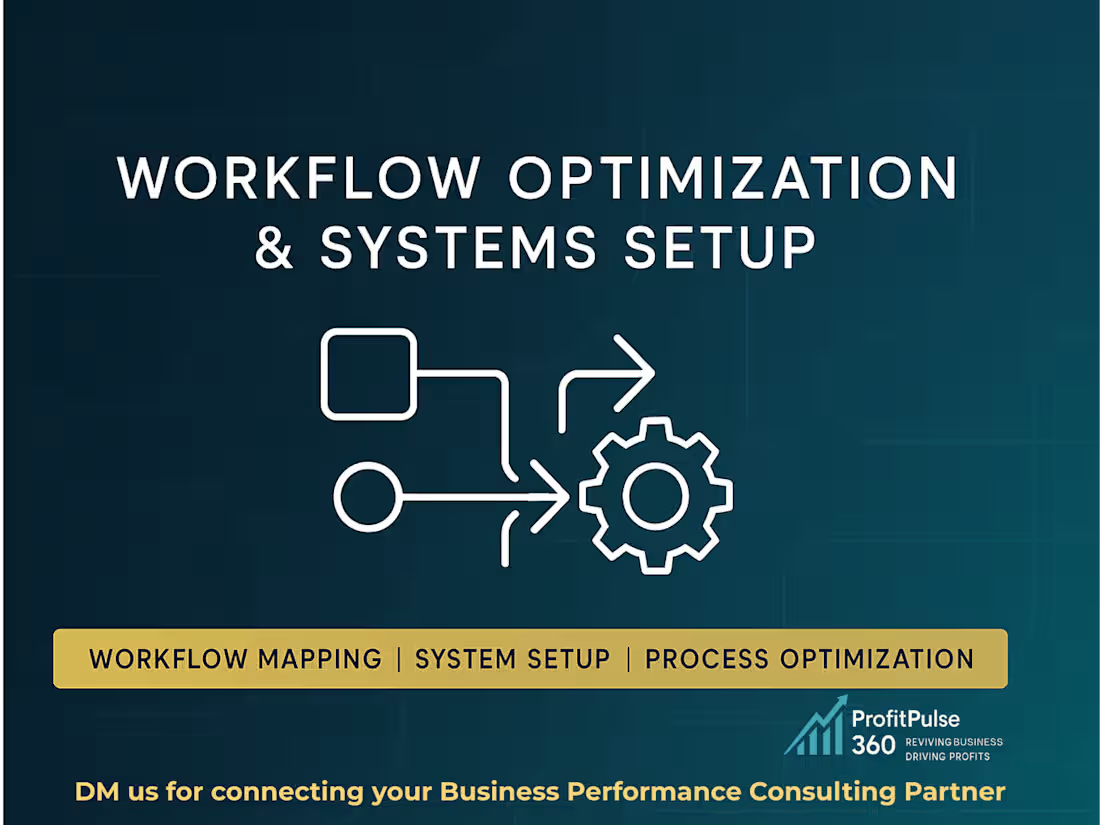
I help startups, SMEs, agencies, and service-based businesses transform the way they operate by rebuilding their workflows, optimizing processes, and setting up efficient business systems. If your operations feel scattered, manual, slow, or unclear, I provide a structured, step-by-step consulting framework that improves efficiency, reduces errors, strengthens team clarity, and creates a scalable operational system for your business.
My workflow optimization process begins with a deep analysis of your current operations. I map your end-to-end workflows, identify inefficiencies, and highlight bottlenecks that slow down execution. This is followed by a detailed visual workflow map that clearly defines task sequences, hand-offs, dependencies, roles, and automation opportunities. Whether you run your operations on Notion, ClickUp, Trello, or a custom tool stack, I create a tailored systems setup blueprint that includes recommended tools, integration pathways, access structure, and a scalable system architecture aligned with your business goals.
I then prepare a comprehensive process optimization report that includes actionable recommendations to improve speed, reduce redundancies, standardize workflows, and introduce automation where appropriate. You also receive a clearly defined task & role alignment structure that removes operational confusion and ensures each team member understands their responsibilities, reporting flow, and execution logic. To make implementation smooth, I deliver a step-by-step roadmap explaining what to set up, in what order, how to validate changes, and how to sustain workflow improvements long term.
This service is ideal for businesses that want structured systems, predictable operations, reduced manual work, and a strong operational foundation that supports growth. All deliverables are provided in editable formats, ensuring your team can refine, scale, and update the systems as your business evolves.
If you want to streamline operations, integrate better systems, create clarity in your team, and build workflows that support long-term productivity and automation—this service gives you a complete transformation framework from analysis to execution.
What's included
1. End-to-End Workflow Mapping (Visual + Logical Blueprint)
A complete workflow map that clearly defines:
• Task flows
• Roles & responsibilities
• Dependencies & handoffs
• Inputs, outputs & checkpoints
• Process bottlenecks
• Automation opportunities
2. Systems Setup & Integration Plan (Tools + Logic + Roadmap)
A tailored system blueprint that outlines:
• Recommended tools (Notion / ClickUp / Trello / Automation tools)
• Integration pathways
• Setup sequence
• System logic
• Access structure
• Documentation layer alignment
3. Process Optimization Report (Efficiency + Automation Insights)
A clean, actionable report covering:
• Process gaps
• Redundant steps
• Manual workflows to automate
• Time-saving strategies
• Error-reduction improvements
• Productivity boosters
• SOP alignment opportunities
4. Task & Role Alignment Structure (Team-Level Clarity)
A complete operational clarity sheet that defines:
• Who is responsible for what
• Task ownership
• Team alignment
• Accountability system
• Stakeholder communication logic
5. Implementation Roadmap (Step-by-Step Execution Guide)
A simple, actionable, founder-friendly roadmap that includes:
• Setup timeline
• Step sequence
• Tool onboarding
• Communication plan
• Validation checklist
• Post-setup monitoring process
6. Automation Opportunity Matrix (Prioritized Recommendations)
A structured mini-framework that highlights:
• Which tasks to automate
• Which systems to use
• Expected time savings
• Priority ranking
• Complexity score
7. Fully Editable Files (PDF, DOC, PNG, Lucidchart/Visio/Canva)
All deliverables will be provided in:
• PDF
• PNG
• Word/Doc
• Google Docs
• Lucidchart / Visio / Canva editable files
FAQs
Varghese's other services
Starting at$95
Duration4 weeks
Tags
ClickUp

LucidCharts

Microsoft Visio

Notion

Trello

Business Analyst
Business Consultant
Business Workflow Automation
Service provided by
Varghese C Kochi, India
- 7
- Followers
Workflow Optimization & Systems SetupVarghese C
Starting at$95
Duration4 weeks
Tags
ClickUp
LucidCharts
Microsoft Visio
Notion
Trello
Business Analyst
Business Consultant
Business Workflow Automation
I help startups, SMEs, agencies, and service-based businesses transform the way they operate by rebuilding their workflows, optimizing processes, and setting up efficient business systems. If your operations feel scattered, manual, slow, or unclear, I provide a structured, step-by-step consulting framework that improves efficiency, reduces errors, strengthens team clarity, and creates a scalable operational system for your business.
My workflow optimization process begins with a deep analysis of your current operations. I map your end-to-end workflows, identify inefficiencies, and highlight bottlenecks that slow down execution. This is followed by a detailed visual workflow map that clearly defines task sequences, hand-offs, dependencies, roles, and automation opportunities. Whether you run your operations on Notion, ClickUp, Trello, or a custom tool stack, I create a tailored systems setup blueprint that includes recommended tools, integration pathways, access structure, and a scalable system architecture aligned with your business goals.
I then prepare a comprehensive process optimization report that includes actionable recommendations to improve speed, reduce redundancies, standardize workflows, and introduce automation where appropriate. You also receive a clearly defined task & role alignment structure that removes operational confusion and ensures each team member understands their responsibilities, reporting flow, and execution logic. To make implementation smooth, I deliver a step-by-step roadmap explaining what to set up, in what order, how to validate changes, and how to sustain workflow improvements long term.
This service is ideal for businesses that want structured systems, predictable operations, reduced manual work, and a strong operational foundation that supports growth. All deliverables are provided in editable formats, ensuring your team can refine, scale, and update the systems as your business evolves.
If you want to streamline operations, integrate better systems, create clarity in your team, and build workflows that support long-term productivity and automation—this service gives you a complete transformation framework from analysis to execution.
What's included
1. End-to-End Workflow Mapping (Visual + Logical Blueprint)
A complete workflow map that clearly defines:
• Task flows
• Roles & responsibilities
• Dependencies & handoffs
• Inputs, outputs & checkpoints
• Process bottlenecks
• Automation opportunities
2. Systems Setup & Integration Plan (Tools + Logic + Roadmap)
A tailored system blueprint that outlines:
• Recommended tools (Notion / ClickUp / Trello / Automation tools)
• Integration pathways
• Setup sequence
• System logic
• Access structure
• Documentation layer alignment
3. Process Optimization Report (Efficiency + Automation Insights)
A clean, actionable report covering:
• Process gaps
• Redundant steps
• Manual workflows to automate
• Time-saving strategies
• Error-reduction improvements
• Productivity boosters
• SOP alignment opportunities
4. Task & Role Alignment Structure (Team-Level Clarity)
A complete operational clarity sheet that defines:
• Who is responsible for what
• Task ownership
• Team alignment
• Accountability system
• Stakeholder communication logic
5. Implementation Roadmap (Step-by-Step Execution Guide)
A simple, actionable, founder-friendly roadmap that includes:
• Setup timeline
• Step sequence
• Tool onboarding
• Communication plan
• Validation checklist
• Post-setup monitoring process
6. Automation Opportunity Matrix (Prioritized Recommendations)
A structured mini-framework that highlights:
• Which tasks to automate
• Which systems to use
• Expected time savings
• Priority ranking
• Complexity score
7. Fully Editable Files (PDF, DOC, PNG, Lucidchart/Visio/Canva)
All deliverables will be provided in:
• PDF
• PNG
• Word/Doc
• Google Docs
• Lucidchart / Visio / Canva editable files
FAQs
Varghese's other services
$95