
User Guides & Software Product DocumentationOpemipo Jokotagba
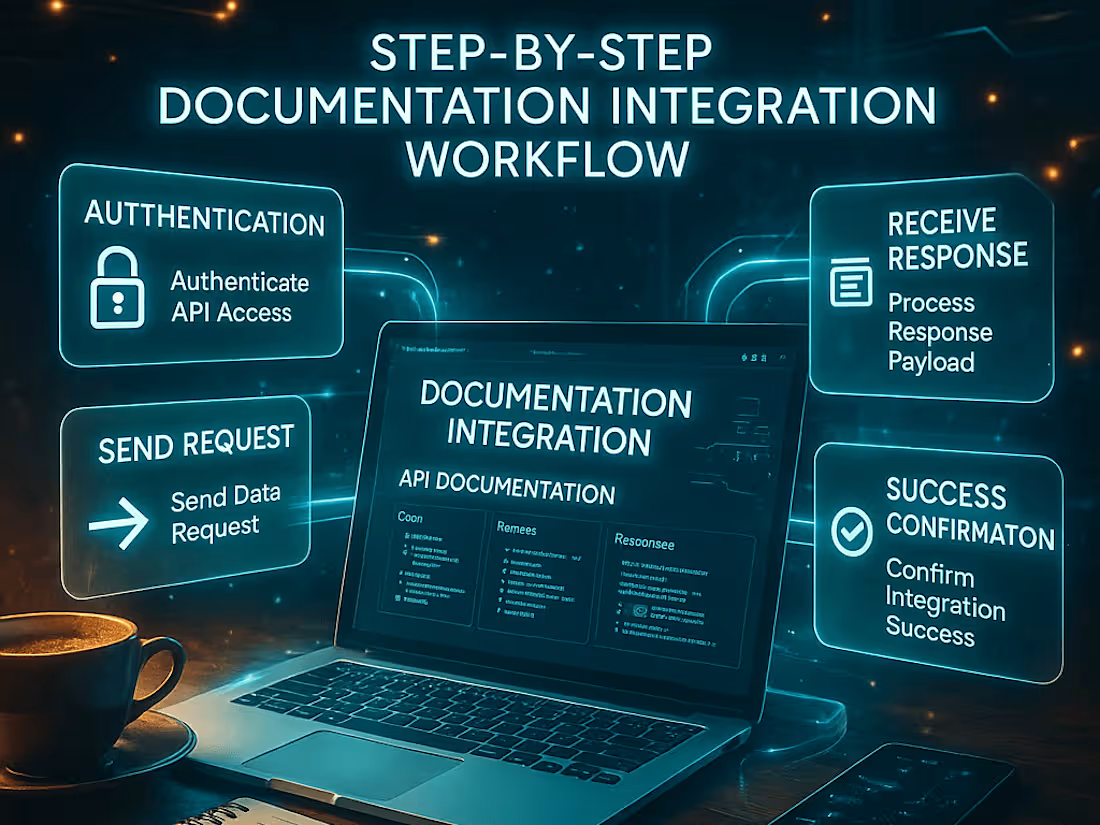
This service offers clear, structured, and user-friendly documentation that enhances product adoption, reduces customer support requests, and enhances the overall user experience. It includes comprehensive user manuals, onboarding guides, troubleshooting resources, and release notes, ensuring users can effectively interact with the software.
What's included
Product Guides
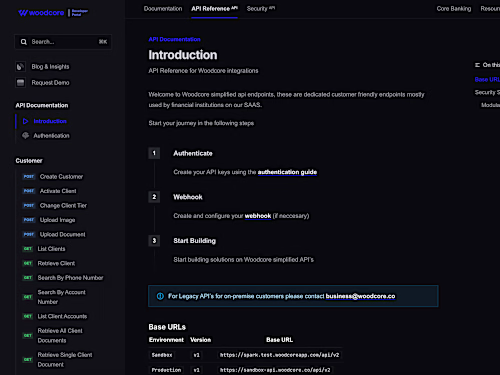
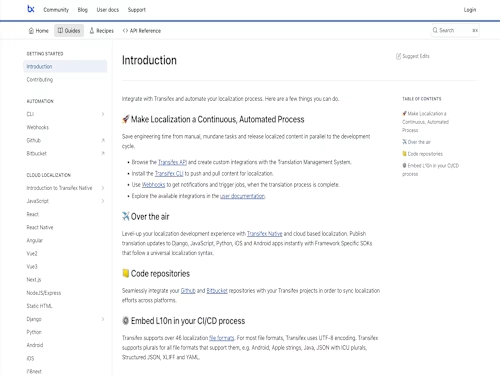
Product guides serve as an all-in-one reference for users, covering every feature, function, and software configuration. These manuals ensure users can efficiently navigate and utilize the product without external assistance.
✅ Expected Deliverables:
– Comprehensive User Guide: A structured document or website detailing the product’s functionality, workflows, and features.
– Installation & Setup Guide: Step-by-step instructions on installing and configuring the software.
User Onboarding Guides | Quickstart
Onboarding documentation provides users with the essential information they need to quickly get started with the software. It eliminates the learning curve by offering concise, step-by-step instructions.
✅ Expected Deliverables:
– Quickstart Guide: A condensed, action-oriented document with simple steps for first-time users.
– Account Setup & Configuration Guide: Instructions on creating an account, setting up preferences, and personalizing the experience.
– First-Time User Walkthrough: Interactive guides, tooltips, or step-by-step tutorials embedded within the product.
Troubleshooting Guides & FAQs
This service offers users self-service support, enabling them to quickly find solutions to common issues without needing to contact customer support.
✅ Expected Deliverables:
– Troubleshooting Guide: A structured document listing common problems and their solutions.
– Frequently Asked Questions (FAQs): A curated list of user inquiries with concise answers.
– Error Message Glossary: A reference guide explaining common error messages and how to resolve them.
– Support Escalation Paths: Instructions on when and how to contact customer support for unresolved issues.
Version-Controlled Release Notes & Changelogs
Release notes and changelogs keep users informed about software updates, bug fixes, and new features. These documents ensure transparency and help users adapt to product changes seamlessly.
✅ Expected Deliverables:
– Version-Tracked Release Notes: Documentation of what’s new, improved, or fixed in each software update.
– Feature Update Summaries: Concise descriptions of newly added or improved features.
Example work
Opemipo's other services

Starting at$30 /hr
Tags
Confluence

Google Docs

Google Sheets

Microsoft Word

Notion

Article Writer
Content Writer
Copywriter
Service provided by
Opemipo Jokotagba Lagos, Nigeria
- 5.00
- Rating
- 5
- Followers
User Guides & Software Product DocumentationOpemipo Jokotagba
Starting at$30 /hr
Tags
Confluence
Google Docs
Google Sheets
Microsoft Word
Notion
Article Writer
Content Writer
Copywriter
This service offers clear, structured, and user-friendly documentation that enhances product adoption, reduces customer support requests, and enhances the overall user experience. It includes comprehensive user manuals, onboarding guides, troubleshooting resources, and release notes, ensuring users can effectively interact with the software.
What's included
Product Guides
Product guides serve as an all-in-one reference for users, covering every feature, function, and software configuration. These manuals ensure users can efficiently navigate and utilize the product without external assistance.
✅ Expected Deliverables:
– Comprehensive User Guide: A structured document or website detailing the product’s functionality, workflows, and features.
– Installation & Setup Guide: Step-by-step instructions on installing and configuring the software.
User Onboarding Guides | Quickstart
Onboarding documentation provides users with the essential information they need to quickly get started with the software. It eliminates the learning curve by offering concise, step-by-step instructions.
✅ Expected Deliverables:
– Quickstart Guide: A condensed, action-oriented document with simple steps for first-time users.
– Account Setup & Configuration Guide: Instructions on creating an account, setting up preferences, and personalizing the experience.
– First-Time User Walkthrough: Interactive guides, tooltips, or step-by-step tutorials embedded within the product.
Troubleshooting Guides & FAQs
This service offers users self-service support, enabling them to quickly find solutions to common issues without needing to contact customer support.
✅ Expected Deliverables:
– Troubleshooting Guide: A structured document listing common problems and their solutions.
– Frequently Asked Questions (FAQs): A curated list of user inquiries with concise answers.
– Error Message Glossary: A reference guide explaining common error messages and how to resolve them.
– Support Escalation Paths: Instructions on when and how to contact customer support for unresolved issues.
Version-Controlled Release Notes & Changelogs
Release notes and changelogs keep users informed about software updates, bug fixes, and new features. These documents ensure transparency and help users adapt to product changes seamlessly.
✅ Expected Deliverables:
– Version-Tracked Release Notes: Documentation of what’s new, improved, or fixed in each software update.
– Feature Update Summaries: Concise descriptions of newly added or improved features.
Example work
Opemipo's other services
$30 /hr