
Remote Mobile Device Jailbreak/RootingJordan Harrier
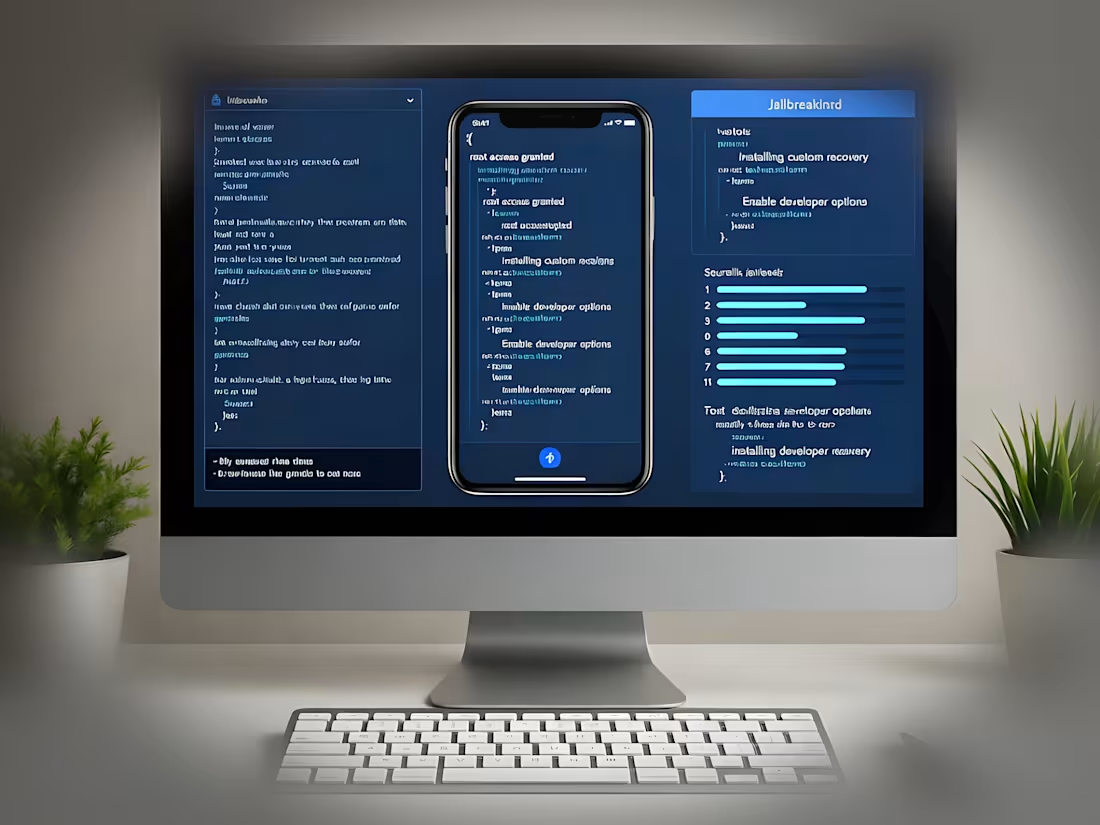
Receive step-by-step remote guidance via screen sharing to safely jailbreak your iOS device or root your Android phone, tailored to your specific model and OS version. Sessions cover backups, tool setup, and verification to ensure a successful unlock without bricking your device. Includes post-process tips on customizations, risks, and warranty implications for full confidence.
What's included
Live Remote Guidance Session
A 60-120 minute private screen-sharing session (via Zoom, RustDesk or AnyDesk) where I walk you through the entire process: device backup, bootloader unlock (if needed), tool installation (e.g., Checkra1n for iOS or Magisk for Android), and root/jailbreak execution with real-time troubleshooting.
Custom Step-by-Step Guide & Resources
A personalized PDF guide with screenshots, command-line scripts, and links to verified tools, customized for your device (e.g., iPhone 14 on iOS 18 or Samsung Galaxy on Android 15). Includes a pre-session checklist and post-root verification steps.
Follow-Up Support & Verification Report
24-hour email/chat support post-session for any issues, plus a simple verification report (e.g., screenshot proofs of root access via apps like Root Checker) and tips for safe custom ROMs or tweaks.
FAQs
Jordan's other services


Contact for pricing
Tags
Android

AnyDesk

iOS

Zoom

Mobile Engineer
Educator
Tutor
Service provided by
Jordan Harrier Fayetteville, USA
- 15
- Followers
Remote Mobile Device Jailbreak/RootingJordan Harrier
Contact for pricing
Tags
Android
AnyDesk
iOS
Zoom
Mobile Engineer
Educator
Tutor
Receive step-by-step remote guidance via screen sharing to safely jailbreak your iOS device or root your Android phone, tailored to your specific model and OS version. Sessions cover backups, tool setup, and verification to ensure a successful unlock without bricking your device. Includes post-process tips on customizations, risks, and warranty implications for full confidence.
What's included
Live Remote Guidance Session
A 60-120 minute private screen-sharing session (via Zoom, RustDesk or AnyDesk) where I walk you through the entire process: device backup, bootloader unlock (if needed), tool installation (e.g., Checkra1n for iOS or Magisk for Android), and root/jailbreak execution with real-time troubleshooting.
Custom Step-by-Step Guide & Resources
A personalized PDF guide with screenshots, command-line scripts, and links to verified tools, customized for your device (e.g., iPhone 14 on iOS 18 or Samsung Galaxy on Android 15). Includes a pre-session checklist and post-root verification steps.
Follow-Up Support & Verification Report
24-hour email/chat support post-session for any issues, plus a simple verification report (e.g., screenshot proofs of root access via apps like Root Checker) and tips for safe custom ROMs or tweaks.
FAQs
Jordan's other services
Contact for pricing