Thumbnail DesignAyush Goswami
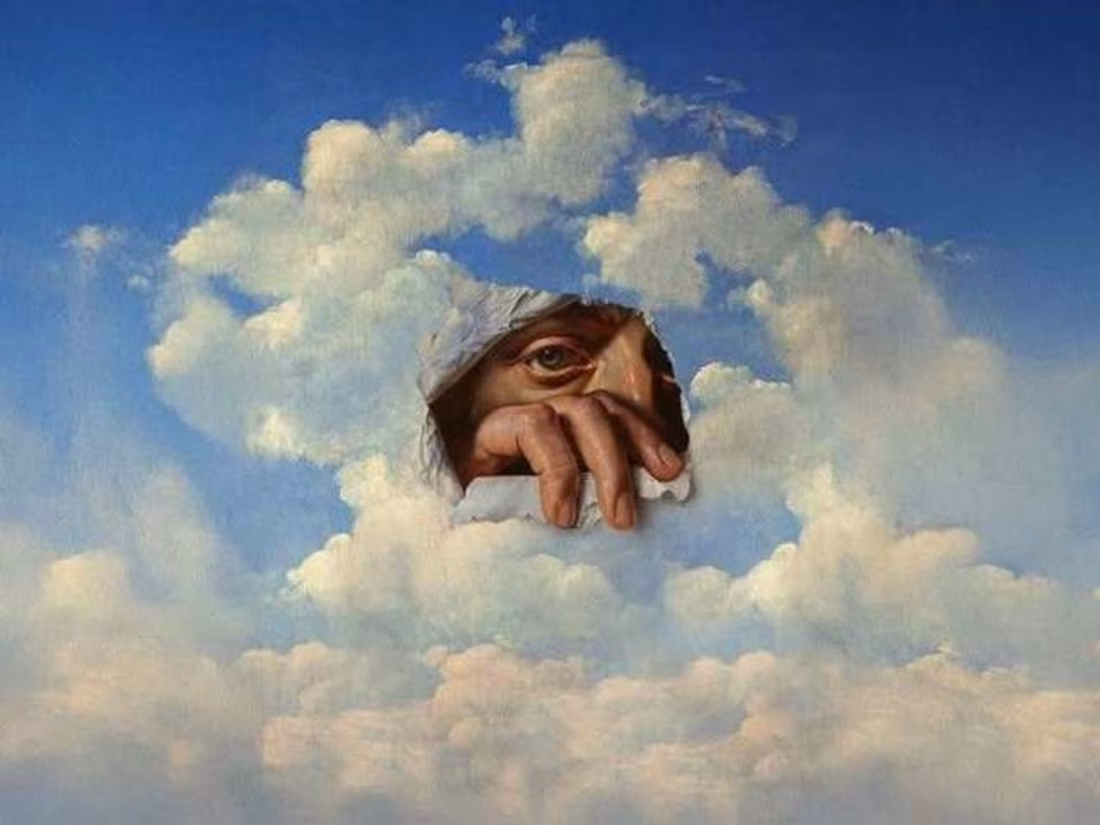
Make your content stand out with eye-catching, high-converting thumbnails designed to grab attention and drive clicks. Whether you're a YouTuber, content creator, marketer, or business owner, I create custom thumbnails tailored to your brand and audience.
Each design is crafted with visual hierarchy, vibrant colors, and strategic text placement to ensure maximum engagement across platforms.
What's included
Thumbnail Design Project – Final Deliverables Checklist
✅ 1. Final Thumbnail Design(s)
High-resolution image(s) in the required dimensions (e.g., 1280x720 pixels for YouTube).
Multiple formats:
.PNG (commonly used due to quality and transparency support)
.JPG or .JPEG (smaller file size)
Optional .WEBP (for modern web use)
✅ 2. Source File(s)
Editable source files (if agreed upon), typically in:
.PSD (Adobe Photoshop)
.AI (Adobe Illustrator)
.XD, .Figma, or .Sketch (for UI/UX workflows)
This allows the client to make future edits or repurpose the design.
✅ 3. Thumbnail Variations (if applicable)
Alternate versions of the thumbnail:
With/without text
Different color schemes
Cropped versions for different platforms
A/B test variants
✅ 4. Mockups/Previews
Realistic previews of how the thumbnail will look:
In a YouTube feed or on a mobile screen
Helps client visualize placement and impact
✅ 5. Style Guide (Optional or for ongoing work)
Fonts used (with licensing info if applicable)
Color palette
Design elements/icons
Usage guidelines
✅ 6. Rights & Licensing Documentation
Licensing for any stock images or fonts used
A brief indicating whether the design is exclusive and ownership rights are transferred
✅ 7. Project Summary/Design Rationale (Optional)
A short explanation of design choices
Helps client understand the reasoning behind colors, layout, and text hierarchy.
Ayush's other services

Starting at$10
Duration2 weeks
Tags
Adobe Photoshop

Thumbnail Designer
Service provided by
Ayush Goswami Delhi, India
Thumbnail DesignAyush Goswami
Starting at$10
Duration2 weeks
Tags
Adobe Photoshop
Thumbnail Designer
Make your content stand out with eye-catching, high-converting thumbnails designed to grab attention and drive clicks. Whether you're a YouTuber, content creator, marketer, or business owner, I create custom thumbnails tailored to your brand and audience.
Each design is crafted with visual hierarchy, vibrant colors, and strategic text placement to ensure maximum engagement across platforms.
What's included
Thumbnail Design Project – Final Deliverables Checklist
✅ 1. Final Thumbnail Design(s)
High-resolution image(s) in the required dimensions (e.g., 1280x720 pixels for YouTube).
Multiple formats:
.PNG (commonly used due to quality and transparency support)
.JPG or .JPEG (smaller file size)
Optional .WEBP (for modern web use)
✅ 2. Source File(s)
Editable source files (if agreed upon), typically in:
.PSD (Adobe Photoshop)
.AI (Adobe Illustrator)
.XD, .Figma, or .Sketch (for UI/UX workflows)
This allows the client to make future edits or repurpose the design.
✅ 3. Thumbnail Variations (if applicable)
Alternate versions of the thumbnail:
With/without text
Different color schemes
Cropped versions for different platforms
A/B test variants
✅ 4. Mockups/Previews
Realistic previews of how the thumbnail will look:
In a YouTube feed or on a mobile screen
Helps client visualize placement and impact
✅ 5. Style Guide (Optional or for ongoing work)
Fonts used (with licensing info if applicable)
Color palette
Design elements/icons
Usage guidelines
✅ 6. Rights & Licensing Documentation
Licensing for any stock images or fonts used
A brief indicating whether the design is exclusive and ownership rights are transferred
✅ 7. Project Summary/Design Rationale (Optional)
A short explanation of design choices
Helps client understand the reasoning behind colors, layout, and text hierarchy.
Ayush's other services
$10