
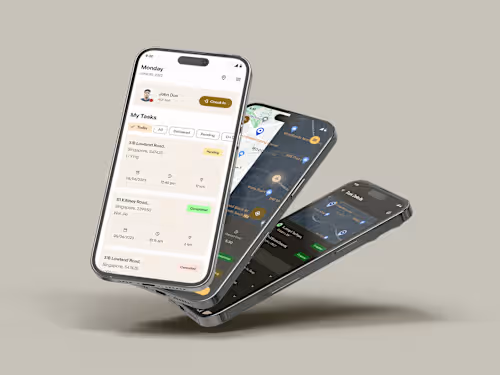
App UI/UX Design Services

Starting at
$
12
/hrAbout this service
Summary
FAQs
How long does the design process take?
The timeline varies based on the project's scope and complexity. A project of 1-2 app pages can take up to a day, whereas a larger app design project takes 4-8 weeks, covering research, wireframes, and high-fidelity mockups. I’ll provide an estimated timeline after understanding your specific requirements.
Can I request changes during the design process?
Yes! I encourage feedback at each phase, especially after the wireframing and mockup stages. This allows adjustments to be made early on, ensuring the design meets your vision and goals.
What’s the difference between wireframes and high-fidelity mockups?
Wireframes are basic layouts focusing on structure and flow without visual styling, whereas high-fidelity mockups are detailed designs showing the final look with colors, fonts, and branding elements.
Do you provide support after the app is launched?
Yes, I offer post-launch support for any design adjustments or improvements based on real user feedback, ensuring your app remains up-to-date and user-friendly.
What's included
User Personas and Journey Maps
User personas represent key types of users, describing their goals and challenges, while journey maps show their step-by-step actions within the app. These help make user-focused and relevant design decisions.
Information Architecture (IA)
Information Architecture organizes all content and features clearly, often shown as a site map. This helps users easily navigate and find what they need within the app.
Wireframes
Wireframes are simple layouts of each screen that show where important elements go without any detailed design. They give a basic outline for checking the app’s structure and flow.
High-Fidelity Mockups
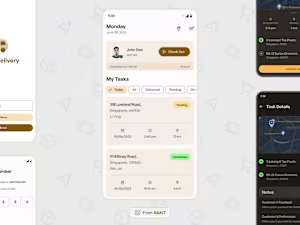
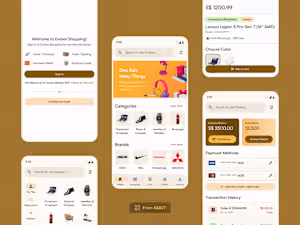
High-fidelity mockups are detailed, final designs showing how each screen will look, including colors, fonts, and branding. They give a realistic preview of the finished app.
Interactive Prototypes
Interactive prototypes are clickable versions of the app screens, allowing users to test interactions and flows. They’re useful for stakeholder feedback and user testing before development starts.
Design System or UI Kit
A collection of reusable components, colors, and styles to maintain a consistent look across the app. It also makes future updates faster and easier.
Example projects

Skills and tools
Mobile Designer
UX Designer
Product Designer

Figma