
UX Audit & RedesignReginald Nwankwo
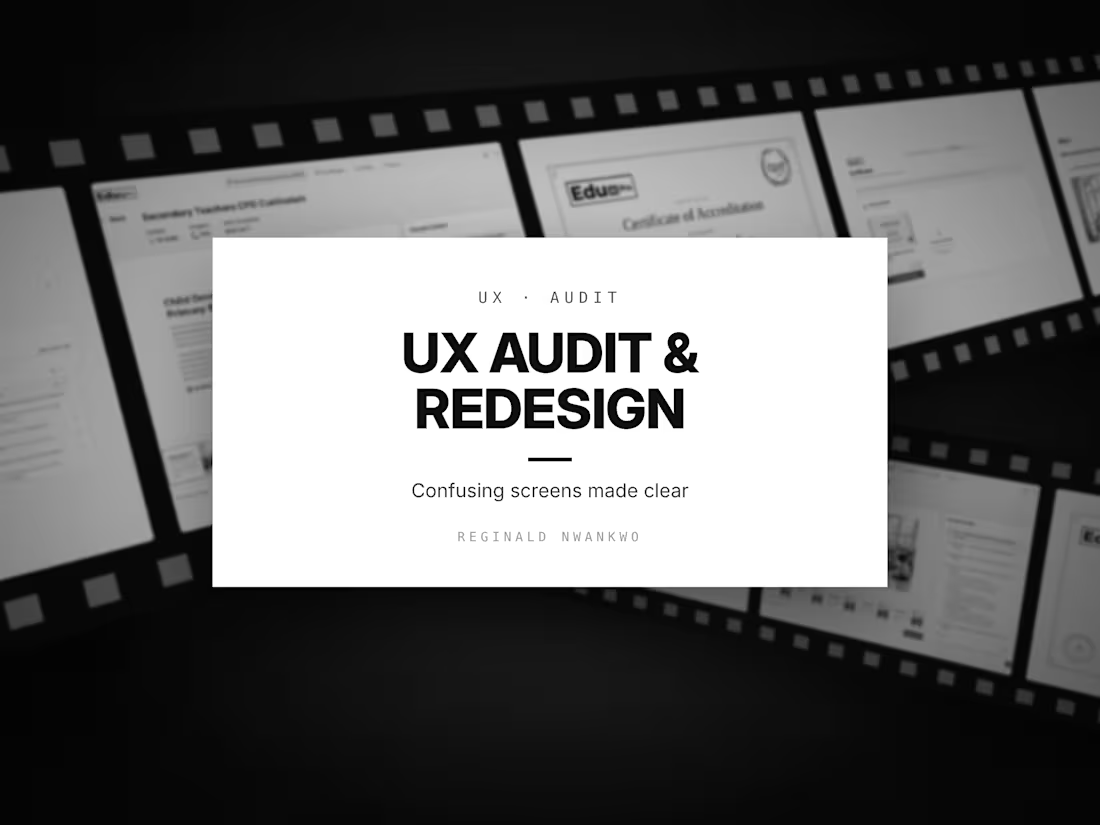
Users rarely tell you a screen is confusing. They just leave, or send a support message. I look at your product the way a first-time user does, find exactly where people hesitate, and redesign those moments.
What I look at
How people move through your key screens: what they notice first, where they pause, which words they misread, and which steps could disappear altogether.
What you receive
A walkthrough review of up to 5 key screens or flows
A ranked list of usability problems, each with why it matters and how to fix it
Redesigns of the 2 screens with the biggest impact, annotated for your developers
A clickable prototype to share with your team or test with users
Clearer wording for buttons, labels and error messages
Where this comes from
I redesigned the course navigation of EduAI Pro, a CPD platform for teachers, many of them new to online learning. It became a step-by-step roadmap where every slide shows whether it's done, current or locked. A product that works for someone who isn't tech-savvy works better for everyone.
The process
You share the product, your goals and any user feedback
I review the flows and send the problem list
We agree which 2 screens to redesign
You get the redesigns and the prototype
FAQs
Reginald's other services
Starting at$300
Duration1 week
Tags
Figma

Information Architecture
Usability Testing
UX Audit
Prototyper
User Researcher
UX Designer
UX Writer
EdTech Startups
Service provided by
Reginald Nwankwo Abuja, Nigeria
- 1
- Followers
UX Audit & RedesignReginald Nwankwo
Starting at$300
Duration1 week
Tags
Figma
Information Architecture
Usability Testing
UX Audit
Prototyper
User Researcher
UX Designer
UX Writer
EdTech Startups
Users rarely tell you a screen is confusing. They just leave, or send a support message. I look at your product the way a first-time user does, find exactly where people hesitate, and redesign those moments.
What I look at
How people move through your key screens: what they notice first, where they pause, which words they misread, and which steps could disappear altogether.
What you receive
A walkthrough review of up to 5 key screens or flows
A ranked list of usability problems, each with why it matters and how to fix it
Redesigns of the 2 screens with the biggest impact, annotated for your developers
A clickable prototype to share with your team or test with users
Clearer wording for buttons, labels and error messages
Where this comes from
I redesigned the course navigation of EduAI Pro, a CPD platform for teachers, many of them new to online learning. It became a step-by-step roadmap where every slide shows whether it's done, current or locked. A product that works for someone who isn't tech-savvy works better for everyone.
The process
You share the product, your goals and any user feedback
I review the flows and send the problem list
We agree which 2 screens to redesign
You get the redesigns and the prototype
FAQs
Reginald's other services
$300