
Notion-to-Gmail Label Manager – Auto-Organize EmailsMuseb Aman
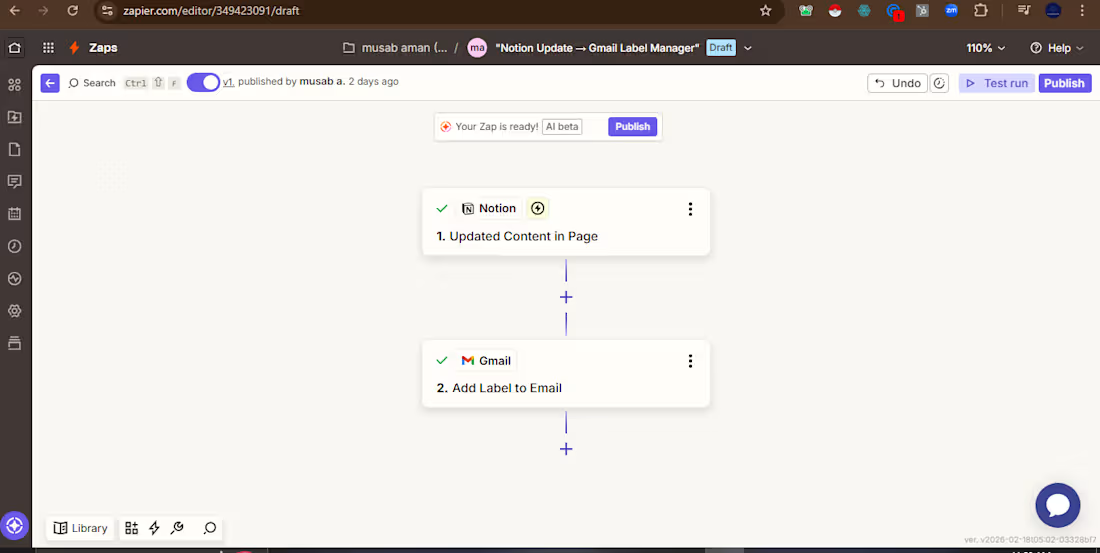
Keep your inbox perfectly organized — automatically — based on your Notion updates.
I build an intelligent automation that connects your Notion workspace to Gmail. When you update a project, task, or client note in Notion, relevant emails are instantly labeled in Gmail. No more manual sorting.
How it works:
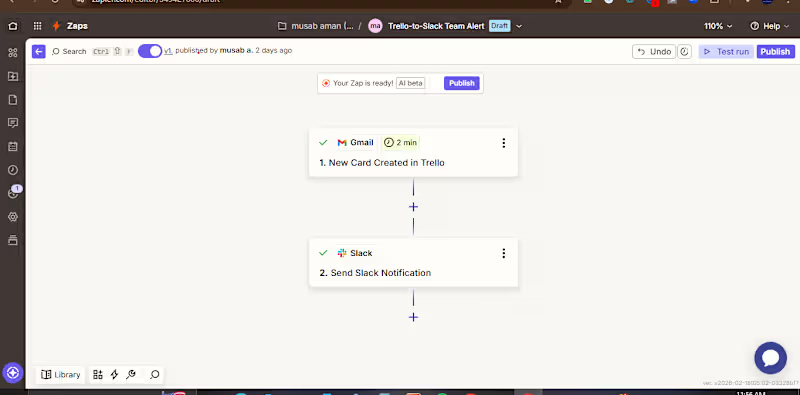
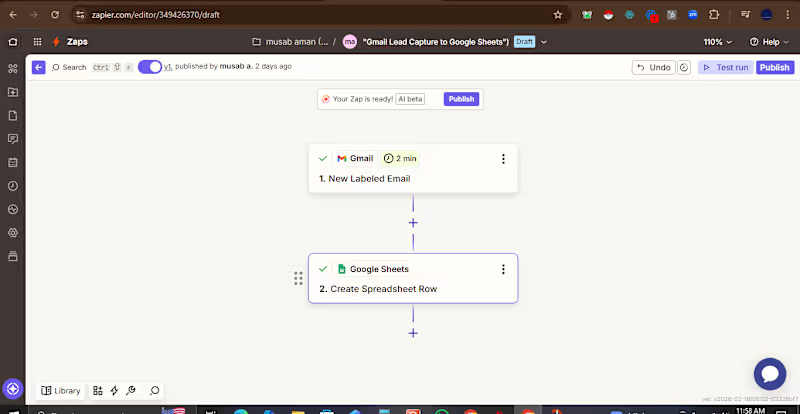
Trigger: When content is updated in a specific Notion page
Project status changes
Task marked complete
New client notes added
Action: Automatically applies a corresponding label in Gmail to organize related emails
Example Use Cases:
Update project status in Notion → All project emails labeled "Project X - Active"
Add client note in Notion → Client emails automatically labeled with client name
Complete task in Notion → Follow-up emails labeled "Awaiting Response"
Business Impact:
✅ Keeps inbox perfectly organized without manual effort
✅ Ensures all team members can find relevant emails instantly
✅ Connects documentation (Notion) with communication (Gmail)
✅ Saves hours per week of email management time
Perfect For:
Project managers tracking client communications
Content teams managing editorial workflows
Sales teams organizing deal-related emails
Anyone using Notion + Gmail daily
Tools Used: Zapier, Notion, Gmail
Includes: Full setup, testing, documentation, and 30-day support.portfolio
FAQs
Example work
Starting at$180
Duration1 week
Tags
Gmail

Notion

Workflow

Zapier

Automations
Project Manager
Email Organization
Label Management
Productivty
Service provided by
Museb Aman Karachi, Pakistan
Notion-to-Gmail Label Manager – Auto-Organize EmailsMuseb Aman
Starting at$180
Duration1 week
Tags
Gmail
Notion
Workflow
Zapier
Automations
Project Manager
Email Organization
Label Management
Productivty
Keep your inbox perfectly organized — automatically — based on your Notion updates.
I build an intelligent automation that connects your Notion workspace to Gmail. When you update a project, task, or client note in Notion, relevant emails are instantly labeled in Gmail. No more manual sorting.
How it works:
Trigger: When content is updated in a specific Notion page
Project status changes
Task marked complete
New client notes added
Action: Automatically applies a corresponding label in Gmail to organize related emails
Example Use Cases:
Update project status in Notion → All project emails labeled "Project X - Active"
Add client note in Notion → Client emails automatically labeled with client name
Complete task in Notion → Follow-up emails labeled "Awaiting Response"
Business Impact:
✅ Keeps inbox perfectly organized without manual effort
✅ Ensures all team members can find relevant emails instantly
✅ Connects documentation (Notion) with communication (Gmail)
✅ Saves hours per week of email management time
Perfect For:
Project managers tracking client communications
Content teams managing editorial workflows
Sales teams organizing deal-related emails
Anyone using Notion + Gmail daily
Tools Used: Zapier, Notion, Gmail
Includes: Full setup, testing, documentation, and 30-day support.portfolio
FAQs
Example work
$180