
Elevate Your Brand With Full Responsive Web DesignDao Sino
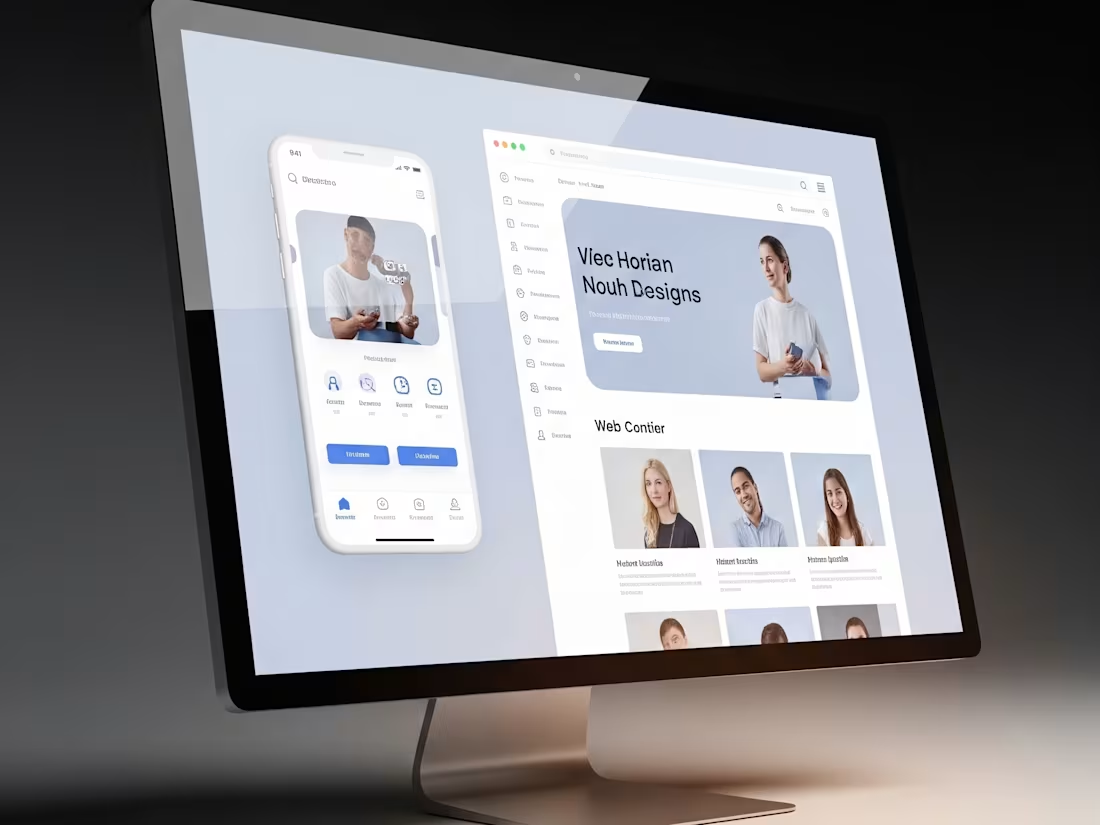
I design full, responsive website experiences that combine strategy, UX flow, and polished UI with interactive prototypes that look and feel like the real thing.
Core deliverables include multi-device layouts and a complete developer-ready handoff package, with optional motion design, animations, and integration support available as needed.
With my background in UX-UI and graphic design, I deliver not just visuals but a seamless, engaging experience that sets your brand apart and makes development smoother, faster, and more cost-effective.
What's included
1. Discovery & Strategy
We begin with a focused strategy session to understand your brand, goals, and audience.
This step defines the project’s direction, clarifies what the website needs to achieve, and ensures the final design aligns with your business objectives.
You’ll leave this stage with a clear plan and creative vision for your new site.
2. Wireframes & UX Flow
Next, I design wireframes that map out the layout, navigation, and content flow of your website.
These "blueprints" show how users will move through your site, ensuring an intuitive and seamless experience.
This stage gives you a preview of the structure before any visuals are applied, reducing risks and saving time later.
We created the initial documentation for the game's logic, mechanics, layout, content, flow, and UX parameters, as well as its recommendations and restrictions.
3. UI Design & Visual Identity
Here, the website comes to life visually.
I create high-fidelity mockups that integrate your brand’s colors, typography, imagery, and design elements.
The result are modern, stylish, and user-friendly interfaces that strengthens your brand identity and captures your audience’s attention.
We update the documentation to include the visual identity, UI parameters, and restrictions.
4. Responsive Website Designs & Prototypes (Desktop, Tablet, Mobile)
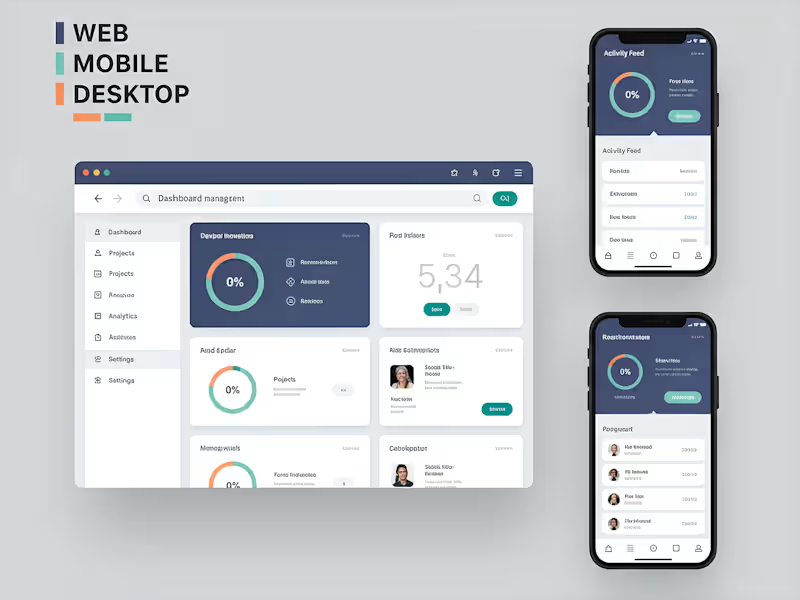
I deliver high-fidelity prototypes that showcase exactly how your website will look and behave across devices (desktop, tablet, and mobile).
These interactive mockups give you and your developers a realistic preview of the full experience before coding begins, saving time and reducing costly revisions.
This may include some HTML and/or CSS, depending on your needs.
We update the documentation with any adjustments from testing, add links and information about the prototypes, and include any other important parameters or information.
5. Motion & Interactive Design Features (Optional)
To bring your site to life, I design interactions, animations, and transitions that make the experience more engaging.
Whether it’s hover effects, scroll-based animations, or interactive elements, you’ll see how users will interact with your site in a polished, visually dynamic way.
Updating or creating new, more detailed versions of the prototypes in Figma and/or Framer. We also update the documentation with links, etc.
6. Developer-Ready Handoff Package
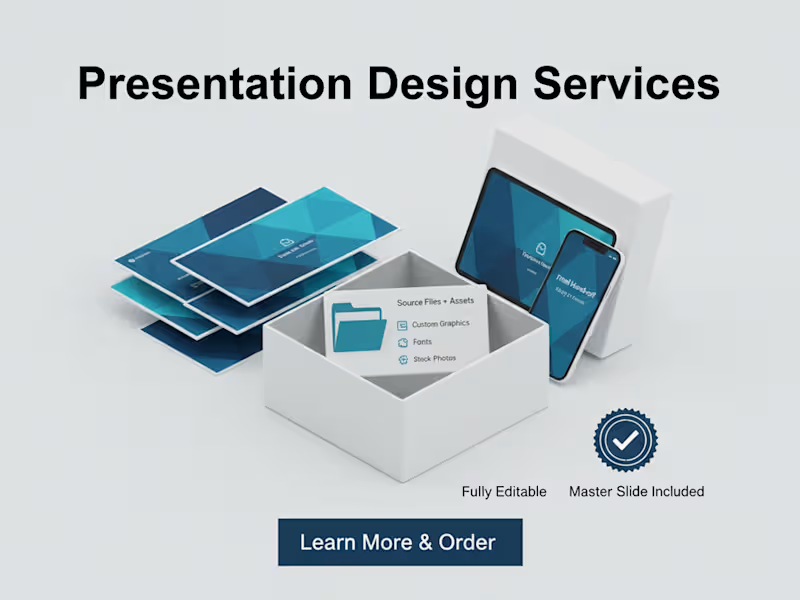
You’ll receive all final design files, assets, and documentation needed for seamless integration by a developer.
This includes organized source files, colors, typography, images, video assets, all the documentation, and interactive prototypes (e.g., via Figma, Framer, or similar). May includes other files formats.
Everything is packaged to make development straightforward and efficient.
7. Launch Support & Collaboration Guidance (Optional)
While I don’t handle backend development, I ensure your developers (or chosen team) have everything they need to build the site exactly as designed.
I can provide guidance during integration, answer questions, and support smooth collaboration so your website launches successfully without losing design integrity. I can work with your development team as a frontend designer.
FAQs
Contact for pricing
Tags
Adobe Illustrator

Adobe Photoshop

Figma

Framer

UI Designer
UX Designer
Web Designer
Service provided by
Dao Sino Montreal, Canada
Elevate Your Brand With Full Responsive Web DesignDao Sino
Contact for pricing
Tags
Adobe Illustrator
Adobe Photoshop
Figma
Framer
UI Designer
UX Designer
Web Designer
I design full, responsive website experiences that combine strategy, UX flow, and polished UI with interactive prototypes that look and feel like the real thing.
Core deliverables include multi-device layouts and a complete developer-ready handoff package, with optional motion design, animations, and integration support available as needed.
With my background in UX-UI and graphic design, I deliver not just visuals but a seamless, engaging experience that sets your brand apart and makes development smoother, faster, and more cost-effective.
What's included
1. Discovery & Strategy
We begin with a focused strategy session to understand your brand, goals, and audience.
This step defines the project’s direction, clarifies what the website needs to achieve, and ensures the final design aligns with your business objectives.
You’ll leave this stage with a clear plan and creative vision for your new site.
2. Wireframes & UX Flow
Next, I design wireframes that map out the layout, navigation, and content flow of your website.
These "blueprints" show how users will move through your site, ensuring an intuitive and seamless experience.
This stage gives you a preview of the structure before any visuals are applied, reducing risks and saving time later.
We created the initial documentation for the game's logic, mechanics, layout, content, flow, and UX parameters, as well as its recommendations and restrictions.
3. UI Design & Visual Identity
Here, the website comes to life visually.
I create high-fidelity mockups that integrate your brand’s colors, typography, imagery, and design elements.
The result are modern, stylish, and user-friendly interfaces that strengthens your brand identity and captures your audience’s attention.
We update the documentation to include the visual identity, UI parameters, and restrictions.
4. Responsive Website Designs & Prototypes (Desktop, Tablet, Mobile)
I deliver high-fidelity prototypes that showcase exactly how your website will look and behave across devices (desktop, tablet, and mobile).
These interactive mockups give you and your developers a realistic preview of the full experience before coding begins, saving time and reducing costly revisions.
This may include some HTML and/or CSS, depending on your needs.
We update the documentation with any adjustments from testing, add links and information about the prototypes, and include any other important parameters or information.
5. Motion & Interactive Design Features (Optional)
To bring your site to life, I design interactions, animations, and transitions that make the experience more engaging.
Whether it’s hover effects, scroll-based animations, or interactive elements, you’ll see how users will interact with your site in a polished, visually dynamic way.
Updating or creating new, more detailed versions of the prototypes in Figma and/or Framer. We also update the documentation with links, etc.
6. Developer-Ready Handoff Package
You’ll receive all final design files, assets, and documentation needed for seamless integration by a developer.
This includes organized source files, colors, typography, images, video assets, all the documentation, and interactive prototypes (e.g., via Figma, Framer, or similar). May includes other files formats.
Everything is packaged to make development straightforward and efficient.
7. Launch Support & Collaboration Guidance (Optional)
While I don’t handle backend development, I ensure your developers (or chosen team) have everything they need to build the site exactly as designed.
I can provide guidance during integration, answer questions, and support smooth collaboration so your website launches successfully without losing design integrity. I can work with your development team as a frontend designer.
FAQs
Contact for pricing