
I will automate your mails,calendar,bookings, repliessidd sy
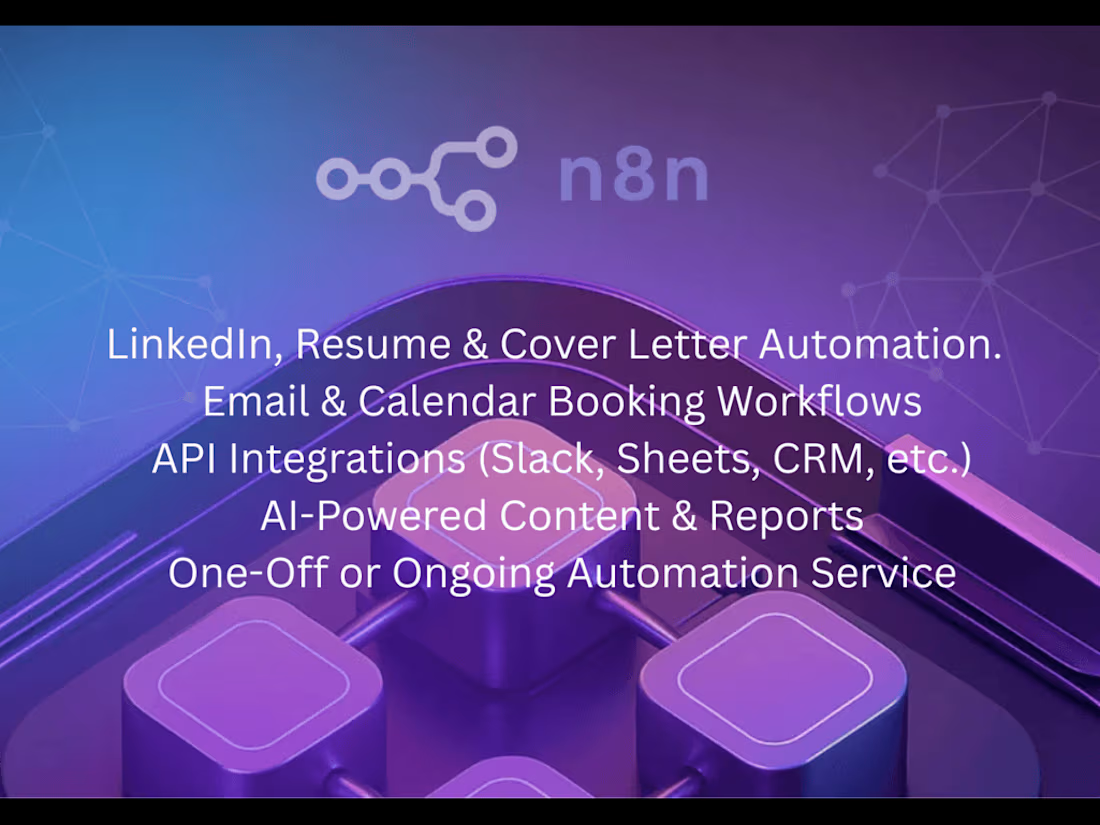
This project aimed to make everyday work smoother by automating repetitive tasks and connecting different tools into one efficient workflow. The automation helped save time, reduce manual effort, and keep processes running seamlessly.
What's included
1. Automation Workflow Design
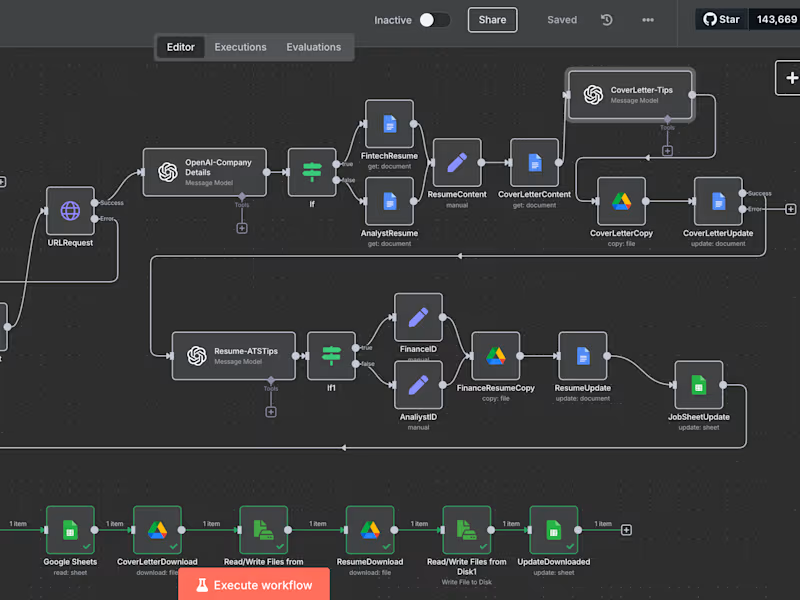
A visual flowchart or diagram showing how the automation works (trigger → actions → outputs).
Documentation describing each step, tools used, and logic behind the workflow.
Description of integrations (e.g., linking Google Sheets, Slack, CRM, or email systems).
2. Automation Scripts / Files
Completed automation scripts (e.g., Python, Zapier, Make, Power Automate, or custom API scripts).
Configured workflows set up within the automation tool.
Code repository or exported workflow file.
3. Integration Setup
Connected apps and platforms (e.g., CRM, Excel, Notion, Google Workspace, etc.).
Configured API keys and authentication steps.
Connection testing and verification logs.
4. Documentation
User guide or instruction manual on how to run, edit, or maintain the automation.
Troubleshooting guide for common issues.
Change log or version history (if updates were made).
FAQs
Contact for pricing
Tags
JavaScript

Lovable

Make

N8N

Zapier

AI Automation
Business Workflow Automation
Email Automation
Service provided by
sidd sy Auckland, New Zealand
- 1
- Followers
I will automate your mails,calendar,bookings, repliessidd sy
Contact for pricing
Tags
JavaScript
Lovable
Make
N8N
Zapier
AI Automation
Business Workflow Automation
Email Automation
This project aimed to make everyday work smoother by automating repetitive tasks and connecting different tools into one efficient workflow. The automation helped save time, reduce manual effort, and keep processes running seamlessly.
What's included
1. Automation Workflow Design
A visual flowchart or diagram showing how the automation works (trigger → actions → outputs).
Documentation describing each step, tools used, and logic behind the workflow.
Description of integrations (e.g., linking Google Sheets, Slack, CRM, or email systems).
2. Automation Scripts / Files
Completed automation scripts (e.g., Python, Zapier, Make, Power Automate, or custom API scripts).
Configured workflows set up within the automation tool.
Code repository or exported workflow file.
3. Integration Setup
Connected apps and platforms (e.g., CRM, Excel, Notion, Google Workspace, etc.).
Configured API keys and authentication steps.
Connection testing and verification logs.
4. Documentation
User guide or instruction manual on how to run, edit, or maintain the automation.
Troubleshooting guide for common issues.
Change log or version history (if updates were made).
FAQs
Contact for pricing