
SaaS Product Design — UX/UI from Idea to PrototypeAyesha Kamal
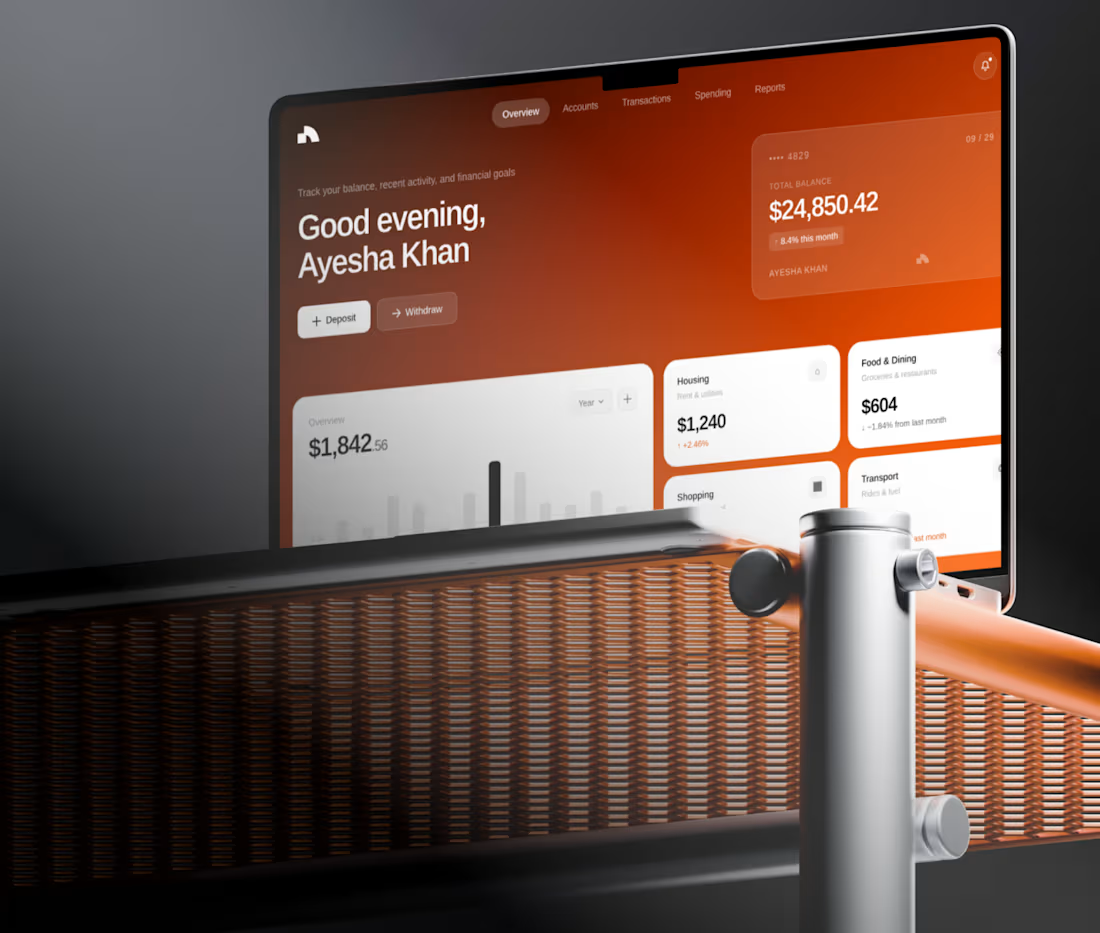
Building a SaaS product is rarely just about making good-looking screens.
The real challenge is deciding what users need to see, what they need to do next, and how to make complex workflows feel simple.
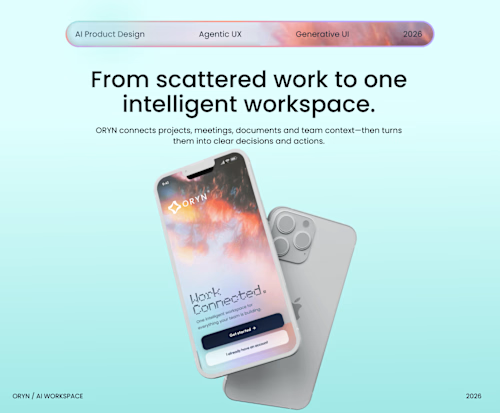
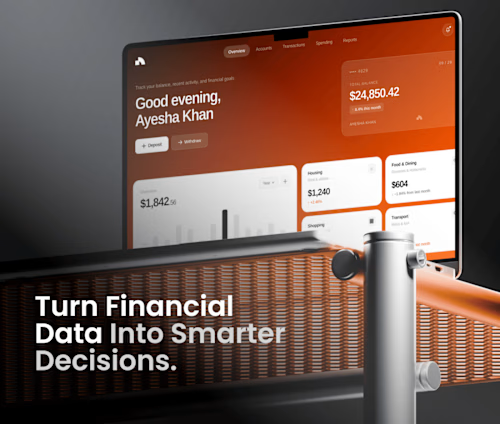
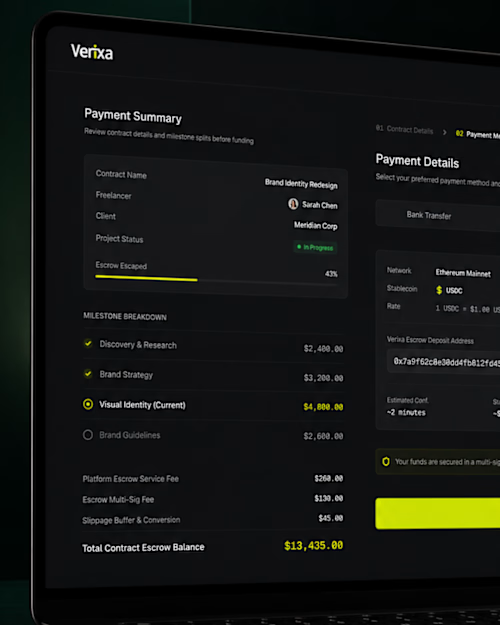
I design end-to-end digital product experiences for SaaS platforms, dashboards, AI products and web applications — from early UX thinking to polished, development-ready UI.
What I can help you with:
• Product & UX direction
• User flows and information architecture
• Wireframes
• SaaS dashboards & web applications
• High-fidelity UI design
• Responsive web/mobile experiences
• Interactive Figma prototypes
• Components & design systems
• Developer-ready Figma handoff
I don't start by asking, “How many screens do you need?”
I start with “What does the user need to accomplish?”
From there, we design the shortest, clearest journey that makes sense for both the user and the business.
Deliverables
Keep this concise on Contra:
UX direction + user flow
Wireframes
High-fidelity UI
Interactive prototype
Responsive states
Reusable Figma components
Developer handoff
Contact for pricing
Duration1 week
Tags
FinTech & Payments
AI products
B2B platforms
dashboards
MVPs
saas startup
Service provided by
Ayesha Kamal Pakistan
- 1
- Followers
SaaS Product Design — UX/UI from Idea to PrototypeAyesha Kamal
Contact for pricing
Duration1 week
Tags
FinTech & Payments
AI products
B2B platforms
dashboards
MVPs
saas startup
Building a SaaS product is rarely just about making good-looking screens.
The real challenge is deciding what users need to see, what they need to do next, and how to make complex workflows feel simple.
I design end-to-end digital product experiences for SaaS platforms, dashboards, AI products and web applications — from early UX thinking to polished, development-ready UI.
What I can help you with:
• Product & UX direction
• User flows and information architecture
• Wireframes
• SaaS dashboards & web applications
• High-fidelity UI design
• Responsive web/mobile experiences
• Interactive Figma prototypes
• Components & design systems
• Developer-ready Figma handoff
I don't start by asking, “How many screens do you need?”
I start with “What does the user need to accomplish?”
From there, we design the shortest, clearest journey that makes sense for both the user and the business.
Deliverables
Keep this concise on Contra:
UX direction + user flow
Wireframes
High-fidelity UI
Interactive prototype
Responsive states
Reusable Figma components
Developer handoff
Contact for pricing