
Design canva journal planner interactive pdf workbook tracker Victor Adesunloro
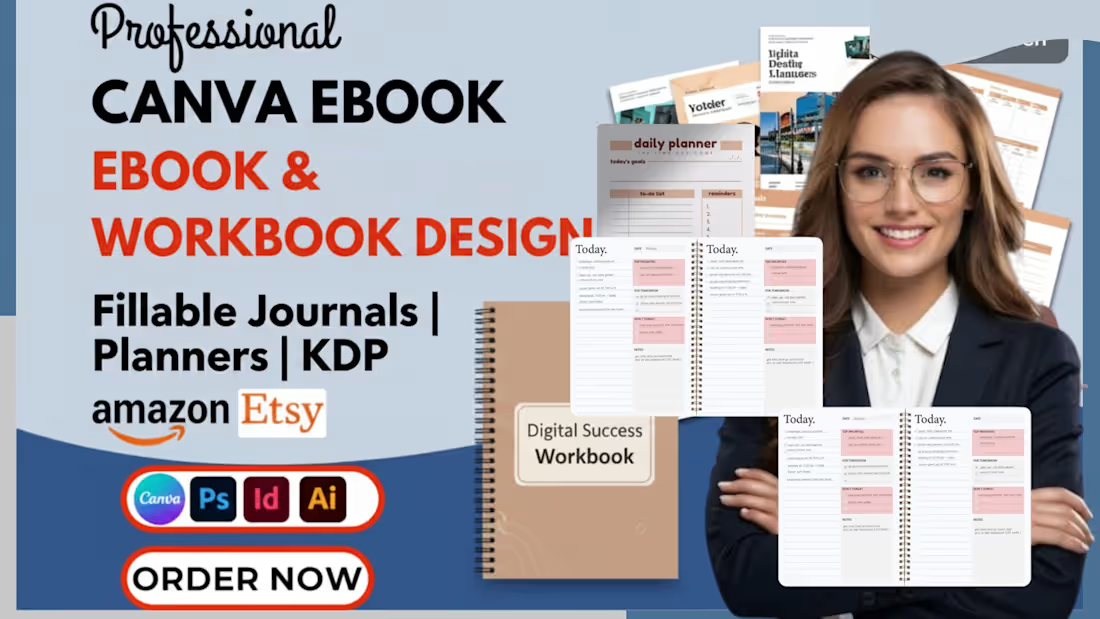
Bring your digital products to life! I specialize in creating professional, high-end Fillable Journals, Planners, and Interactive PDF Workbooks that your customers will love to use.
Whether you need a lead magnet for your coaching business or a premium planner to sell on Etsy, I provide 100% editable Canva links and functional PDF.
What I Offer
Editable Canva Template
Fillable PDF Workbook
Digital Planner Design
Interactive Journal
Lead Magnet Design
Ebook Redesign
Custom Workbook
Printable Planner
Daily Planner
Monthly Planner
Minimalist Design
Brand Identity
High-Quality PDF
Clickable Links
Modern Aesthetic
Fully Customizable
Fillable Fields
Coaching Workbook
Etsy Digital Product
Amazon KDP Journal
Business Planner
Self-Care Journal
Course Materials
Marketing Freebie
Fitness Planner
Wellness Journal
Online Course Asset
FAQs
Yes. Once the project is completed and the final payment is released via Contra, you own 100% of the rights to the designs. This includes the right to sell the PDF as a digital product on platforms like Etsy, Amazon KDP, or your own website.
Absolutely. I provide a Canva Shareable Link with every project. This means you can change colors, update text, or swap images anytime in the future without having to hire a designer again. I ensure the templates are organized and easy for you to navigate.
I use professional software to add interactive layers to your PDF. Your customers can open the file on any device (Laptop, Tablet, or Phone) and type directly into the text boxes, check off list items, or click internal navigation links (like a clickable Table of Contents) without needing special editing software.
To begin, I need your finalized content (the text/prompts for your journal or planner) and any brand assets you have (logo, specific color codes, or fonts). If you have a rough sketch or a "mood board" of styles you like, that helps me align the design perfectly with your vision from the very first draft.
Contact for pricing
Duration1 week
Tags
book designer
ebook design
esty digital journal
esty digital planner
hyperlink planner
interior formatting
journal design
kdp journal
planner design
Service provided by
Victor Adesunloro Abuja, Nigeria
- 4
- Followers
Design canva journal planner interactive pdf workbook tracker Victor Adesunloro
Contact for pricing
Duration1 week
Tags
book designer
ebook design
esty digital journal
esty digital planner
hyperlink planner
interior formatting
journal design
kdp journal
planner design
Bring your digital products to life! I specialize in creating professional, high-end Fillable Journals, Planners, and Interactive PDF Workbooks that your customers will love to use.
Whether you need a lead magnet for your coaching business or a premium planner to sell on Etsy, I provide 100% editable Canva links and functional PDF.
What I Offer
Editable Canva Template
Fillable PDF Workbook
Digital Planner Design
Interactive Journal
Lead Magnet Design
Ebook Redesign
Custom Workbook
Printable Planner
Daily Planner
Monthly Planner
Minimalist Design
Brand Identity
High-Quality PDF
Clickable Links
Modern Aesthetic
Fully Customizable
Fillable Fields
Coaching Workbook
Etsy Digital Product
Amazon KDP Journal
Business Planner
Self-Care Journal
Course Materials
Marketing Freebie
Fitness Planner
Wellness Journal
Online Course Asset
FAQs
Yes. Once the project is completed and the final payment is released via Contra, you own 100% of the rights to the designs. This includes the right to sell the PDF as a digital product on platforms like Etsy, Amazon KDP, or your own website.
Absolutely. I provide a Canva Shareable Link with every project. This means you can change colors, update text, or swap images anytime in the future without having to hire a designer again. I ensure the templates are organized and easy for you to navigate.
I use professional software to add interactive layers to your PDF. Your customers can open the file on any device (Laptop, Tablet, or Phone) and type directly into the text boxes, check off list items, or click internal navigation links (like a clickable Table of Contents) without needing special editing software.
To begin, I need your finalized content (the text/prompts for your journal or planner) and any brand assets you have (logo, specific color codes, or fonts). If you have a rough sketch or a "mood board" of styles you like, that helps me align the design perfectly with your vision from the very first draft.
Contact for pricing