
Website DesignSocial Sherpa

Expanding the brand design document
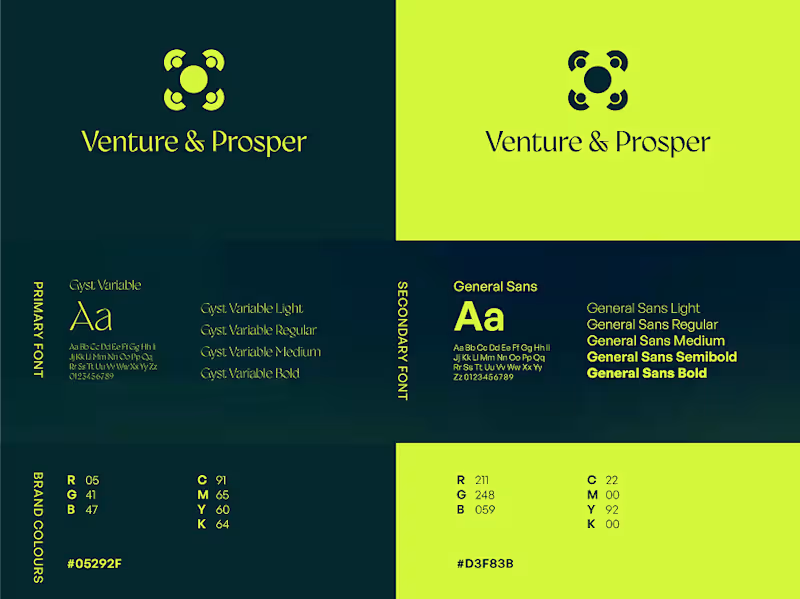
This first step is about taking the current brand design document and web components suggestions from the content document to create a design direction mood-board for web use.
Outcomes
Design directions mood-board
Design Sprints
Now, we take a closer look at the sitemap and information architecture of the website suggested in the content document. We make changes if at all necessary, and move on to making design prototypes for each section of every page using a screen design software, such as Figma. The information architecture and design directions together help feed this design prototyping exercise. These prototypes will help test the designed pages in a web format without actually developing them in code. Multiple rounds of reviews and design iterations are expected in this step.
Along with the prototypes, decisions regarding interactions and animations, visual direction for media assets (Images, Videos, Icons, etc.), and third party technology integrations (if required) will also be taken here. Only after prototypes for all the required pages on the website are reviewed and approved, we’ll move on to the next step.
Outcomes
Sitemap
Information architecture
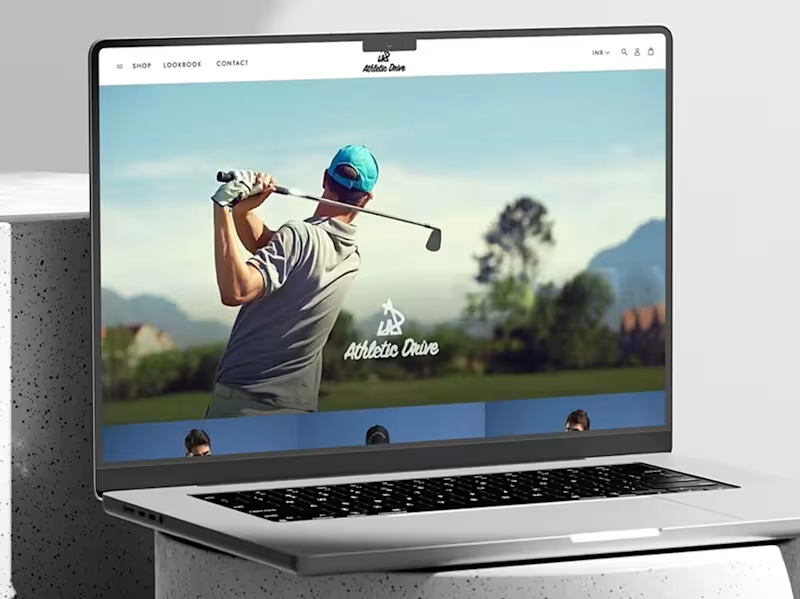
Development ready prototypes
Direction for media assets (Images, Videos, Icons, Animations, etc.)
Recommendations for third party technologies to be used
Development
From here on, all design decisions are frozen and development exercise begins. All the pages will be hand built into functional webpages and technology integrations will be installed.
The development will proceed in 2 steps, first the webpages will be developed for desktop devices and all content (including media assets) will be brought in to the website. A user flow testing and interactions testing can be performed at this stage. After which, the second step of development, mobile responsiveness will be undertaken.
Once both steps of development are complete, a thorough user flow testing and technology integrations testing will be conducted, if any issues are found, they will be fixed and then the website will be declared ready for handover and launch.
A training will be conducted for the team to familiarise them with best practices for using and maintaining the website.
Outcomes
Media assets (Images, Videos, Icons, Animations, etc.)
User experience testing
Technology integration testing
Transfer of ownership of the website
Gateway and 3rd party setups
Analytics integration
Website launch
Training for your team on using the new website backend
Feedback and Improvement
We will regularly be available for changes and updates to the website as the business grows over the years and the requirements continue to change.
Social 's other services
Contact for pricing
Duration1 week
Tags
UI Designer
UX Designer
Webflow Developer
Website CSS
Service provided by
Social Sherpa proAhmedabad, India
- 2
- Paid projects
- 5.00
- Rating
- 94
- Followers
Website DesignSocial Sherpa
Contact for pricing
Duration1 week
Tags
UI Designer
UX Designer
Webflow Developer
Website CSS
Expanding the brand design document
This first step is about taking the current brand design document and web components suggestions from the content document to create a design direction mood-board for web use.
Outcomes
Design directions mood-board
Design Sprints
Now, we take a closer look at the sitemap and information architecture of the website suggested in the content document. We make changes if at all necessary, and move on to making design prototypes for each section of every page using a screen design software, such as Figma. The information architecture and design directions together help feed this design prototyping exercise. These prototypes will help test the designed pages in a web format without actually developing them in code. Multiple rounds of reviews and design iterations are expected in this step.
Along with the prototypes, decisions regarding interactions and animations, visual direction for media assets (Images, Videos, Icons, etc.), and third party technology integrations (if required) will also be taken here. Only after prototypes for all the required pages on the website are reviewed and approved, we’ll move on to the next step.
Outcomes
Sitemap
Information architecture
Development ready prototypes
Direction for media assets (Images, Videos, Icons, Animations, etc.)
Recommendations for third party technologies to be used
Development
From here on, all design decisions are frozen and development exercise begins. All the pages will be hand built into functional webpages and technology integrations will be installed.
The development will proceed in 2 steps, first the webpages will be developed for desktop devices and all content (including media assets) will be brought in to the website. A user flow testing and interactions testing can be performed at this stage. After which, the second step of development, mobile responsiveness will be undertaken.
Once both steps of development are complete, a thorough user flow testing and technology integrations testing will be conducted, if any issues are found, they will be fixed and then the website will be declared ready for handover and launch.
A training will be conducted for the team to familiarise them with best practices for using and maintaining the website.
Outcomes
Media assets (Images, Videos, Icons, Animations, etc.)
User experience testing
Technology integration testing
Transfer of ownership of the website
Gateway and 3rd party setups
Analytics integration
Website launch
Training for your team on using the new website backend
Feedback and Improvement
We will regularly be available for changes and updates to the website as the business grows over the years and the requirements continue to change.
Social 's other services
Contact for pricing