
Design System for a Product Already ShippingMykola Popov
A single source of truth built from what you've already built — not a greenfield library nobody adopts.
Most design systems fail the same way: someone designs a beautiful component library in isolation, engineering never adopts it, and six months later there are two systems. This one starts from your existing product and your existing code reality.
What we do
Audit first. Every screen inventoried: how many blues, how many button variants, how many spacing values you're actually shipping. Usually the number surprises people.
Consolidate, then tokenize. Collapse the drift into a real scale — color, type, spacing, radius, elevation — as Figma variables, with light and dark modes where you need them.
Build the components that matter. Not 200 components. The 20–30 that cover 90% of your screens, with every variant and state that actually appears in your product: hover, focus, disabled, loading, error, empty.
Document for engineers, not for a portfolio. When to use each component, when not to, and the accessibility notes that stop bugs before they ship.
Track record
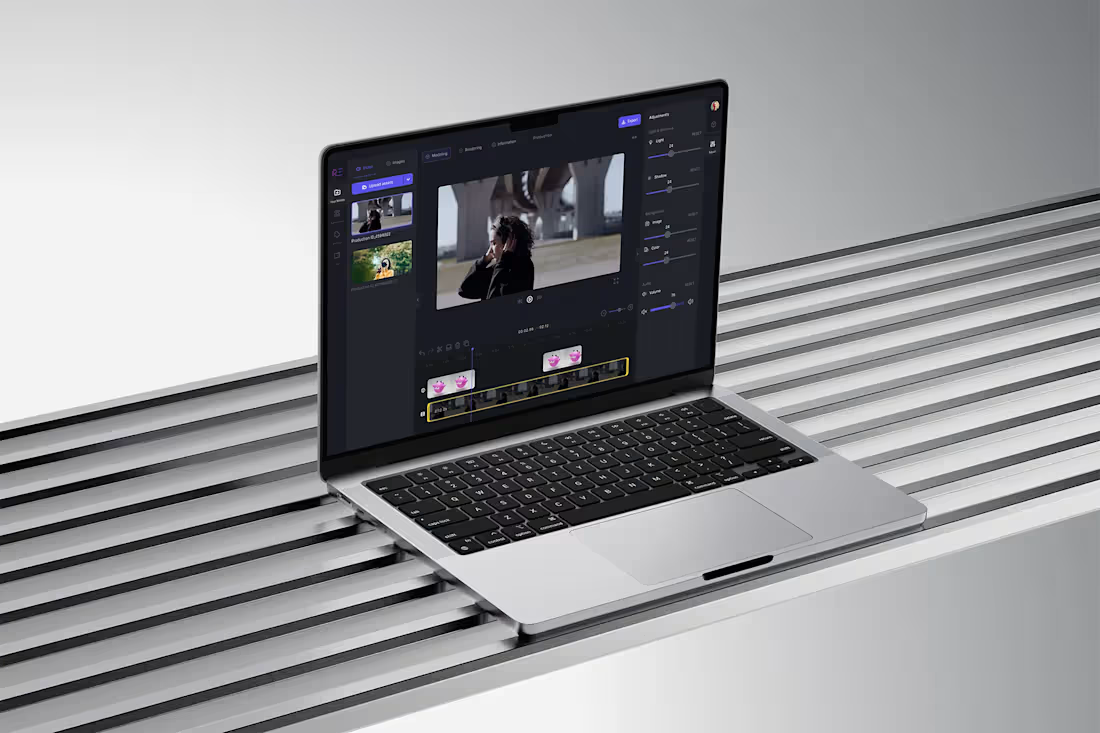
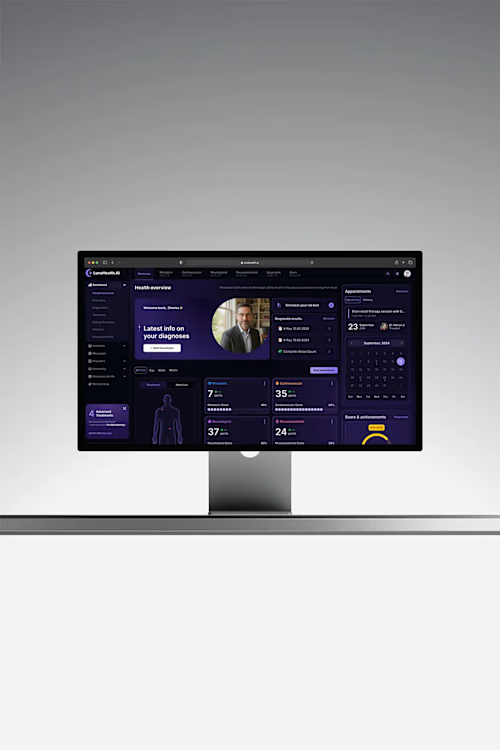
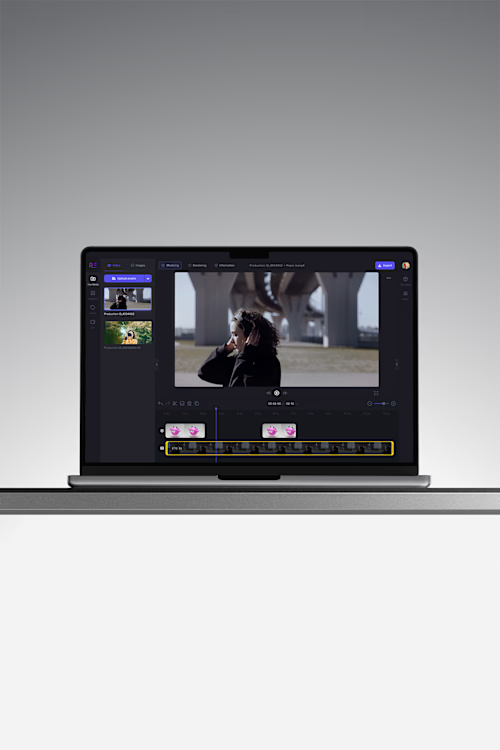
Rembrand AI: one system across creator, brand and advertiser surfaces — three audiences, consistent trust controls, faster releases. Luna Health AI: a dark-mode system spanning six clinically distinct domains so they shipped as one product instead of six dashboards.
Best for
Teams of 2–15 who've shipped enough to have real drift, and are about to add people or surfaces. If you're pre-launch, the lightweight system inside the MVP sprint is the better fit.
FAQs
Example work
Starting at$3,000
Duration3 weeks
Tags
Figma

B2B SaaS
Design Systems Specialist
Product Designer
UI Designer
Service provided by
Mykola Popov Warsaw, Poland
- 1
- Followers
Design System for a Product Already ShippingMykola Popov
Starting at$3,000
Duration3 weeks
Tags
Figma
B2B SaaS
Design Systems Specialist
Product Designer
UI Designer
A single source of truth built from what you've already built — not a greenfield library nobody adopts.
Most design systems fail the same way: someone designs a beautiful component library in isolation, engineering never adopts it, and six months later there are two systems. This one starts from your existing product and your existing code reality.
What we do
Audit first. Every screen inventoried: how many blues, how many button variants, how many spacing values you're actually shipping. Usually the number surprises people.
Consolidate, then tokenize. Collapse the drift into a real scale — color, type, spacing, radius, elevation — as Figma variables, with light and dark modes where you need them.
Build the components that matter. Not 200 components. The 20–30 that cover 90% of your screens, with every variant and state that actually appears in your product: hover, focus, disabled, loading, error, empty.
Document for engineers, not for a portfolio. When to use each component, when not to, and the accessibility notes that stop bugs before they ship.
Track record
Rembrand AI: one system across creator, brand and advertiser surfaces — three audiences, consistent trust controls, faster releases. Luna Health AI: a dark-mode system spanning six clinically distinct domains so they shipped as one product instead of six dashboards.
Best for
Teams of 2–15 who've shipped enough to have real drift, and are about to add people or surfaces. If you're pre-launch, the lightweight system inside the MVP sprint is the better fit.
FAQs
Example work
$3,000