
Google Sheets and Apps Script for business automationIlya Asminkin
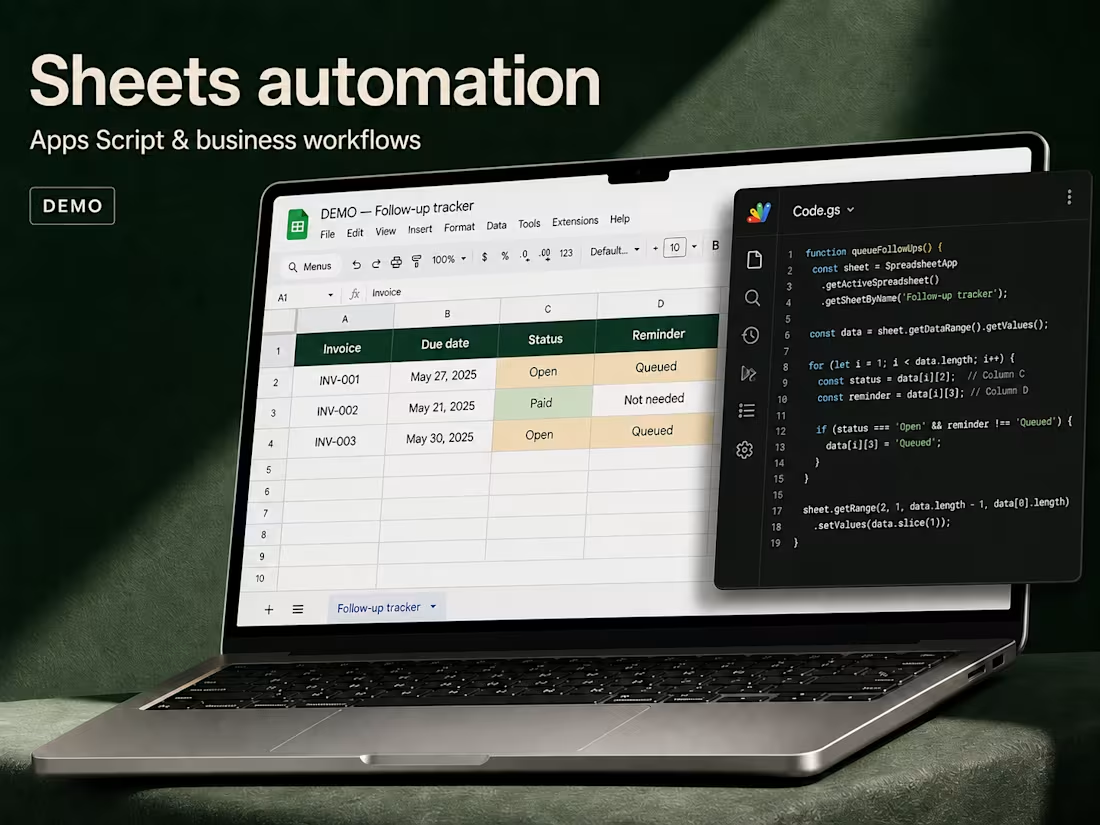
Keep your working spreadsheet up to date without repeating the same checks and copy-paste steps. I build a focused Google Sheets workflow for request queues, job tracking, due-item reminders or a daily team summary.
Make the spreadsheet do the routine work
A request arrives, a job becomes due or a row needs checking. We choose one repeated task and define what should happen next. You keep the Google Sheet your team already uses, with a clear action or scheduled process built into it.
One working process for $100
The starter covers one existing workbook with up to three tabs, 2,000 rows and 15 working columns. Choose one custom-menu action or a daily scheduled trigger, with up to three agreed actions: for example, check required fields, update the processing status and send one internal summary to a named recipient. A processing log shows which rows were handled.
Agree the rules, then test a real example
Share a sample sheet, the manual steps and the result you want. I confirm the rules in writing, build on a copy and check valid, missing and repeated inputs. We agree a stable row identifier and repeat-run behavior before enabling automation. You review the result and receive one consolidated revision round within the agreed scope.
Keep control of your sheet and script
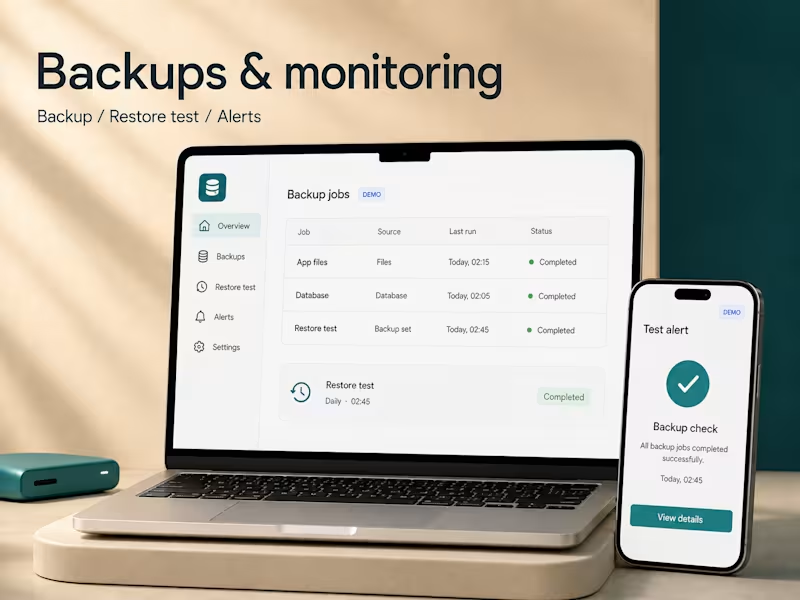
You receive the Apps Script source, the updated workbook, test notes and brief instructions for running, pausing and changing the process. Scheduled triggers are installed under your authorized Google account. Delivery is three days after access, sample data and rules are ready. Google account limits apply; third-party APIs, bulk outreach and a full CRM are separate scopes.
FAQs
Starting at$100
Duration3 days
Tags
Google App Script

Google Sheets
Automation Engineer
Service provided by
Ilya Asminkin Tashkent, Uzbekistan
Google Sheets and Apps Script for business automationIlya Asminkin
Starting at$100
Duration3 days
Tags
Google App Script
Google Sheets
Automation Engineer
Keep your working spreadsheet up to date without repeating the same checks and copy-paste steps. I build a focused Google Sheets workflow for request queues, job tracking, due-item reminders or a daily team summary.
Make the spreadsheet do the routine work
A request arrives, a job becomes due or a row needs checking. We choose one repeated task and define what should happen next. You keep the Google Sheet your team already uses, with a clear action or scheduled process built into it.
One working process for $100
The starter covers one existing workbook with up to three tabs, 2,000 rows and 15 working columns. Choose one custom-menu action or a daily scheduled trigger, with up to three agreed actions: for example, check required fields, update the processing status and send one internal summary to a named recipient. A processing log shows which rows were handled.
Agree the rules, then test a real example
Share a sample sheet, the manual steps and the result you want. I confirm the rules in writing, build on a copy and check valid, missing and repeated inputs. We agree a stable row identifier and repeat-run behavior before enabling automation. You review the result and receive one consolidated revision round within the agreed scope.
Keep control of your sheet and script
You receive the Apps Script source, the updated workbook, test notes and brief instructions for running, pausing and changing the process. Scheduled triggers are installed under your authorized Google account. Delivery is three days after access, sample data and rules are ready. Google account limits apply; third-party APIs, bulk outreach and a full CRM are separate scopes.
FAQs
$100