
Product description:
PDF Viewer for Framer
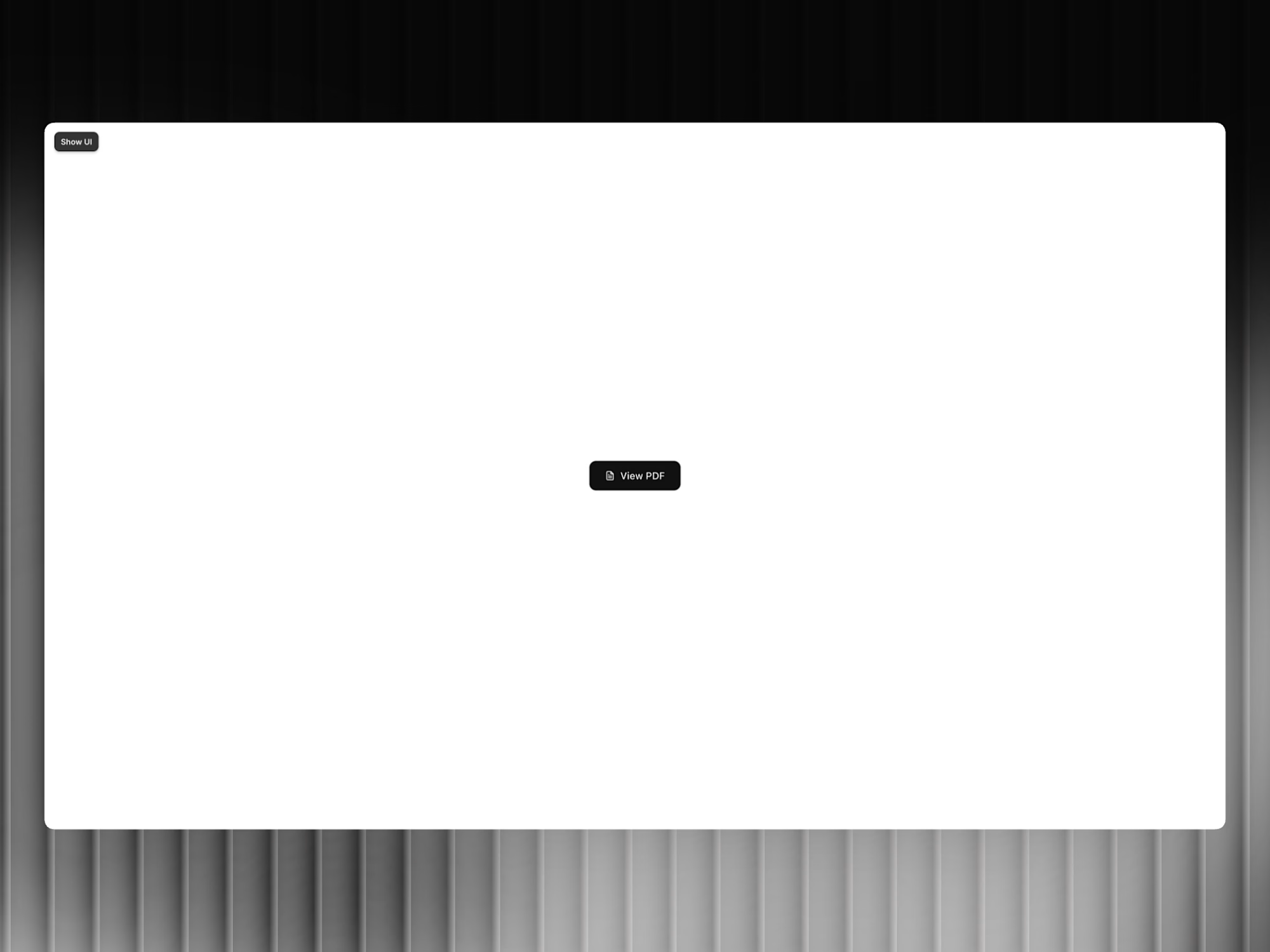
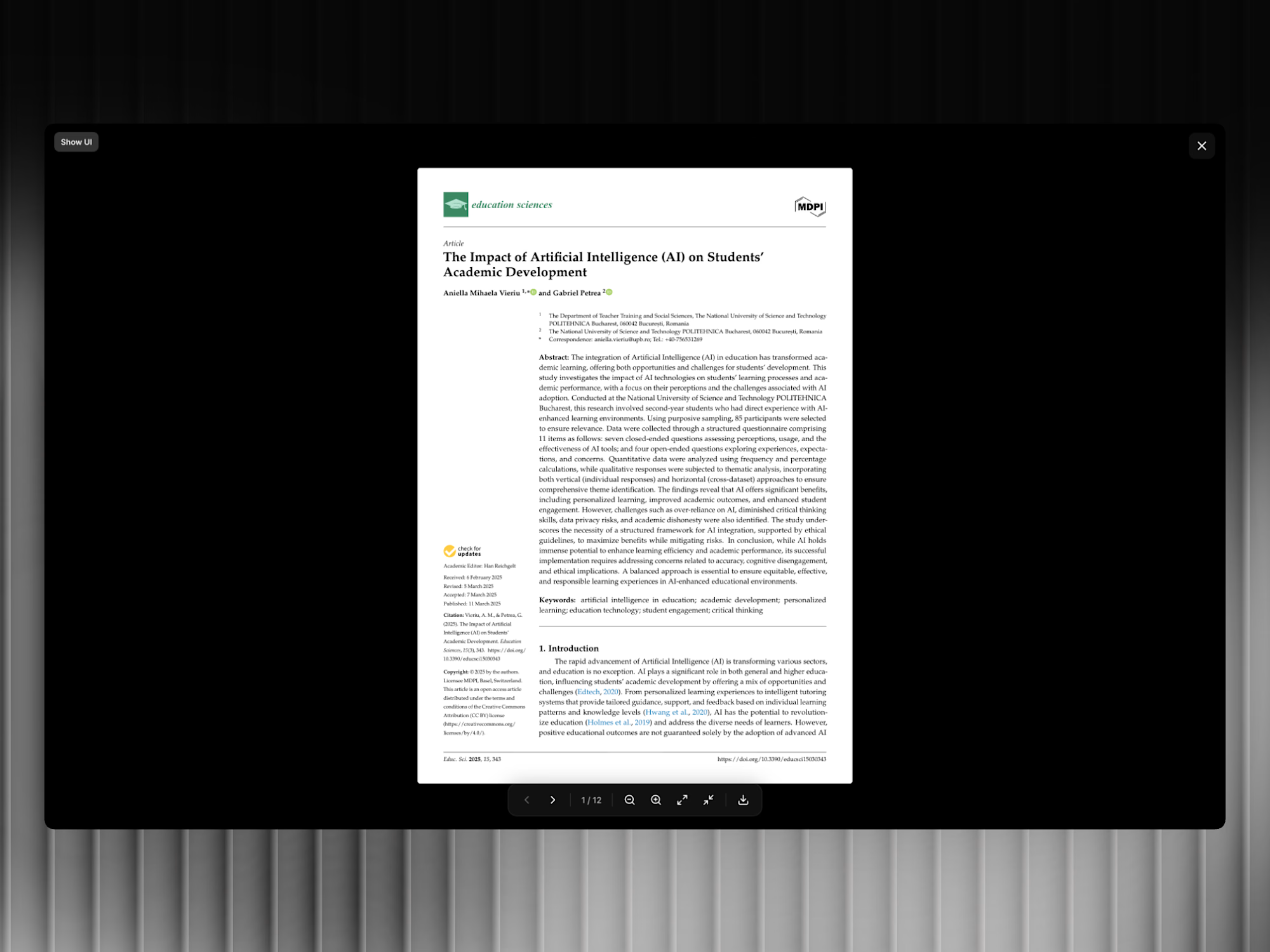
A production-ready code component that opens any PDF in a clean, full-screen overlay. No iframes, no browser toolbar. Just your document rendered crisp on a canvas using Mozilla's PDF.js.
View Modes
Single Page — one page at a time with arrow navigation
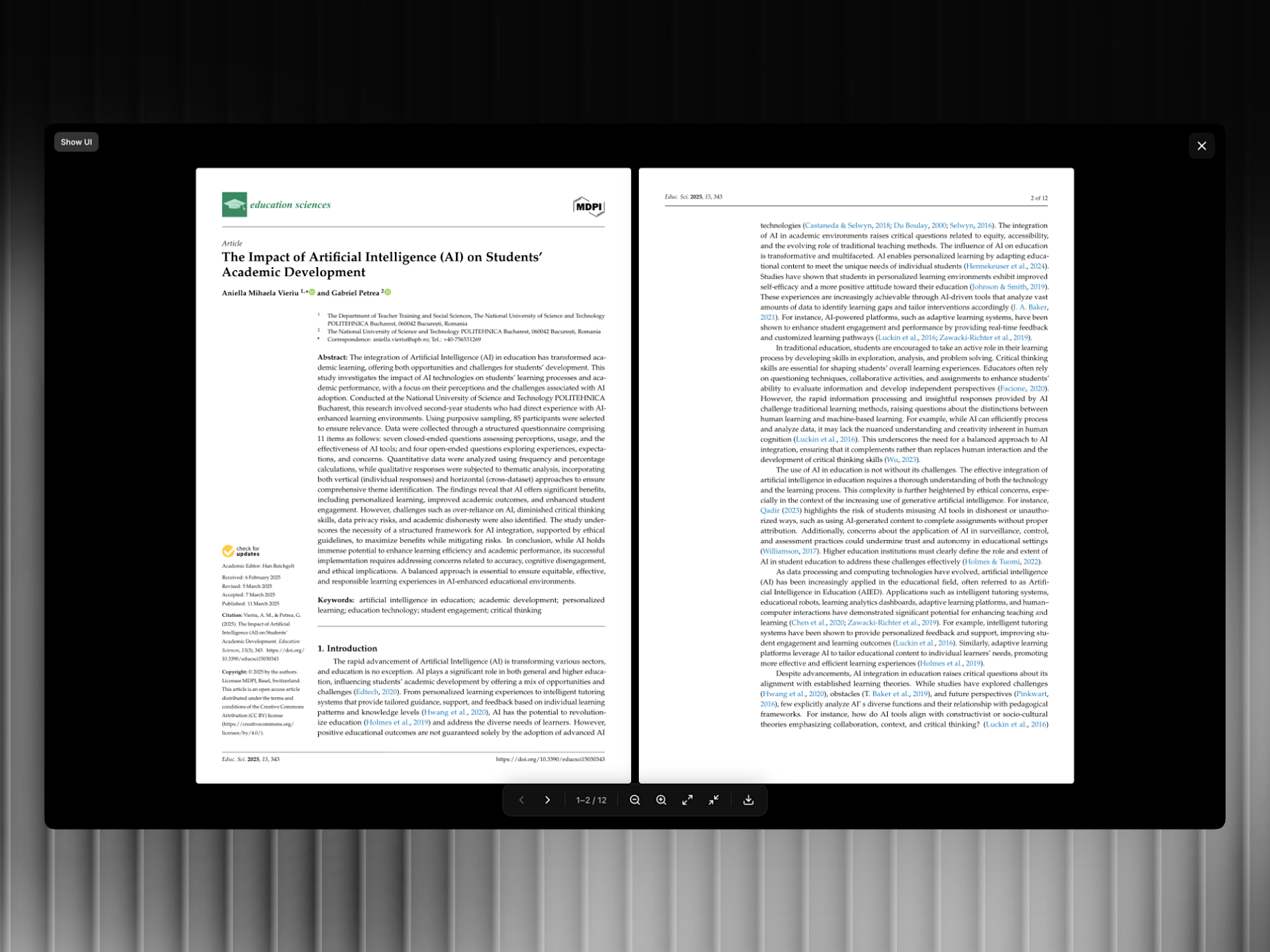
Two-Page Spread — side-by-side view for presentations and magazines
Continuous Scroll — scroll through the entire document seamlessly
Built-in Controls
Zoom in / out
Fit to width / Fit to page
Previous / Next page buttons
Arrow key keyboard navigation
Page indicator
Download button
All toggleable from Framer's property panel.
Trigger System
Default button — fully styled via Property Controls (text, colors, radius, padding, font size, hover state)
Custom trigger — provide a remote Framer component URL and it replaces the default button automatically
Property Controls
PDF File — upload or URLView Mode — single / double / scrollOverlay Color and Overlay OpacityAnimation DurationShow/Hide — zoom, navigation, download, page indicatorKeyboard Navigation — on/offButton Styling — text, background, text color, radius, padding, font size, hover colorTechnical
Rendered via PDF.js loaded from CDN. No npm install needed
Single
.tsx file — paste into Framer and publishSmooth open/close via framer-motion AnimatePresence
Body scroll lock when modal is open
Lazy loads PDF only when modal opens
Get it for$5.00
Tags
Framer


Component
PDF
Product created by
Siddharth Ponnapalli maxHyderabad, India
- $50k+
- Earned
- 25
- Paid projects
- 4.97
- Rating
- 191
- Followers
Get it for$5.00
Tags
Framer
Component
PDF
Product description:
PDF Viewer for Framer
A production-ready code component that opens any PDF in a clean, full-screen overlay. No iframes, no browser toolbar. Just your document rendered crisp on a canvas using Mozilla's PDF.js.
View Modes
Single Page — one page at a time with arrow navigation
Two-Page Spread — side-by-side view for presentations and magazines
Continuous Scroll — scroll through the entire document seamlessly
Built-in Controls
Zoom in / out
Fit to width / Fit to page
Previous / Next page buttons
Arrow key keyboard navigation
Page indicator
Download button
All toggleable from Framer's property panel.
Trigger System
Default button — fully styled via Property Controls (text, colors, radius, padding, font size, hover state)
Custom trigger — provide a remote Framer component URL and it replaces the default button automatically
Property Controls
PDF File — upload or URLView Mode — single / double / scrollOverlay Color and Overlay OpacityAnimation DurationShow/Hide — zoom, navigation, download, page indicatorKeyboard Navigation — on/offButton Styling — text, background, text color, radius, padding, font size, hover colorTechnical
Rendered via PDF.js loaded from CDN. No npm install needed
Single
.tsx file — paste into Framer and publishSmooth open/close via framer-motion AnimatePresence
Body scroll lock when modal is open
Lazy loads PDF only when modal opens
$5.00