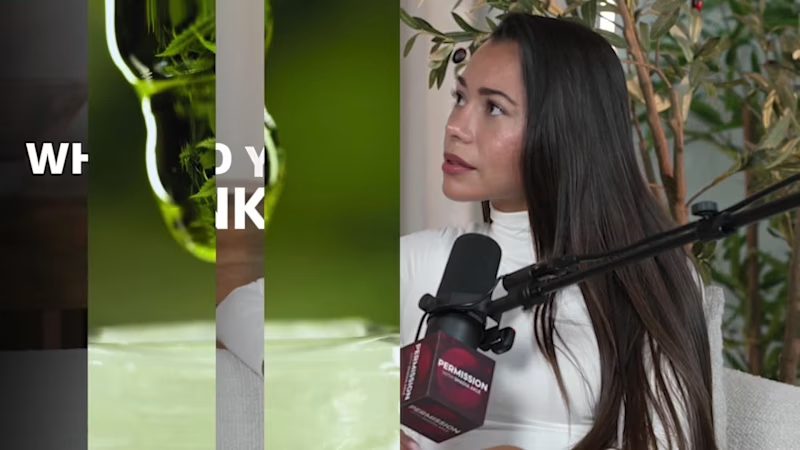
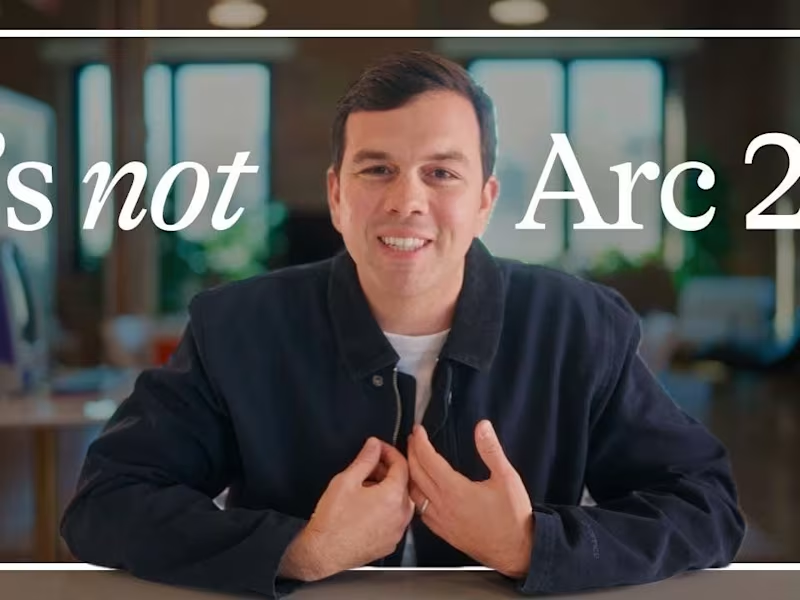
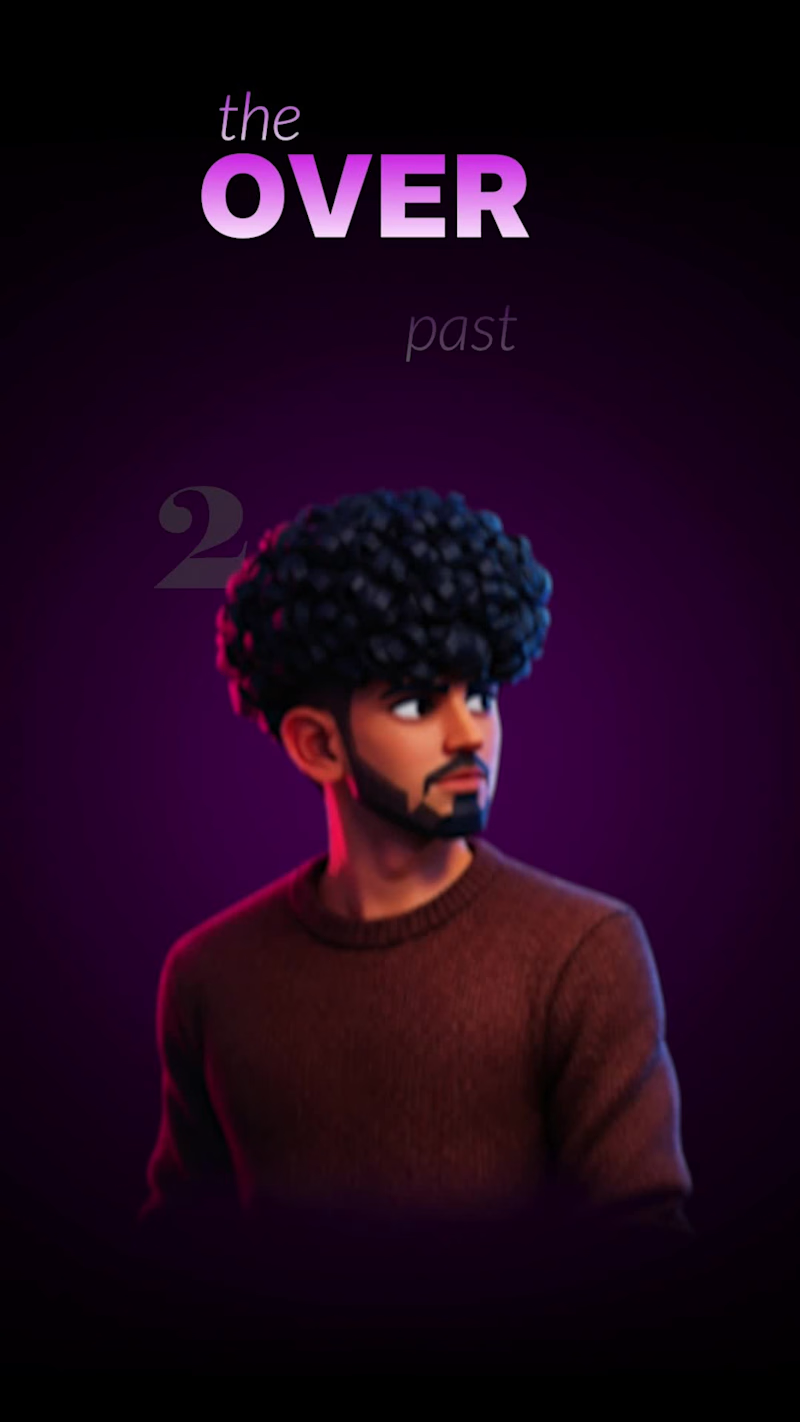
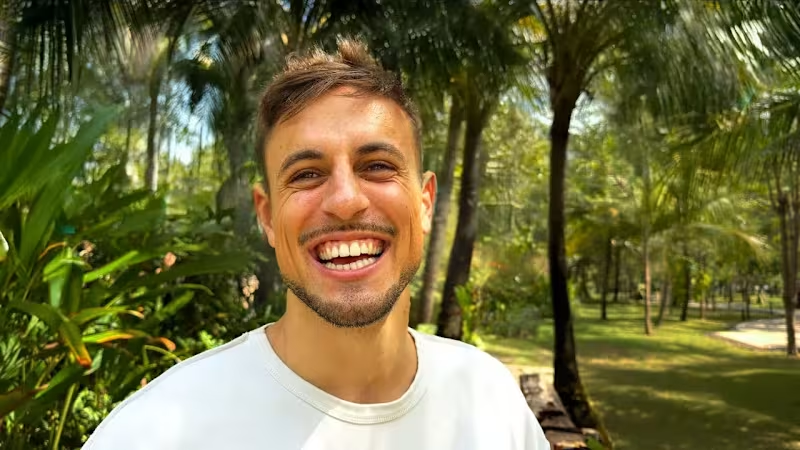
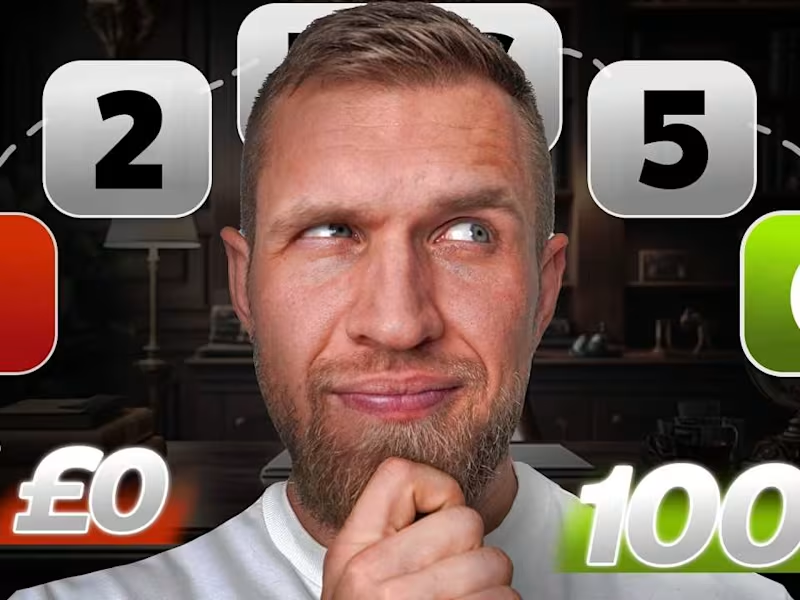
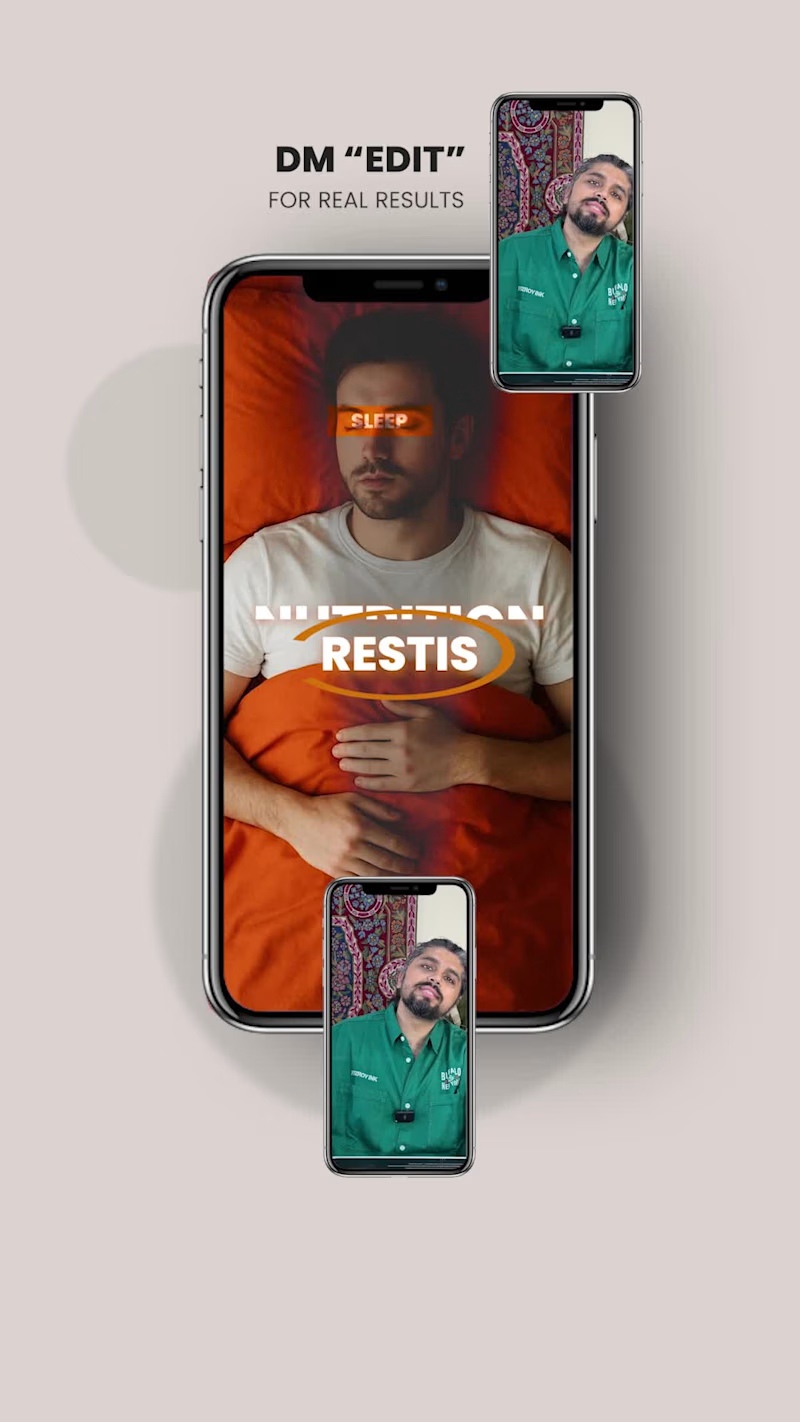
Projects using Adobe After Effects in VaranasiProjects using Adobe After Effects in VaranasiThis podcast editing sample features a two-time former Mr. USA, showcasing a cinematic 1-minute teaser followed by a professionally edited 5-minute podcast segment. Every aspect of the edit was completed in Adobe Premiere Pro, with a strong focus on audience retention, storytelling, and premium visual quality.
The intro is designed to hook viewers within the first few seconds using fast-paced editing, dynamic camera cuts, cinematic B-roll, motion graphics, engaging captions, seamless transitions, and immersive sound design. The full podcast edit maintains a natural conversational flow while enhancing key moments through strategic pacing, visual storytelling, and polished post-production.
If you're looking for a professional podcast video editor specializing in YouTube podcasts, teaser trailers, long-form podcast editing, cinematic intros, motion graphics, and high-retention content, this sample demonstrates my editing approach from start to finish.
#PodcastEditor #PodcastEditing #VideoEditor #YouTubeEditor #LongFormEditing #PodcastProduction #AdobePremierePro #PremierePro #MotionGraphics #CinematicEditing #YouTubePodcast #ContentCreator #VideoEditing #AudienceRetention #Storytelling #ProfessionalEditor #PodcastTeaser #ReelsEditor #EditingShowreel #PostProduction The Good Self | Premium Brand Commercial
Project Overview
The Good Self, a Hyderabad-based wellness brand, approached me to edit a premium 30-second advertisement from more than 200 raw clips. The footage consisted of multiple takes and camera angles for almost every dialogue, making the primary challenge less about editing and more about identifying the strongest visual narrative.
Rather than starting on the timeline immediately, I first reviewed every clip individually and grouped them based on performance quality, camera composition, continuity, eye-line consistency, and emotional delivery. This reduced the footage into a curated selection that became the foundation of the edit.
My Editing Process
1. Footage Audit & Shot Selection
Reviewed 200+ raw clips.
Compared multiple performances for every sentence.
Selected shots based on delivery, framing, continuity, and brand appeal.
Eliminated redundant or visually repetitive takes before editing began.
2. Story Structure
Instead of arranging clips chronologically, I rebuilt the sequence around visual momentum. Every cut was chosen to naturally guide the viewer's attention while maintaining clarity of the product message.
3. Pacing & Rhythm
The objective wasn't to create a flashy social media edit. The brand required a premium, modern aesthetic, so pacing was carefully controlled with purposeful cut points, breathing room, and visual contrast to maintain engagement without overwhelming the viewer.
4. Motion Graphics
Motion graphics were intentionally minimal. Text animation, transitions, and graphic elements were introduced only where they strengthened communication or enhanced product emphasis, allowing the visuals to remain clean and sophisticated.
5. Sound Design
Every sound effect was layered to reinforce movement and visual actions rather than simply filling silence. Whooshes, impacts, risers, and ambient textures were synchronized with transitions and key product moments to create a polished cinematic experience.
6. Brand Consistency
Typography, timing, spacing, logo animation, and overall visual language were kept consistent throughout the commercial to ensure it aligned with The Good Self's premium brand identity.
Tools Used
Adobe Premiere Pro
Adobe After Effects
Photoshop (asset preparation)
Professional SFX Library
Collaboration
The project was completed through multiple feedback iterations within one week. Throughout the process, I maintained close communication with the client, refining timing, shot choices, and visual flow until the final edit matched their creative vision.
Outcome
The final commercial transformed over 200 raw clips into a cohesive 30-second advertisement with strong pacing, premium aesthetics, and clear storytelling. The client was highly satisfied with the result and left positive feedback after project completion.
Skills Demonstrated
• Footage Curation
• Multi-Camera Editing
• Narrative Sequencing
• Commercial Video Editing
• Motion Graphics
• Sound Design
• Visual Storytelling
• Brand Advertising
• Adobe Premiere Pro
• Adobe After Effects
• Client Collaboration Real Estate Brand Video — Rhealogix (Client: Camulo)
One-line caption:
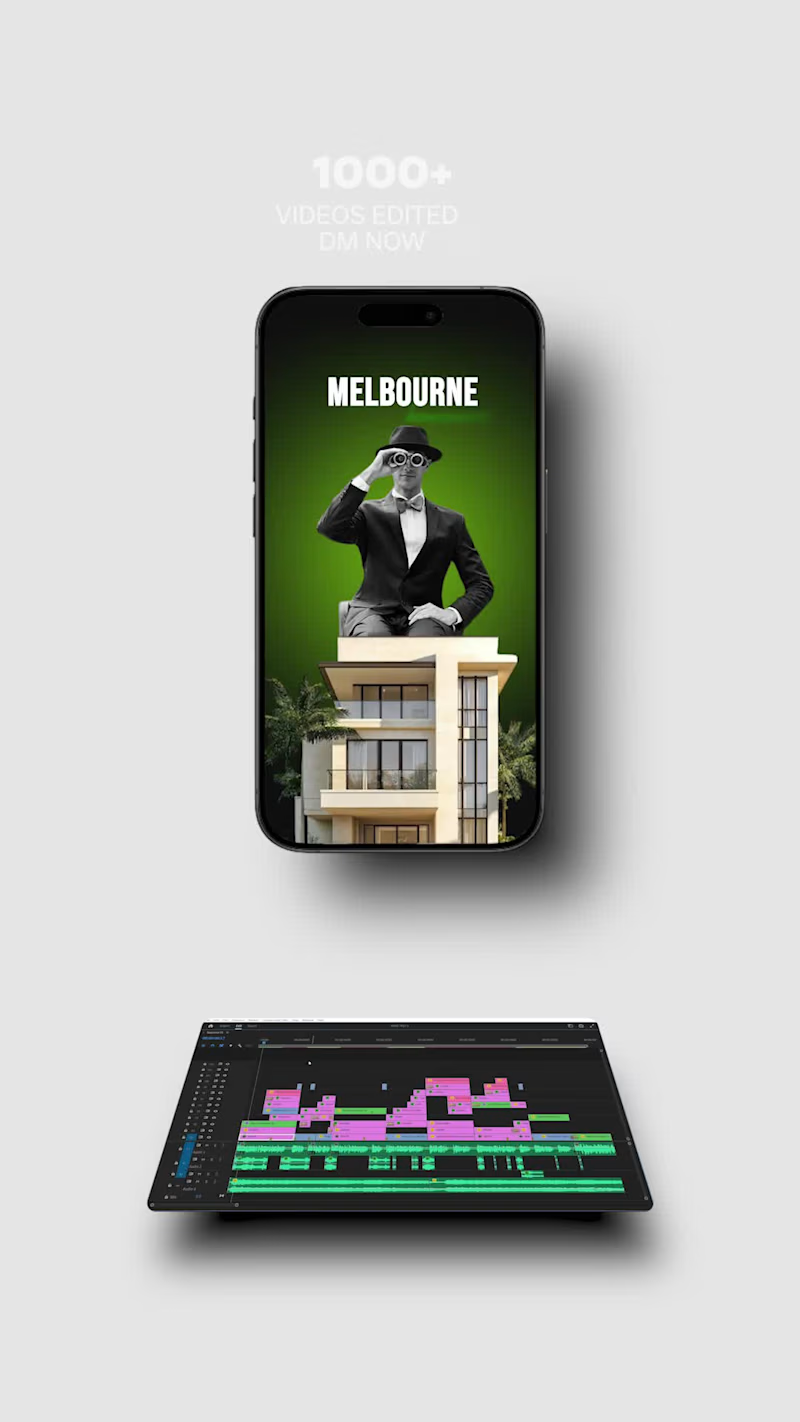
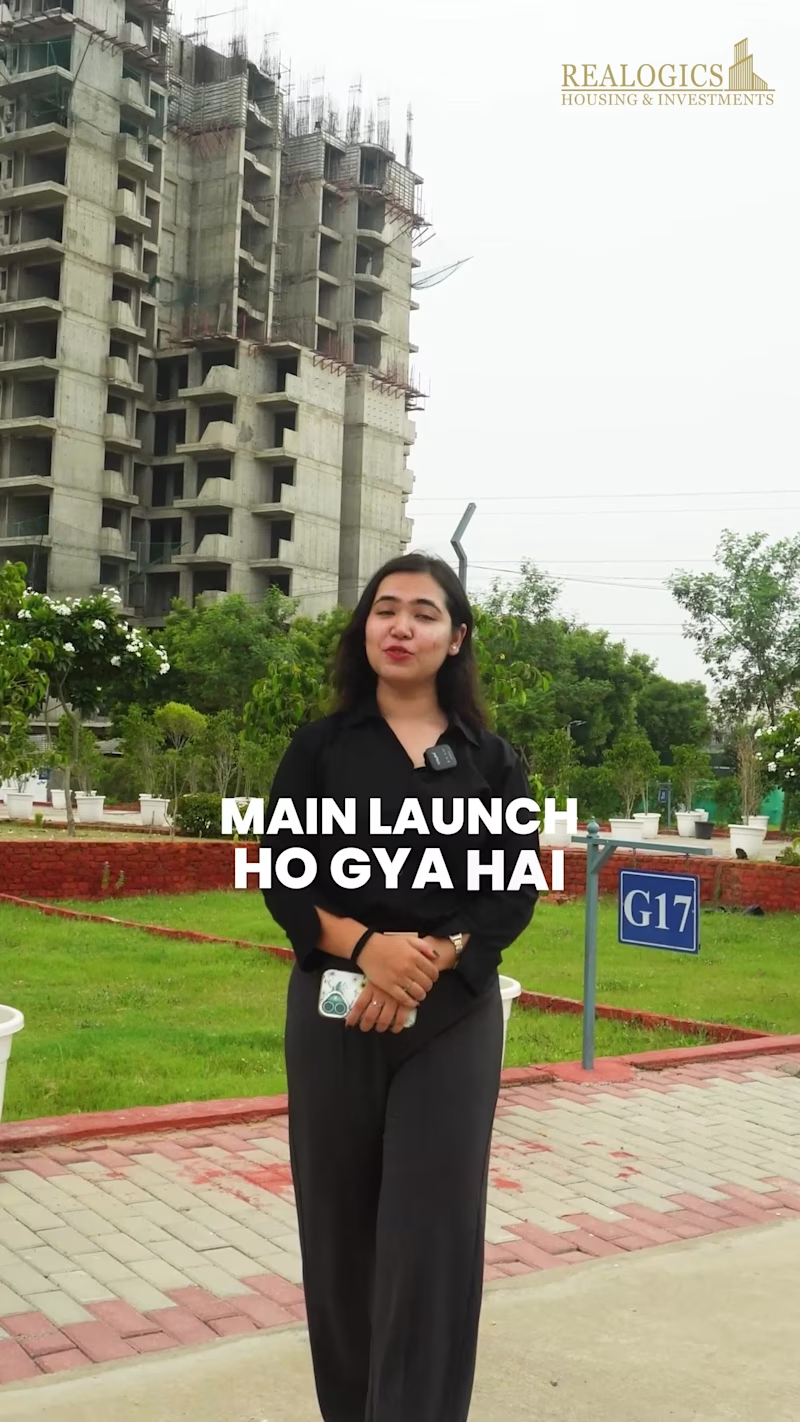
Turned a raw real estate walkthrough into a polished brand video for Rhealogix — full edit, carousel-style sequencing, custom typography, sound design, and a licensed BGM bed, cut in Premiere Pro and finished in After Effects.
Project Overview
Camulo brought me raw, unedited footage shot for their client Rhealogix, a real estate agency scaling up its listings and brand presence. The brief was simple on paper and demanding in practice: take unstructured raw clips and turn them into a single, upload-ready video that could sell the agency's properties and professionalism in the first three seconds of a scroll. No shot list, no pre-cut sequence — just raw footage and a goal.
My Role
I handled the edit end-to-end: story structuring, clip selection, carousel-style visual pacing, typography and on-screen text system, sound design, BGM sourcing and licensing check, and final color/export. Everything below is the actual workflow I ran, not a template — this is how I work on every real estate/brand edit.
Workflow
1. Footage Triage (Premiere Pro)
Before touching the timeline, I logged every clip: usable vs. unusable, best take per shot, and which clips had clean audio vs. needed replacement. Real estate raw footage almost always has three problems — shaky handheld transitions between rooms, inconsistent exposure between interior and exterior shots, and dead air. I flagged all three per clip so I wasn't discovering them mid-edit.
2. Structuring the Story, Not Just the Rooms
Instead of cutting room-by-room in the order it was shot, I rebuilt the sequence around a viewing logic: exterior/curb appeal → entry → living/common spaces → kitchen → bedrooms → closing wide shot. This carousel-style sequencing mirrors how a buyer would actually want to "walk" a property, and it's the difference between a video that feels like raw footage and one that feels art-directed.
3. Clip Selection Criteria
For every room, I usually had 3–6 takes. I selected based on:
Stability — no handheld drift, prioritized gimbal/tripod shots
Light — matched or gradeable exposure across cuts to avoid a jarring bright-to-dark jump
Framing — wide establishing shot first, then a detail cutaway (fixtures, finishes, natural light sources) to hold attention
Pacing fit — shorter clips for high-energy sections (exterior, kitchen), slightly longer holds for spaces meant to feel premium (living room, master bedroom)
4. Typography System (After Effects)
Built a consistent on-screen text system rather than one-off titles — same type family, same entrance/exit animation logic, same safe-zone positioning — so labels (room names, square footage, key features) read as a designed system, not scattered captions. Typography was animated with eased motion (no default AE keyframe snapping) to match the pacing of the cuts underneath it.
5. Motion Graphics (After Effects)
Beyond text, I built light supporting graphics — lower-third style property details, subtle transition wipes between sequences, and a closing end-card with agency branding. Kept motion graphics restrained: the property is the content, graphics support it without competing for attention.
6. Sound Design
Sound design here isn't just "add music." I built a layered audio bed:
Subtle ambient room tone/whoosh on transitions to smooth hard cuts
Light foley-style accents on key motion graphic entrances
BGM ducked under any retained natural audio so nothing fights for attention
7. BGM Selection
Sourced a copyright-free BGM track matched to the pacing and tone of the property (calm, upscale, unobtrusive — not stock-corporate). Checked licensing terms before locking it in, since this was a client deliverable meant for public upload, not just internal review.
8. Final Pass & Export
Full watch-through for pacing, audio levels, and color consistency across cuts, then exported to spec for the client's upload destination.
Tools Used
Adobe Premiere Pro · Adobe After Effects · Copyright-free BGM licensing
Skills Demonstrated
Video editing · Motion graphics · Typography/title design · Sound design · Real estate/brand video · Carousel-style sequencing · Client raw-footage-to-delivery workflow
Suggested Hashtags
#VideoEditing #RealEstateVideo #PremierePro #AfterEffects #MotionGraphics #SoundDesign #TypographyDesign #BrandVideo #VideoEditor #ContraPortfolio #RealEstateMarketing #VisualStorytelling #PostProduction #VideoProduction #CreativeEditing