Freelance Shopify Developers in Stroud
Freelance Shopify Developers in Stroud
Sign Up
Post a job
Sign Up
Log In
Filters
2
Projects
People
Andrew Ehrensperger
max
Bath, UK
Webflow Expert, Shopify Theme Dev, Branding and 3D
$100k+
Earned
21x
Hired
5.0
Rating
613
Followers
Top
Certified Partner
+3
Follow
Message
Webflow Expert, Shopify Theme Dev, Branding and 3D
96
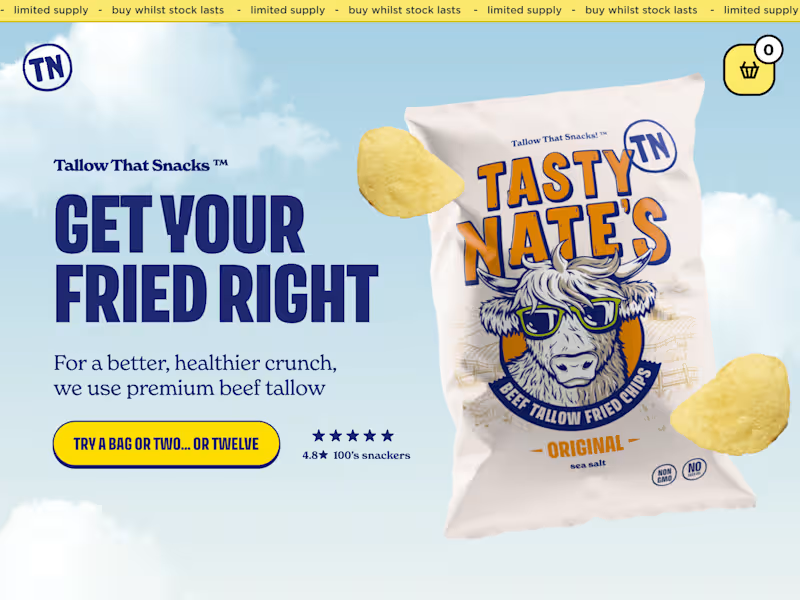
Headless Shopify Store Design & Development for Tasty Nate's
96
3K
145
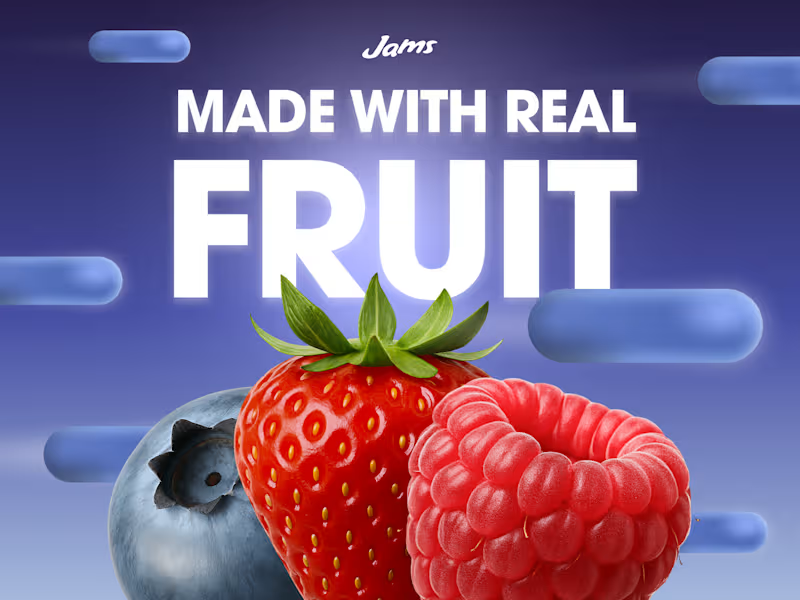
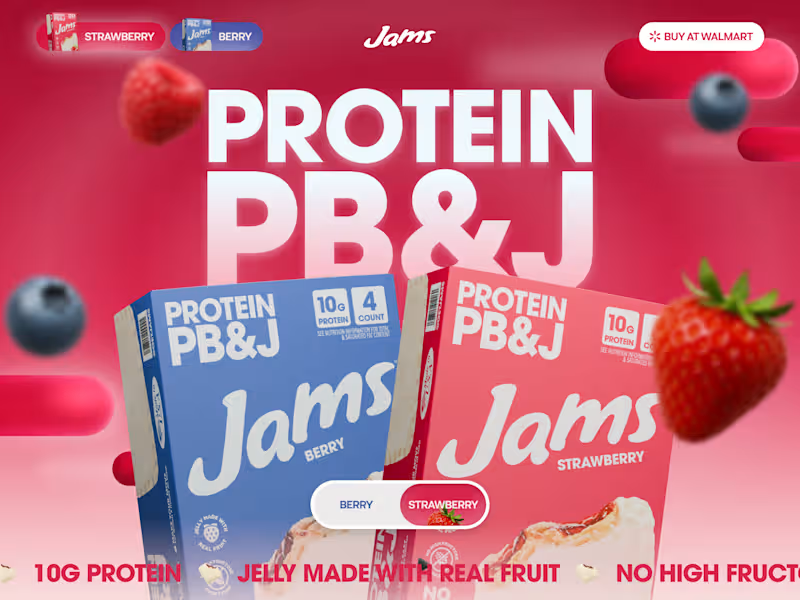
I am so excited to be submitting JAMS to the #ShareYourWork challenge! 🥪🍓🥜 This was one of the most exciting projects that we worked on this year. The client approached us via Contra to design and develop their website in the style of neo-nostalgia. They launched competitor peanut butter and jelly sandwiches in Walmart that are filled with protein and good ingredients. We used Figma to design the website, Blender for the 3D renders of the products and Jammy (the brand's mascot), and Webflow to bring the site to life. The site was built in the Lumos framework, for accessibility and scalability, and is fully breakpointless! Check it out: https://www.getjams.com/ Case study: https://contra.com/p/WYEEZ6lB-jams-website-design-development-3-d?r=andrewehren
51
145
5.7K
64
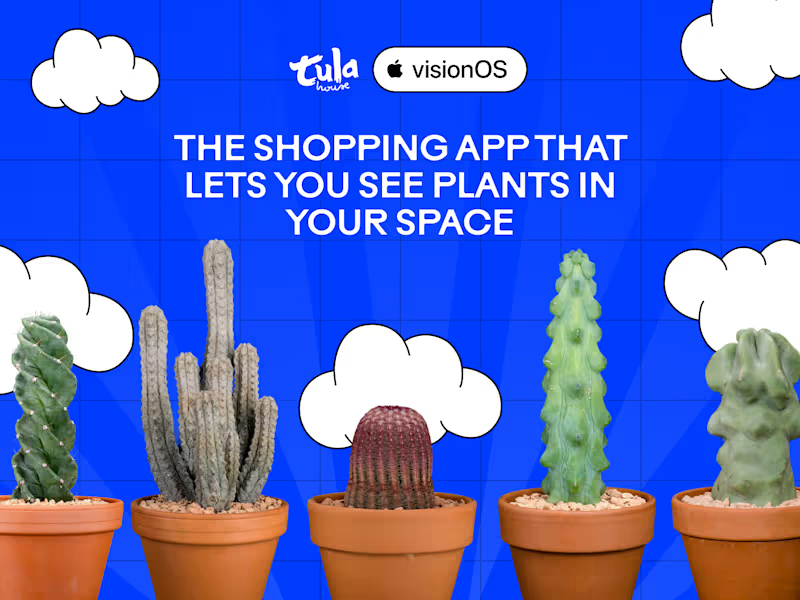
Super excited to submit Plant Shop by Tula House to the #ShareYourWork challenge! 😊 The client built a visionOS app - allowing users to visualize plants in their living space - for the famous Tula House Plant Shop in New York City. They hired us via Contra to create a colorful, engaging website which tells the story of how they developed it. The site's design had to match the plant shop's branding. 🌵 We designed the site in Figma and developed it in Webflow using Timothy Rick's Lumos framework. This ensured that the site would be fully accessible and scalable. The 3D plant in the hero was optimized in Blender, prior to being added into Spline and then into Webflow. Character graphics helped bring their vibrant brand to life. If you find yourself in New York City, check out the beautiful and rare plants in this amazing shop!
23
64
4.2K
16
JAMS Website Design, Development, 3D
16
430
Shopify Developer
(1)
Follow
Message
Finn Gedge Gibb
pro
Stroud, UK
CRO & Growth expert for DTC E-com Brands | Shopify & Replo
$1k+
Earned
2x
Hired
5.0
Rating
101
Followers
expert
Follow
Message
CRO & Growth expert for DTC E-com Brands | Shopify & Replo
2
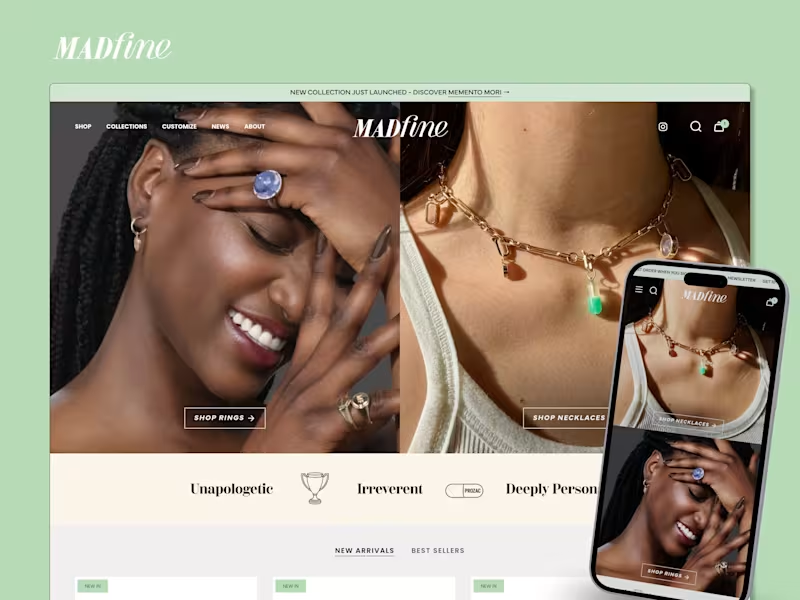
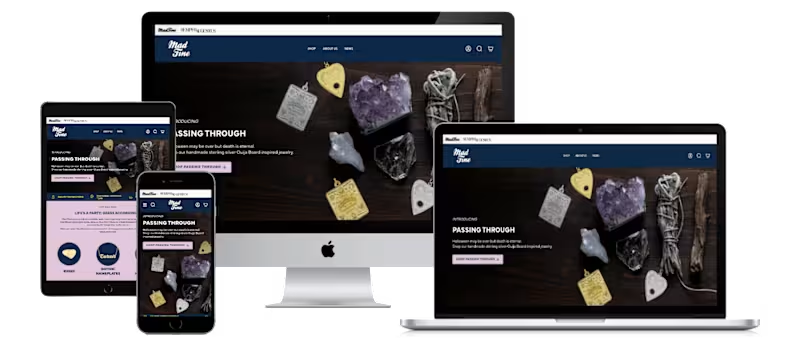
Shopify Store Design & Development For Mad Fine
2
69
0
Designing and Launching the Shopify Site for Mad Fine
0
19
0
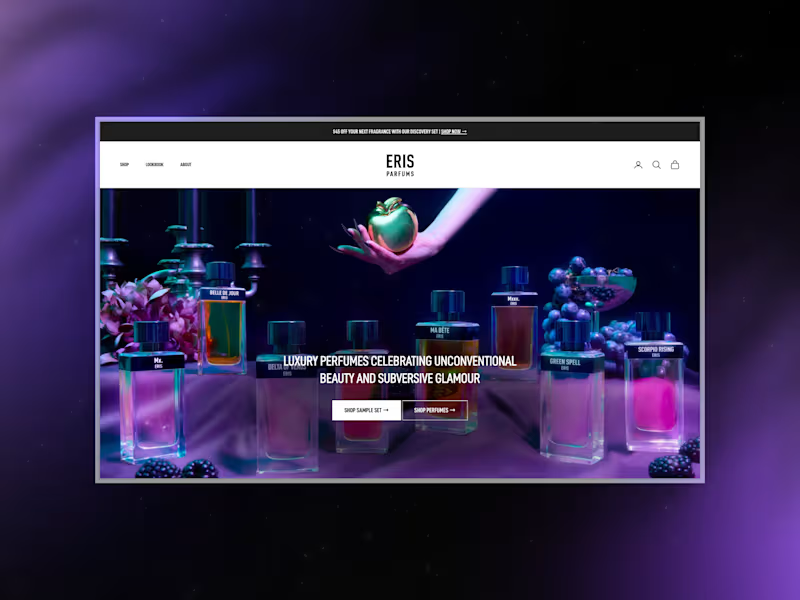
ERIS Parfums: Shopify Redesign for Niche Perfume Brand
0
1
4
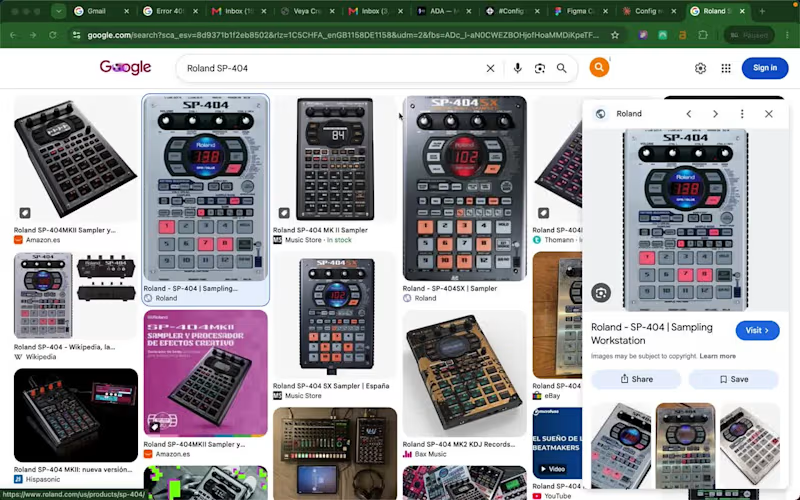
🎹 🎶 PadLab: an SP-404 sampler that lives in your browser I used to make beats on a Roland SP-404. Chop a sample, lay down a drum loop, play melodies over the top, resample, repeat. It's one of the most fun ways to make music there is. The problem is you need the hardware in front of you, you need the space to set it up, and if an idea hits while you're away from your gear, it's gone by the time you get back. So I built the thing I wished existed: a browser-based SP-404 that captures that exact workflow, with nothing to buy and nothing to install. Open a tab and you're making beats. The problem it solves Hardware samplers are expensive and they tie you to a desk. Beginners can't justify the cost to find out if they even like sampling. Producers with ideas on the move have nowhere to put them. PadLab lowers the barrier to basically zero. If you want to learn the SP-404 workflow, capture a quick idea, or just mess around, you can do it from any laptop. What it does It's a faithful recreation of the SP-404 feel, not just the look. The core of it is built around two things the real hardware nails and most software forgets: Chop. Load a drum break or a sample, slice it on the waveform (tap in time or auto-detect the hits), and each slice lands on its own pad ready to play. This is the heart of sampling and it's the most satisfying part to use. Quantised recording. Hit record, get a one bar count-in, and your performance is captured locked to the beat. No mouse fumbling, no dead air at the start of your loop. Everything is keyboard driven so your hands stay on the pads the way they would on real hardware. Then you layer loops, resample them down, arrange them on a timeline, and export straight into your DAW. How I built it (this is the fun part) This project was as much about the workflow as the app. Here's the actual pipeline. I started in Claude with the Figma MCP connected, and used it to turn my rough idea into a proper project brief before touching Make. That's where the thinking happened: the visual direction, typography, colour system, the UI layout, how the SP-404 workflow should map to a screen. Doing this planning up front meant I got the structure right early and conserved my AI budget for the complex build later instead of burning it re-prompting from scratch. From there, using the Figma MCP, we built the design system straight into Figma, made a sample UI, and assembled a reference board packed with in-depth build specs. Then I spun up a new Figma Make project and imported that whole design board as context, so Make started with a fully briefed understanding of what it was building rather than a one-line prompt. Then came the real work: a prototype first, then feature by feature, wiring each one up, testing, debugging, repeating. Seventy-four versions in total. Make's Plan feature was key for working through the complex tasks and integrations (the audio engine, quantised recording, the chop tool), and I leaned on higher-power models like Opus inside Make to push through the gnarly debugging and problem areas. So the flow was: Claude + Figma MCP to plan and design, a spec-rich reference board to brief Make, then Make to build and iterate. Designing the hardware visually, briefing it thoroughly, and watching it become real playable software across 74 passes is a way of building that didn't exist a year ago. 🌐 Try it live: https://spill-size-79673265.figma.site/ (https://spill-size-79673265.figma.site/)🔗 Working file: https://www.figma.com/make/l5Izmvzog8il3W3IxUWyLS/PADLab--Sampler-Emulator---Digital-Audio-Workstation (https://www.figma.com/make/l5Izmvzog8il3W3IxUWyLS/PADLab--Sampler-Emulator---Digital-Audio-Workstation)🎨 Figma Community: https://www.figma.com/community/file/1649544820794263929/padlab-physical-sampler-emulator-audio-workstation Built for the Config Makeathon with Figma Make + MCP. #ConfigMakeathon @figma Have fun!
2
4
234
Shopify Developer
(2)
Follow
Message
Explore people