Freelancers using Craft CMS in Osogbo
Freelancers using Craft CMS in Osogbo
Sign Up
Post a job
Sign Up
Log In
Filters
2
Projects
People
ADEKANYE DAMILARE
Osogbo, Nigeria
Professional Web App & Website Developer
33
Followers
Follow
Message
Professional Web App & Website Developer
1
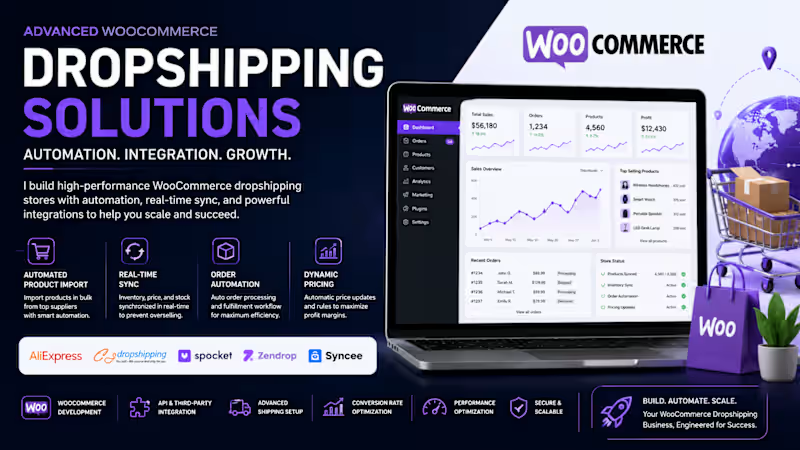
WooCommerce Dropshipping Infrastructure Engineering | Product Automation, Supplier Integration, Inventory Synchronization & Scalable eCommerce Architecture Advanced WooCommerce Product Dropshipping & Automation Solutions Building a successful WooCommerce dropshipping business requires more than simply importing products. It demands a scalable infrastructure, intelligent automation, optimized product management, seamless supplier integration, and a conversion-focused customer experience. I specialize in designing and implementing high-performance WooCommerce dropshipping ecosystems that combine automation, data synchronization, inventory management, and modern eCommerce technologies to create sustainable and profitable online stores. What I Can Deliver WooCommerce Store Development & Customization Automated Product Import & Bulk Listing Management Supplier Integration (AliExpress, CJ Dropshipping, Zendrop, Spocket, Syncee, and Custom Suppliers) Real-Time Inventory Synchronization Automated Price Monitoring & Dynamic Pricing Rules Order Fulfillment Workflow Automation Product Feed Management & Marketplace Integration WooCommerce API & Third-Party System Integration Conversion Rate Optimization (CRO) Advanced Shipping Configuration Multi-Vendor & Marketplace Solutions Customer Experience & Checkout Optimization Technical Expertise My approach leverages modern eCommerce technologies including: • WooCommerce REST API • WordPress Custom Development • Product Feed Automation • Inventory Synchronization Systems • Order Routing & Fulfillment Automation • Payment Gateway Integration • CRM & Email Marketing Integration • AI-Powered Product Management Workflows • Performance Optimization & Caching • Database Optimization • Analytics & Tracking Configuration Why Advanced Dropshipping Matters A professionally configured WooCommerce dropshipping store can automatically: 🔹 Import and update thousands of products 🔹 Sync inventory across suppliers 🔹 Prevent overselling 🔹 Automate order processing 🔹 Optimize pricing strategies 🔹 Improve customer satisfaction 🔹 Scale operations without increasing manual workload Industries I Support • General E-commerce • Fashion & Apparel • Electronics • Beauty & Cosmetics • Home & Living • Fitness & Sports • Pet Products • Health & Wellness • Specialty Niche Stores If you're looking to build a reliable, automated, and growth-ready WooCommerce dropshipping business, I can help architect a solution that combines technology, automation, and operational efficiency to maximize long-term success.
1
1
122
0
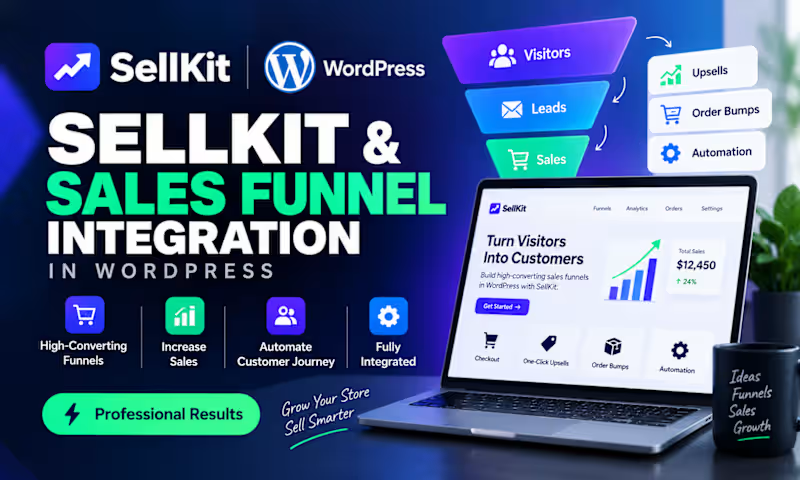
Many WordPress store owners invest heavily in driving traffic, yet struggle to convert visitors into paying customers. The problem isn't always the product, pricing, or traffic source. In many cases, the real issue is a lack of a structured sales funnel. Common challenges I see include: • Visitors abandoning their carts before checkout • Low conversion rates despite steady website traffic • No upsell or cross-sell strategy in place • Poor lead capture and follow-up processes • Complicated customer journeys that create friction This is where SellKit for WordPress becomes a game changer. By integrating a well-designed SellKit sales funnel, store owners can create a smoother buying experience through: ✅ High-converting checkout pages ✅ One-click upsells and order bumps ✅ Cart abandonment recovery workflows ✅ Lead generation funnels ✅ Personalized customer journeys ✅ Better tracking and optimization opportunities The result? Higher conversion rates, increased average order value, and more revenue from the traffic you're already paying for. A sales funnel isn't just a marketing tool—it's a growth system that guides potential customers from interest to purchase while maximizing every opportunity along the way. If you're running a WordPress store and feel like you're leaving money on the table, it may be time to evaluate your funnel strategy rather than spending more on traffic. What's the biggest conversion challenge you're currently facing with your WordPress store?
0
13
1
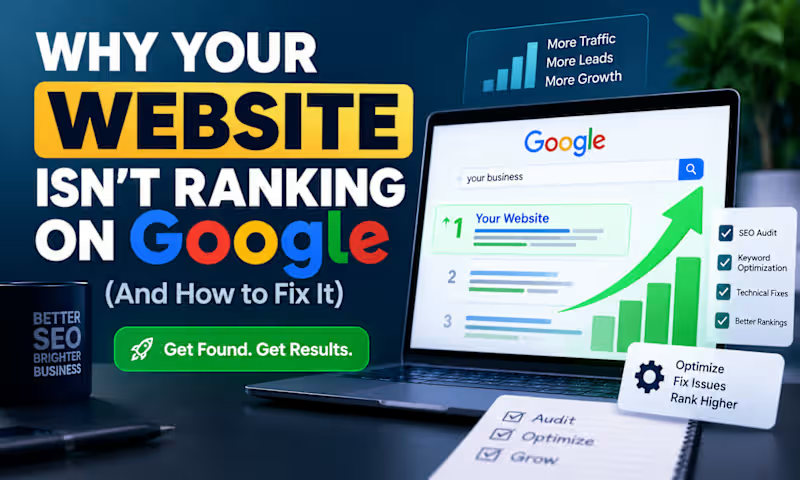
Why Your Website Isn't Ranking on Google (And How to Fix It) Many business owners invest time and money into building a beautiful website, only to discover that it barely receives traffic from Google. The reality is that a great-looking website does not automatically rank well in search results. If your website isn't attracting organic visitors, one or more SEO issues may be holding it back. Common SEO Problems That Hurt Rankings 1. Poor Keyword Targeting Many websites target keywords that are either too competitive or unrelated to what potential customers are searching for. For example, a local HVAC company may try to rank for "air conditioning" instead of more targeted phrases like "HVAC repair in Dallas" or "emergency AC service near me." 2. Slow Website Speed Page speed is a ranking factor and a major user experience factor. A slow website often leads to: Higher bounce rates Lower conversions Reduced search visibility Common causes include oversized images, unnecessary plugins, and poor hosting infrastructure. 3. Weak On-Page SEO Search engines rely on page structure to understand content. Missing elements such as: Optimized title tags Meta descriptions Header tags (H1, H2, H3) Internal linking can make it difficult for Google to understand and rank your pages. 4. Lack of Quality Content Google prioritizes websites that provide useful, relevant, and authoritative information. Many businesses have only a few pages and rarely publish content that answers customer questions or addresses industry challenges. 5. Technical SEO Issues Technical problems can prevent search engines from properly crawling and indexing your site. Examples include: Broken links Duplicate content Missing XML sitemaps Poor mobile optimization Crawl errors 6. Low Domain Authority Even with good content, websites often struggle to rank if they lack quality backlinks from trusted websites. Backlinks remain one of the strongest ranking signals in Google's algorithm. The Solution: A Structured SEO Optimization Strategy Improving rankings requires a systematic approach. Step 1: Conduct a Full SEO Audit Identify technical, on-page, and content-related issues affecting performance. Step 2: Optimize Website Structure Improve: Site architecture Internal linking Navigation Mobile responsiveness Step 3: Perform Keyword Research Target keywords with: Strong search intent Real business value Achievable competition levels Step 4: Create Helpful Content Develop content that solves real customer problems and answers common search queries. Step 5: Improve Technical Performance Focus on: Faster loading speeds Core Web Vitals Mobile usability Crawlability Step 6: Build Authority Earn quality backlinks through: Guest posting Digital PR Strategic partnerships Valuable content assets Final Thoughts SEO is not about tricking search engines. It's about creating a technically sound website that delivers value to users while making it easy for search engines to understand your content. Businesses that consistently improve their website performance, content quality, and authority typically see long-term growth in organic traffic, leads, and revenue. The websites that rank highest are usually not the biggest companies—they are often the ones with the best SEO strategy and execution.
1
1
68
1
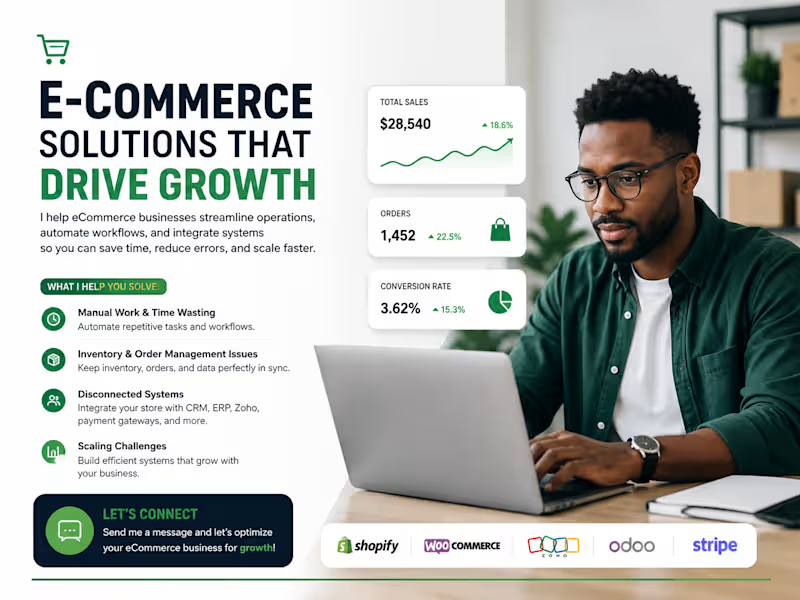
Many eCommerce businesses are losing sales and wasting hours every week because their systems don't communicate properly. Orders need to be entered manually. Inventory goes out of sync. Customer data is scattered across multiple platforms. Teams spend valuable time on repetitive tasks instead of growing the business. This is where I help. I specialize in eCommerce automation and integrations, connecting platforms like Shopify, WooCommerce, Zoho, CRMs, ERPs, inventory management systems, payment gateways, and fulfillment tools into one seamless workflow. My goal is simple: eliminate manual work, reduce costly errors, and create automated processes that help your business scale efficiently. If you're struggling with disconnected systems, inventory issues, manual operations, or inefficient workflows, let's talk. Comment below or send me a message with your biggest eCommerce challenge, and I'll share ideas on how to solve it.
1
1
61
Craft CMS
(1)
Follow
Message
Explore people