Freelance 3D Renderers in Islamabad
Sign Up
Post a job
Sign Up
Log In
Filters
2
Projects
People
Talha Ahmed
pro
Islamabad, Pakistan
CTO | AI, Three.js/WebGL, Full-Stack & SaaS Expert
5.0
Rating
42
Followers
Follow
Message
CTO | AI, Three.js/WebGL, Full-Stack & SaaS Expert
0
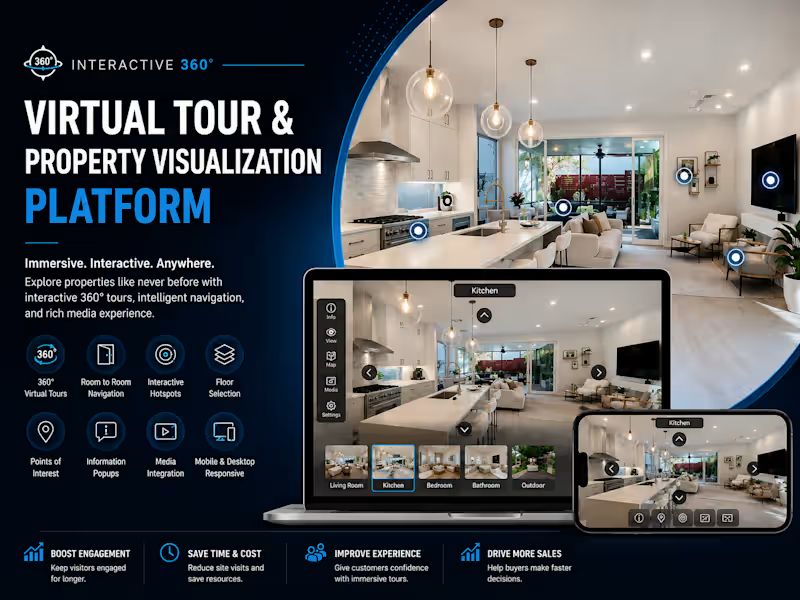
Interactive 360° Virtual Tour & Property Visualization Platform Developed a high-performance 360° Virtual Tour & Property Visualization Platform that enables users to explore residential, commercial, and hospitality spaces through immersive browser-based experiences. Users can freely navigate every room, inspect spaces from any angle, interact with hotspots, and access detailed information in real time. Built with modern web technologies, the platform delivers smooth navigation, responsive performance, and an engaging virtual walkthrough experience across desktop and mobile devices. Features 360° Interactive Virtual Tours Room-to-Room Navigation Interactive Hotspots Points of Interest (POIs) Floor Navigation Image & Video Integration Information Popups Guided Tour Mode Full-Screen Experience Mobile & Desktop Responsive Browser-Based Access High-Performance Rendering Fast Loading & Optimized Performance Easy Content Management
0
646
0
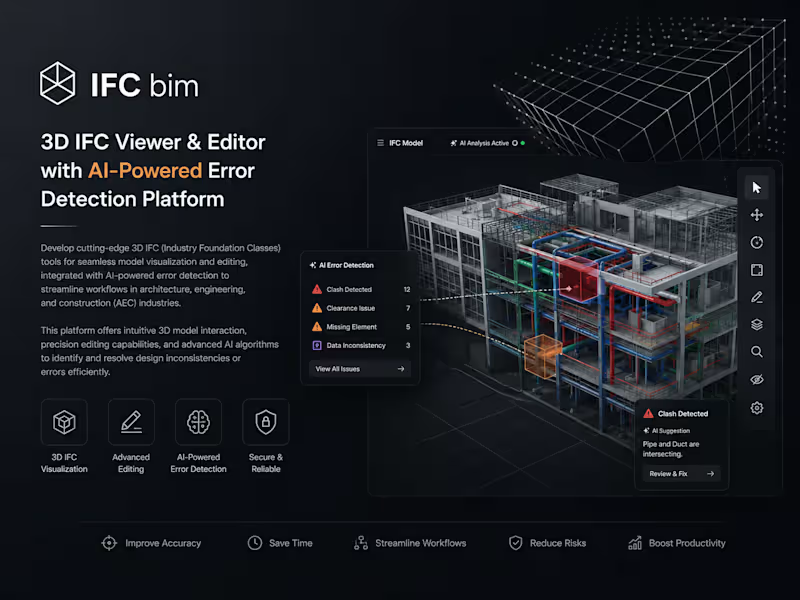
3D IFC Viewer & Editor with AI-Powered Error Detection Platform Developed an advanced 3D IFC Viewer and Editor designed for the Architecture, Engineering, and Construction (AEC) industry, enabling professionals to visualize, inspect, edit, and validate complex Building Information Modeling (BIM) data directly within the browser. The platform combines high-performance 3D rendering with AI-powered model analysis to improve project accuracy, collaboration, and workflow efficiency. Built using modern web technologies including Three.js, WebGL, IFC.js, React.js, and Node.js, the solution provides seamless navigation of large IFC models, real-time property inspection, model editing capabilities, clash detection workflows, and intelligent error identification. Integrated AI algorithms automatically analyze BIM data to detect design inconsistencies, missing elements, geometry conflicts, and compliance issues, helping teams reduce costly mistakes before construction begins. The platform supports collaborative digital construction workflows through cloud-based model management, interactive 3D visualization, real-time updates, and scalable backend services. By combining BIM technology, AI-driven validation, and browser-based 3D interaction, the system delivers a powerful solution for architects, engineers, contractors, and project managers. Core Features: 3D IFC Model Visualization Browser-Based BIM Viewer IFC File Editing & ManagementAI-Powered Error Detection BIM Model Validation Clash Detection & Issue Identification Real-Time Property Inspection Interactive 3D Navigation
0
452
1
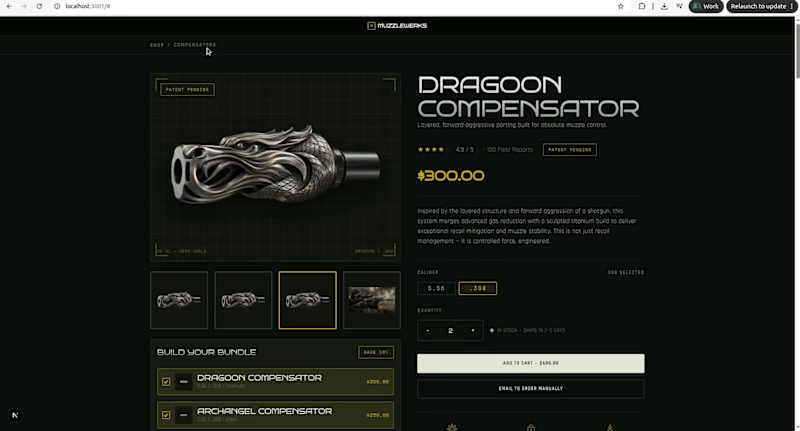
Muzzlewerks Luxury E-Commerce & Custom Bundle Builder Project Overview A high-converting, dark-mode e-commerce storefront engineered for high-end technical products. Built with a focus on fast load times, dynamic pricing logic, and pixel-perfect mobile responsiveness. Key Features Interactive Bundle Builder: Real-time multi-product selection engine with automatic discount and pricing calculations. Technical Spec Drawers: Accordion layout for displaying complex engineering specs and material data cleanly. Mobile-First Design: Fully optimized responsive architecture across desktop and mobile screens. Dynamic Media Switcher: Integrated photo/video gallery with live variant selection. Tech Stack Next.js | React.js | Tailwind CSS | TypeScript | Framer Motion Live Demo 🌐 Explore the live platform: https://maison-collective-omega.vercel.app/ Check out the interactive demo above and see the bundle builder in action! Need a custom WebGL app, 3D configurator, or e-commerce storefront? Send me a message on Contra to discuss your project.
1
463
2
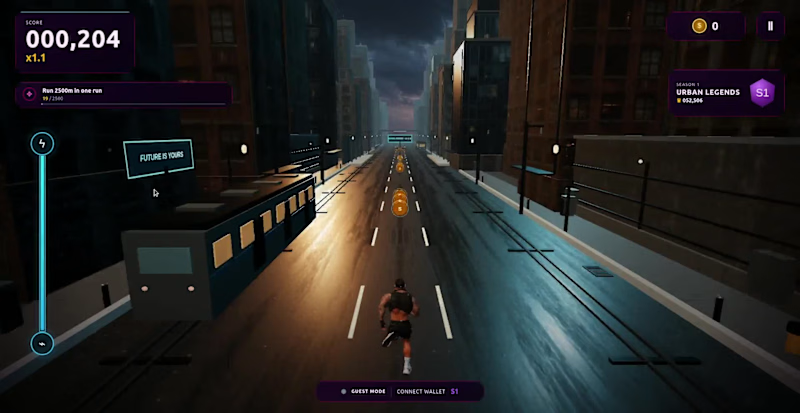
🚀 Rush Runner – Built with React, Three.js & WebGL Excited to share one of my recent projects: Rush Runner, a browser-based 3D endless runner built using React, Three.js, and WebGL. This project demonstrates how modern web technologies can deliver smooth, interactive 3D experiences directly in the browser—without requiring users to install anything. 🛠️ Tech Stack ⚛️ React 🌐 Three.js 🎮 WebGL 📦 Vite 💻 JavaScript / TypeScript ✨ Features High-performance real-time 3D rendering Responsive controls and smooth gameplay Optimized assets for fast loading Interactive camera and lighting Cross-browser compatibility Scalable architecture for future game features Projects like this showcase what's possible with Three.js beyond product configurators and BIM viewers—from interactive games to immersive marketing experiences and Web3-ready applications. If you're looking to build: 🎮 Browser-based 3D games 🛍️ 3D product configurators 🏗️ BIM/IFC viewers 🌍 Virtual tours 🤖 AI-powered 3D applications 🔗 Web3 experiences I'd be happy to help bring your idea to life. #React #ThreeJS #WebGL #JavaScript #GameDevelopment #3D #Frontend #InteractiveWeb #Web3 #AI #CreativeDevelopment
2
628
3D Renderer
(2)
Follow
Message
Muhammad Saifullah
Islamabad, Pakistan
Web Developer | UI/UX| 3D Product Animation |

12
Followers
Follow
Message
Web Developer | UI/UX| 3D Product Animation |
0
Behind the Design: The Ember Roastery Commercial Ever wondered how a warm, sensory coffee commercial transitions from initial concept to a photorealistic CGI masterpiece? Here is the complete A-to-Z breakdown of how this project was crafted using industry-standard 3D and CAD software tools. How It Was Created (A to Z Workflow) Precision CAD Modeling & Blueprinting: AutoCAD was used to draft accurate 2D structural dimensions and technical proportions for the ceramic mug, pour-over cone, and vintage coffee grinder. SolidWorks and CATIA were utilized for parametric engineering, ensuring every physical asset—from the custom "Ember Roastery" logo depth to the precise ceramic wall thickness and mechanical grinder parts—was modeled with real-world precision. Asset Refining, Fluid Physics & Scene Setup: The precise CAD assets were imported into Blender to assemble a full 3D model scene. Blender was used to simulate realistic liquid physics (the coffee pour and surface ripples), dynamic steam/smoke micro-particles, and subtle atmospheric dust floats illuminated by warm sunlight. Lighting, Shading & Photorealistic Rendering: Natural window lighting, depth of field, and rich ceramic textures (matte black mug, polished glaze drip cone, raw wooden table) were configured to evoke a cozy morning atmosphere. A high-performance 3D renderer was used to calculate photorealistic ray tracing—capturing complex light refractions in the coffee liquid droplets, glossy surface highlights, and realistic fluid physics across every frame. Want to bring your product vision to life with cinematic quality? Whether you need hyper-realistic food and beverage simulations, 3D mechanical models, or high-converting promotional commercials for your brand, let’s collaborate. 📩 Send me a direct message today to elevate your product visualization!
0
138
0
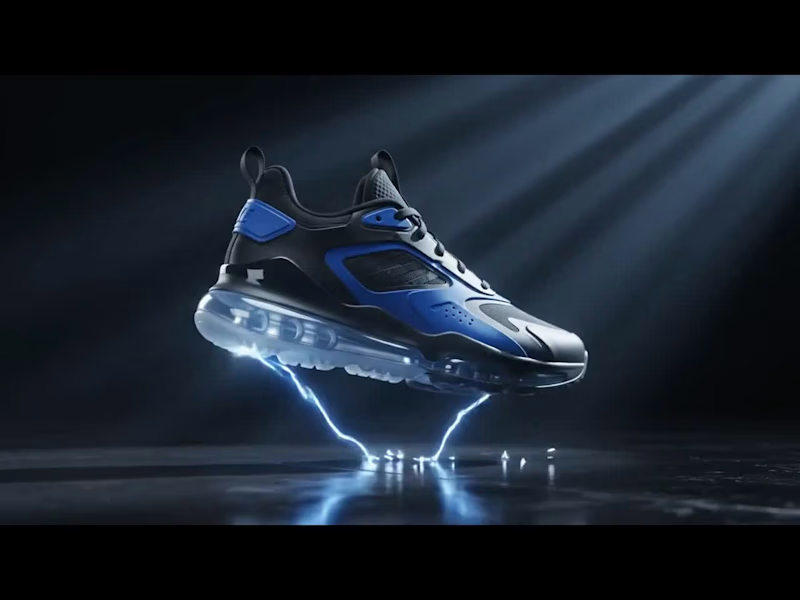
Behind the Design: Next-Gen 3D Footwear Visuals Ever wondered how a high-performance sneaker transitions from a CAD blueprint into a photorealistic, dynamic CGI commercial? Here is the complete breakdown of how this project was brought to life from A to Z using industry-standard 3D tools. How It Was Created (A to Z Workflow) Precision CAD Modeling & Drafting: AutoCAD was used to establish the exact layout schematics and proportion blueprints for the sole unit, air cushioning chambers, and upper panels. SolidWorks and CATIA were utilized for parametric mechanical modeling, ensuring structural components—like the clear air-cushion sole, tread patterns, and TPU eyelets—were engineered with real-world, production-grade precision. 3D Asset Refining & FX Integration: The precise CAD geometry was brought into Blender to assemble a high-detail 3D model ready for animation. Custom textures were developed for the matte leather, breathable mesh, and transparent air unit. Volumetric smoke, particle shockwaves, and luminous energy VFX were added around the shoe to give it an explosive, high-energy reveal. Lighting, Motion & Rendering: Cinematic volumetric lighting and dynamic camera motion were orchestrated to capture every angle—from the detailed sole traction to the glossy side panels. Using a high-performance 3D renderer, realistic ray tracing was calculated to process complex reflections, glowing particle interactions, and transparent light refractions across every single frame. Ready to elevate your product line with high-impact visual content? Whether you need photorealistic product visualization, precision CAD modeling, or cinematic 3D commercials for your e-commerce brand, I’m here to turn your vision into reality. 📩 DM me today to transform your product visuals into high-converting CGI experiences!
0
133
0
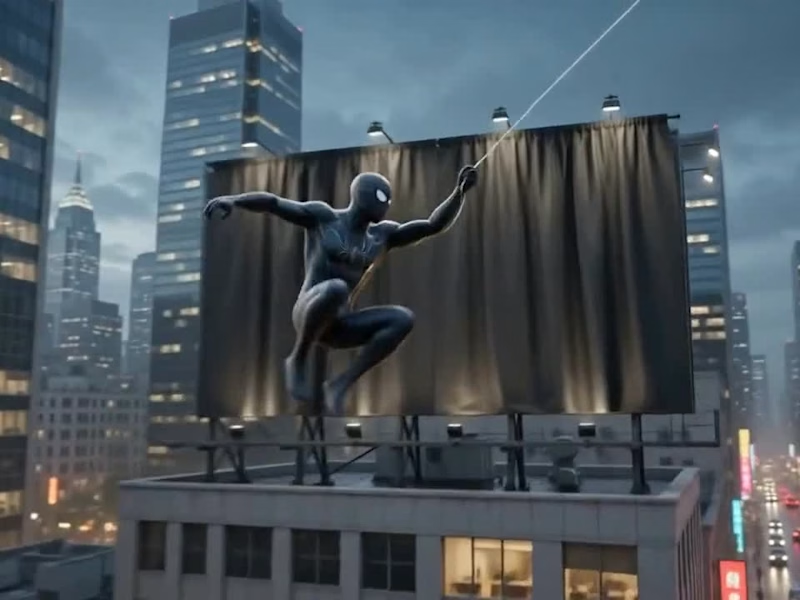
🚨 Big reveal on the skyline! 🚨 I build custom, animated, and fully responsive portfolio websites — no templates, no shortcuts, 100% built from scratch. ✅ Custom design tailored to you ✅ Fully responsive (Mobile / Tablet / PC) ✅ Modern UI/UX with smooth animations Ready to unveil your own standout portfolio? Let's work together 👇 https://fiverr.com/createdbysaif
0
71
0
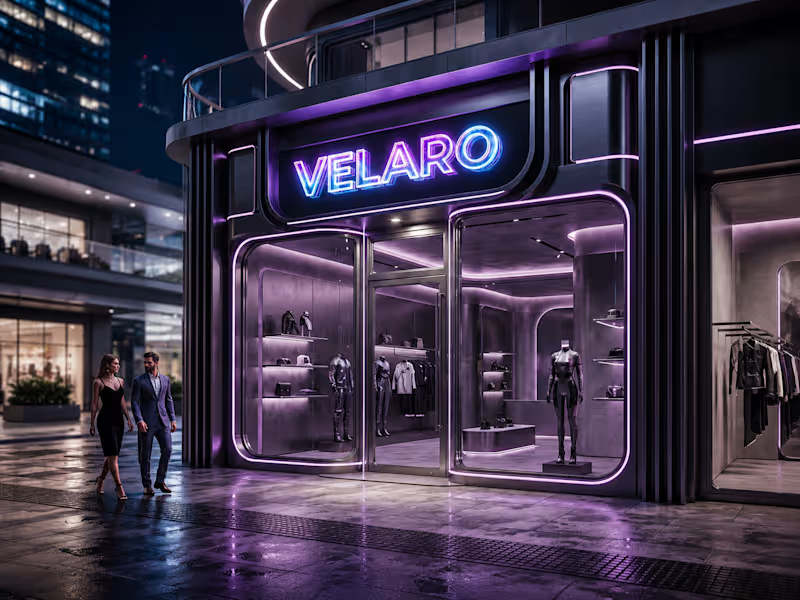
🖤 Velaro — Technical Architecture 🔗 Live Website https://saif-velaro-clothing-brand.netlify.app 📌 Overview Velaro is a single-page application (SPA) for a fashion/clothing brand, built with React + TypeScript, bundled by Vite, and styled with Tailwind CSS. The entire UI renders on one HTML page and updates dynamically as the user scrolls, searches, or interacts with the cart — no full page reloads. The architecture follows a standard modern frontend pattern: a single entry point boots the app, a root App component composes independent section components, and a global context manages shared state (the shopping cart) across all of them. ⚙️ Build & Tooling Layer These files configure how the project compiles, lints, and runs — they aren't part of the visible website, but control everything behind it. vite.config.ts — Configures Vite, the build tool/dev server. Defines how .tsx/.ts files are compiled, how the dev server runs (npm run dev), and how the production bundle is generated (npm run build). tsconfig.json — Root TypeScript config — points to the two more specific configs below via project references. tsconfig.app (http://tsconfig.app).json — TypeScript rules specifically for the application code in src/ (JSX handling, module resolution, strictness, the @/ path alias). tsconfig.node.json — TypeScript rules for Node-context files (like vite.config.ts itself), since those run outside the browser. tailwind.config.js — Configures Tailwind CSS — defines the design system (colors, spacing, fonts) and which files Tailwind scans to generate only the CSS classes actually used. postcss.config.js — Configures PostCSS, the tool that processes Tailwind's output and applies vendor prefixing/optimization during build. eslint.config.js — Defines linting rules — catches code-quality issues, unused variables, and React/TypeScript best-practice violations during development. package.json — Lists all dependencies (React, Vite, Tailwind, etc.) and defines the npm scripts (dev, build, preview). package-lock.json — Locks exact dependency versions so the build is reproducible across machines. .gitignore — Tells Git which files/folders to exclude from version control (e.g. node_modules, dist). index.html — The single real HTML file. Contains a root <div> that React mounts into — everything else is injected by JavaScript. dist/ — Auto-generated production build output (plain HTML/CSS/JS) created by npm run build. This is the folder actually deployed to Netlify. node_modules/ — Auto-generated folder holding all installed dependencies (created by npm install, never edited manually). 🚪 Application Entry & Root src/main.tsx — The true entry point of the app. Imports React, imports App.tsx, and mounts it into the <div> inside index.html. This is the first application code that runs. src/App.tsx — The root component. Doesn't contain page content itself — instead it imports and arranges every section component (Navbar, Hero, About, etc.) in order, and wraps everything in the CartProvider so cart state is available app-wide. src/index.css — Global stylesheet — imports Tailwind's base/utility layers, applied once at the root so every component can use Tailwind classes. src/vite-env.d.ts — TypeScript type declarations for Vite-specific features (like importing images/CSS as modules) — lets TypeScript understand syntax that isn't standard JavaScript. 🛒 State Management src/cart.tsx — Implements the CartProvider, a React Context that holds global cart state (items, quantities, totals) and exposes functions to add/remove items. Any component wrapped inside it (via App.tsx) can read or update the cart without prop-drilling. src/data.ts — Static data module — likely product listings, collection info, or other content consumed by components like FeaturedCollection and Showcase, kept separate from UI logic. 🧱 Component Layer (src/components/) Each file is a self-contained, single-responsibility UI section. App.tsx stacks them vertically to form the full page. Navbar.tsx — Persistent top navigation — branding, menu links, and likely triggers for search/cart. Hero.tsx — The primary landing banner — headline, tagline, and call-to-action (e.g. "Shop Collection"). HeroCanvas.tsx — A visual/animated layer paired with Hero.tsx — likely a canvas-based or decorative background effect behind the hero text. FeaturedCollection.tsx — Renders a curated set of products, pulling structured data from data.ts. About.tsx — Brand-story section — static content describing the label's identity. Lookbook.tsx — A style/editorial gallery — visually presents outfits or campaign imagery. Showcase.tsx — An additional highlight section, likely for a specific collection, drop, or promotional content. Testimonials.tsx — Displays customer reviews/social proof. Newsletter.tsx — Email capture form/section for marketing signups. SearchOverlay.tsx — A modal/overlay component for in-site product search, toggled from the Navbar. CartDrawer.tsx — A slide-out panel UI that reads from the CartProvider (cart.tsx) to display current cart items and totals. Footer.tsx — Bottom-of-page section — links, contact details, social icons. 🔄 How It All Connects (Data Flow) The browser loads index.html, which pulls in the compiled JS bundle. main.tsx runs first and mounts App.tsx into the page. App.tsx wraps all sections in CartProvider, so cart state is shared without passing props down manually through every component. Each section component renders independently — some are purely static/presentational (About, Footer), while others are interactive and tied into shared state (CartDrawer, SearchOverlay). Tailwind classes used throughout every component are compiled once into index.css based on what's scanned via tailwind.config.js. On npm run build, Vite compiles and bundles all of this into optimized static files inside dist/ — which is what gets deployed to Netlify and served to visitors. 🧠 Why This Structure Works Separation of concerns — each component owns one visual section; layout composition happens only in App.tsx. Centralized state — cart logic lives in one file (cart.tsx) instead of being duplicated across components. Data/UI separation — data.ts keeps content separate from rendering logic, making it easy to update products without touching component code. Type safety — TypeScript configs enforce consistent typing across the whole src/ folder, catching errors before runtime. Optimized output — the dev-only tooling (Vite, Tailwind, ESLint, TS configs) never ships to production; only the final compiled dist/ bundle is deployed.
0
71
3D Renderer
(2)
Follow
Message
Ali Raza
Islamabad, Pakistan
Freelance Video editor, CGI artist & Video director
17
Followers
Follow
Message
Freelance Video editor, CGI artist & Video director
0
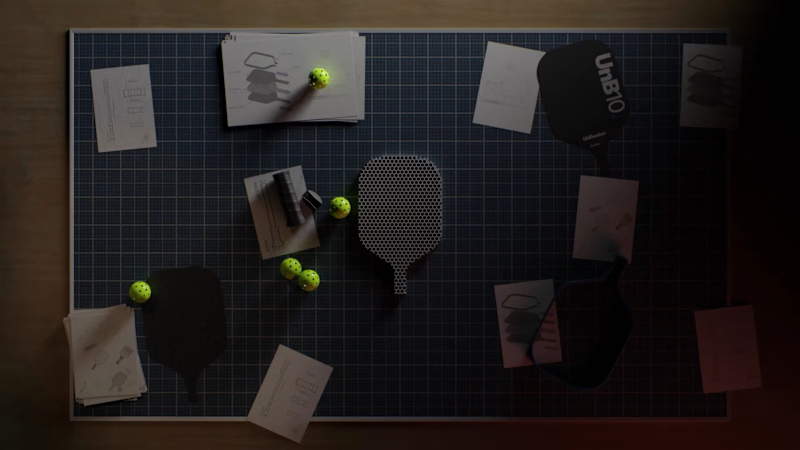
hey community, Thank you for great response on the BTS version that i posted yesterday, here's the full video that we crafted for UNB10 Padel. let me know what you think! looking for creative visuals for your brand? let's connect
0
119
32
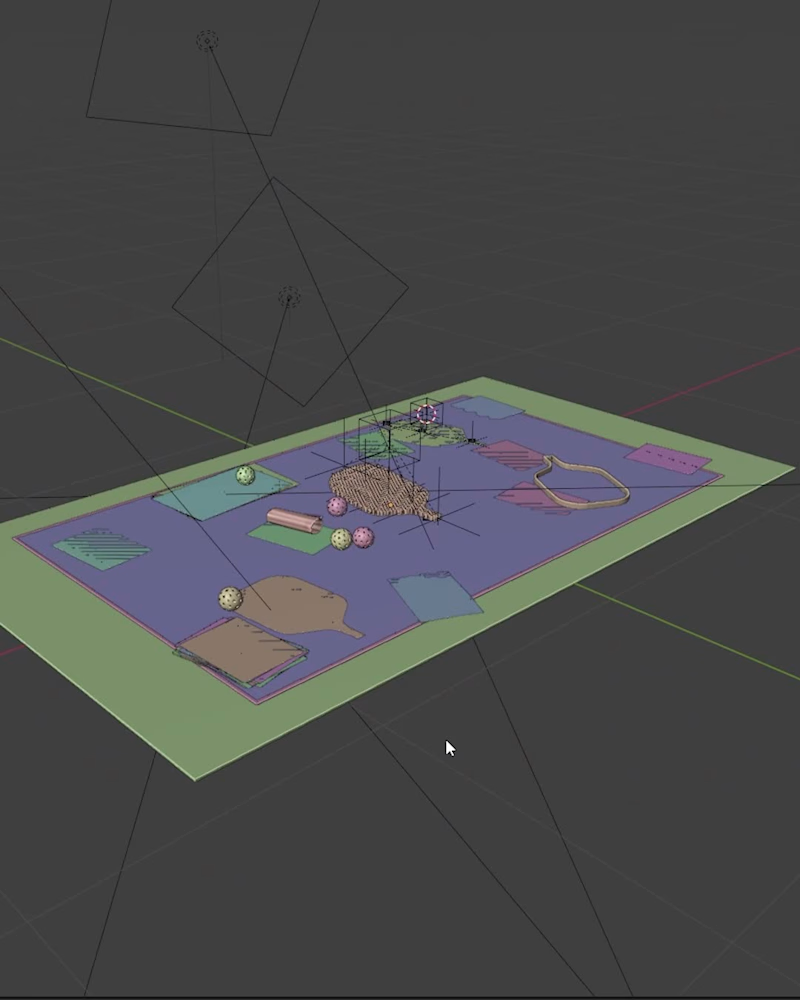
View Port vs Final render of the 3D animation we crafted for our client UNB10 Padel. what do you think about this? are you looking for creative visuals for your brand? let's connect! #3danimation #3drenders #productvideo #productanimation #productdesign
19
32
313
1
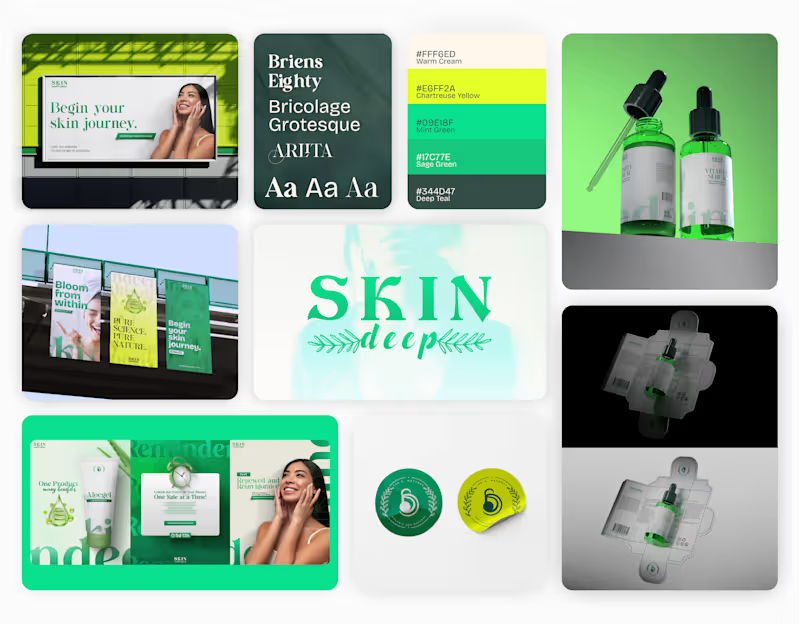
(Part 3) We’re thrilled to share our full rebranding journey for Skin Deep, a conscious skincare brand that celebrates authenticity, balance, and beauty beneath the surface. Part 3: Creative Product Content Finally, we brought the products to life through elevated visuals and lifestyle imagery. Each shot and layout celebrates texture, tone, and touch, reminding audiences that skincare is a ritual, not a routine.
1
134
0
Average visuals = average results. That’s the problem most brands face today: ❌ Content that looks average. ❌ Visuals that don’t stop the scroll. ❌ Agencies that play it safe instead of pushing boundaries. In a world where attention is the new currency, “good enough” isn’t good enough anymore. That’s where pxlcraft comes in. We’re not just another creative agency. We specialize in product visuals, videos, VFX, and CGI that don’t just look good, they sell, engage, and make your brand unforgettable. Because your product deserves more than average. ready to upgrade your visuals and leave "good enough" behind? check out our portfolio and let's connect! portfolio: https://lnkd.in/eMwPaqnP
1
0
120
3D Renderer
(7)
Follow
Message
Hussain Ahmad
Islamabad, Pakistan
An Architect, Crafting your dreams; Rendered with Precision.
Follow
Message
An Architect, Crafting your dreams; Rendered with Precision.
0
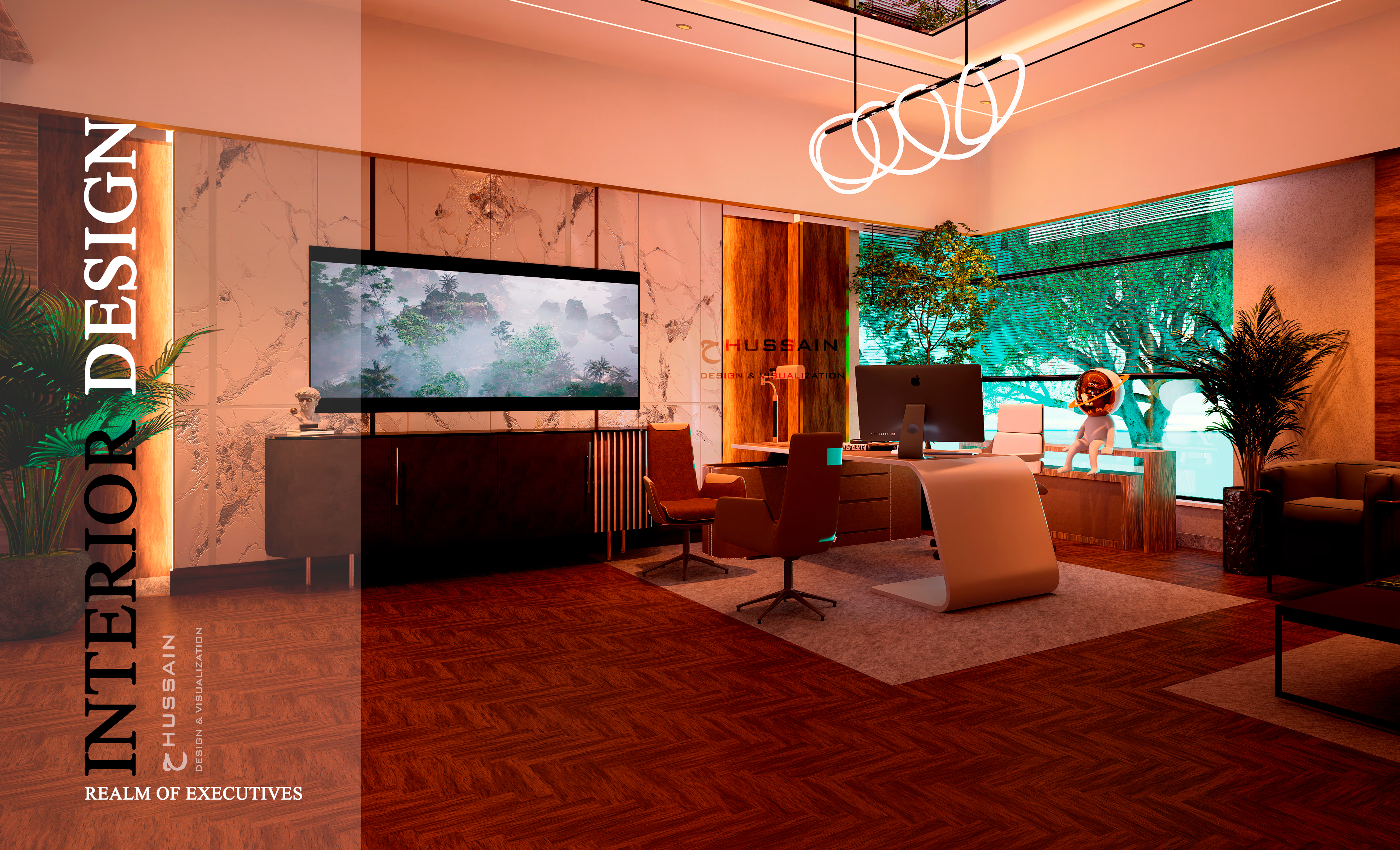
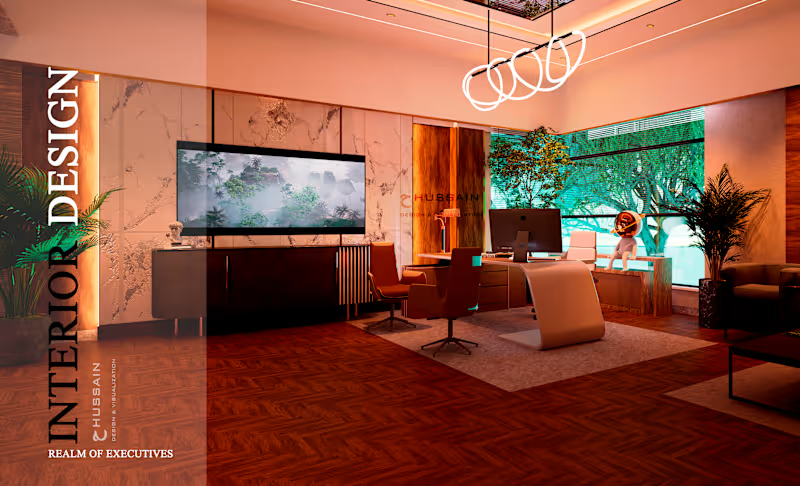
EXECUTIVE OFFICE- DESIGN, MODELING & VISUALIZATOIN
0
16
0
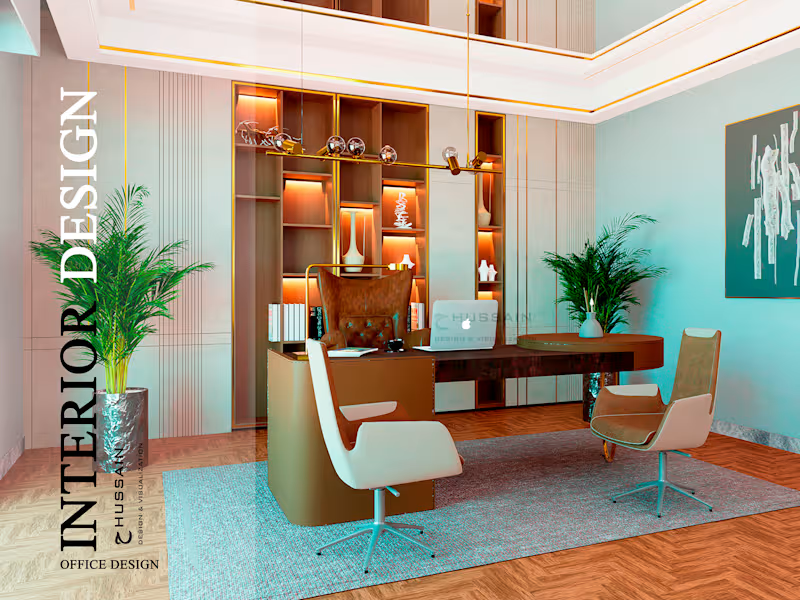
CORPORATE OFFICE, DESIGN-MODELLING & VISUALIZATION
0
21
0
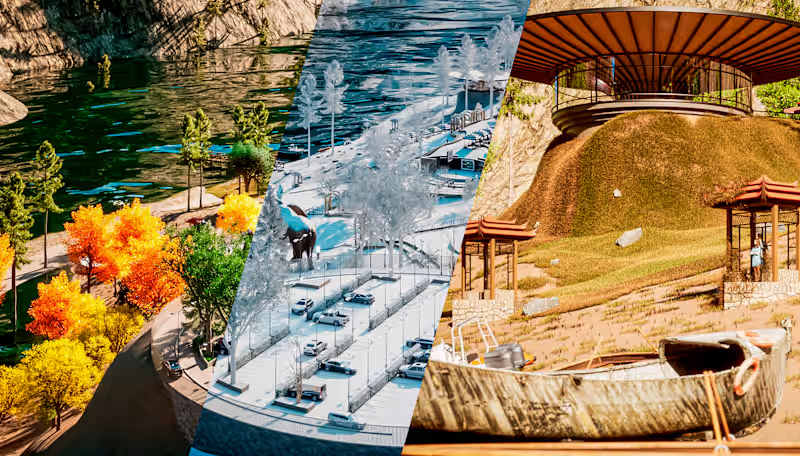
The Valley of the Heaven- Attabad Lake
0
23
View more →
3D Renderer
(3)
Follow
Message
Bilancia Studios
Islamabad, Pakistan
SketchUp Specialist || Architectural Animation || Landscape
Follow
Message
SketchUp Specialist || Architectural Animation || Landscape
0
Lumion 13 Cinematic Animation || Masterplan walkthrough - YouTu…
0
2
0
Lumion 13 Cinematic Animation || Masterplan walkthrough - YouTu…
0
5
0
Construction Phasing Animation || 3D Walkthrough - YouTube
0
6
View more →
3D Renderer
(3)
Follow
Message
Usama Khan
Islamabad, Pakistan
Expert 3D Architect: Models, Renders & Designs
Follow
Message
Expert 3D Architect: Models, Renders & Designs
0
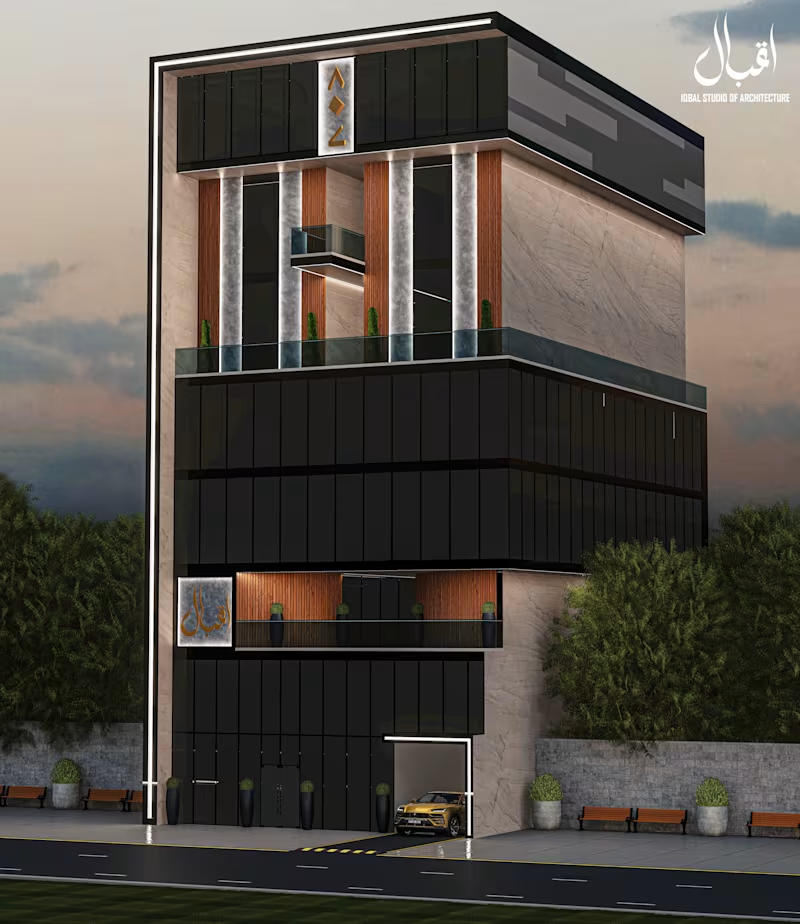
Ext. Office Design
0
22
0
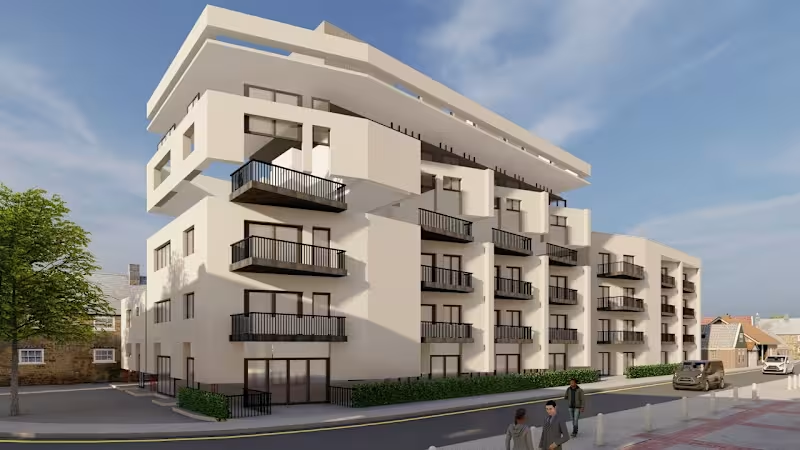
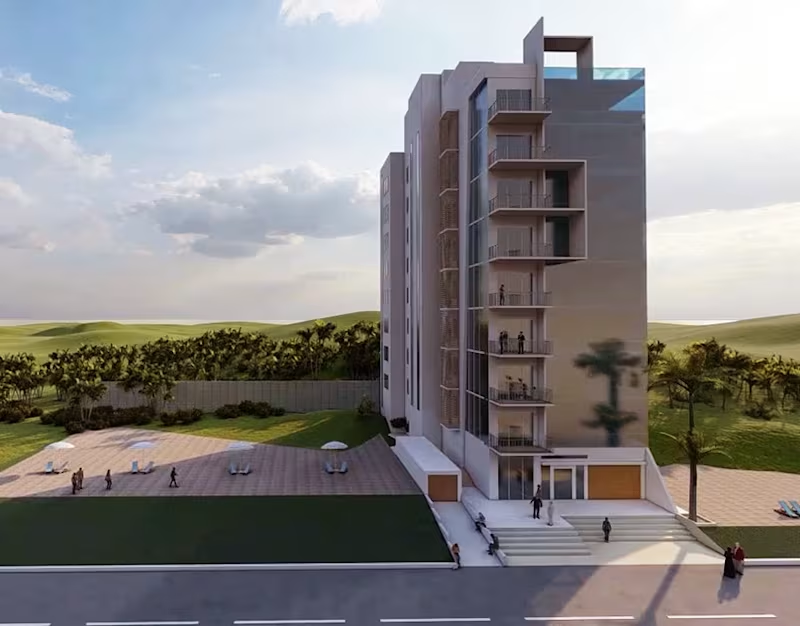
Mix-Use Building
0
19
0
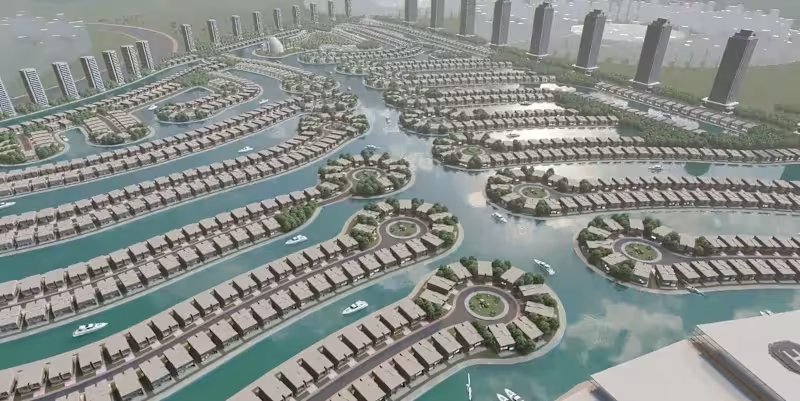
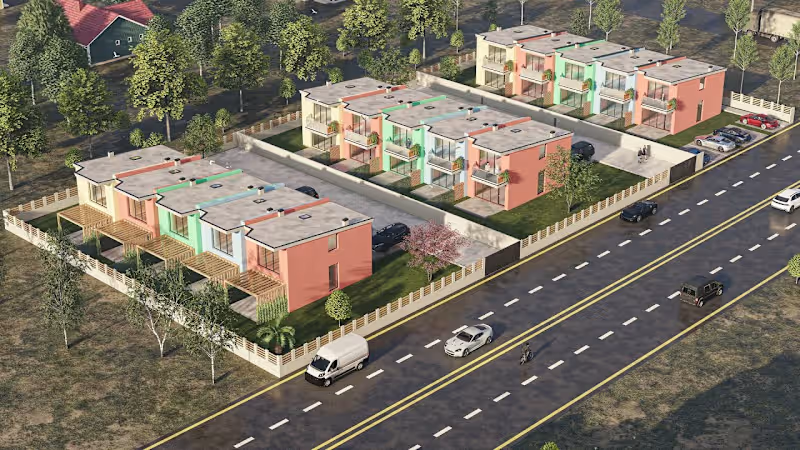
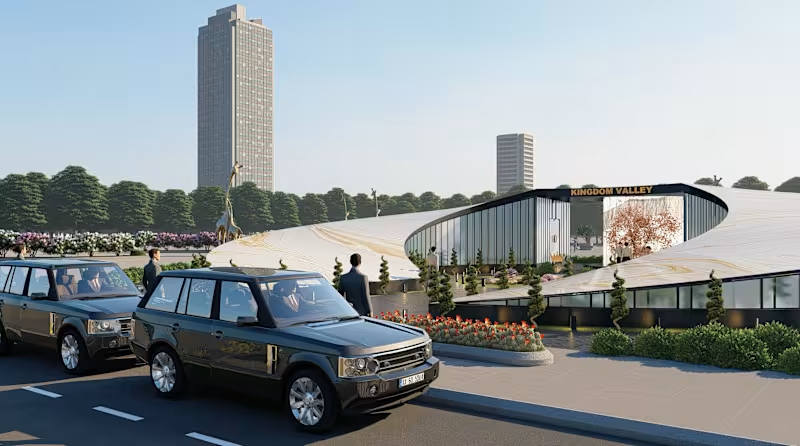
Water Front Project
0
18
0
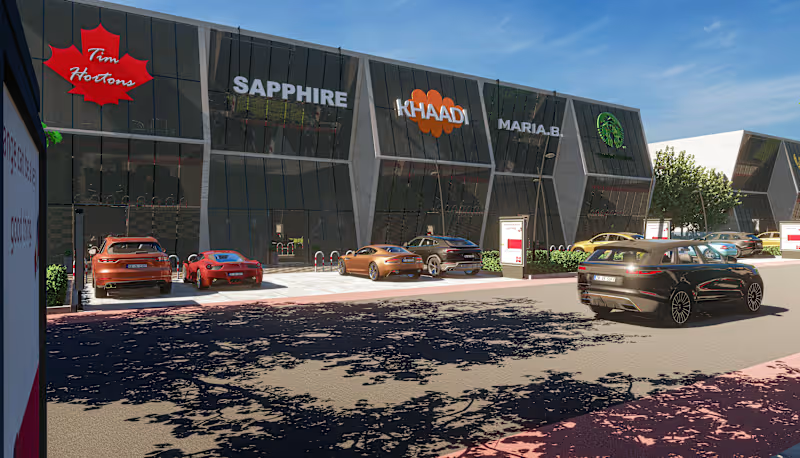
Commercial Plaza
0
23
3D Renderer
(4)
Follow
Message
B. Sosan
Islamabad, Pakistan
🏡Architect & Interior Designer with 3D Rendering Skills
Follow
Message
🏡Architect & Interior Designer with 3D Rendering Skills
0
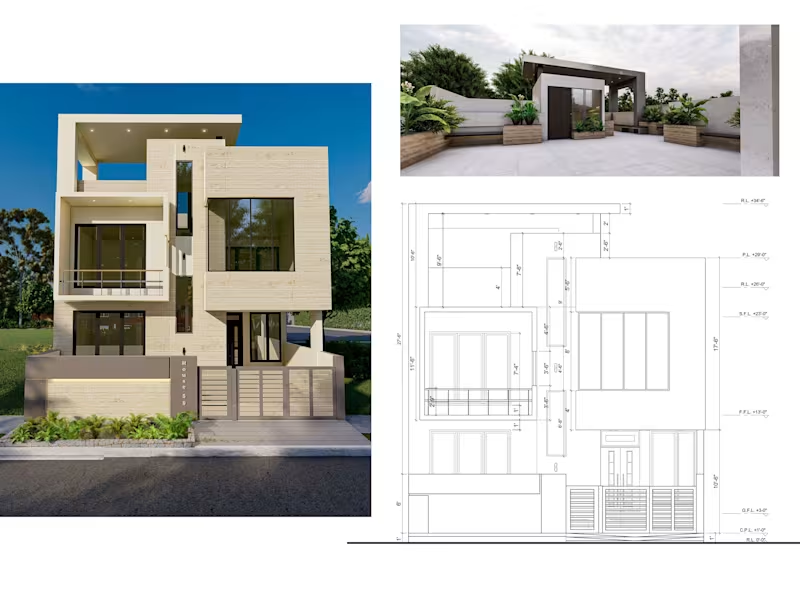
Residential Design - Modern Architecture
0
2
0
Metaverse Project- Goldwin City
0
3
0
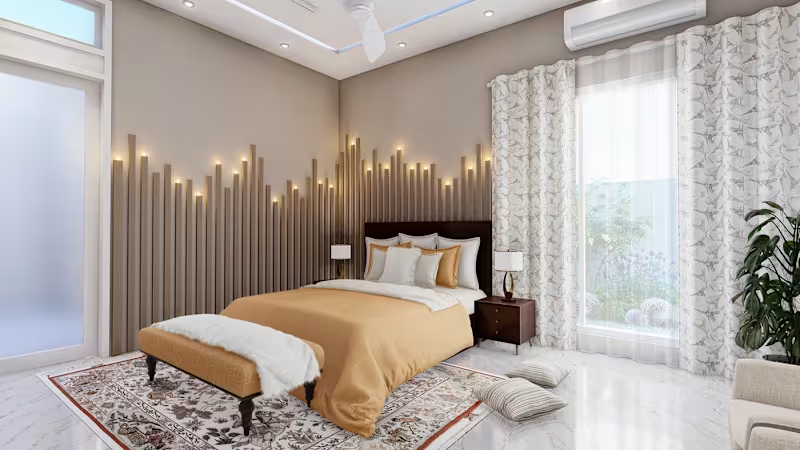
Cozy Bedroom Design :: Behance
0
7
0
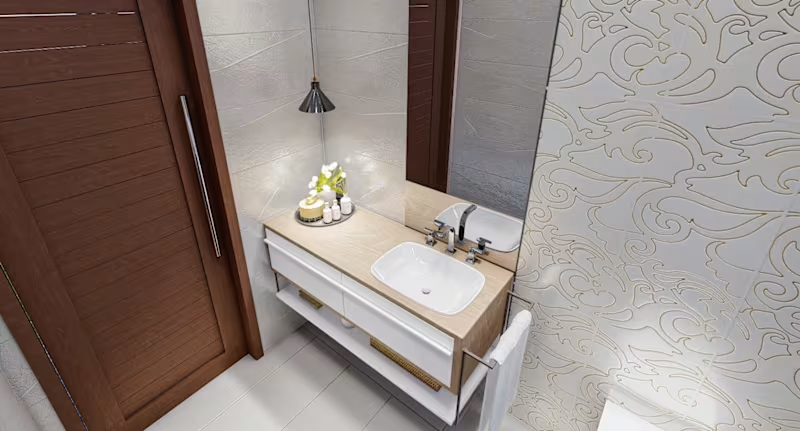
POWDER ROOM DESIGN :: Behance
0
5
3D Renderer
(5)
Follow
Message
Ali Hammad
Islamabad, Pakistan
Transforming Creative Ideas into Realistic visuals
Follow
Message
Transforming Creative Ideas into Realistic visuals
0
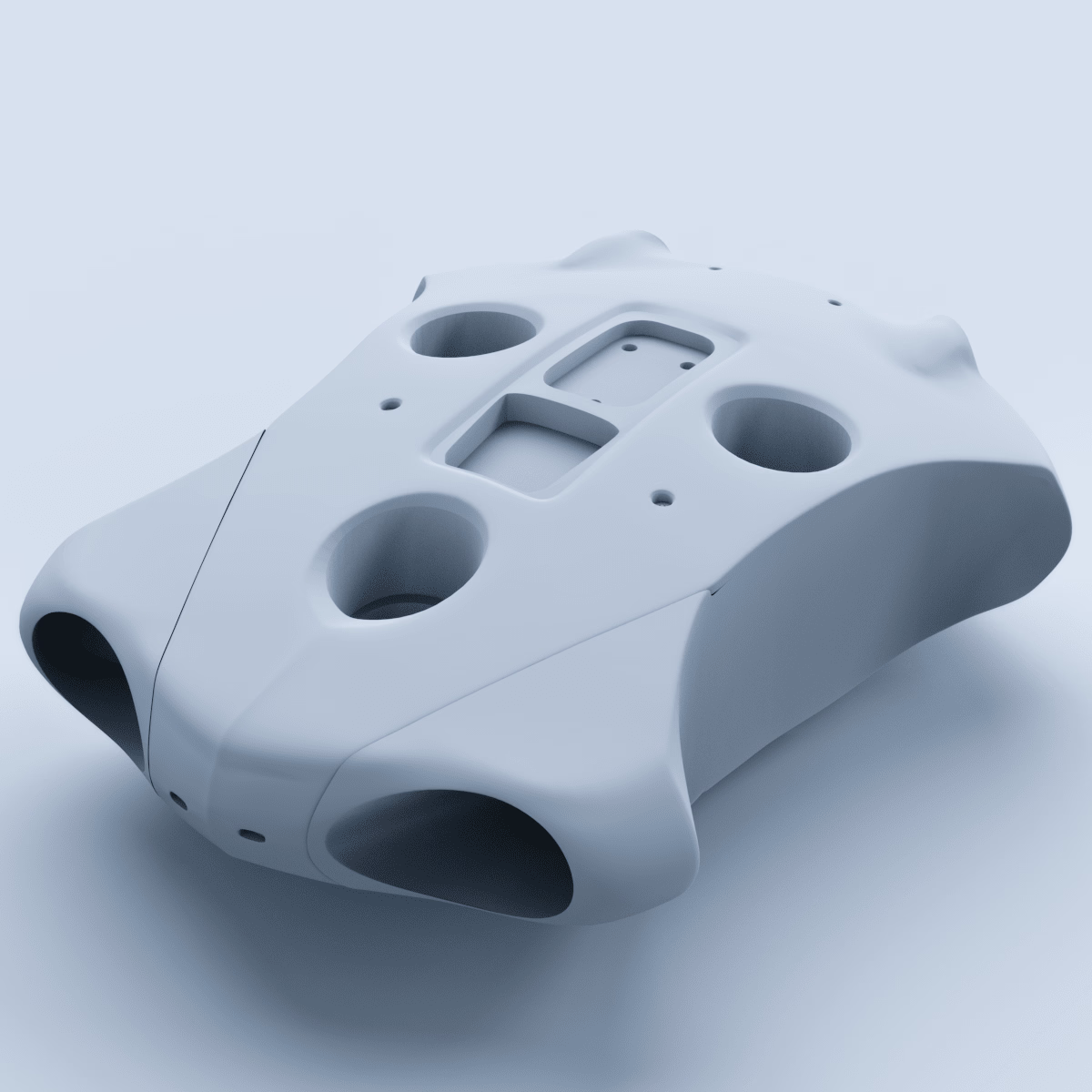
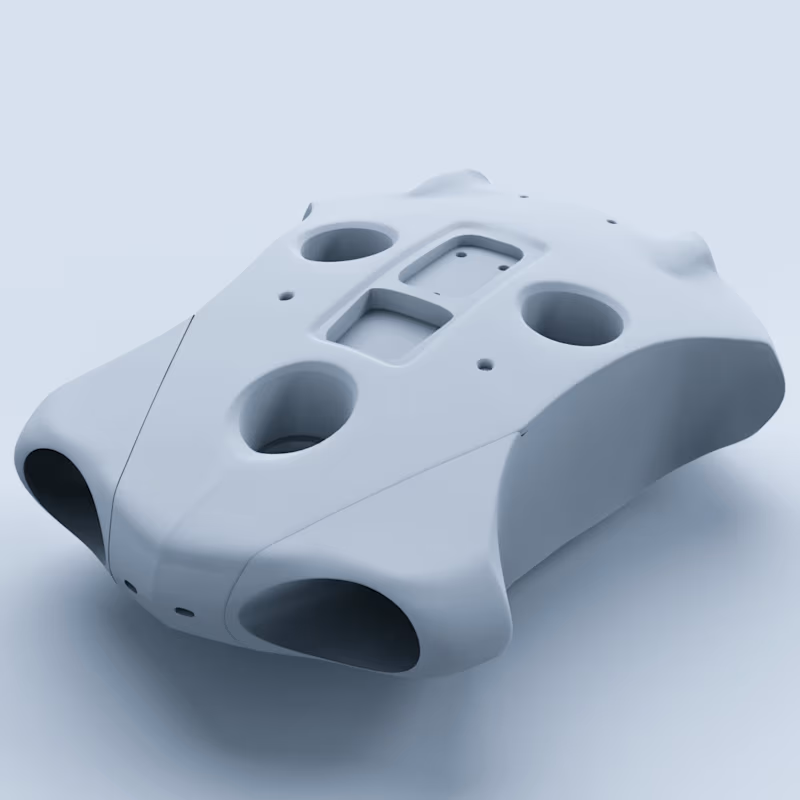
Underwater Drone
0
18
0
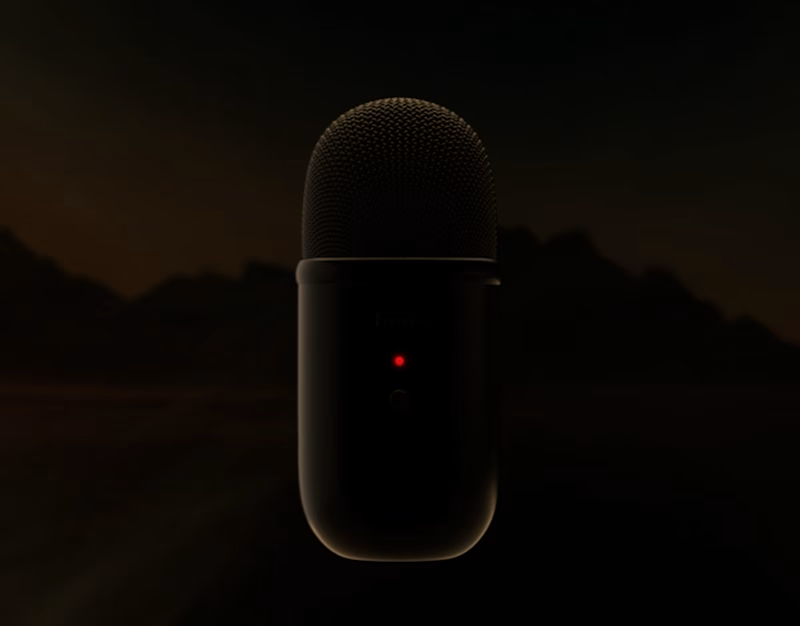
Fifine K678 Microphone- Product Animation:: Behance
0
32
0
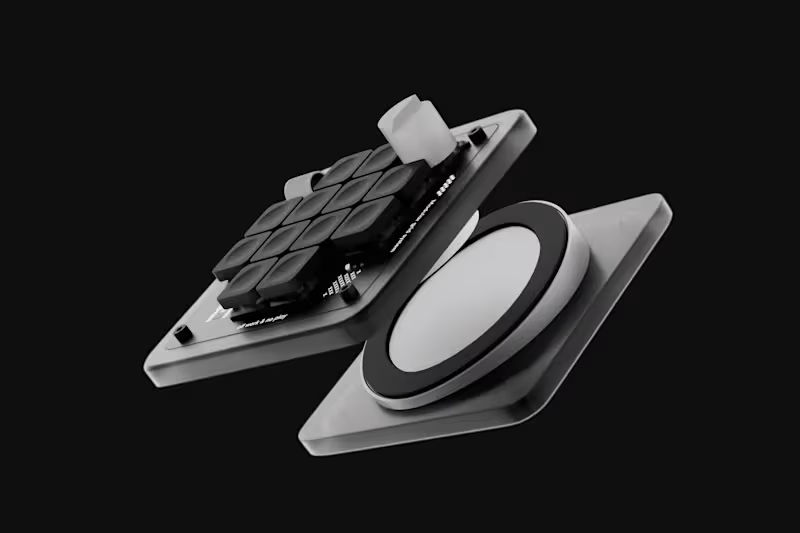
Worklouder Macropad
0
21
View more →
3D Renderer
(3)
Follow
Message
Explore people