Your Creative Partner.

Your Creative Partner.

Director/Editor/Content Strategist with 200M+ views
- $•••••
- Earned
- 4x
- Hired
- 5.0
- Rating
- 14
- Followers
Director/Editor/Content Strategist with 200M+ views



Video Editing & Motion Graphic Design


Motion Designer | Product Explainers & Brand Animation



Frontend Developer | React, Next.js & Framer

I may have the opportunity to build a start-up sooner than I expected!
For months, I've been searching online for a solution like this, and I am genuinely impressed with what I've discovered. To summarise, I created a PITCH DECK (https://online.flippingbook.com/view/916783975/) to present this solution to an investor who has shown strong interest. They have requested that I submit it for the next cohort, so fingers crossed!
The challenge has been to ensure that we focus on generating revenue. This took me the longest to figure out.
The concept is an API lending and borrowing platform that allows users to avoid paying for API credits that often go underutilised. Borrowers will no longer have to overpay for unnecessary credits. This is a real problem that people face, especially in the AI sector.
5
348

Oh dear lord!
Final sprint for my MagicPath Challenge entry, and it feels amazing! Knowing I've created something exceptional that has my colleagues in awe (I work in a design firm though). I've been working on this idea for months, and MagicPath has brought my vision to life with utmost professionalism. I want to share this feeling with all of you. Go ahead and make this yours. I have added all the necessary elements to this library for you to have the cosmetic edge in the AI marathon.
Visit the library ↗
(https://www.magicpath.ai/projects/328380614199894030?token=aa87c32405de3f50b8cf150a3d4dbc95bdad18cf4f8f01540fbe2d1d4d8dbb40)Might wanna visit this too ↗ (https://designs.magicpath.ai/v1/fancy-house-8112)
4
9
396

Happy New Year 🎊
Day one. Fresh targets. Fire in our eyes. Some slow down. Some fall off. A few push through—and build. This film captures that exact moment: when intention meets execution. Built as part of the Contra challenge, this project is about showing up, experimenting fast, and turning ideas into something real—even in the middle of chaos. Here’s to staying in the game, shipping consistently, and chasing our 2026 goals. Let’s hit the jackpots, Contra fam 🚀
Used - @Descript for this.
3
283

This isn't After effects or any motion design software - This is @Spline
Manifest, a motion design experiment I made in Spline using Hana.
I basically had a black coffee, a few tutorials and built this overnight —
the kind of piece that plays while I’m dozing off,
letting shapes, light, and movement carry the mood.
Just a late-night flow in motion.
Link - https://app.spline.design/community/file/12aeaa3a-26e9-4aa9-bb4f-55b67a9de9e9
Manifesting a victory with manifest.
7
28
844

Motion designer and video editor creating engaging stories
New to Contra
Motion designer and video editor creating engaging stories

Created a product explainer video for Prompt Builder, an AI-powered tool that helps users generate effective and well-structured prompts with minimal information.
The video was designed to explain the product in a simple and engaging way, focusing on how Prompt Builder reduces the effort required to create useful prompts. Instead of going into unnecessary technical details, the visual storytelling demonstrates the product workflow and shows how a few basic inputs can be transformed into a more refined prompt.
I combined UI animation, motion graphics, transitions, visual elements, and product-focused storytelling to create a clear and engaging experience. The goal was to make the tool easy to understand while maintaining a modern visual style that fits an AI/SaaS product.
This project involved translating the product’s functionality into a visual story that can be used for product marketing, social media, and customer education.
#ArtificialIntelligence #SaaS #ExplainerVideo #MotionDesign #MotionGraphics #UIAnimation #ProductVideo
0
49
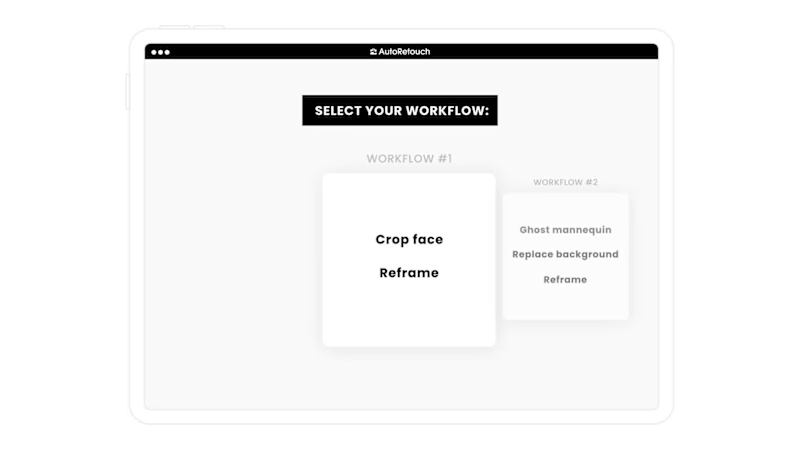
I worked on a UI explainer video for an AI-powered B2B e-commerce platform designed specifically for the fashion and clothing industry. The platform uses Generative AI to help e-commerce businesses enhance product imagery, create AI-generated models, modify backgrounds, and produce more engaging visual content without relying entirely on traditional photography and production workflows.
My role in the project was as a Video Editor and Motion Graphics Designer, where I focused on turning the platform’s interface and features into a clear, engaging, and easy-to-follow visual experience. Since the tool includes multiple AI-powered features and workflows, the main objective was to create a product video that could help clients and users quickly understand how the platform works and how each feature can be used.
I used UI animation, screen-based motion graphics, transitions, typography, and visual storytelling to demonstrate the platform’s workflow step by step. Rather than simply showing static screenshots, I animated the interface to highlight important actions, navigation elements, AI-generated results, image transformations, and different customization options available within the platform.
The video showcased several key GenAI capabilities, including enhancing existing product images, generating AI models, changing and customizing backgrounds, and creating different visual variations for e-commerce products. These features were presented through animated UI sequences to make the functionality easier to understand for users with different levels of technical knowledge.
A major focus of the project was maintaining a balance between product functionality and visual storytelling. The video needed to be informative enough for client learning and product understanding while still feeling engaging and polished as a B2B SaaS product experience. I structured the animation and editing around the actual user journey, allowing viewers to understand not only what the platform can do, but also how they can use its different tools within their workflow.
The project involved creating a consistent visual language across the entire video, including UI transitions, motion graphics, typography, timing, and screen animations. I paid particular attention to pacing and visual hierarchy so that important features were easy to identify without making the video feel overloaded with information.
The final video was designed as a product learning and explainer asset that could be used to introduce the platform to clients, demonstrate its core functionality, support onboarding, and help users understand the available AI-powered features. It also serves as a marketing and product communication asset for showcasing how Generative AI can simplify and accelerate visual content creation for the fashion and e-commerce industry.
This project demonstrates my experience creating UI-focused product videos for AI, SaaS, B2B technology, e-commerce, and GenAI platforms. It also reflects my ability to take complex software functionality and translate it into clear, engaging motion graphics and product storytelling that makes technology easier for users and customers to understand.
#MotionGraphics #VideoEditing #SaasProductExplainer #ExplainerVideo
2
1
185
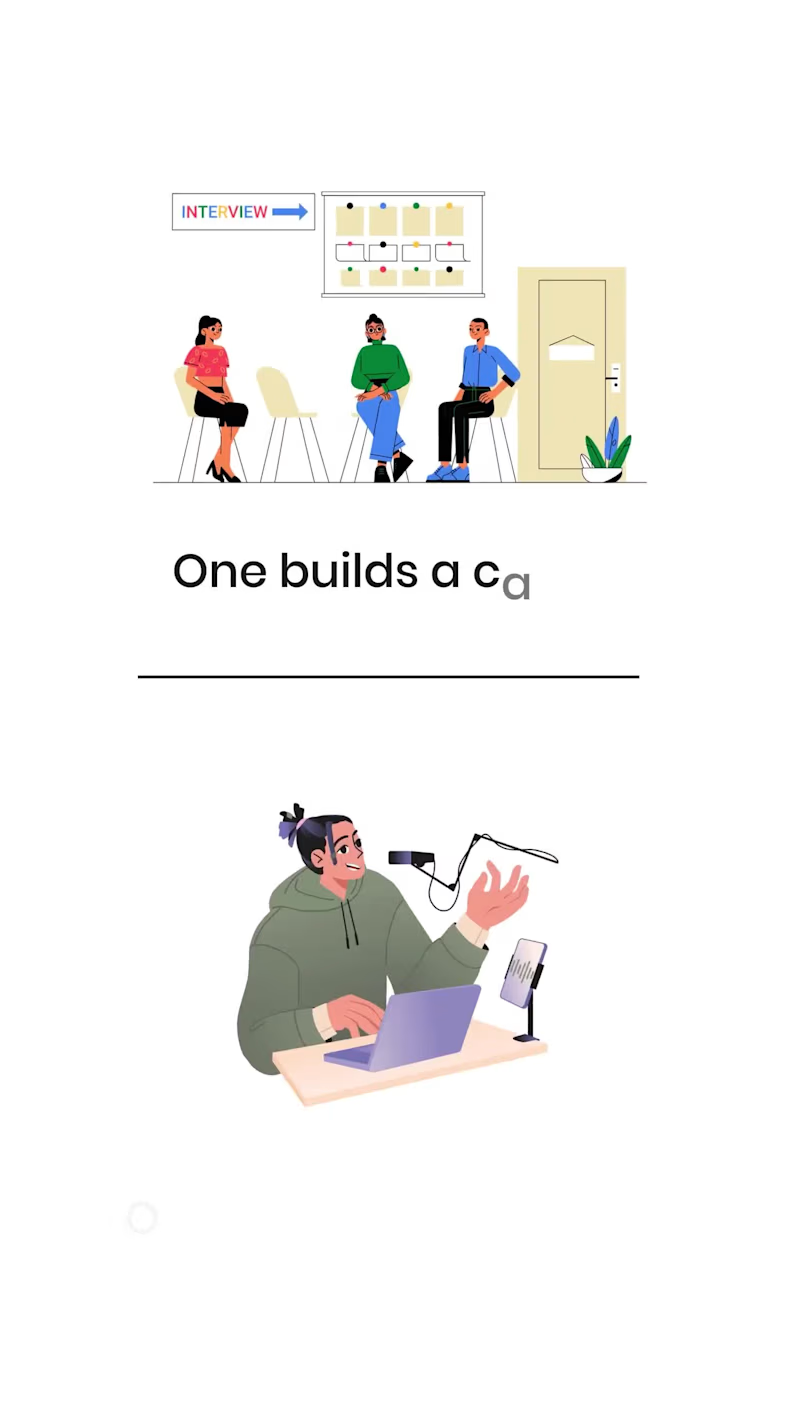
SaaS Product Feature & Usability Explainer Video
Designed and animated a motion graphics explainer video for Creahub to showcase the platform's key features and how it helps creators and businesses grow their social media presence. By simplifying complex workflows into clear, engaging visuals, the video made it easier for users to understand the product's value, increased viewer engagement, and supported the client's marketing and product communication efforts.
#MotionGraphics #VideoShorts #SocialMedia #SaaS #ExplainerVideo
2
1
165

Founder - postergrammar.com
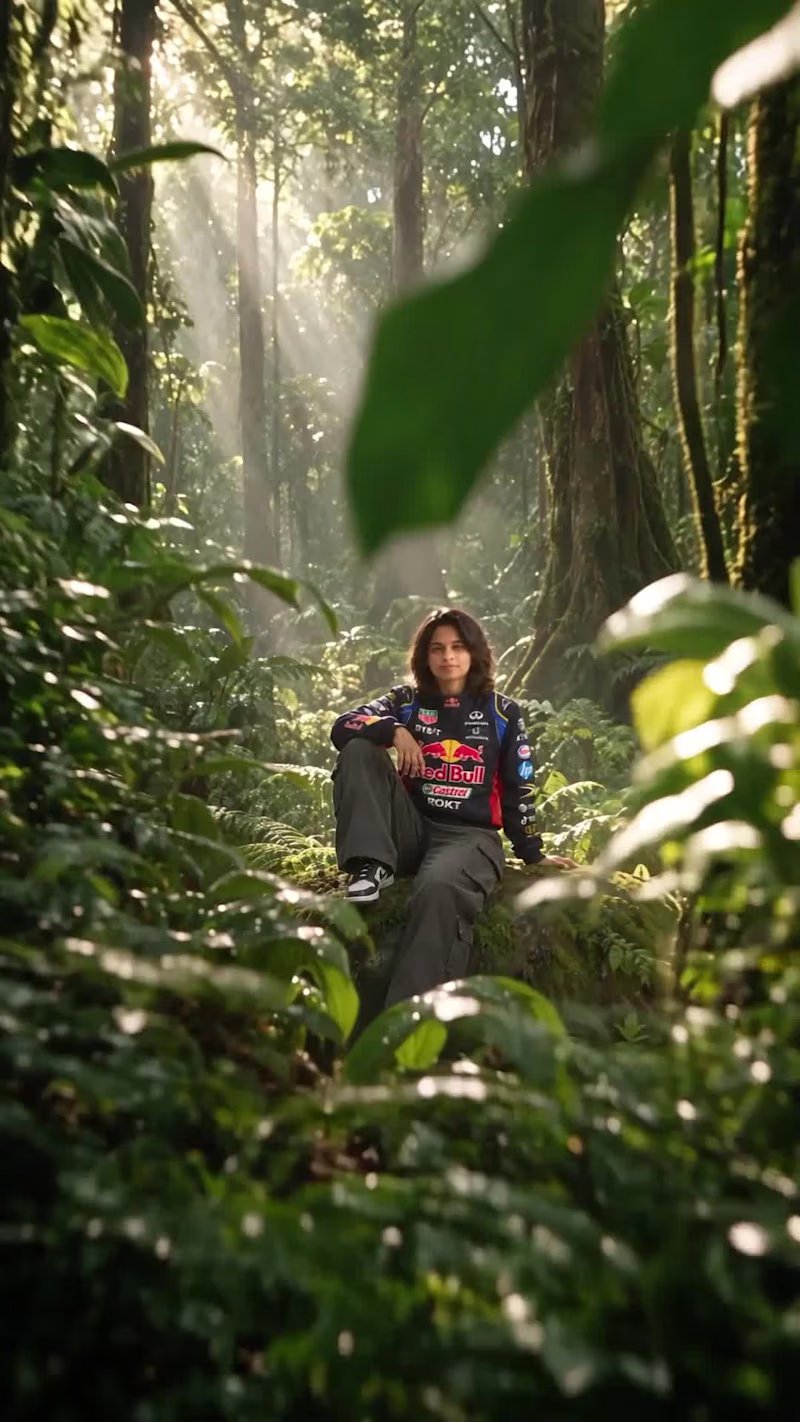
Here's my 2nd entry for The invideo Editor Challenge.
Built a cinematic 3D forest reveal using invideo Editor's AI editing agents. 🌿🎬
I wanted to create something that felt like an After Effects-style motion graphics sequence, with immersive camera movements, layered rainforest environments, foliage reveals, and a cinematic journey from a dense forest to a golden sunset.
The most surprising part? I started with just my character profile sheet and a creative brief.
The agent helped develop the storyboard, generate the visual assets, create the video clips, and assemble the sequence directly inside the editor. I guided the creative direction, reviewed the generated assets, and refined the result through conversations with the agent.
What would normally require significant asset preparation, compositing, and animation work became a completely different creative workflow.
invideo Editor is free to try.
@invideo.io (http://invideo.io)
#invideocontrachallenge #invideoeditor #AIVideo #MotionGraphics
1
129
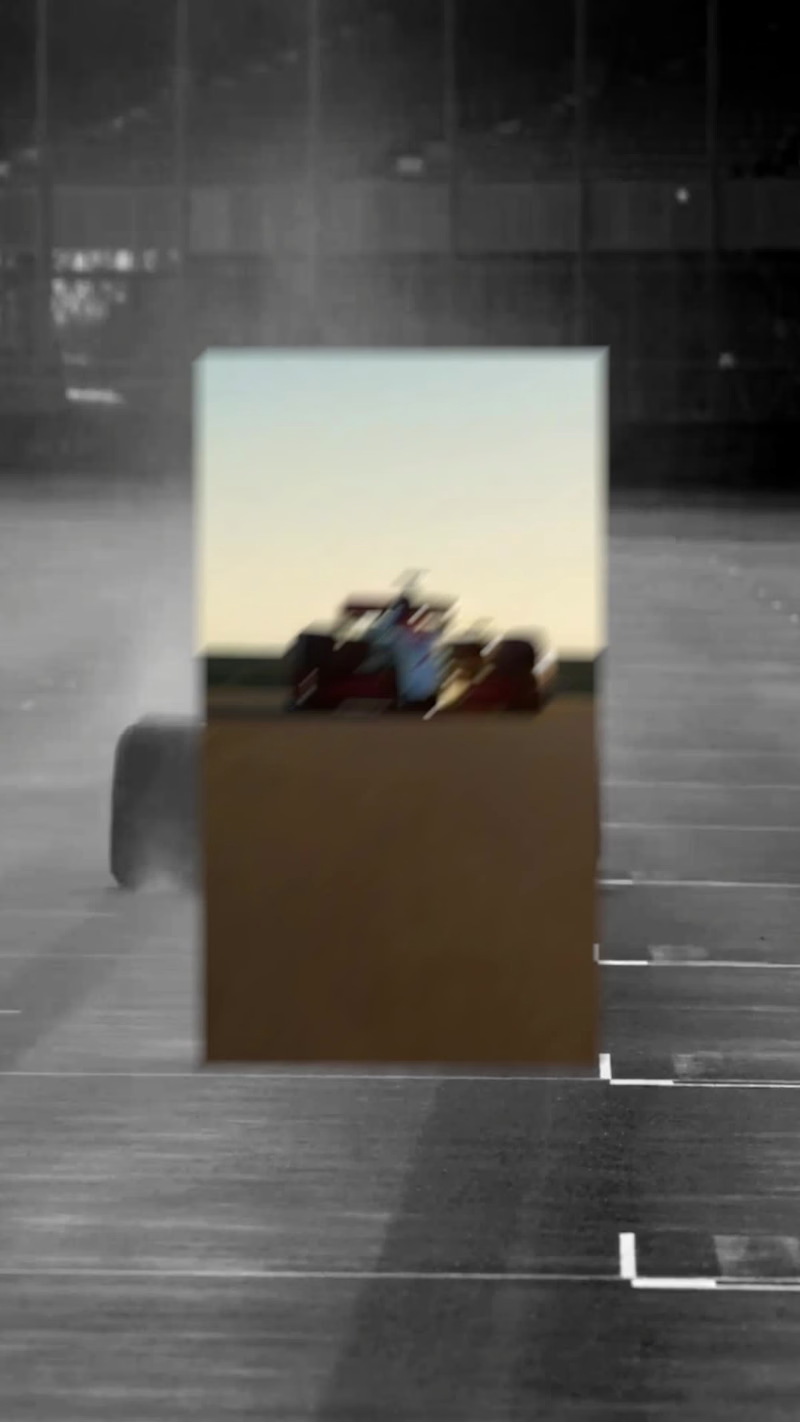
Here's my first submission for The invideo Editor Challenge.
Three effects. One fast-paced, cinematic racing edit.
🏁 Rectangle Reveal: A small rectangle expands to reveal full-color racing footage from a black-and-white frame.
🎨 Black & White to Color: A dramatic monochrome-to-color transformation that brings the racing action to life.
🏎️ Helmet Silhouette: Racing footage plays inside a driver's helmet silhouette, creating a cinematic double-exposure effect.
⚡ Plus, fast-paced cuts, matching-location transitions, and sound design to bring everything together.
The coolest part? I started with just a creative brief. InVideo Agent helped generate the storyboard, visuals, video clips, and sound effects, then assembled the edit directly on the timeline. I could review the assets, guide the creative direction, and ask the agent to make changes. Less manual editing. More time to focus on the creative idea.
3
287

It starts like the childhood story of a young footballer and his loyal dog chasing an impossible dream... but there's a twist at the end. ⚽🐶🎬
I created this cinematic style video using Renoise for video generation and image generation. One feature I really appreciated in Renoise was its "Facepass" which reviews images for my fictional child character, this made it possible to move forward with the project after the content was evaluated instead of stopping the creative process outright.🙌
#RenoiseChallenge
9
10
595
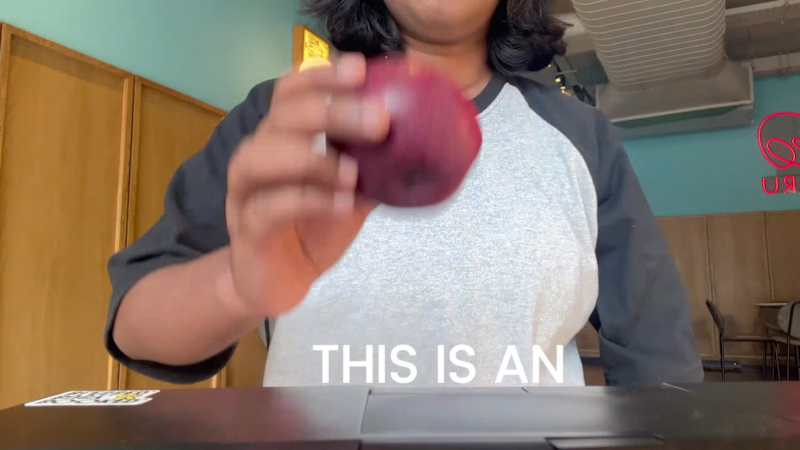
Introducing Poster Grammar - an AI design engine built to move beyond AI slop.
Most AI poster tools generate variations. But generating more designs doesn’t necessarily mean creating better ones.
I built Poster Grammar to approach this differently. Instead of another template-based tool or a thin wrapper around an image model, it’s a design engine built to understand the fundamentals that make visual communication work:
-Composition & layout - creating visual hierarchy and balanced arrangements.
- Typography & fonts - making type an intentional part of the design.
-Marketing intent - understanding what a poster needs to communicate.
- Creative variation - exploring different visual directions while maintaining design coherence.
The goal is simple: move beyond generic AI-generated visuals and create posters that feel intentional, considered, and designed for a purpose. You can explore different creative directions, experiment with variations, and generate designs with a stronger understanding of visual language.
I built Poster Grammar because I believe AI design tools should do more than generate images. They should understand why a design works.
Try it out: https://postergrammar.com
0
13


You're team's unfair creative advantage!