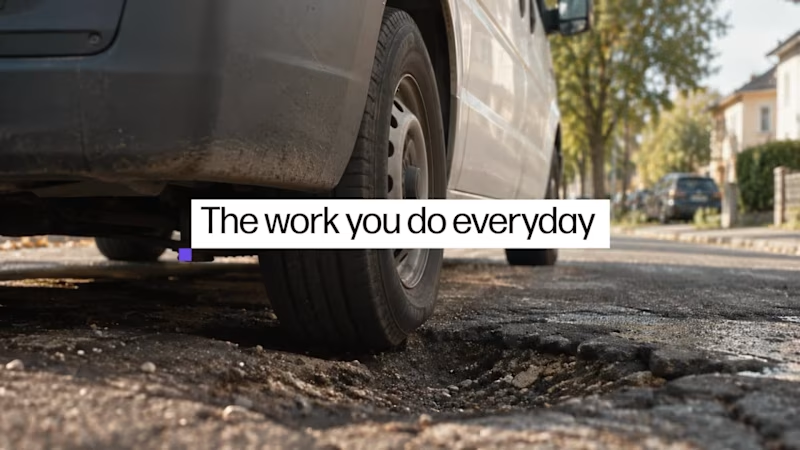
Just wrapped a cinematic launch film for Vorker — an AI worker built to help small-business owners spend less time on admin and more time doing the work they actually care about.
The challenge was to introduce the product without making the film feel like a typical software ad. We built the story around real small-business environments first, then gradually brought Vorker into the experience through the mascot, product UI, and motion design.
I worked across creative direction, AI-assisted video production, visual development, editing, compositing, motion design, and final assembly — with a lot of attention going into continuity, realistic environments, consistent framing, and making the generated footage feel cohesive.
We were working on a tight deadline, so the project involved a lot of fast iteration and collaboration with Markus and Henrik to get the creative direction where it needed to be.
Really happy with how the final piece came together.
2
1
184
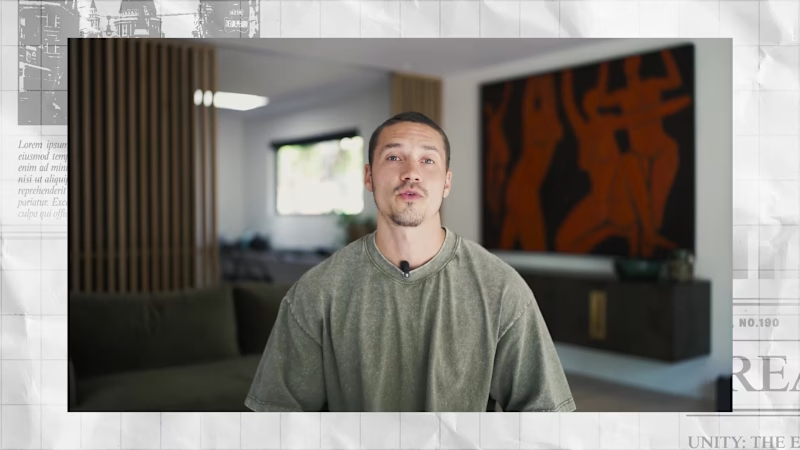
I recently completed a test edit project for the team at Dragonfruit Media. The goal was to take a raw video pitching social media strategies to WME and turn it into something highly engaging.
Pitch videos can sometimes feel a bit dense or slow because there is so much information being shared. My main challenge was keeping the professional feel of the pitch while adding modern editing techniques to hold the viewers attention for the full three minutes.
To make this happen I focused heavily on pacing. I used precise cuts to remove dead air and build a constant driving momentum. I also designed custom visual assets and motion graphics to support the speaker. Visualizing the abstract concepts made the ideas much easier for the viewer to digest. Finally I made sure all the animations hit perfectly on the vocal cues to create a satisfying viewing experience.
I am really proud of how this polished presentation turned out. It perfectly shows how custom motion design and strategic editing can elevate a standard pitch. I used Adobe Premiere Pro and After Effects to bring this to life.
I would love to hear your thoughts on the final flow.
1
311
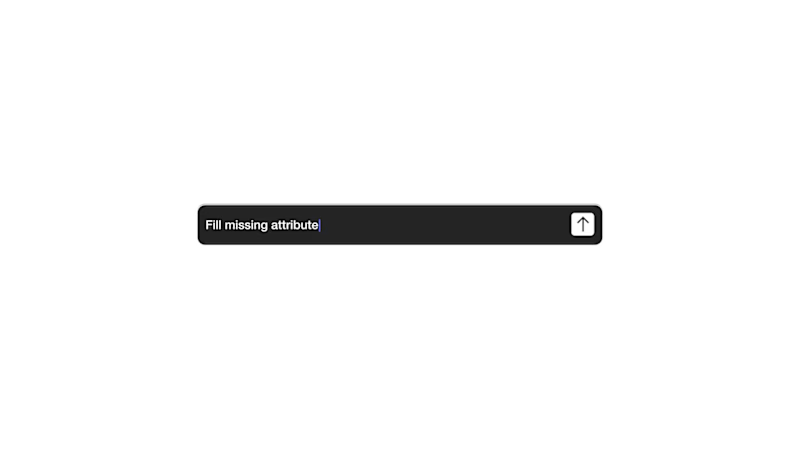
I created this 15 second SaaS explainer test edit for Storyboard Communications, based on a brief for Pivotree SKU Build.
The challenge was simple but sharp: take a short product script and turn it into a clear visual story in only a few seconds. The service is about making product data cleaner, faster, and easier to use across different sales channels, so I wanted the edit to feel organized, modern, and easy to follow.
Instead of treating it as just animated text, I approached it like a compressed product story. The visual direction moves from raw product data and scattered information into a cleaner, more structured output. I used UI inspired graphics, data cards, subtle motion, transitions, and sound design to make the message feel more polished and easier to understand.
Because the runtime was short, every second had to do something. The pacing needed to feel quick enough for a SaaS explainer, but not so fast that the message gets lost. I focused on clarity, rhythm, brand consistency, and making a technical service feel simple and approachable.
This was a small test edit, but it was a strong exercise in what I enjoy most as a motion designer: turning abstract or technical ideas into visuals that feel clear, professional, and easy to watch.
Curious for founders and marketing teams:
What would you usually budget for a short SaaS explainer like this, especially if it includes motion design, editing, sound design, and visual direction?
2
1
371
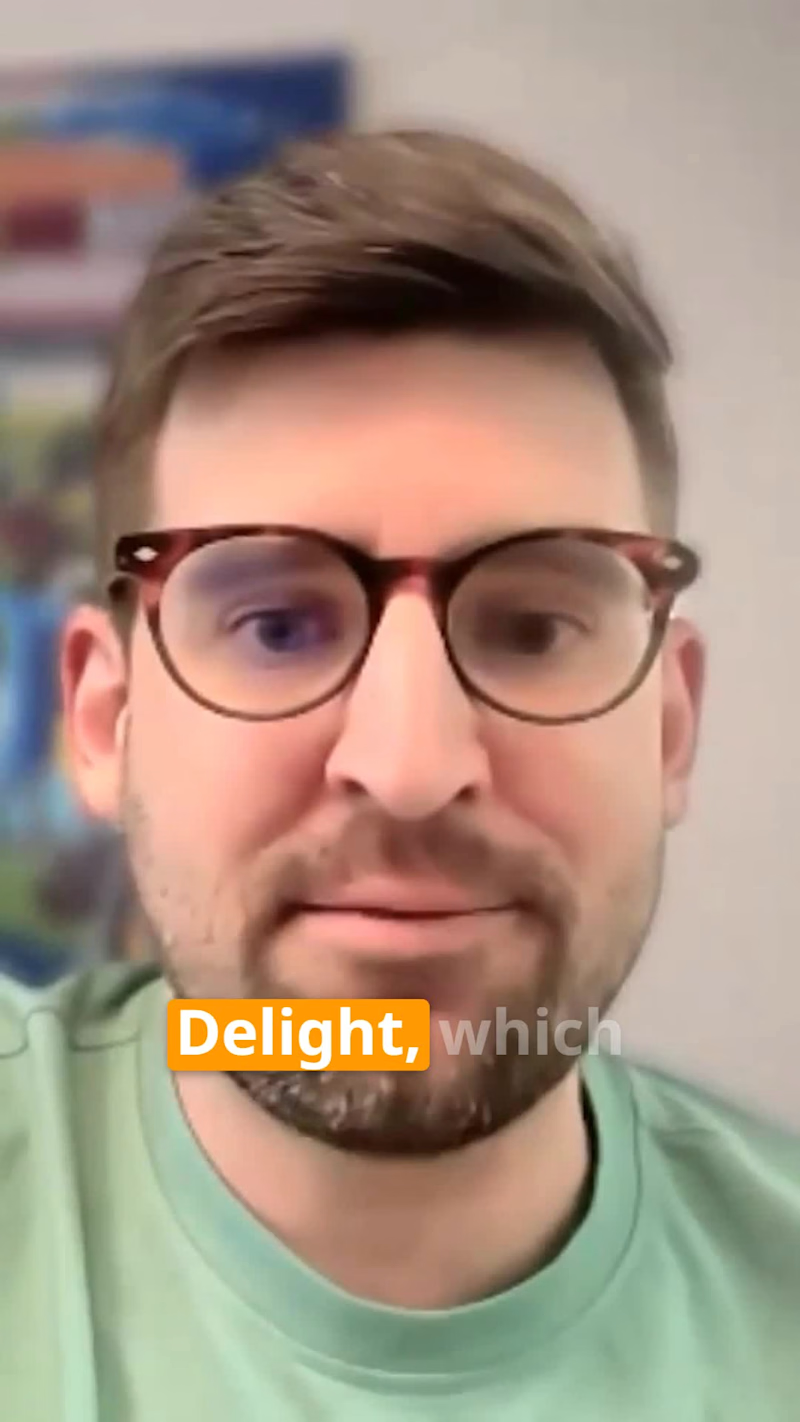
I edited this short reel from an Octane AI initiated webinar collaboration with Skio, featuring Nick Belanger discussing the concept of Surprise and Delight in subscription ecommerce.
The goal was to turn a webinar moment into a clear, engaging, and platform ready short form video. I focused on clean pacing, bold captions, orange keyword highlights, supporting ecommerce visuals, and simple motion elements to make the key idea easy to understand in a short social format.
The direction was built around preserving the value of the original webinar while making it more accessible for social audiences. Instead of treating it like a full product demo, the edit functions as a partner thought leadership reel that highlights one strong insight from the conversation.
The key message was simple: brands can create stronger customer moments by adding personalized gifts, discounts, or small surprises based on customer behavior.
0
288
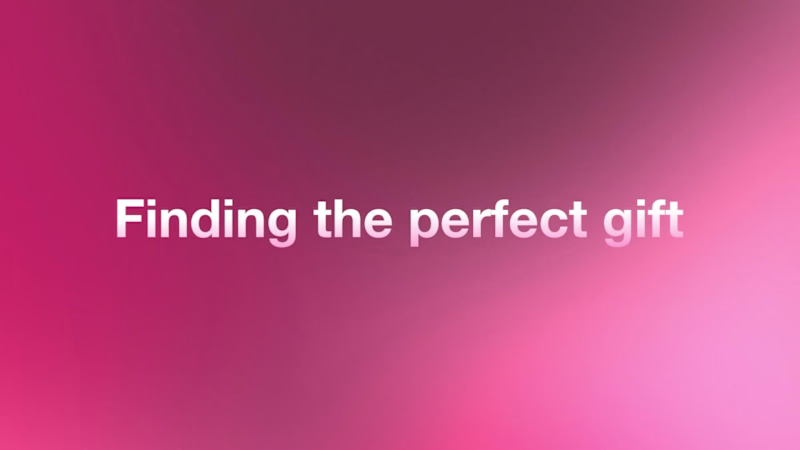
I created this short product video concept to show how Octane AI’s Smart Quiz Builder can help luxury skincare brands turn product discovery into a more guided and personalized shopping experience.
The video starts with a simple problem: finding the perfect gift should not feel complicated, especially in luxury skincare. From there, the story moves into the Octane AI workflow, showing how a gift quiz can be created, how the system analyzes products, generates smart questions, matches gifts, and then turns that flow into an interactive quiz experience on the 111SKIN website.
The creative direction was built around a premium beauty meets AI product demo feel. I used soft pink gradients, clean white space, polished UI cards, subtle product mockups, cursor interactions, and smooth motion transitions to keep the video aligned with the luxury skincare category while still making the AI functionality feel modern and useful.
For the execution, I focused on making the process feel simple and visual. The edit combines animated typography, UI style motion graphics, product recommendation cards, quiz interface mockups, and branded website previews. The sound design direction supports the motion with soft transitions, UI clicks, subtle hits, and polished movement cues so the video feels more tactile and intentional.
Overall, the goal was to make Octane AI’s quiz building feature easy to understand in under a minute while presenting it in a way that feels premium enough for a luxury skincare brand.
0
283
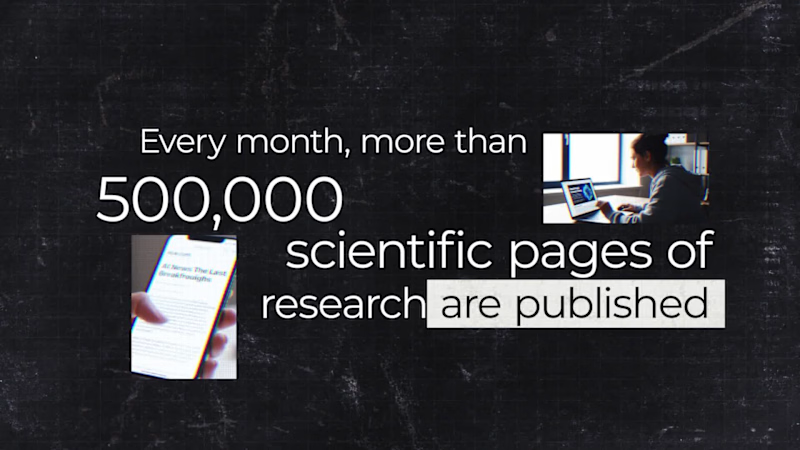
An AI assisted brand video created for YesNoError, a research discovery platform owned by Matt Schlicht. I developed the concept, visual direction, AI generated scenes, motion graphics, typography, and final edit to show how YesNoError helps scan research, check the math, and surface valuable discoveries or errors. The direction combines a research lab aesthetic with glitchy AI visuals, cinematic UI cards, and fast paced social video editing designed for X.
0
218