The network for creativity
Join 1.25M professional creatives like you
Connect with clients, get discovered, and run your business 100% commission-free
Creatives on Contra have earned over $150M and we are just getting started
Back to feedPost

A Laravel habit that has saved me more debugging time than any package: turning on lazy-loading protection in development. 🛠️
In AppServiceProvider::boot() I add Model::preventLazyLoading(! app()->isProduction()). Now whenever a Blade view, Livewire component or API resource quietly triggers an N+1 query, Laravel throws an exception locally instead of letting it slip into production.
The fix is usually simple: eager load with with() or load(), use withCount() instead of counting a relation inside a loop, and select only the columns the page actually needs.
I pair it with Debugbar or Telescope so I can see the query count per request before a feature ships. On multi-tenant apps like CRMs, where one list page can touch several relations, it catches problems early.
If your Laravel app feels slower than it should, I'm happy to take a look.


The network for creativity
Join 1.25M professional creatives like you
Connect with clients, get discovered, and run your business 100% commission-free
Creatives on Contra have earned over $150M and we are just getting started






Related posts


Cooking MEGUS® Preload Interaction in @framer

Treating the preload as part of the experience rather than dead waiting time is the right move. That oversized MEGUS type reveal sets the tone before the page even arrives.

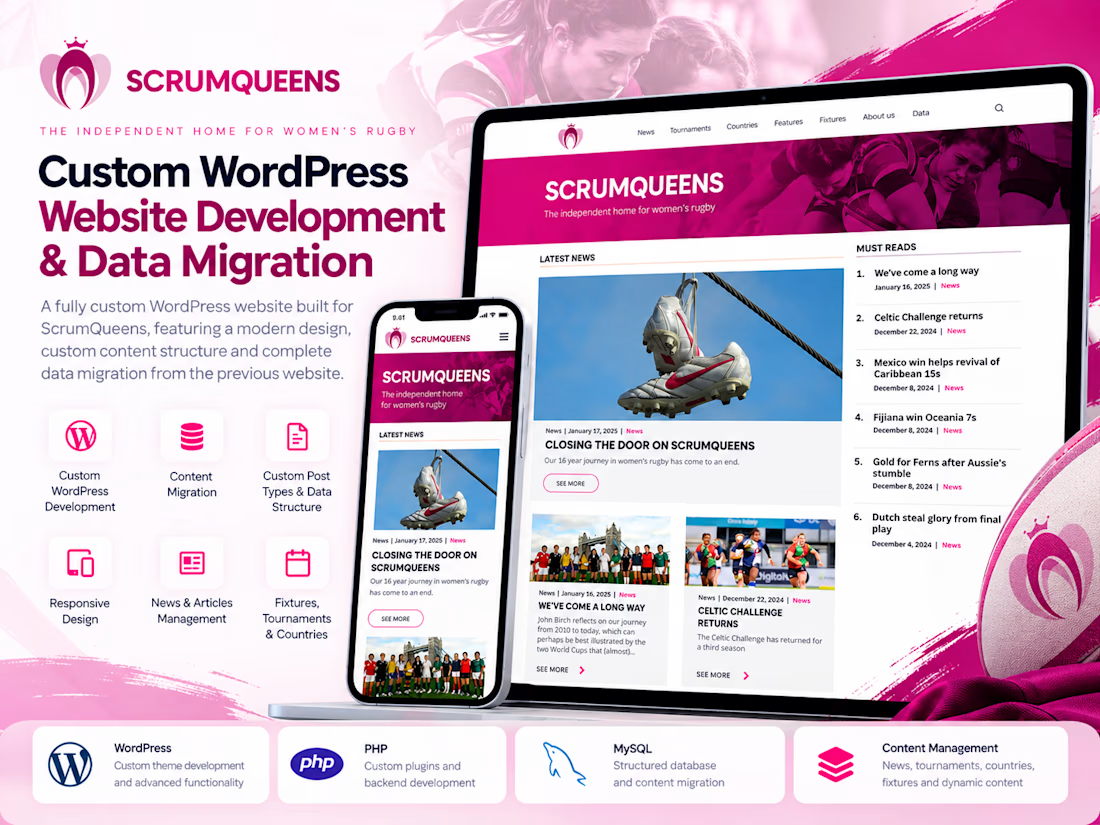
Developed a fully custom WordPress website for ScrumQueens, transforming the previous website into a modern, structured, and maintainable digital platform.
Key Contributions:
Custom-developed the WordPress website to support the project's specific content and business requirements.
Designed and implemented custom WordPress data structures for organized content management.
Migrated a large volume of content and data from the previous website into the new custom WordPress structure.
Worked with WordPress development capabilities, including PHP, custom post types, and content management functionality.
Focused on maintaining content integrity throughout the migration and making ongoing website management easier.
Tech Stack: WordPress, PHP, MySQL, HTML, CSS, JavaScript.
The project demonstrates hands-on expertise in custom WordPress development, complex content migrations, and building maintainable CMS solutions.



How did you check the older content after migration? Matching article counts is one step, but I'd be curious how you checked images and links inside the articles.

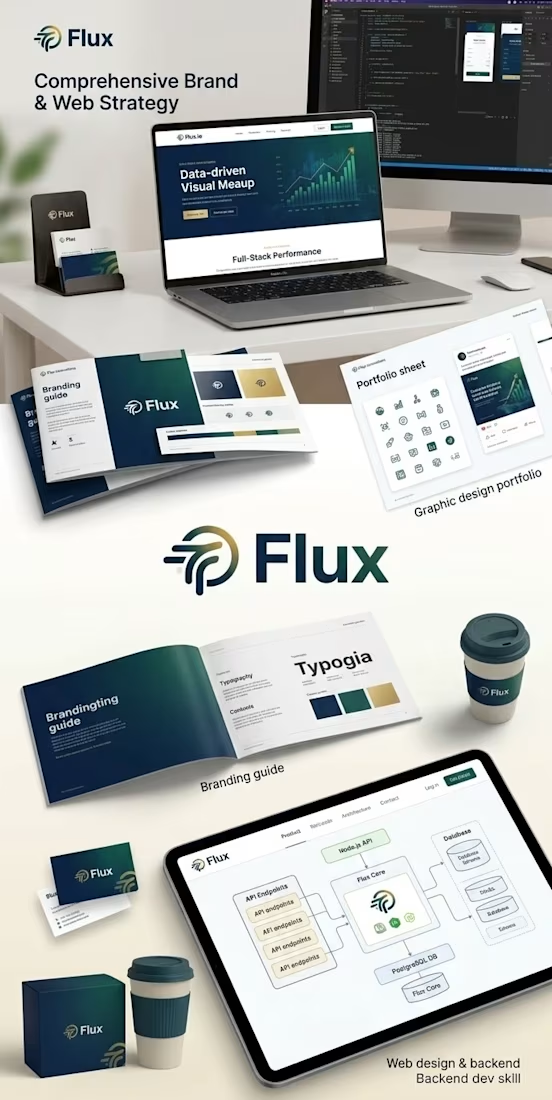
Flux Innovations: End-to-End Digital Ecosystem
A complete brand and technical execution project demonstrating my full-stack expertise:
Branding & Graphic Design: Developed the core brand identity, visual style guide, and digital assets.
Web Design (UI/UX): Designed a high-converting, responsive landing page layout focused on user engagement.
Backend Engineering: Architected secure Node.js APIs and robust PostgreSQL database schemas to power the core platform.