The network for creativity
Join 1.25M professional creatives like you
Connect with clients, get discovered, and run your business 100% commission-free
Creatives on Contra have earned over $150M and we are just getting started
Back to feedPost
AI Invoice Organizer: Drop a File, Get a Clean Spreadsheet Row
What I built: An n8n automation that reads invoices and receipts with AI and saves the details to Google Sheets: vendor, invoice number, dates, currency, tax, total and category. Unclear or blurry files turn red for human review. The owner gets an instant Discord alert (WhatsApp can be added), and each file moves to a “Processed” folder.
Who it’s for: Online sellers, small shops, cafes and restaurants, freelancers, agencies, accountants and bookkeepers, and any business that handles many invoices or receipts.
Tools: n8n, Google Drive, Gemini AI, Google Sheets, Discord.
Role: Nisbah Iqbal, Web Developer & AI Automation Builder


Flagging blurry or unclear files red for human review is a nice touch. Do you set a confidence threshold in the Gemini step to decide what turns red, or is it based on required fields like invoice number and total coming back empty?

Thanks, Yonatan! I used both checks. Gemini returns a confidence level (high / medium / low) for each invoice. A row turns red if the confidence is low or the invoice is unclear or blurry. It also turns red if required fields like invoice number or total come back empty. Green...
The network for creativity
Join 1.25M professional creatives like you
Connect with clients, get discovered, and run your business 100% commission-free
Creatives on Contra have earned over $150M and we are just getting started



Related posts

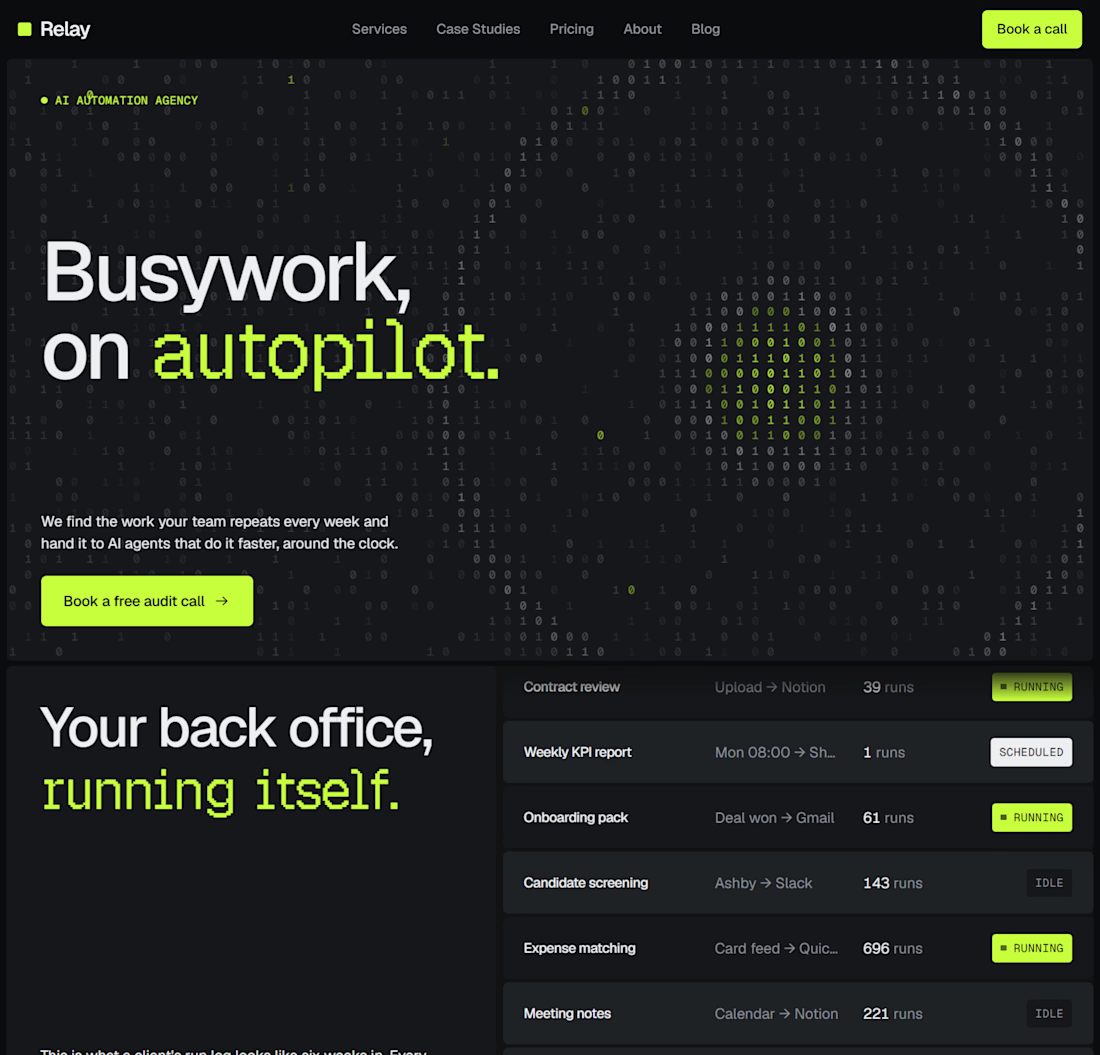
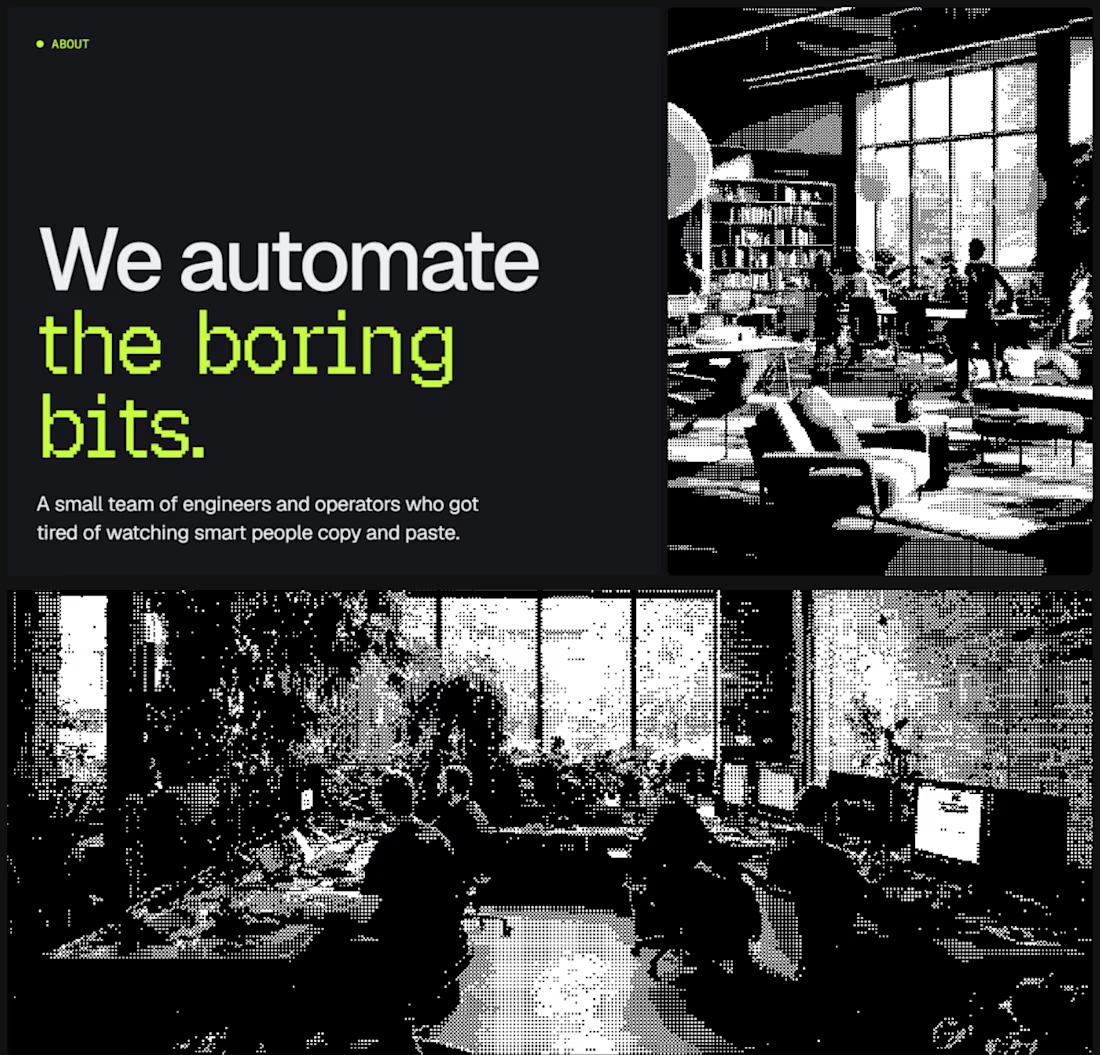
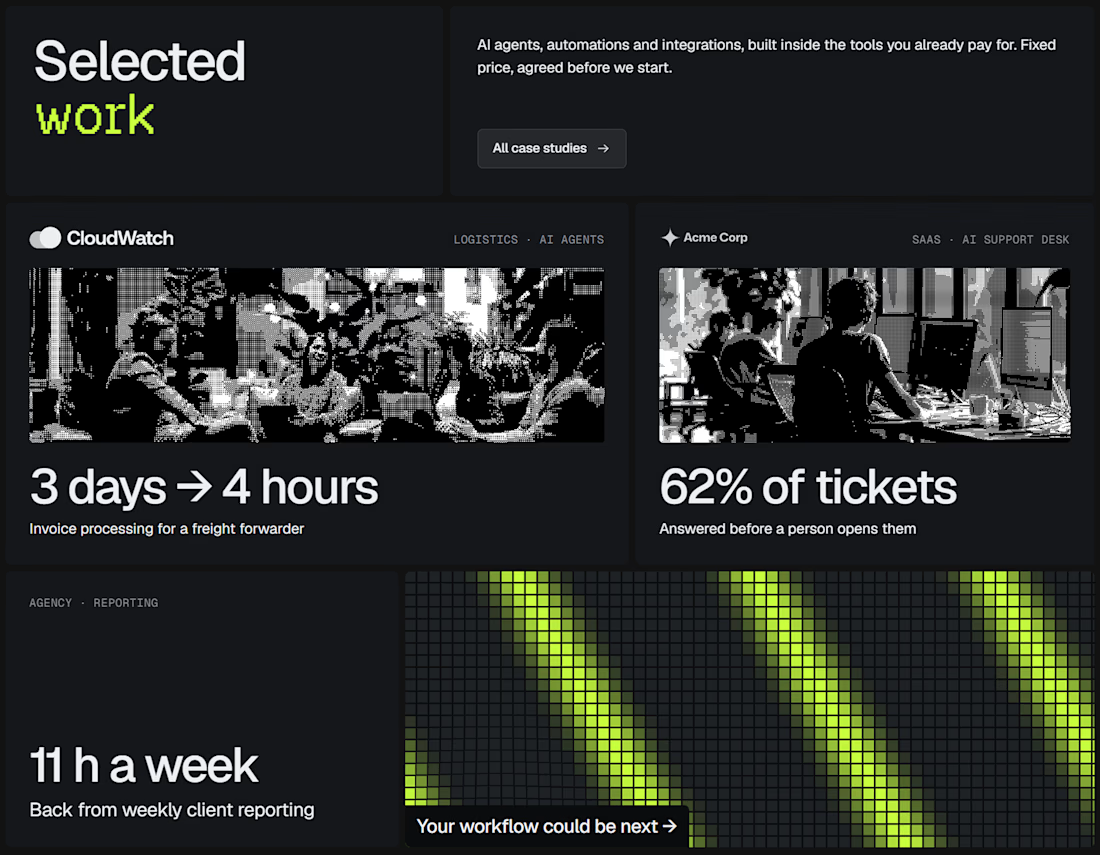
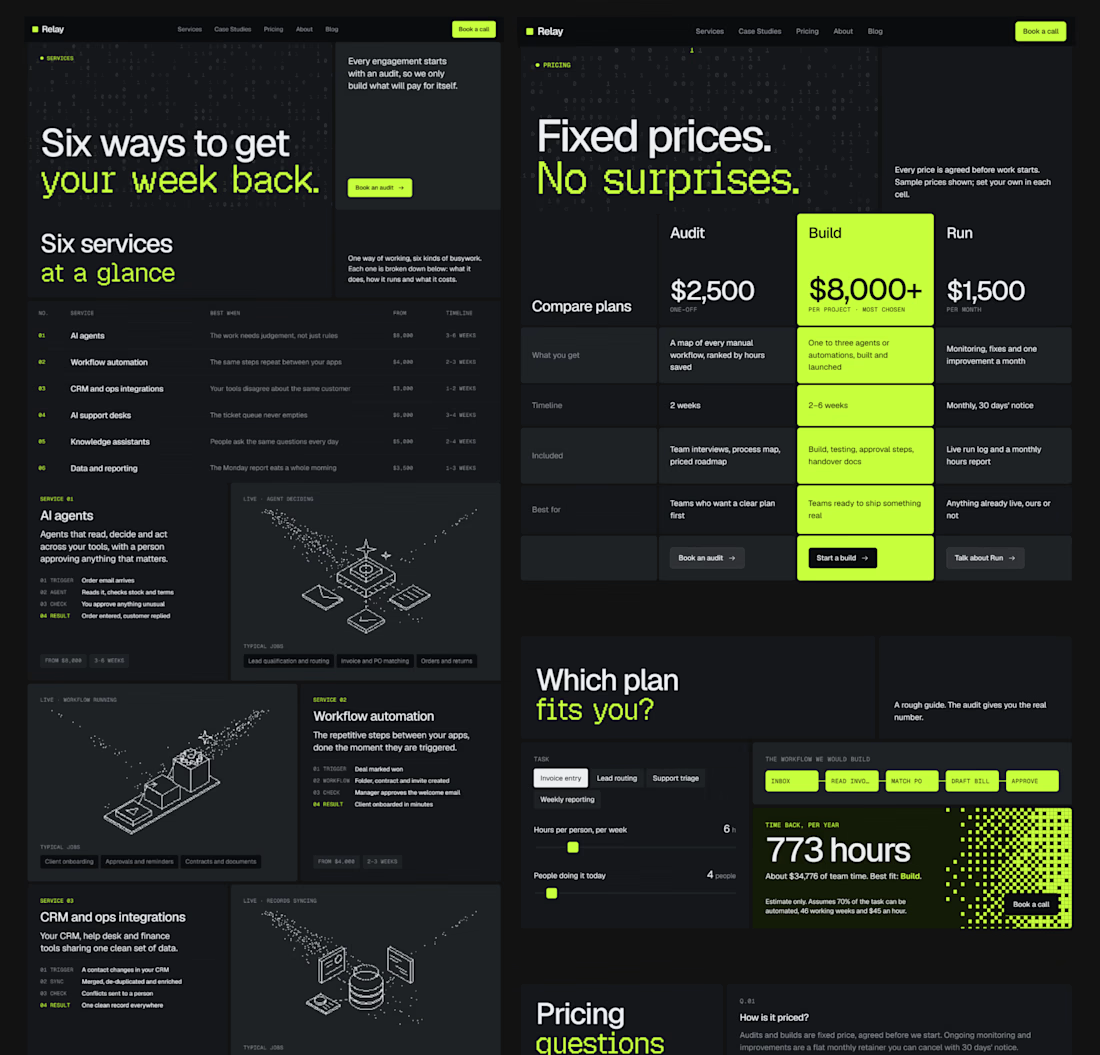
Dropped our next premium framer template for AI automation agencies, workflow consultancies & the people selling agents to businesses that still run on copy and paste.
Check it out


good work!!


From sidewalk to doorstep.
A closer look at ROVR, a landing page concept for an autonomous delivery robot.
A robot at your door is new for most people, so every section answers a question a first time customer would ask: how it gets here, what it can carry, what it costs and what happens if it gets stuck.
Our favorite part is the FAQ, rebuilt as a chat where you can ask ROVR anything.
What would you want to know before a robot delivers your groceries?


Love the idea of turning the FAQ into a conversation. My first question would be: what happens when the robot encounters something unexpected mid-delivery? Showing how ROVR handles those moments could build more trust than any feature list.