The network for creativity
Join 1.25M professional creatives like you
Connect with clients, get discovered, and run your business 100% commission-free
Creatives on Contra have earned over $150M and we are just getting started
Back to feedPost
✨ Introducing SCOVA — Capture anything. Know what matters.
We all have bills, paper notes, letters, and important information scattered around. We take photos of them, save them for later, and sometimes forget what we actually need to do.
I wanted to explore a simpler way to handle all of that.
Meet SCOVA, an AI-powered document assistant that turns a simple photo into actionable information.
📸 Take a photo or upload a document 🧠 Get a clear, concise summary 🚨 Identify priorities and important details 📅 Extract tasks and deadlines 💬 Get suggested replies and next steps
From an unexpected bill to a handwritten note, SCOVA helps you focus on what matters instead of spending time sorting through information.
Built with AI and designed to make everyday life a little simpler.


such a great idea😍

thank you 😍

Nice good job 👏
The network for creativity
Join 1.25M professional creatives like you
Connect with clients, get discovered, and run your business 100% commission-free
Creatives on Contra have earned over $150M and we are just getting started






Related posts

🐻 A little project I've been working on: Meet Nomi!
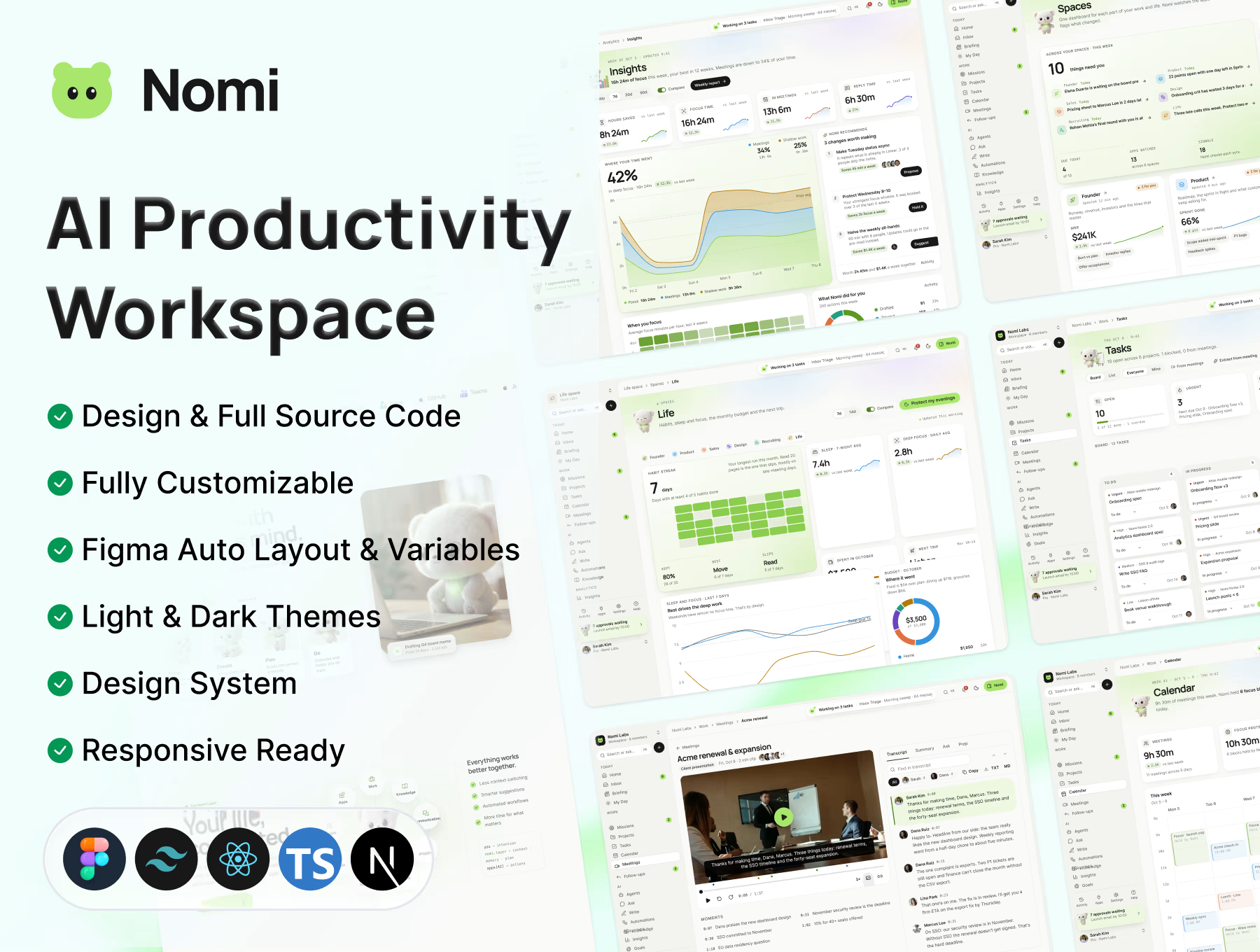
I've been spending quite some time designing and building Nomi, an AI productivity workspace, and I'm really excited to finally share it with you! ✨
The idea behind Nomi is simple: less busywork, more meaningful work. An AI assistant that helps manage your calendar, inbox, documents, and everyday tasks, while keeping you in control.
I wanted to make this more than just a landing page, so I built out the whole product experience, from the marketing website and onboarding to a fully featured web app.
A little peek at what's inside:
✨ 1,600+ Figma frames across the landing page, 35+ website pages, onboarding, and web app.
🎨 300+ components, 2,400+ variants, responsive layouts, and Light & Dark modes.
🤖 8 AI agents, smart inbox, AI chat, workflow builder, analytics, meetings, and more.
💻 Complete frontend source code built with Next.js 16, React 19, TypeScript, and Tailwind CSS v4.
I had a lot of fun putting all the details together, especially the little interactions and different product states. 🥹
Whether you're a designer looking for inspiration, a founder working on an AI SaaS idea, or a developer who wants a starting point, I hope Nomi can be useful to you!
I've made it available on Contra!
🐻 Check it out here:
https://contra.com/products/99SrqGms-nomi-ai-productivity-landing-page-and-web-app
Live demo: https://nomi-fawn.vercel.app/
Would love to hear what you think! Feel free to reach out if you have any questions, ideas, or just want to connect. Always happy to meet fellow designers and makers. 💛


Nice work!

Just added a new AI SaaS UX & Conversion Copywriting concept to my Contra profile! 🤖✨
Most AI meeting assistants lose users in two spots: landing pages packed with vague "neural intelligence" hype instead of clear time-savings, and in-app setups that trigger instant privacy hesitation or blank-prompt paralysis.
For this self-initiated NotePilot concept, I designed the messaging from first click to automated follow-up:
Outcome-First SEO Copy: Led with tangible value ("Never Take Meeting Notes Again Get Action Items in Seconds") and defused privacy objections upfront ("Never trains AI models on your private calls").
High-Trust Calendar Sync UX: Added clear bot permission toggles and an "Ask Me Before Joining" option so users feel in full control.
One-Click Prompt Chips: Replaced an intimidating empty chat bar with instant action chips ("Draft Follow-Up Email", "Extract Action Items") to speed up first-call activation.
Check out the full case study on my profile. What’s your #1 dealbreaker when trying a new AI tool? 👇

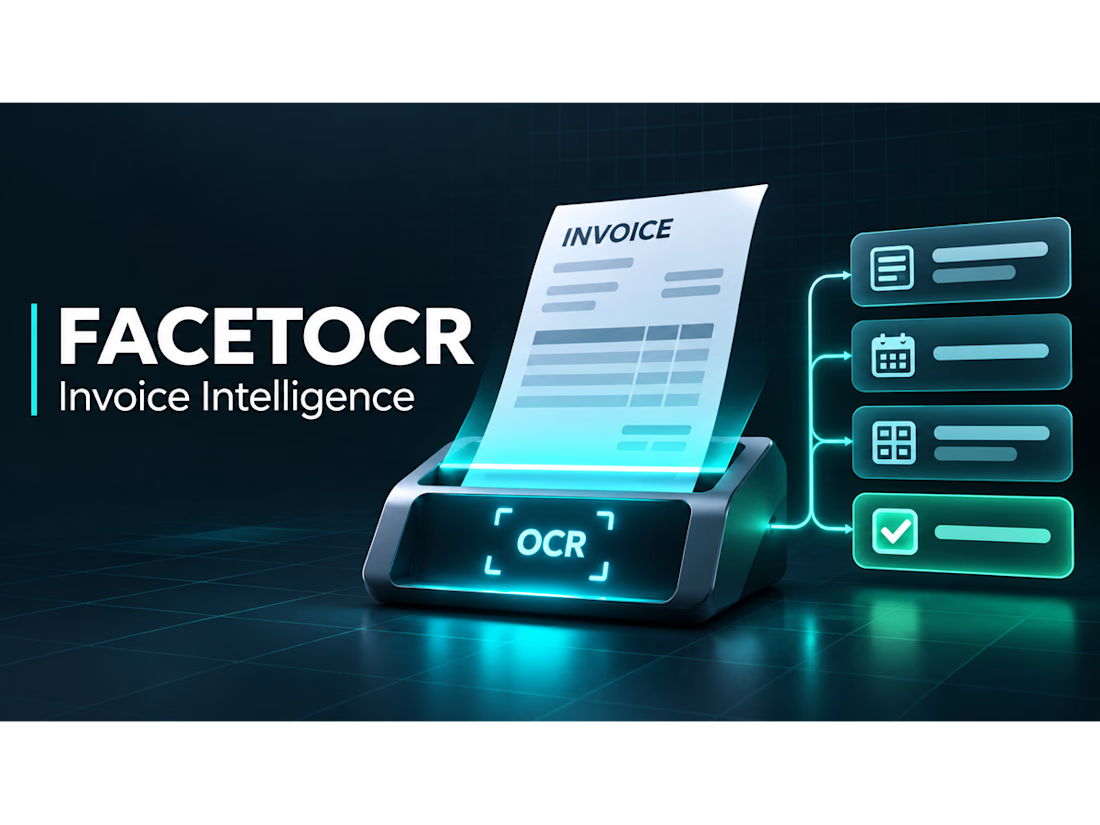
OCR is usually the easiest part of document automation.
The difficult part is deciding whether the extracted information can be trusted.
While working on invoice intelligence, I learned that a useful system also needs schema normalization, validation rules, confidence handling and a clear path for exceptions.
I’ve published a case study of FacetOCR, a workflow based on experience from an invoice-processing pipeline used across 10,000+ invoices.
If your team still copies data from recurring PDFs into spreadsheets or business systems, I would be interested in learning about the workflow.