The network for creativity
Join 1.25M professional creatives like you
Connect with clients, get discovered, and run your business 100% commission-free
Creatives on Contra have earned over $150M and we are just getting started
Back to feedPost

A team's most valuable workflows are often the ones that never get documented.
Scribe helps capture how work actually happens and turn repeatable processes into clear, step-by-step guides.
With AutoCapture, teams can preserve the smaller details, workarounds, and practical knowledge that experienced employees use every day.
It's a smarter way to document processes, share knowledge, and keep everyone aligned. 🚀

The network for creativity
Join 1.25M professional creatives like you
Connect with clients, get discovered, and run your business 100% commission-free
Creatives on Contra have earned over $150M and we are just getting started






Related posts

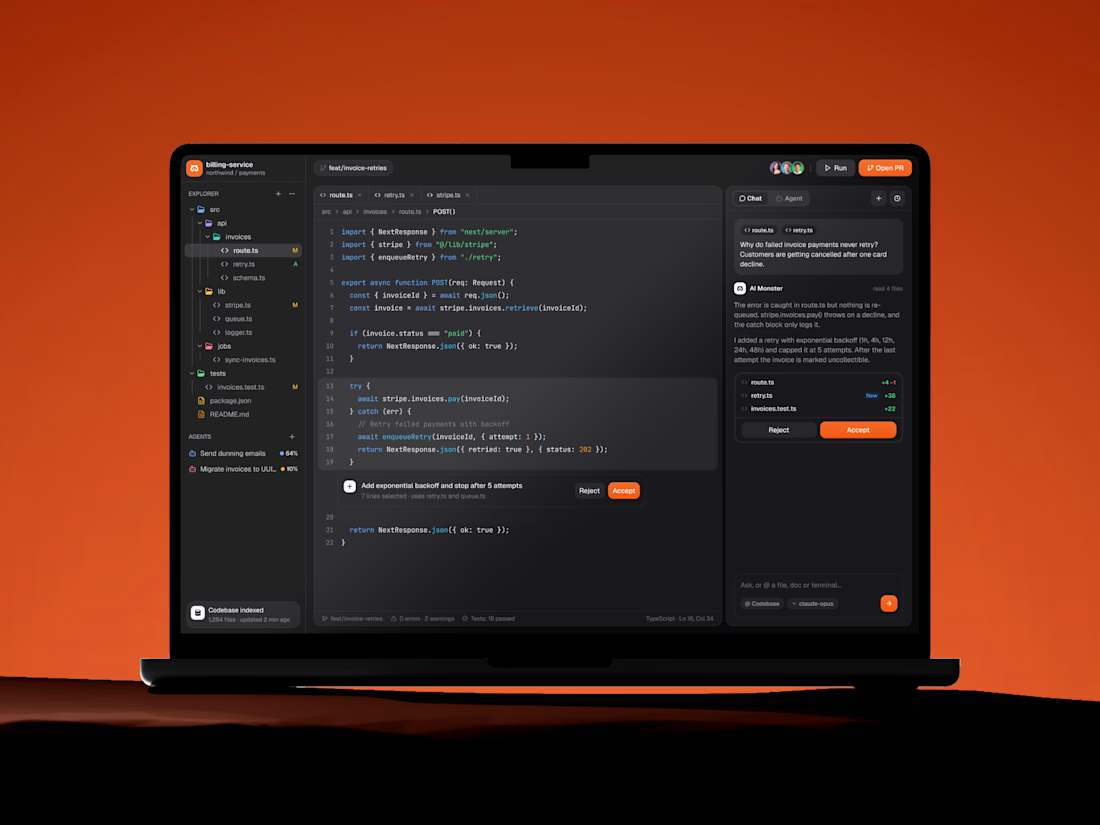
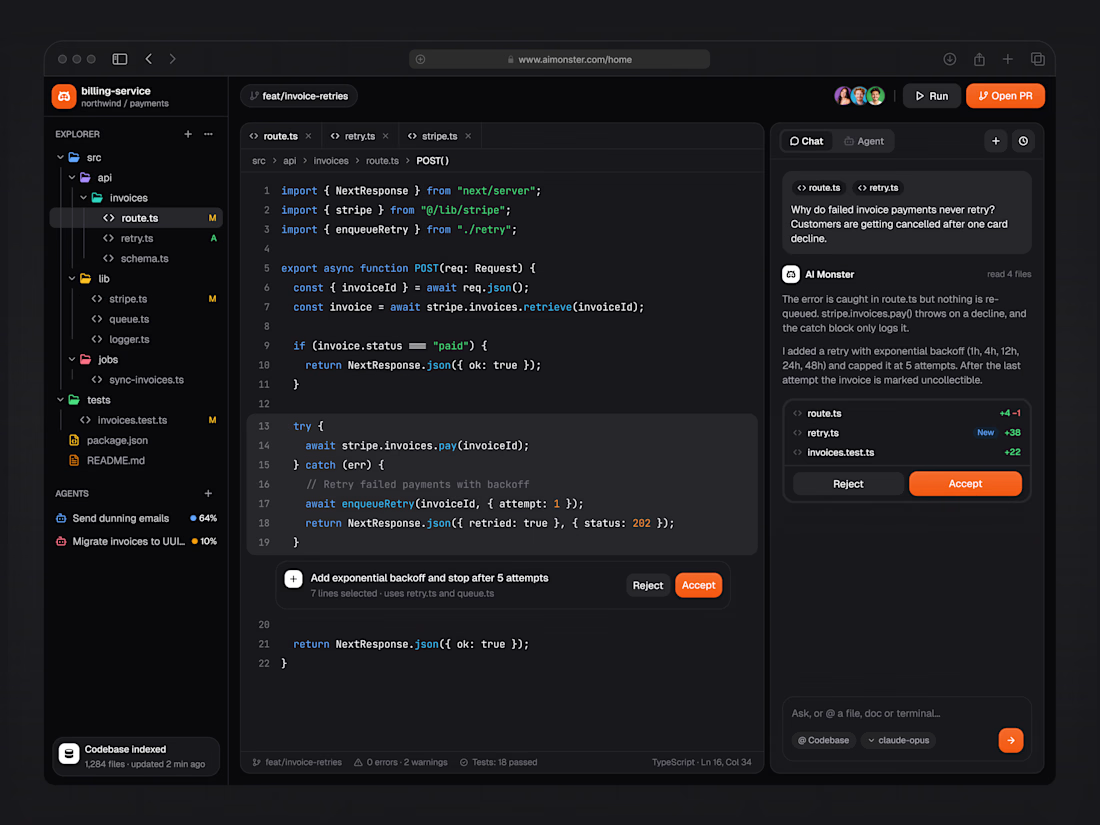
A document editor with a ribbon toolbar, styles gallery and ruler, a launch brief with headline numbers, and an AI panel that refines a selected passage.

Workspace member management UI Design
Managing team access should be straightforward. This workspace management interface helps admins invite team members, assign roles, and manage access permissions from a single screen.
Key Highlights:
↳ Centralized member list with roles and account status
↳ Invite team members through email
↳ Role selection for managing member permissions
↳ Shareable invitation links for quick access
↳ Member status tracking and access management
Looking for a SaaS dashboard or team management UI for your product?
📩 Email: connect@extrive.design

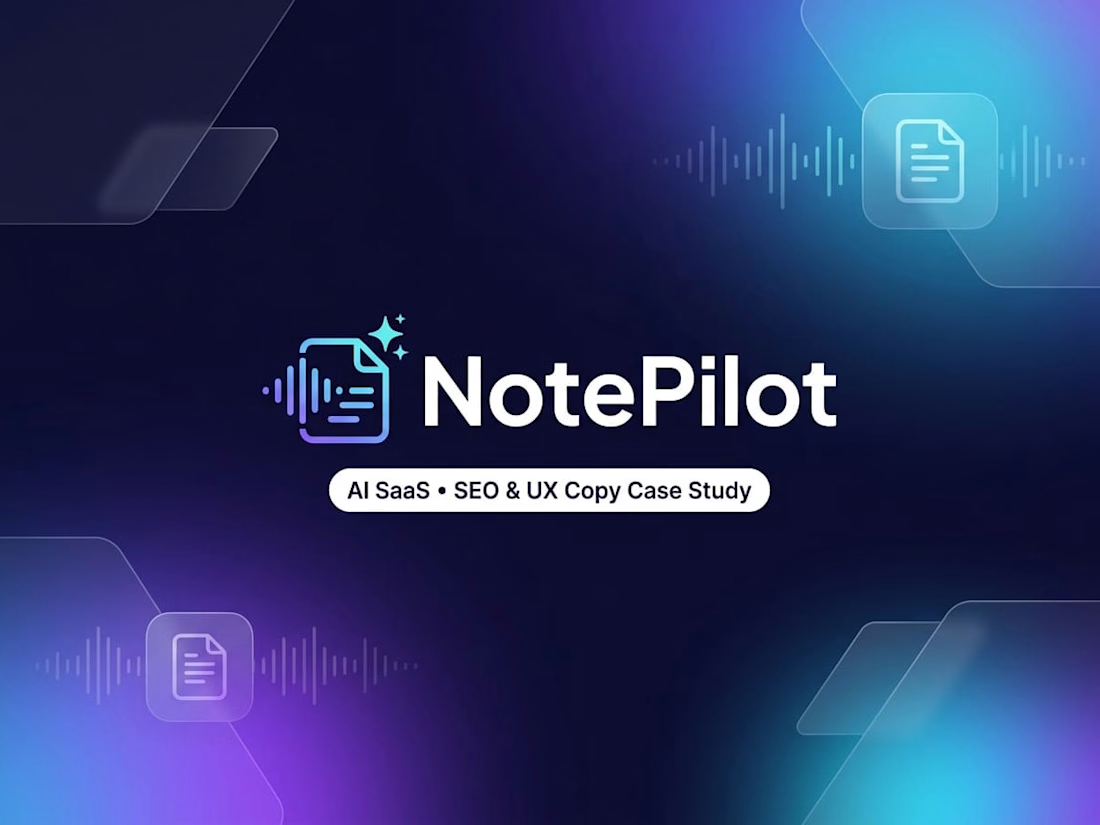
Just added a new AI SaaS UX & Conversion Copywriting concept to my Contra profile! 🤖✨
Most AI meeting assistants lose users in two spots: landing pages packed with vague "neural intelligence" hype instead of clear time-savings, and in-app setups that trigger instant privacy hesitation or blank-prompt paralysis.
For this self-initiated NotePilot concept, I designed the messaging from first click to automated follow-up:
Outcome-First SEO Copy: Led with tangible value ("Never Take Meeting Notes Again Get Action Items in Seconds") and defused privacy objections upfront ("Never trains AI models on your private calls").
High-Trust Calendar Sync UX: Added clear bot permission toggles and an "Ask Me Before Joining" option so users feel in full control.
One-Click Prompt Chips: Replaced an intimidating empty chat bar with instant action chips ("Draft Follow-Up Email", "Extract Action Items") to speed up first-call activation.
Check out the full case study on my profile. What’s your #1 dealbreaker when trying a new AI tool? 👇