The network for creativity
Join 1.25M professional creatives like you
Connect with clients, get discovered, and run your business 100% commission-free
Creatives on Contra have earned over $150M and we are just getting started
Back to feedPost

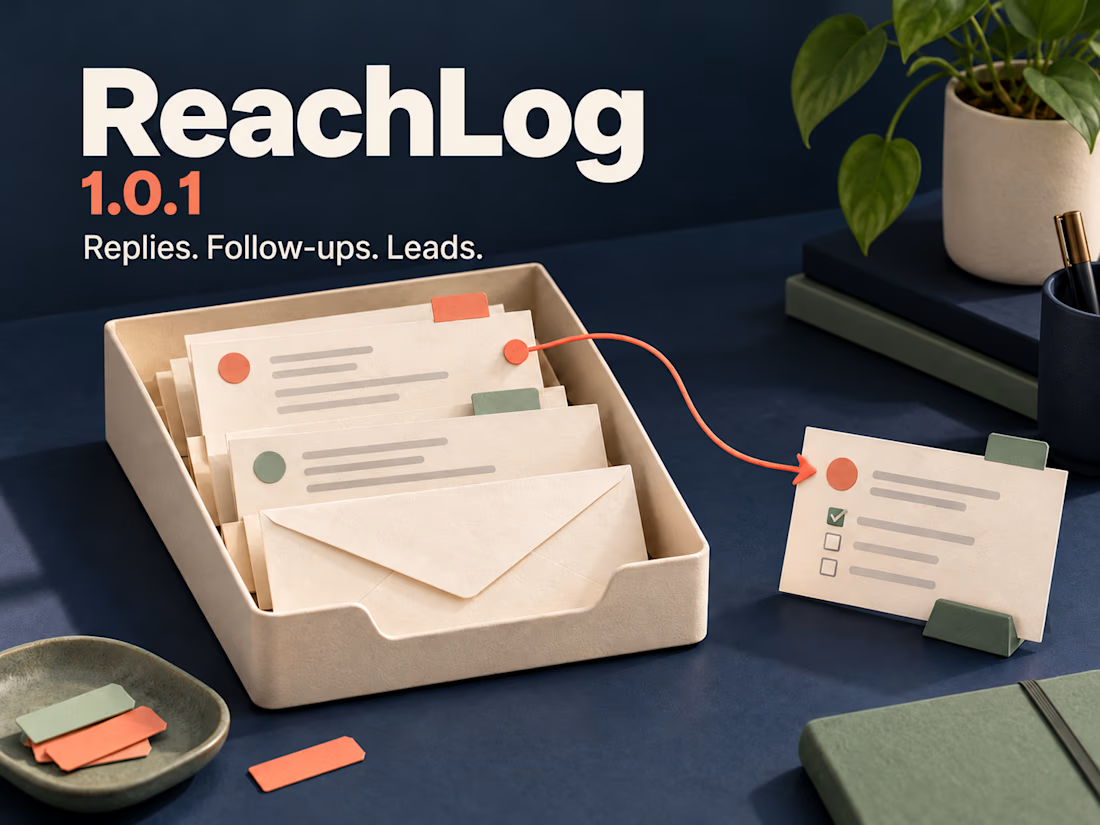
I wanted to open a contact, see what we'd discussed and know what needed doing next. That was the reason I built ReachLog for my own freelance outreach.
The CRMs I tried had plenty of features, but I kept finding things I didn't need and missing things I did. Apparently, that was enough of an excuse to build another one.
I've now published ReachLog 1.0.1 on npm. The 1.0 release brought optional AI help with the reading, drafting and updating that happens between conversations. This small patch also fixes the npm README screenshots, so you can actually see the app before trying it.
It can read a reply and pull out the actual request or commitment, with quotes so you can check the assessment. It can prepare a follow-up using the recent conversation, capture a new business enquiry as a lead, and move an opportunity forward when there is strong evidence for the change.
Anything that needs a decision goes into a review queue.
I wanted the automation to have clear limits. AI and automatic sending start switched off. ReachLog never marks an opportunity Won by itself, and it won't overwrite a pipeline stage you've changed manually in the previous seven days.
If you enable automatic follow-ups, they only go into existing threads. There is a daily cap, and it checks for newer replies or changes before sending. No automatic cold outreach.
One smaller change I'm pleased with: an out-of-office reply no longer makes a conversation look answered or cancels the follow-up. Those little details matter when you're using the thing yourself.
ReachLog is self-hosted, free and MIT licensed. It connects to your existing mailbox and keeps contacts, companies, conversation history and the pipeline together. For AI, you choose an OpenAI-compatible provider or a compatible local model server. Hosted AI receives the email content it processes; a local endpoint can keep that part on your machine.
You can also leave AI off and use it as a manual contact and outreach manager.
If you want to have a look, npx reachlog demo opens a separate read-only workspace with sample data. It needs Node.js 22 or 24.

The network for creativity
Join 1.25M professional creatives like you
Connect with clients, get discovered, and run your business 100% commission-free
Creatives on Contra have earned over $150M and we are just getting started



Related posts

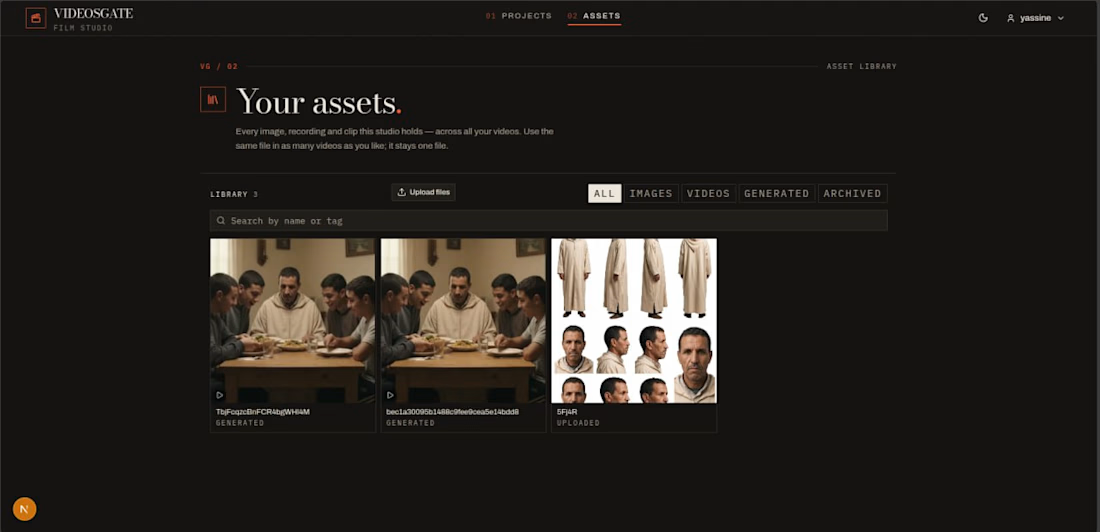
Introducing Videos Gate – Turn Your Ideas Into Professional Videos With AI!
What if creating professional videos was as simple as having a conversation?
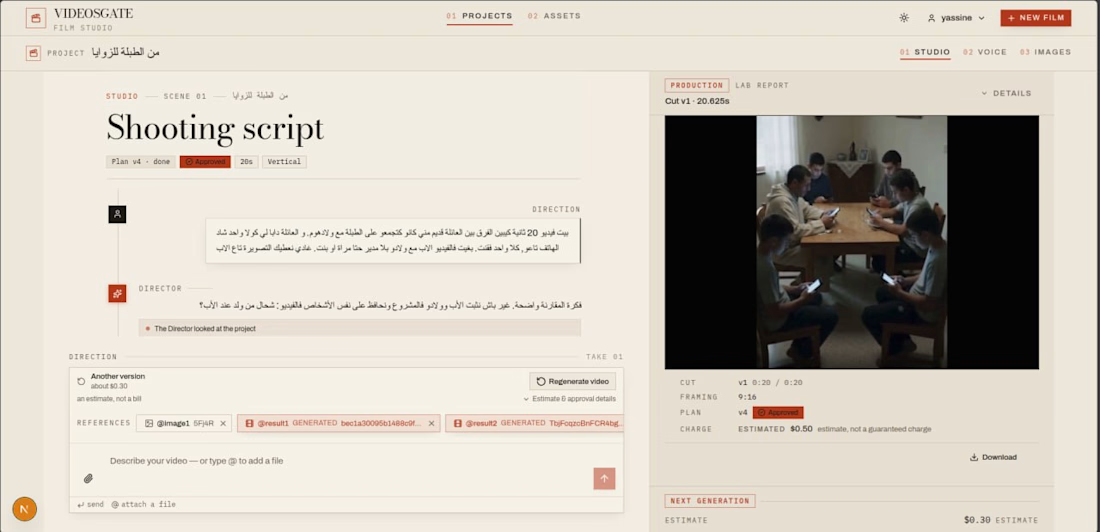
Meet Videos Gate, an AI-powered video creation platform that transforms simple ideas into professional videos through natural conversation.
No technical skills. No complicated prompts. No video editing experience required.
Simply chat with the AI agent, describe what you want, and let it handle the creative process.
Key Features:
• Natural AI-powered conversations.
• Intelligent understanding of user requests.
• Automated video generation.
• Professional visual content creation.
• Simple and intuitive user experience.
The Vision:
Making professional video creation accessible to everyone, regardless of their technical or creative background.
Your idea. One conversation. A professional video.

Great work

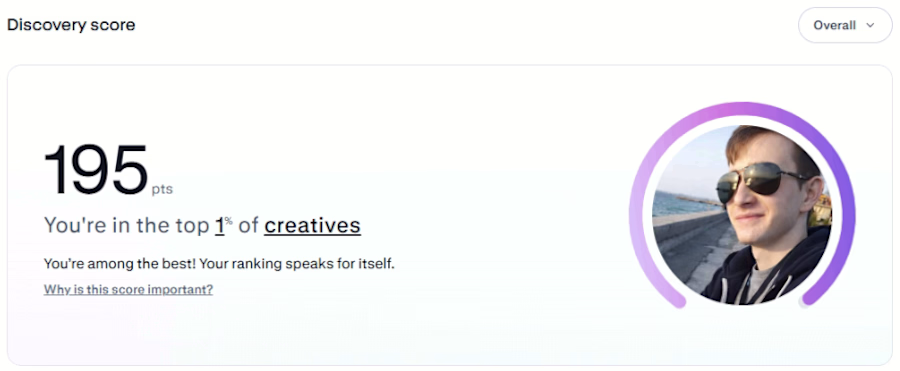
🚀 Happy to share a small milestone — I've reached the Top 1% of Creatives on Contra with 195 Discovery Points!
It's a great feeling to see that consistent effort, hard work, and a genuine passion for what you do can make a difference.
As a Software Engineer, I've always enjoyed solving problems, learning new things, and helping clients bring their ideas to life. Every project has been an opportunity to grow, improve, and build meaningful connections.
If you're just starting your freelance journey and wondering whether it's worth it, keep going! Stay consistent, do your best work, and trust the process. Small steps really do add up.
A big thank you to all my clients and everyone in the Contra community for your trust, encouragement, and support. I truly appreciate it! 🙌
Looking forward to meeting more amazing people, taking on exciting projects, and continuing to grow together.
Always happy to connect, collaborate, and share ideas! 🤝

Yay, congrats!!

Dentra — Dental Practice Management Platform
A full-stack dental clinic management platform built for both clinic teams and patients.
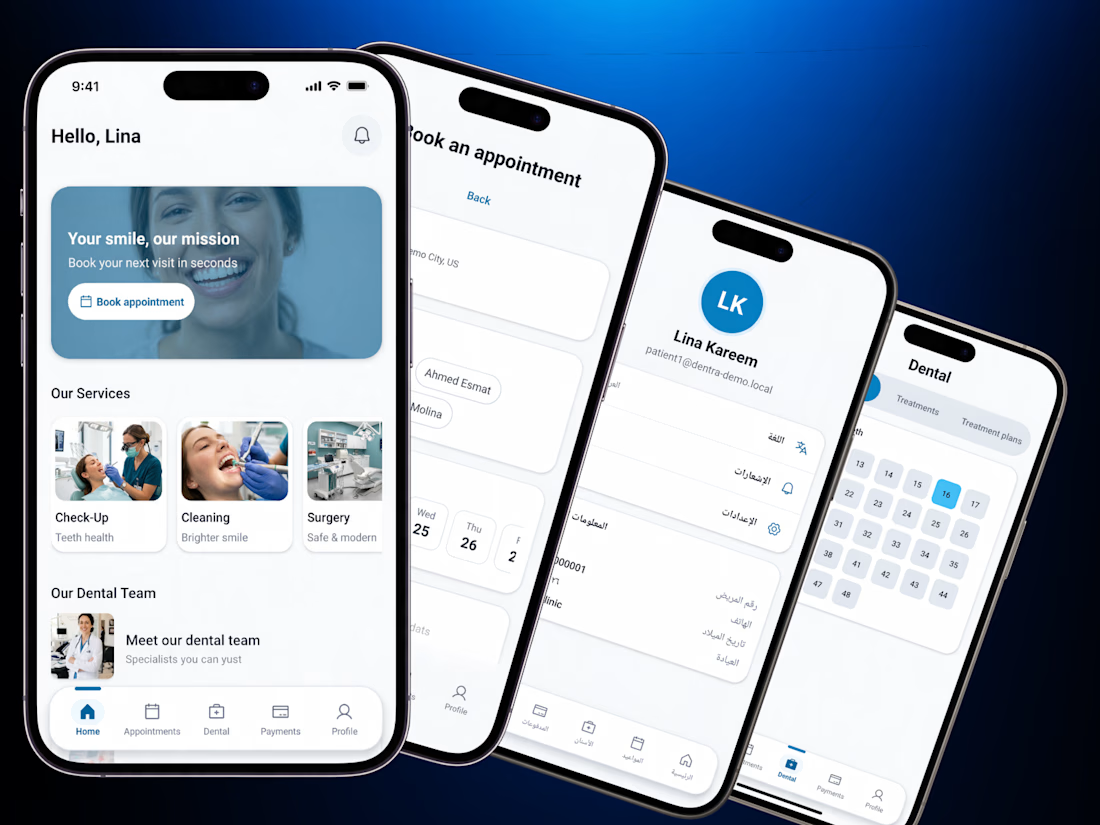
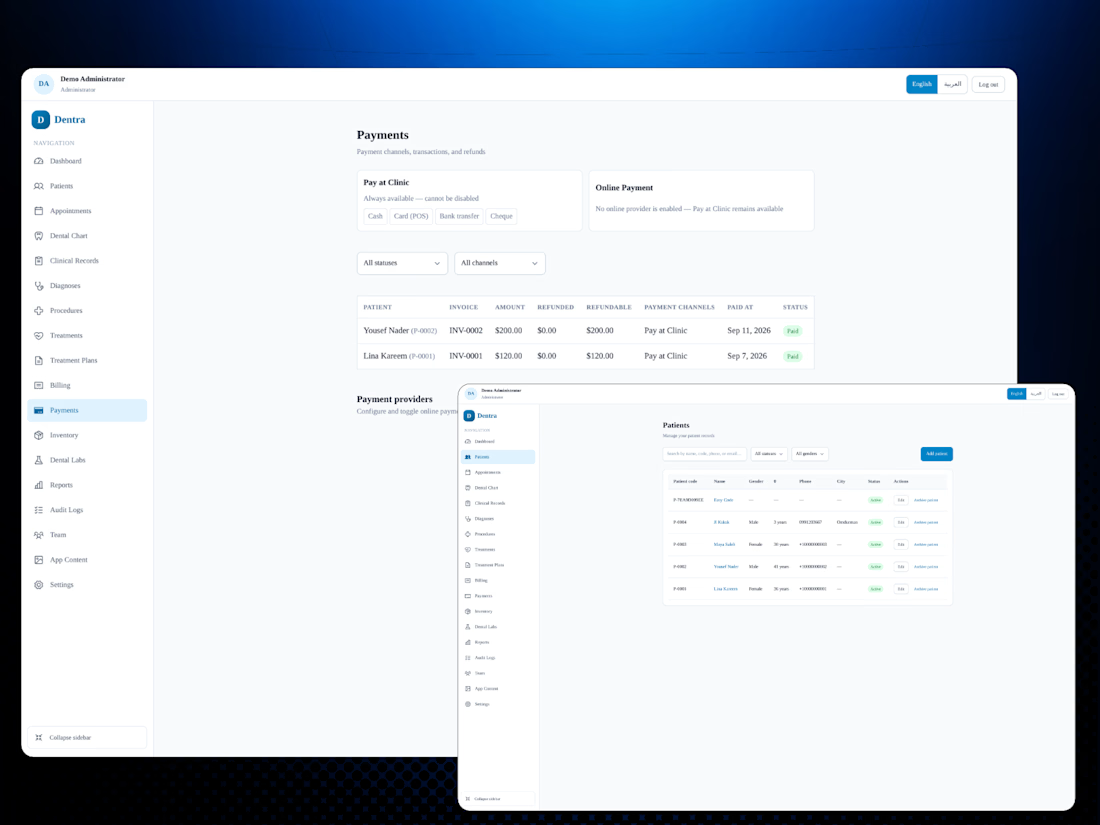
Dentra brings together a modern administrative dashboard and a bilingual patient mobile app to simplify appointments, patient records, treatments, billing, and clinic communication.
What it includes
Patient Mobile App
Appointment booking, dental chart access, invoices and payments, profile management, and Arabic/English language support with RTL layout.
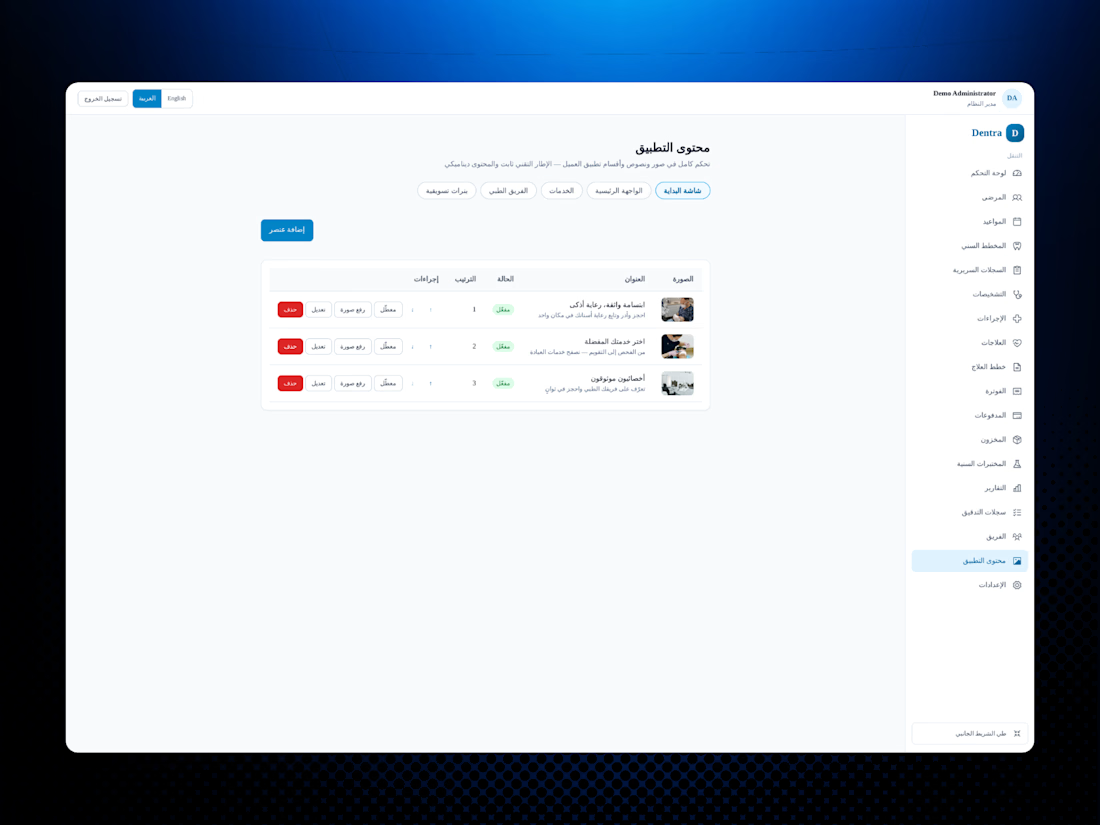
Clinic Admin Dashboard
Patient management, appointment scheduling, clinical records, treatment plans, invoicing, payments, team access, reporting, and operational tools.
CMS-Controlled Patient Experience
Clinic administrators can manage onboarding images, service content, team highlights, and marketing sections directly from the dashboard.
Secure Role-Based Access
Permission-aware access for administrators, dentists, reception staff, accountants, and assistants.
Clean Deployment Setup
Configurable environment variables, buyer-owned administrator bootstrap, and no preloaded patient records, credentials, or account-bound Expo/EAS configuration.


Solid scope, a clinic dashboard and a patient app in one system is a lot to get right. Arabic and English with RTL in the patient app is a nice touch. Did you mirror layouts globally with I18nManager, or handle RTL screen by screen? That part always takes more testing than people expect.