The network for creativity
Join 1.25M professional creatives like you
Connect with clients, get discovered, and run your business 100% commission-free
Creatives on Contra have earned over $150M and we are just getting started
Back to feedPost

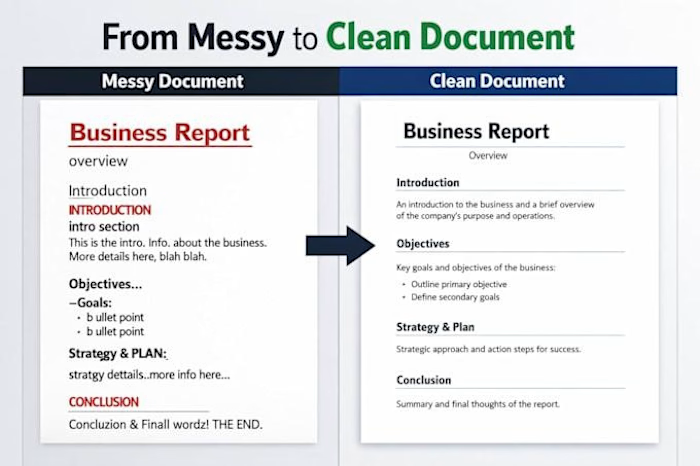
📝 Word Formatting: 5 Details That Make a Document Look Professional
A professional document is about more than just the content. Its formatting can make information easier to read, understand, and navigate.
Here are 5 details that make a difference:
1. Consistent fonts and sizes
Use a clear, consistent font style throughout the document.
2. Clear headings and subheadings
Create a visual hierarchy that helps readers find information quickly.
3. Proper spacing
Use consistent paragraph spacing to improve readability and avoid clutter.
4. Clean margins and alignment
Keep the layout balanced and the text easy to follow.
5. Page numbers and section organization
Make longer documents easier to navigate and reference.
✨ The goal is simple: create documents that look organized, are easy to read, and are ready to use.
What's the first thing you notice when opening a professionally formatted document?


The network for creativity
Join 1.25M professional creatives like you
Connect with clients, get discovered, and run your business 100% commission-free
Creatives on Contra have earned over $150M and we are just getting started











Related posts

Same content, different experience. A few thoughtful design choices can completely change how a presentation feels, flows, and communicates. Which version would you choose?

11 voted
31%
24 voted
69%
35 votes
Closed

Verde Vista 1 is more modern and futuristic specially with blue colors and robotic hand❤️
Great job Rasid🎉🎉🔥🔥

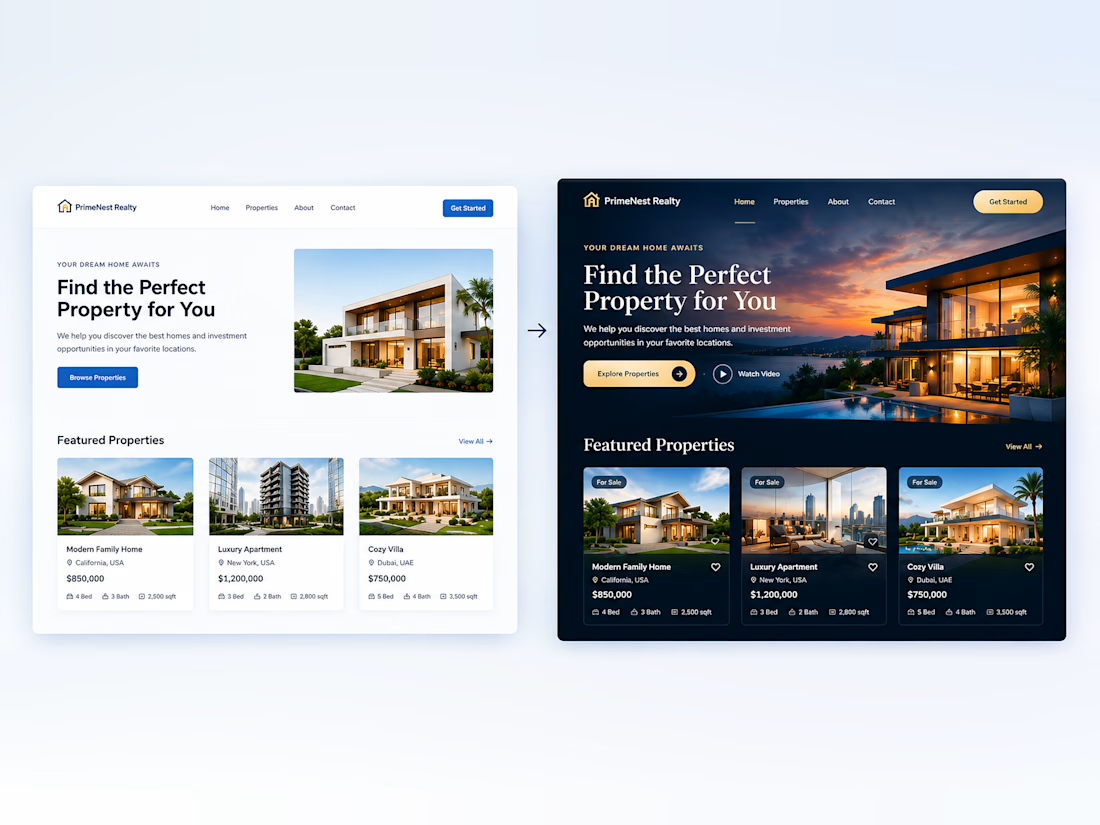
Small Design Changes. A Bigger Difference.
You don’t always need a complete redesign to make a website look more professional. Small improvements in color, typography, spacing, and visual effects can transform the entire experience.
Don’t you agree?

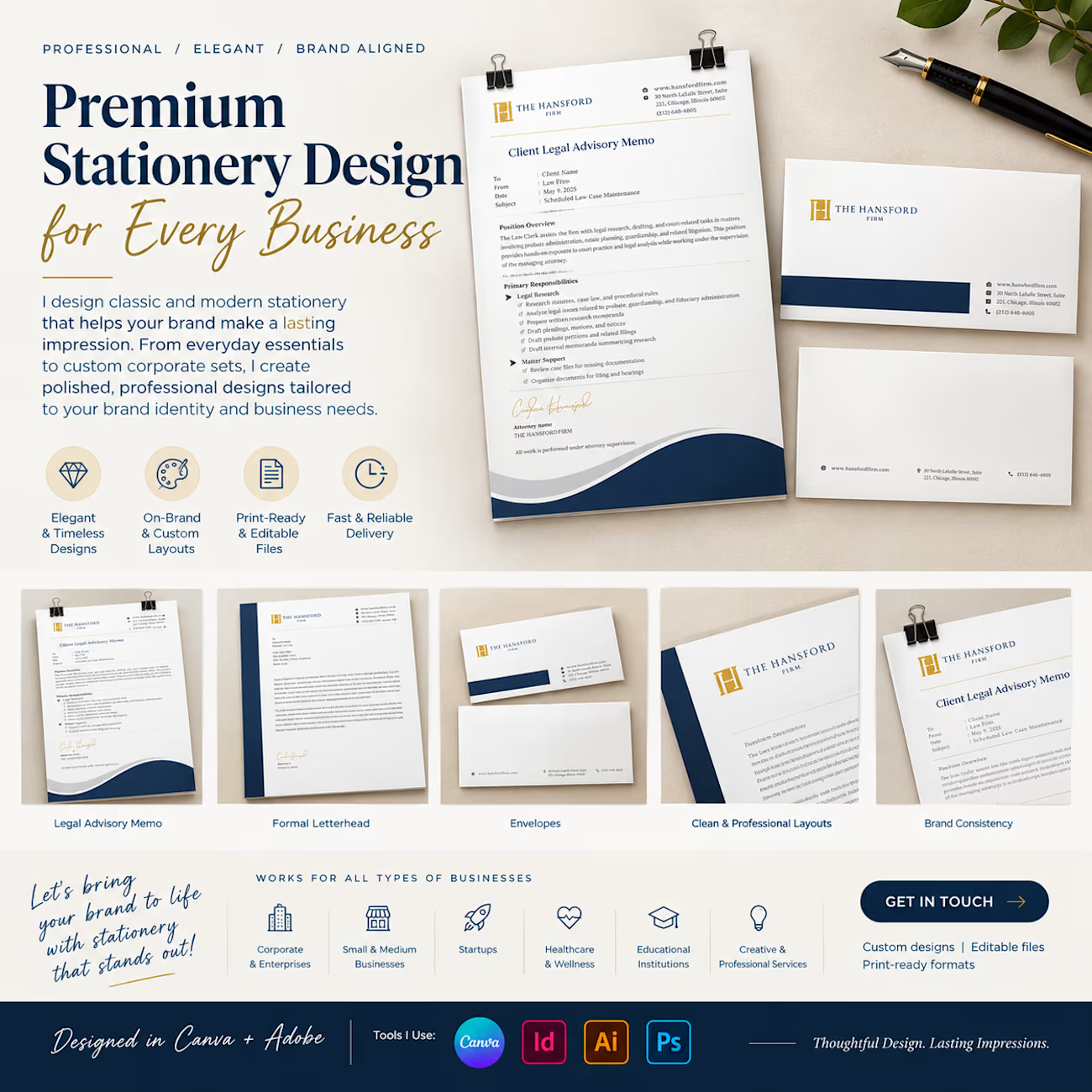
Your stationery is more than paper — it's an extension of your brand identity.
I design premium, classic, and modern stationery for businesses of all sizes, creating cohesive designs that reflect your brand's personality and professionalism.
My stationery design services include:
✦ Business cards
✦ Letterheads and envelopes
✦ Corporate folders and presentation sets
✦ Notepads and compliment slips
✦ Custom branded stationery collections
From individual stationery pieces to a complete corporate identity suite, every detail matters.
Looking to give your brand a more polished, professional appearance? Let's connect!
#StationeryDesign #BrandIdentity #GraphicDesign #BusinessBranding #CanvaDesigner #CorporateDesign #BrandDesign



a full matching set like this just makes a desk feel put together.. compliment slips included