The network for creativity
Join 1.25M professional creatives like you
Connect with clients, get discovered, and run your business 100% commission-free
Creatives on Contra have earned over $150M and we are just getting started
Back to feedPost

Connect with Open Source Opportunities Discover the perfect projects to contribute to, grow your skills, and build your open source portfolio with ContribForge.
Repo: https://github.com/abdul-wahab619/contribforge
Live: http://contribforge.vercel.app/
https://youtu.be/D_j7q9UYpbc?si=ckT1j7kBoIcxmhUT
The network for creativity
Join 1.25M professional creatives like you
Connect with clients, get discovered, and run your business 100% commission-free
Creatives on Contra have earned over $150M and we are just getting started
Related posts

I’ve been working on a small skill called Manual Orchestrator to make longer projects with AI agents easier to manage.
The problem started with a familiar situation: one chat would accumulate plans, implementation details, corrections, and test results. By the time I was ready for the next phase, I wanted a fresh conversation without losing the decisions we’d already made.
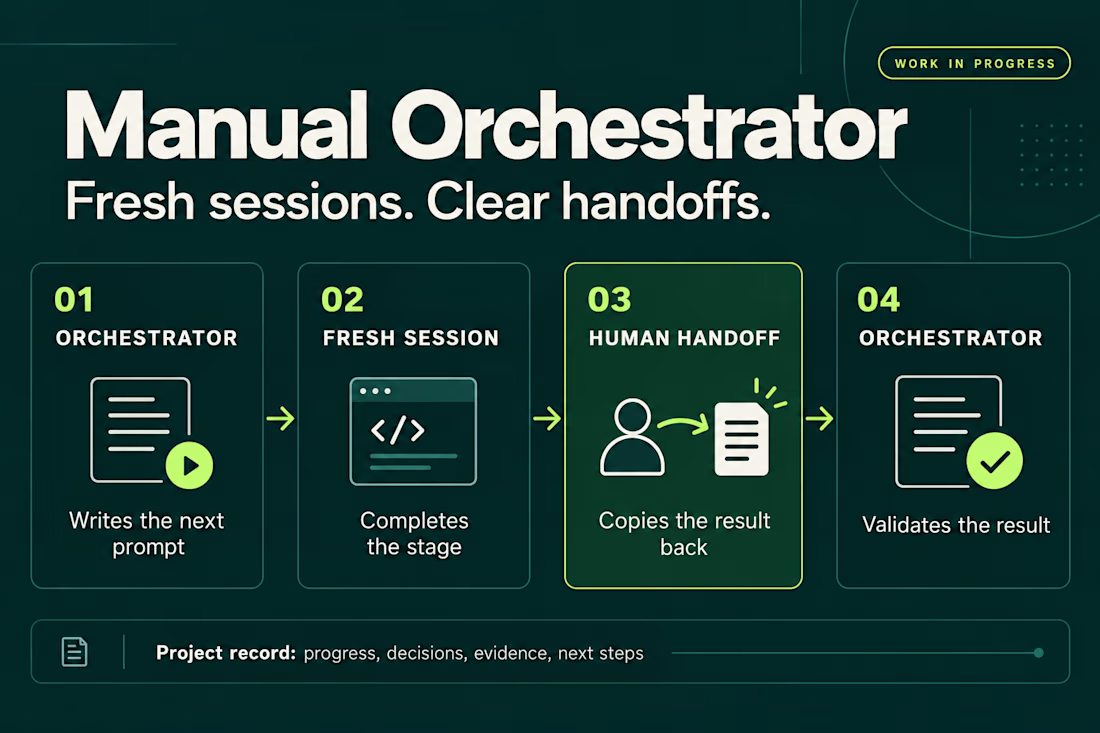
Manual Orchestrator gives that process some structure. One chat acts as the orchestrator: it breaks the work into stages and writes a prompt for the next one. I run that prompt in a new session, then bring the result back. The orchestrator reviews it against the stage’s criteria before preparing the next prompt. If something needs fixing, I go back to the same worker session.
The skill also keeps a record in the project with the current stage, decisions, evidence, and next steps. That makes it easier to pause, resume, or hand the work to another session.
The handoff is manual. I choose when to open a session and carry the result back. The orchestrator and worker sessions can also use different agent CLIs, with the prompt adapted to the capabilities available.
It’s open source and still a work in progress. I’m using it to learn what helps in practice and where the workflow needs to improve. Installation has been checked for Codex, Claude Code, and Gemini CLI, but the full workflow hasn’t been tested across every CLI or version.
If you try it, I’d be interested in hearing what works and where it gets in your way.


Would you run a command without knowing what it could do?
A copied installation script. An automated workflow. A shell command suggested by AI.
Convenient? Yes. Worth checking before execution? Absolutely.
That’s why I built SafeShell, an open-source tool for inspecting commands, applying security policies, and running permitted commands with sandboxing on Linux.
The goal: help developers and engineering teams work faster with more control over what they execute.
Explore the code, try it, and share your feedback:
https://github.com/HamzaGhebriche/SafeShell
Building automation or CI/CD workflows that need stronger security controls? I’m available for freelance projects in DevSecOps, secure automation, and cloud security. Let’s talk through Contra.




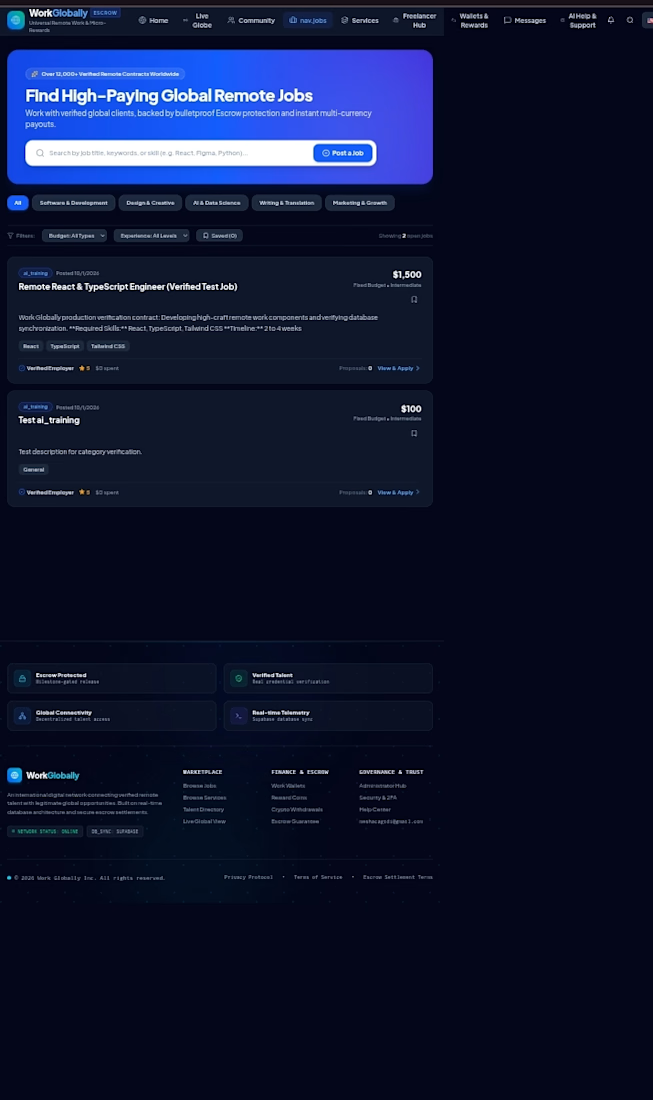
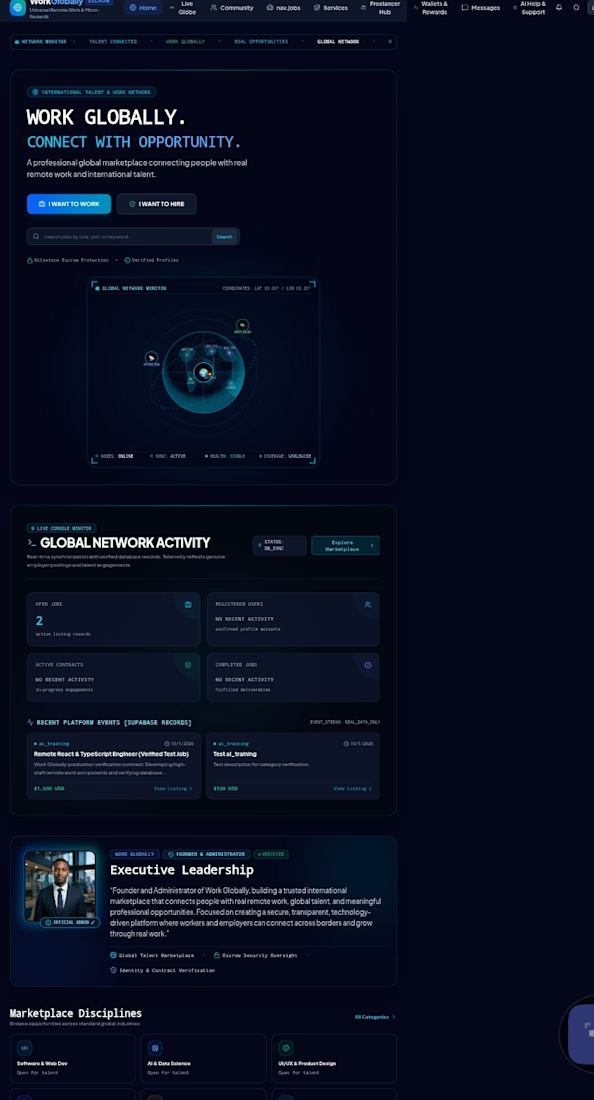
Title: Work Globally — Remote Work Platform
A web platform project focused on connecting people with global work opportunities.