The network for creativity
Join 1.25M professional creatives like you
Connect with clients, get discovered, and run your business 100% commission-free
Creatives on Contra have earned over $150M and we are just getting started
Back to feedPost


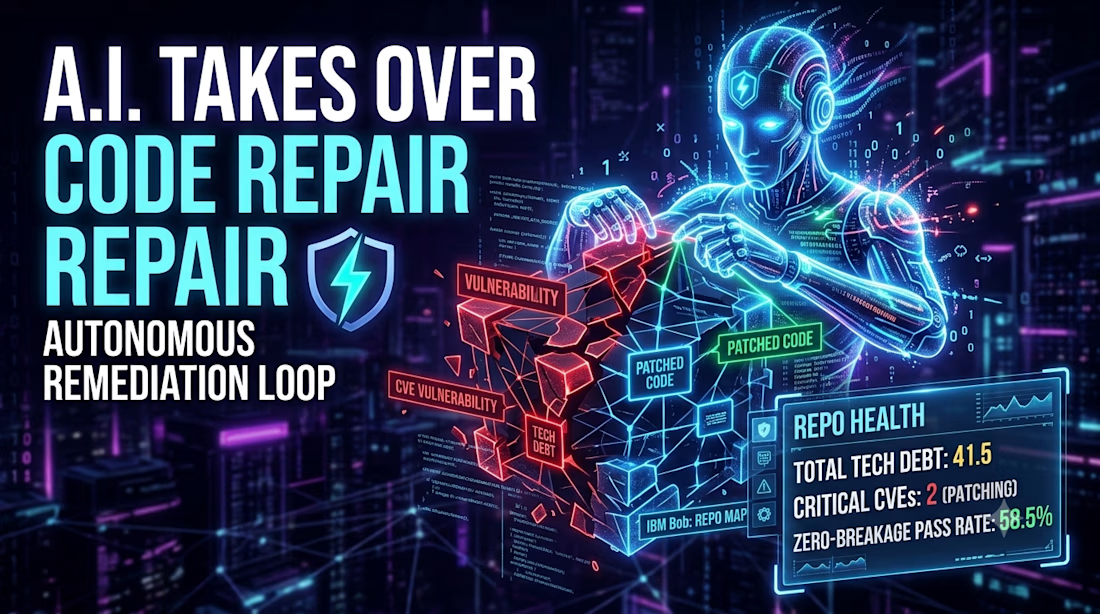
Build logs, AST trees, and endless agentic loops. At some point during the 48-hour sprint, every developer asks: Is this actually solving a real-world engineering problem, or am I just over-engineering a high-tech tool?
With GraphWard AI, the answer became clear fast.
We didn't set out to build another generic AI wrapper that guesses its way through a pull request and hopes the build passes.
We built GraphWard AI to give agents structural eyes, using AST topological mapping and dependency graphs so AI can patch real security vulnerabilities and refactor code without quietly breaking downstream services.
Seeing it come together, from the live React Flow control room UI to closed-loop sandboxed verification, made the late hours worth it.
Huge thanks to lablab.ai, IBM, and NativelyAI for hosting the IBM Bob 2.0 Hackathon.
On to the next build! 🚀
The network for creativity
Join 1.25M professional creatives like you
Connect with clients, get discovered, and run your business 100% commission-free
Creatives on Contra have earned over $150M and we are just getting started



Related posts

Did a motion for the Cockpit concept ⁕ 🔈 ON
Design & Creative Direction: Me
Motion & Sound: Claude Code
Cockpit is an AI agent management platform concept that helps teams:
- Set boundaries
- Monitor activity
- Manage approvals
- Track knowledge sources
- Measure performance and costs
It brings together five key AI UX challenges:
👉 Autonomy
👉 Observability
👉 Human Approvals
👉 Context
👉 Analytics
The idea is simple:
As AI agents become more capable, the experiences we design around them need to make their actions more transparent, predictable, and manageable.
Thanks!


Human approvals is the part most agent UIs skip. Good call making it one of the five challenges.


TOP!!

Weekend fun 😺. The new MacBook Pro has a Dynamic Island, and I kept wondering: what if that little pill was where your AI agent lived?
Try it live: https://lab.behzad.me/agent-mew/
So I spent the weekend prototyping Agent Mew. You drop a file on the notch, give it a task, and it quietly works up there while you keep doing your thing. It shows progress in the wings, asks a quick question when it needs one, and always waits for your OK before doing anything that leaves your Mac, like sending an email.
A few things I explored:
- Progress that stays out of the way, readable at a glance
- Questions as one tap, not a chat window
- Approval cards for anything with real consequences
- Paused and stuck states that tell you what to do next
- A small animated cat, because agents should have some personality


Approval cards for anything that leaves the Mac is the right line to draw. Does the card show the full email before you tap OK, or a short summary? I'd lean toward full text for anything going to another person.