The network for creativity
Join 1.25M professional creatives like you
Connect with clients, get discovered, and run your business 100% commission-free
Creatives on Contra have earned over $150M and we are just getting started
Back to feedPost

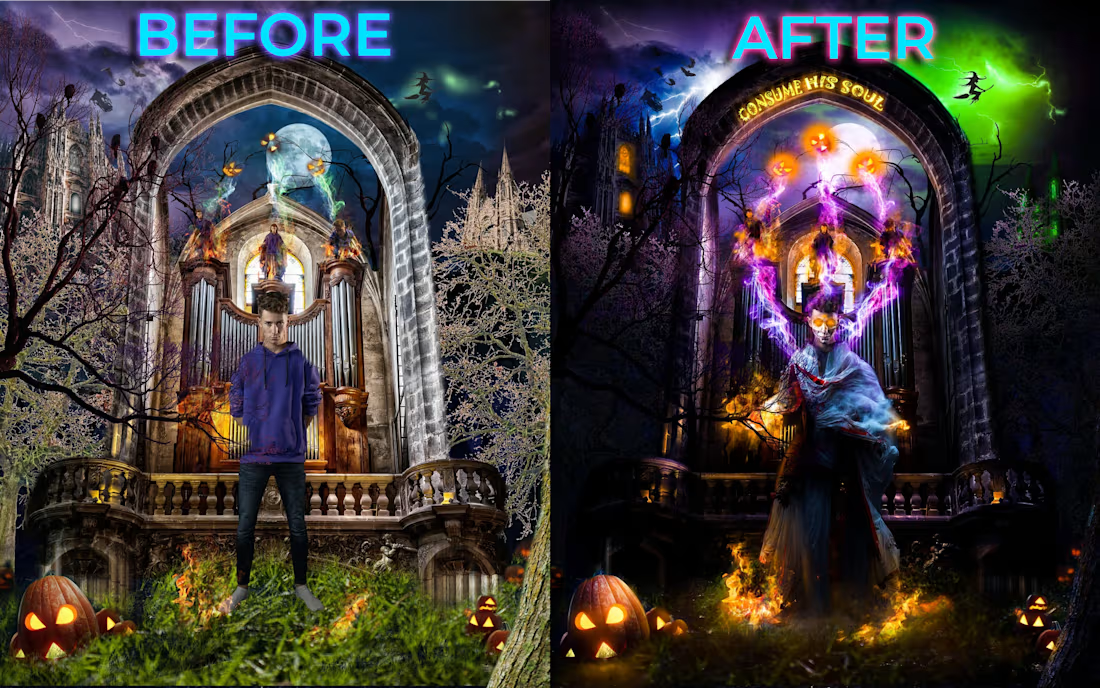
(IMAGE BREAKDOWN)
Here's a before and after breakdown of one of my biggest photoshop artworks:
I got all the raw files and images from the creator and the internet
Then i started by blocking out the background and cutting together the key background elements
Then i slowly worked my way to the foreground sections.
One THING i always do is to imagine the image like im staring through a camera lens, that's how i decide how the light will behave and the perspective of the image, then i build everything else from that perspective and Light source.
Then after blocking out the images and masking out what i need to i move onto color correction🔥
Adjusting Contrast and Levels
Color balance and Base color correction to create uniformity in color values between all the various images used in the composite, as these images are shot and gotten from different scenes, different cameras, different photographers or creators.
Then I pick my Primary and Secondary colors for the light sources (Purple, Green and Some ORANGE For this particular edit)
and then i start my FAVORITE PART😍
Color grading
Shading and Highlights
Then i take everything into camera raw and add my final filters and effects and Voila... its done.

The network for creativity
Join 1.25M professional creatives like you
Connect with clients, get discovered, and run your business 100% commission-free
Creatives on Contra have earned over $150M and we are just getting started



Related posts


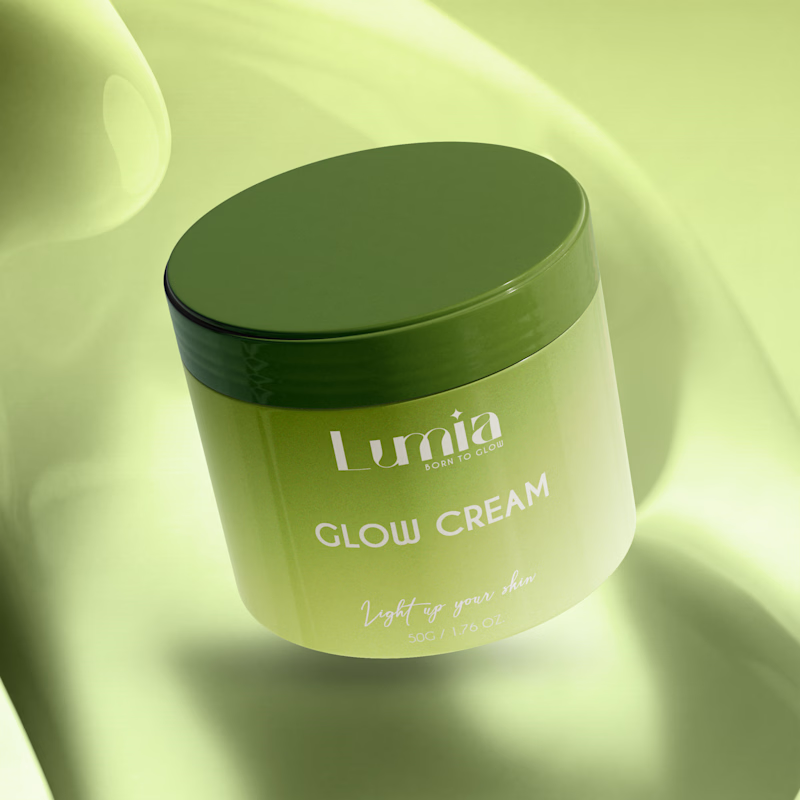
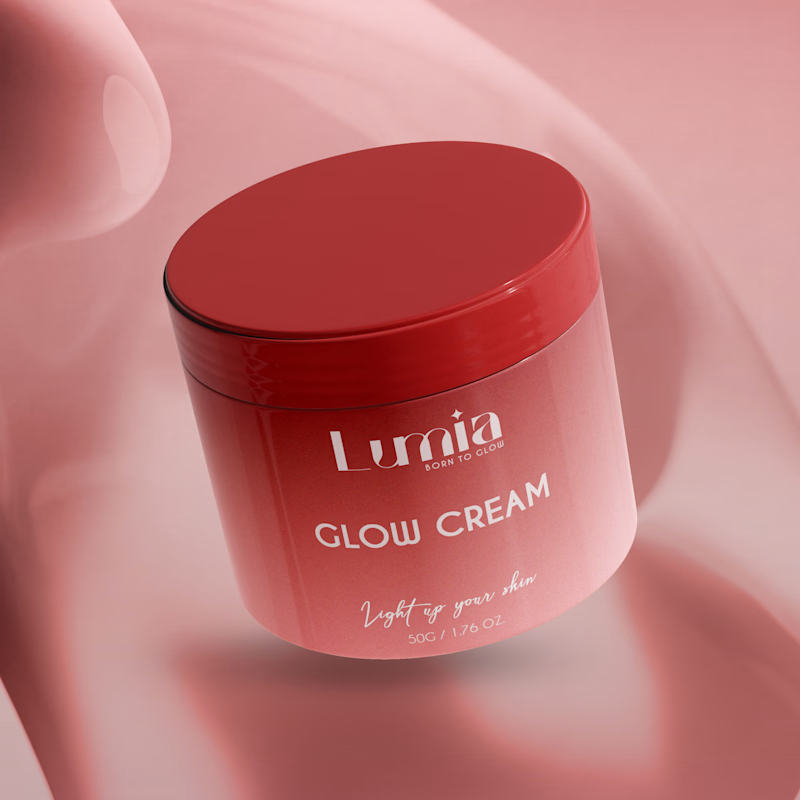
Which packaging color catches your eye first?

6 voted
46%
7 voted
54%
13 votes
Closed

The green version catches my eye first: the dark olive lid gives the lighter jar a clear focal point. I would also test the small white label text at thumbnail size, since the soft lighting reduces its contrast in both versions.

People don’t just want a banking app. They want to feel in control of their money.
Great fintech design doesn’t just look premium. It makes money feel simpler, safer, and easier to control.
Meet Ziko, a mobile banking concept where every interaction is designed to reduce friction and build trust.
What wins your trust first: 🔒 Security, ✨ Simplicity, or ⚡ Speed?


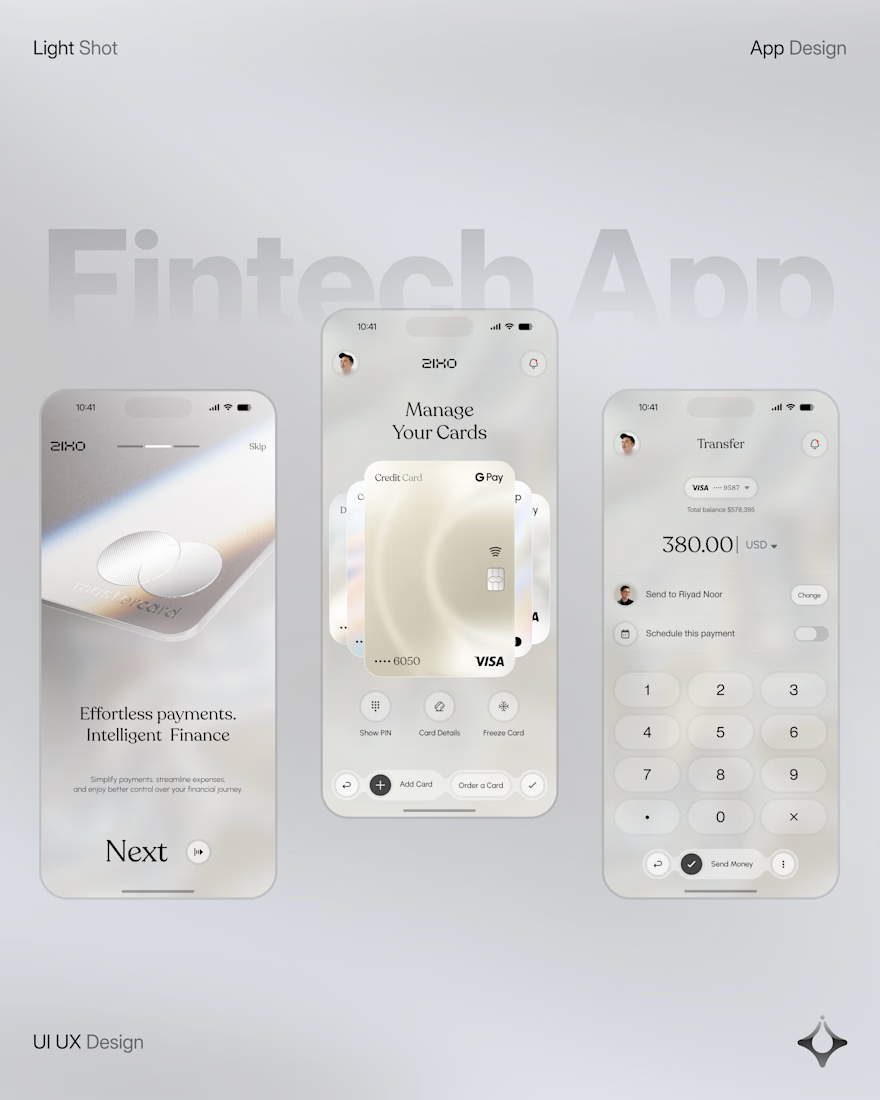
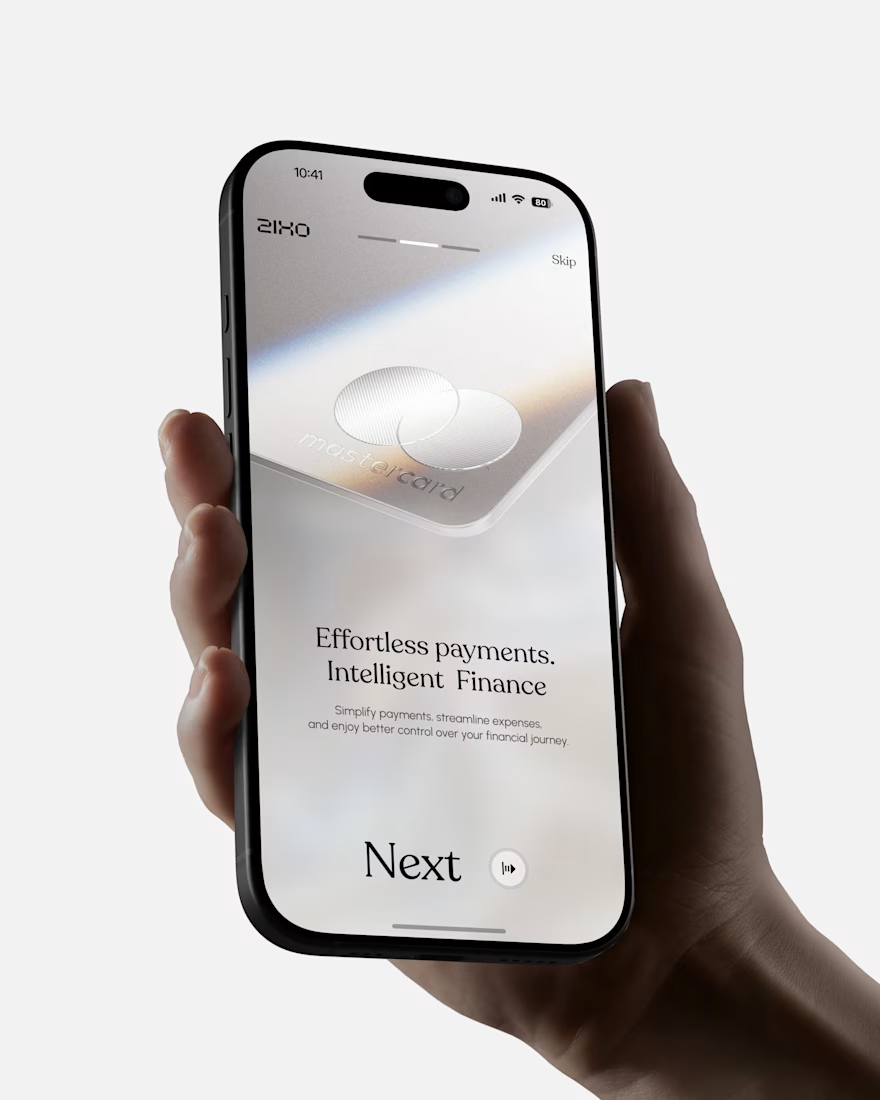
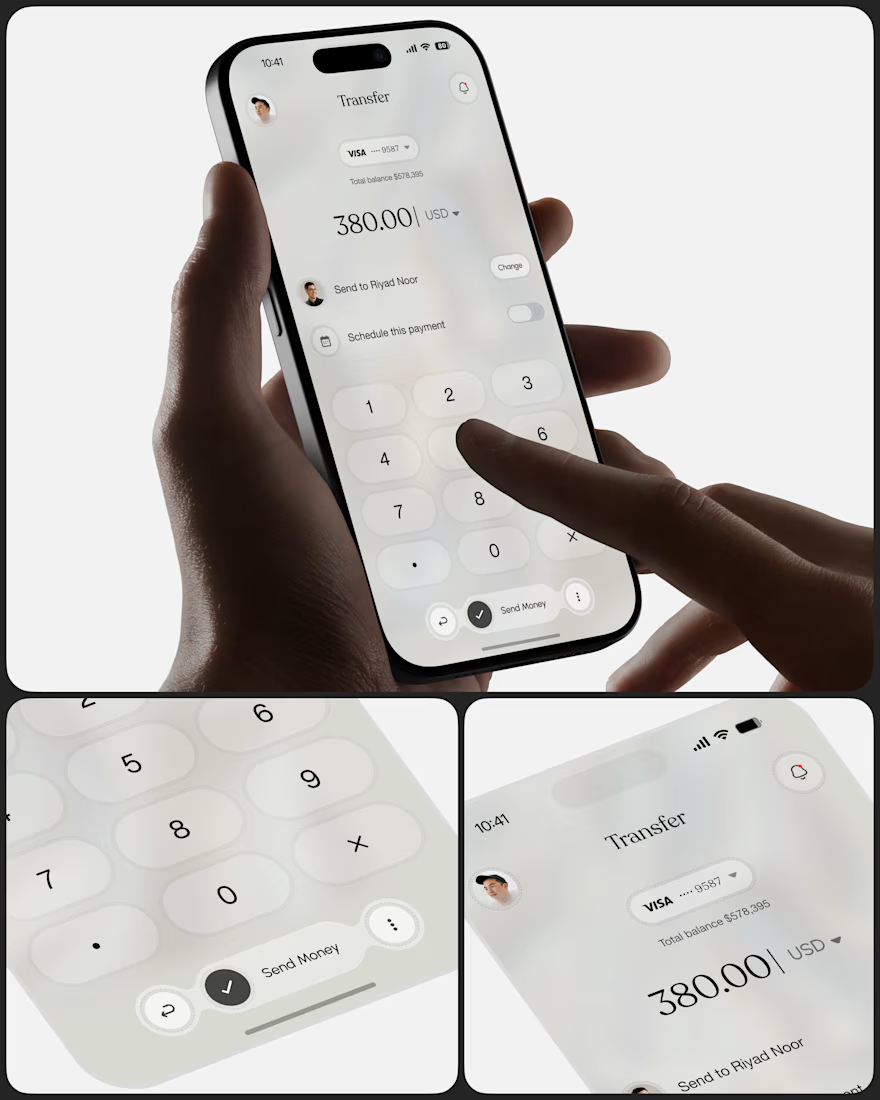
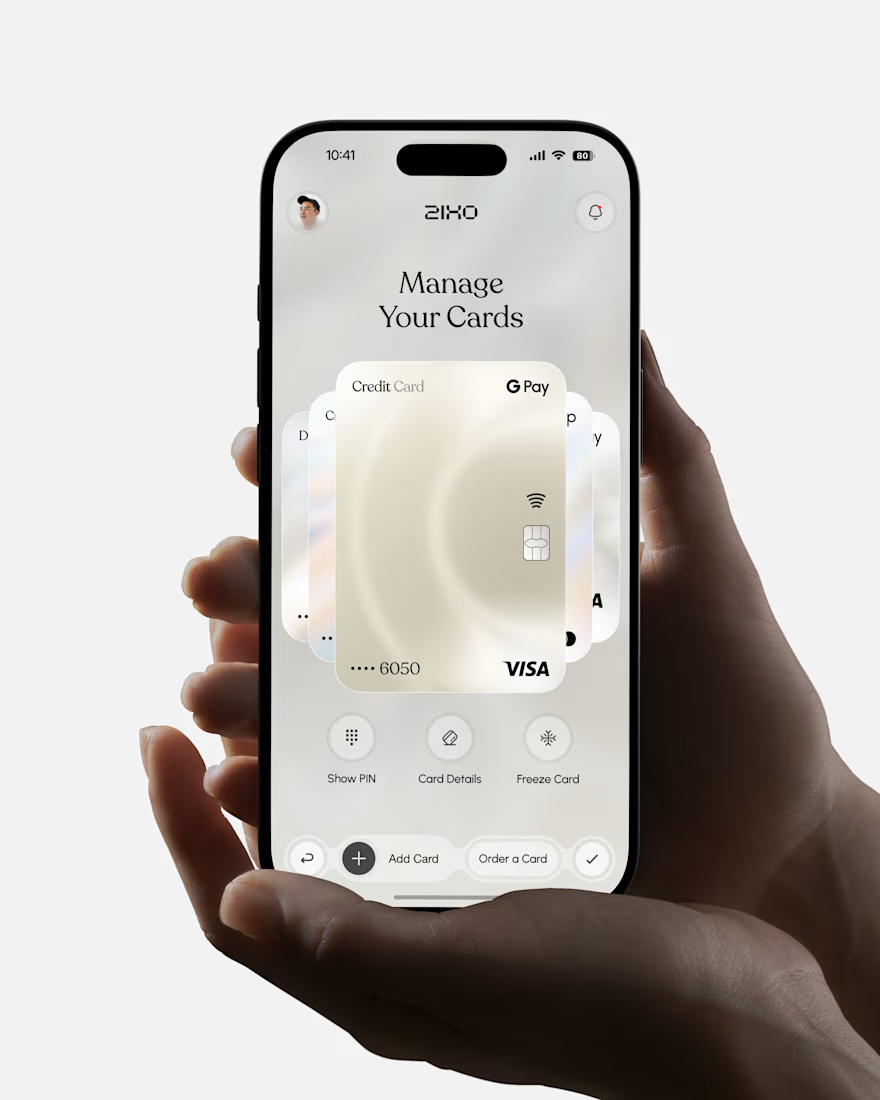

Absolutely love this Fintech App design! The minimal soft 3D elements with the clean UI is such a premium combo — feels very Apple-like and trustworthy. The interaction "designed to reduce" cognitive load really shows in the execution. Super polished work, that "Effortless payments. Intelligent Finance." screen is my fav!

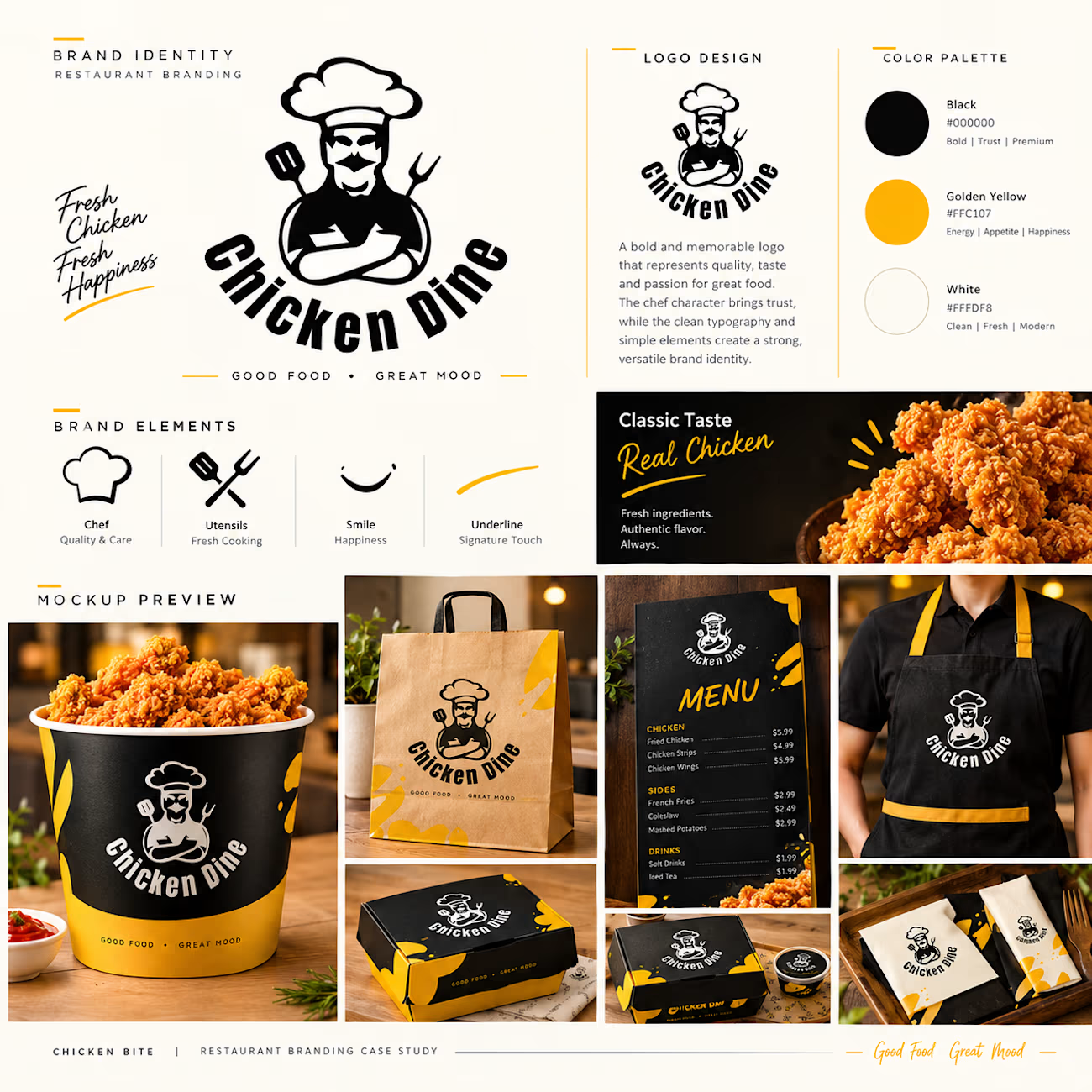
Chicken Dine | Premium Restaurant Branding.
Introducing the premium apparel branding mockup for Chicken Dine, a modern restaurant and café brand built around the concept of “Good Food, Great Mood.”
This creative T-shirt design features a bold black and golden-yellow color palette, a unique chef mascot logo, and eye-catching brand elements. Designed for both male and female staff, the uniform combines style, comfort, and a professional appearance.
The mockup showcases front and back T-shirt designs, premium logo printing, sleeve details, and fabric texture, demonstrating how a consistent visual identity can elevate a restaurant brand.
Brand Highlights:
Premium male and female T-shirt mockups
Custom restaurant uniform branding
Black, white, and golden-yellow color palette
Unique chef mascot logo
Professional front and back designs
Consistent restaurant brand identity
Brand Name: Chicken Dine
Industry: Restaurant & Café
Tagline: Good Food, Great Mood
A fresh and memorable visual identity designed to make Chicken Dine stand out.