The network for creativity
Join 1.25M professional creatives like you
Connect with clients, get discovered, and run your business 100% commission-free
Creatives on Contra have earned over $150M and we are just getting started
Back to feedPost
Tamper-Proof Content Blocker & Device Protection App
System-Level Mobile Threat Protection & Local Network Filtering
The Challenge
Standard Android content filters are easy for users to bypass, disable, or uninstall, while third-party remote VPNs introduce severe latency and data privacy risks.
The Solution & Impact
Built a Kotlin-native Android application that enforces device-level content filtering and anti-tampering protection locally without sending user traffic to external servers.
Local VPN & DNS Filtering: Intercepts system-wide DNS packets via a local VpnService TUN interface to block prohibited domains locally with zero latency.
System-Level Security Hooks: Utilized Android Accessibility Services and Device Admin APIs to prevent unauthorized uninstallation, force-stopping, or setting bypasses.
Tamper-Proof Lock: Enforced settings locking via an encrypted, randomized password generator to ensure non-bypassable enforcement.
Tech Stack: Kotlin | Android SDK | VpnService | Accessibility APIs | DeviceAdminReceiver | Jetpack Compose


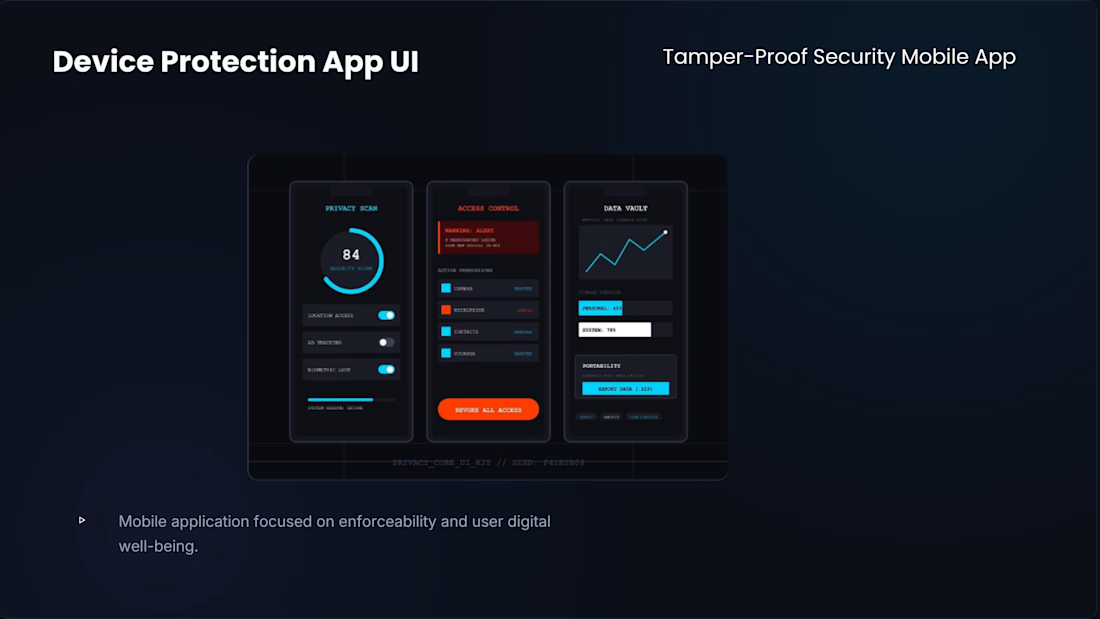
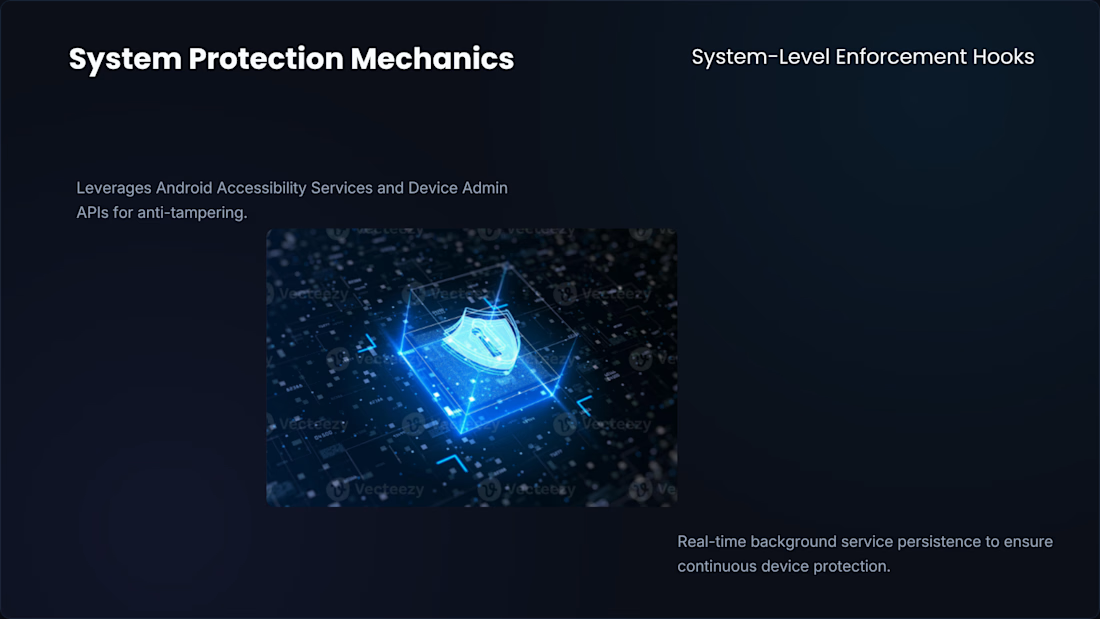
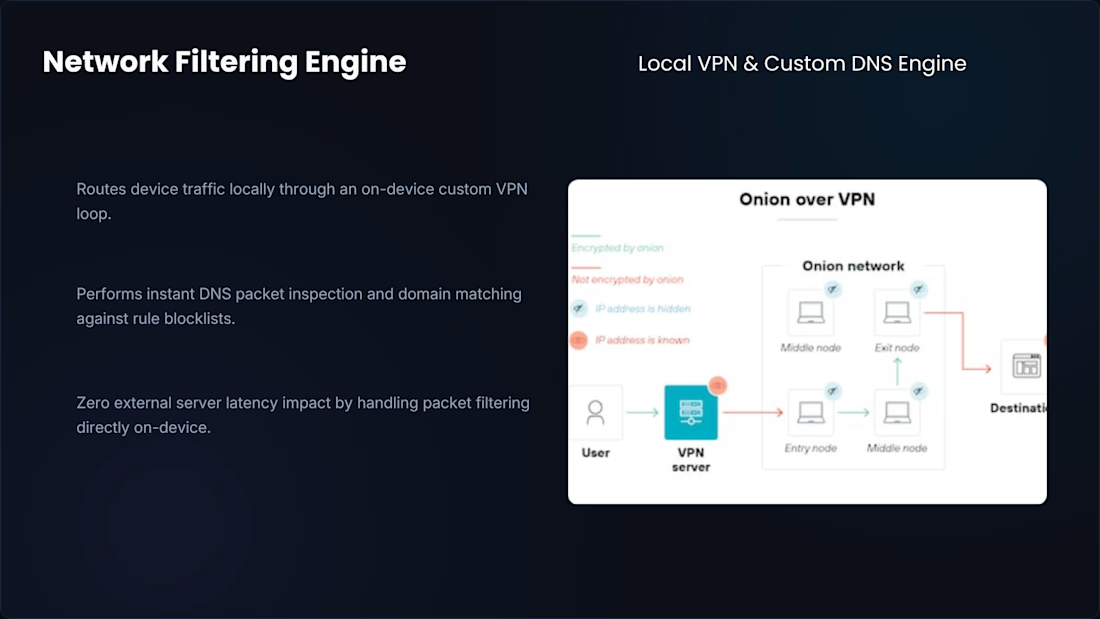

Doing the DNS filtering locally through VpnService instead of routing traffic out is the right call. Curious how the Accessibility Services and Device Admin combo went with Play review, that pairing usually draws a lot of policy questions on anti-uninstall apps.

Hey Saad, good catch! 😄 Yeah, going with the local VpnService was pretty much a no-brainer—less traffic taking a scenic route through some external server, better performance, and fewer hops for the packets to complain about.
And yep, Play Store is basically the security guard...
Disclosure screen before requesting Accessibility is exactly what reviewers look for now. Did you run into the Restricted Settings flow on Android 13+, where sideloaded APKs block Accessibility grants outright, or is this shipping through Play only?
Yep, I came across that as well. Android 13+ is a bit strict with sideloaded APKs, so it blocks Accessibility and shows the “Restricted setting” warning.
For testing, I’m keeping it simple users just need to go to App >Allow restricted settings, and then Accessibility can be...
That tracks, Play's package verifier marks the install as coming from a trusted source so Android skips the extra restriction. Worth keeping the Allow restricted settings steps documented anyway, reviewers and testers often sideload the APK directly before it ever hits Play.
Keeping Device Admin scope minimal is the right call, Google's been rejecting anti-uninstall apps that request broad policies. Curious if you're watching the slow deprecation path there, since newer restriction APIs don't have a clean replacement yet for this exact use case.
The network for creativity
Join 1.25M professional creatives like you
Connect with clients, get discovered, and run your business 100% commission-free
Creatives on Contra have earned over $150M and we are just getting started






Related posts

Market Day — the 15-second ad every seller deserves
Small sellers pour everything into what they make, and then get two seconds of someone's scroll to show it.
Market Day is for that moment. A seller ties off a parcel, the stall lights flicker on, and they hold out a wooden tray toward you. Your product lands on it, a little kraft label hops up to say what it is, and your headline settles onto a frosted-glass card.
I built it as one SVGator template and dropped in three businesses to prove it bends without breaking:
🍕 Forno Lucia, a wood-fired pizza café
🕯️ Ember & Oak, a candle maker
☕ Clay & Co, a ceramics studio
Same animation every time. To make it yours, swap 5 lines of text, 2 images and 1 colour. Every layer is named, the motion lives on wrapper groups, and no keyframe needs touching. About five minutes.
All artwork was made for this template, the brands are fictional and the fonts are open source, so it's free to give away.
If you sell by hand, this one's for you. Which stall should I set up next? 👇
Template: https://app.svgator.com/editor/#/0c516a7c8d234b37bb98c8df7f0b4a29
@SVGator


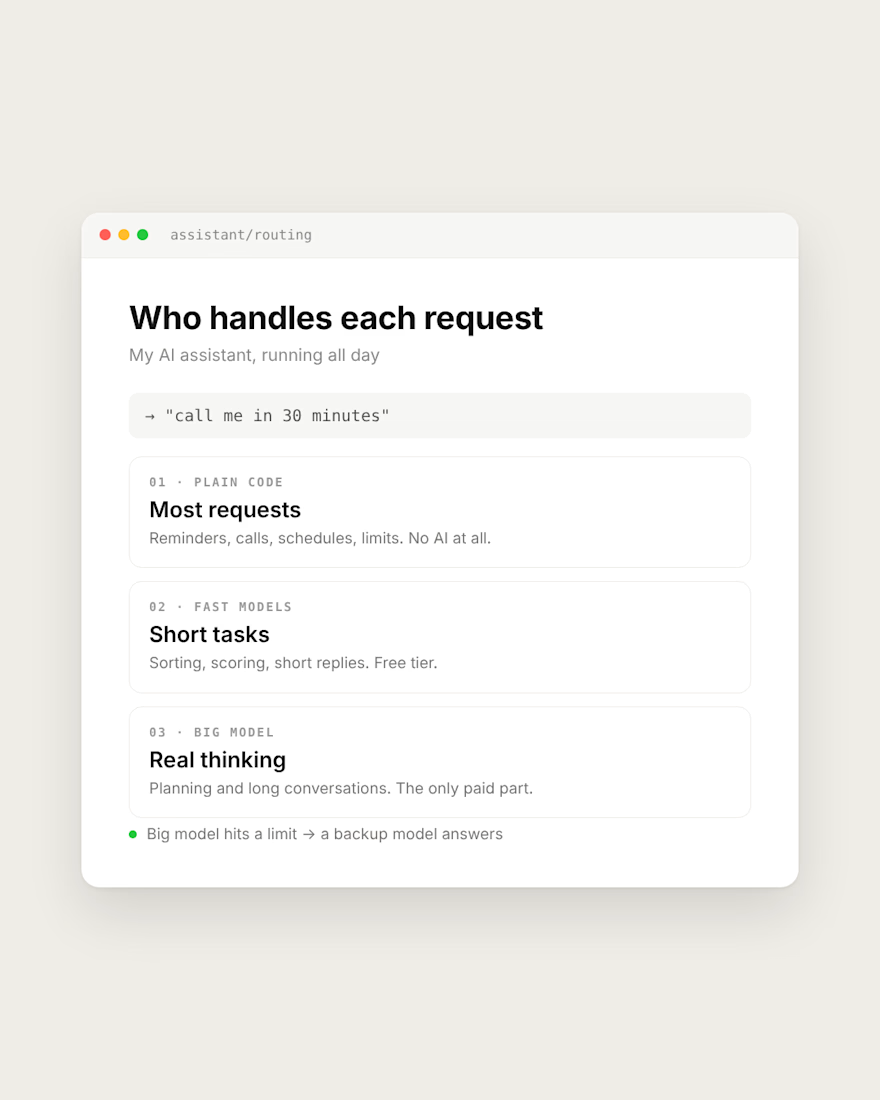
My AI assistant runs all day. The expensive model only does the thinking.
Most requests need no AI at all. "Call me in 30 minutes" is handled by plain code. Reminders, schedules and limits are code too.
Short tasks like sorting and scoring go to fast models on a free tier.
The big model only gets planning and long conversations, where it actually has to think.
If it hits a limit, a backup model answers instead of the app going silent.
If your AI app's bill keeps growing, check what really needs the big model.
What does your app send to the most expensive model?



Same pattern holds in outbound tooling. Filtering, dedupe and enrichment lookups are plain code. The model only writes the first line once the row is already verified. Cuts cost and the weird outputs.

An AI content bot for IspFlow. It writes posts from live product numbers and Nigerian/Kenyan trends, designs X cards and TikTok videos in five rotating looks from a library of real app screens, adds voice, captions and sound, and sends each draft to Telegram for one-tap approval. It learns from what gets approved or skipped.
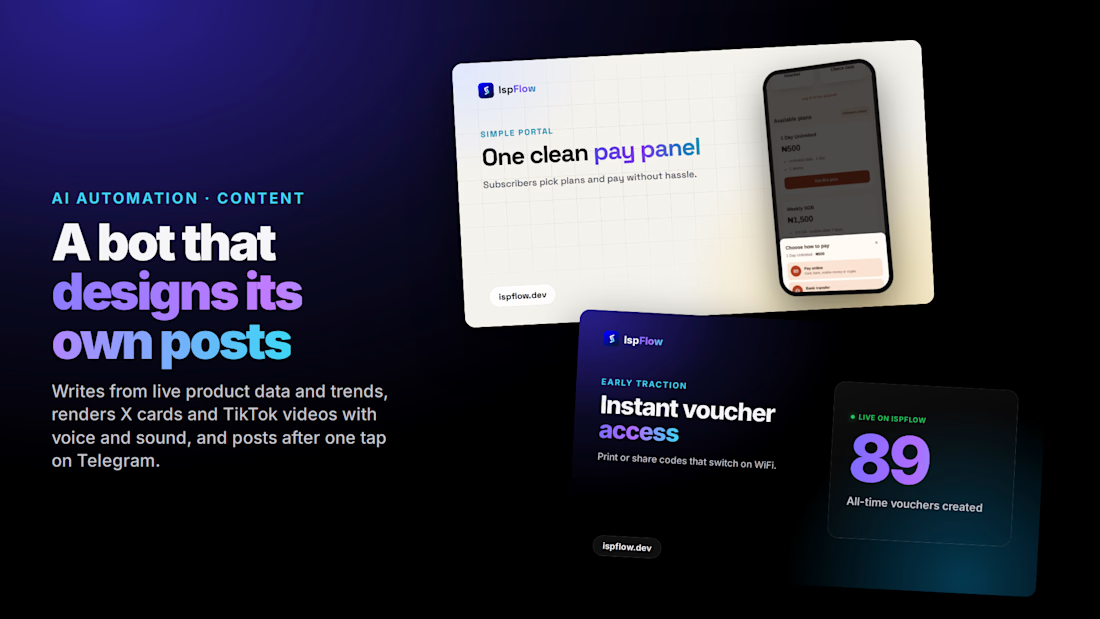

I'd separate a timing skip from a content rejection in that learning loop. Does Telegram capture why a draft was skipped, so an otherwise good format doesn't get penalized just because it wasn't the right day to publish?