The network for creativity
Join 1.25M professional creatives like you
Connect with clients, get discovered, and run your business 100% commission-free
Creatives on Contra have earned over $150M and we are just getting started
Back to feedPost

🚀 Building a Simpler Way to Create Professional Documents
One thing I've learned while scaling Clever Certificates is that many users don't want a complex design editor—they just want to create a polished, professional document quickly and move on.
To make that possible, I recently rolled out a new Lite Editor that replaces tedious drag-and-drop design tools with a simple, form-based workflow.
Designed to work seamlessly across both mobile and desktop, the editor allows non-technical users to generate certificates, awards, resumes, and other professional documents in just a few steps. With a few basic fields, users can:
✍️ Fill in the Text: Enter names, dates, and titles without worrying about layout or alignment.
🏢 Personalize the Design: Upload an organization logo or signature in seconds.
👀 Preview Changes Live: See updates appear instantly as information is entered.
📱 Create from Anywhere: Build and download high-resolution documents directly from a phone or desktop browser.
The goal is to remove the design barrier for teachers, nonprofits, HR teams, schools, and event organizers—making it easy to create polished documents in minutes, even without design experience.
I put together a quick 30-second walkthrough using a volunteer certificate example to show the Lite Editor in action:
I'm always looking to improve the user experience. For fellow builders and product designers: What's one feature you'd add to make a form-based document generator even more intuitive?
#BuildInPublic #SaaS #ProductDesign #UX #WebDevelopment #Solopreneur
The network for creativity
Join 1.25M professional creatives like you
Connect with clients, get discovered, and run your business 100% commission-free
Creatives on Contra have earned over $150M and we are just getting started





Related posts

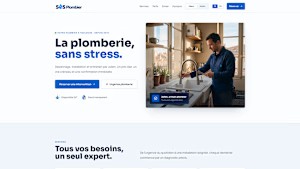
Built a plumber website allowing incoming users to request an emergency fix or schedule a plumber's visit in a few clicks.
Everything is connected to a back-office for the Plumber, who can see and update the schedule.
My submission:
Name: SOS Plombier
Location: Toulouse, France
Build: https://sos-plombier.lovable.app/
Demo Video in comment.
sos-plombier.lovable.app
SOS Plomberie Toulouse — Fast, reliable plumbing
Premium plumbing services with transparent pricing and immediate online booking.

Short description
A custom internal web application developed for Christa Design Studio to streamline the creation and management of design job cards, project information, designer assignments, client inputs, software requirements, deliverables, approvals, and printable PDF documents.
About the work
I designed and developed a custom job card management tool for Christa Design Studio to organize its internal design workflow.
The application replaces a traditional manual job-card process with a structured digital interface where project information, design categories, required software, client inputs, designer allocation, timelines, deliverables, and approval details can be entered and managed in one place.
The system generates a professional, print-ready Design Job Card PDF from the entered information, making it easier for the team to maintain consistent documentation across projects.
The interface was designed as a modern internal business application with a dark UI, categorized form sections, custom options, live document preview, zoom controls, cloud backup functionality, and PDF generation.
Key features
Custom job card generator
Project & client information management
Design category selection
Software requirement tracking
Client input tracking
Designer work allocation
Timeline & presentation tracking
Deliverables & approval section
Live document preview
PDF generation
Print-ready job cards
Cloud backup
Custom categories and options
Dark/light interface


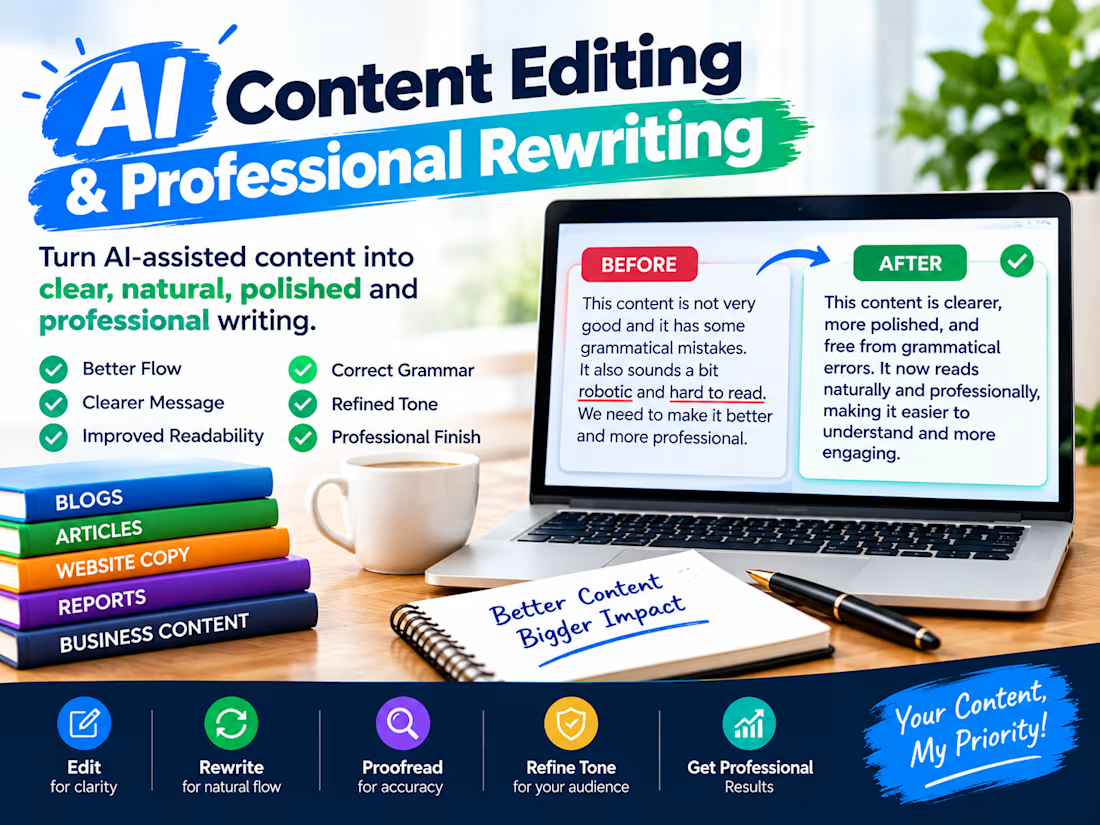
Turning AI-Generated Content Into Natural, Professional Writing
I’m building my AI content editing service to help turn AI-assisted drafts into clear, natural, polished, and professional content.
I focus on editing, rewriting, proofreading, readability, grammar, and tone refinement while preserving the writer’s original message.
From blogs and articles to website copy, reports, and business content, my goal is simple: to make every piece clearer, smoother, and more professional.