The network for creativity
Join 1.25M professional creatives like you
Connect with clients, get discovered, and run your business 100% commission-free
Creatives on Contra have earned over $150M and we are just getting started
Back to feedPost

Need a meeting agenda? AI does not need your real meeting notes.
If your employer permits the tool and task, ask for structure rather than uploading internal notes. For example:
“Create a blank 25-minute project check-in agenda with sections for progress, blockers, decisions, and next steps. Leave owner and deadline fields blank. Do not invent project facts.”
Review the structure, then fill in verified details inside your approved work environment. Check the recipients before sharing it. Removing names from real notes does not necessarily remove confidential information.
The useful split: AI helps organize the task; you keep control of the real facts and who receives them.
We cover this workflow, decision tools, and 30 reusable prompts in Safe AI at Work:
https://www.amazon.com/dp/B0HJ6VFL48
The network for creativity
Join 1.25M professional creatives like you
Connect with clients, get discovered, and run your business 100% commission-free
Creatives on Contra have earned over $150M and we are just getting started
Related posts

Dropped our next premium framer template for AI automation agencies, workflow consultancies & the people selling agents to businesses that still run on copy and paste.
Check it out

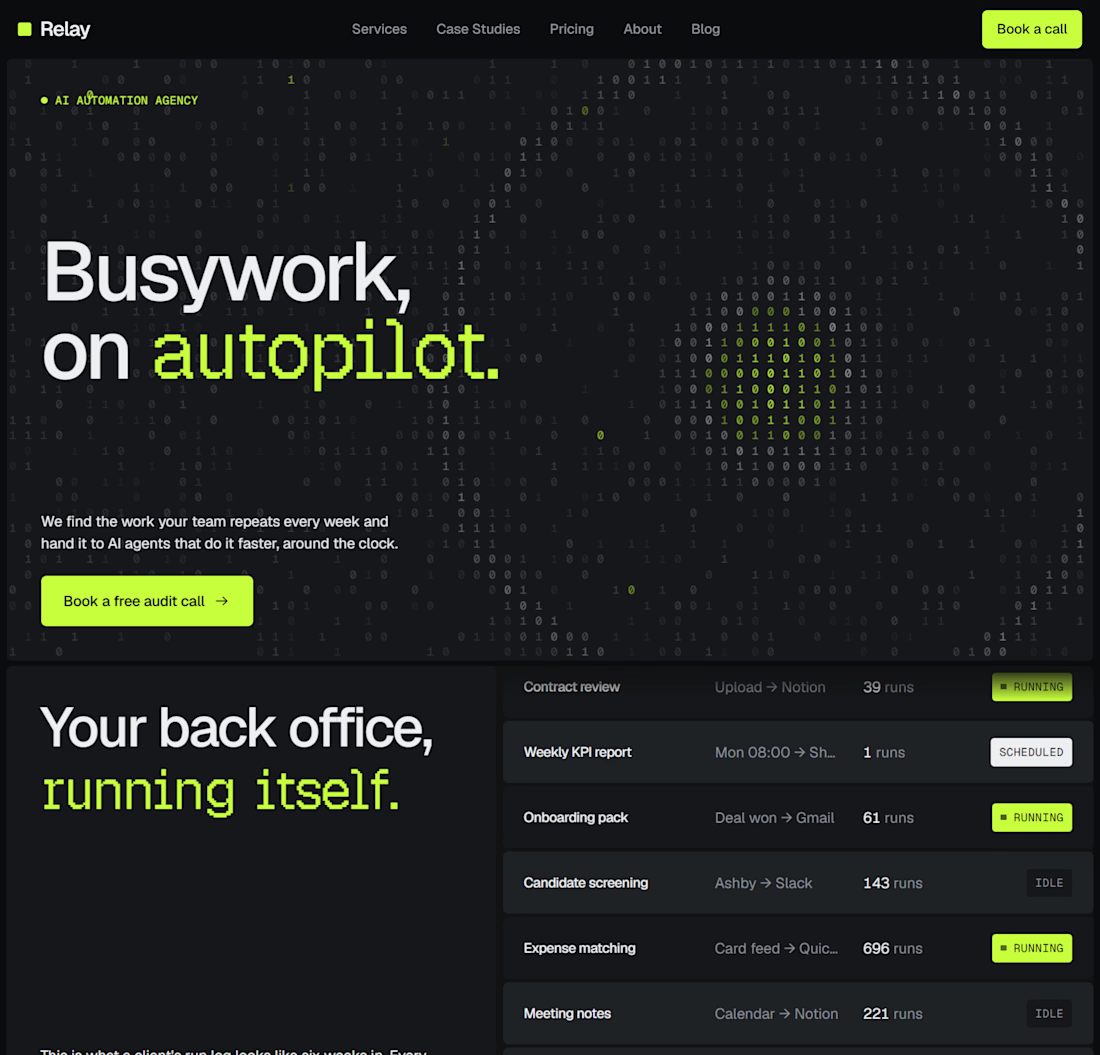
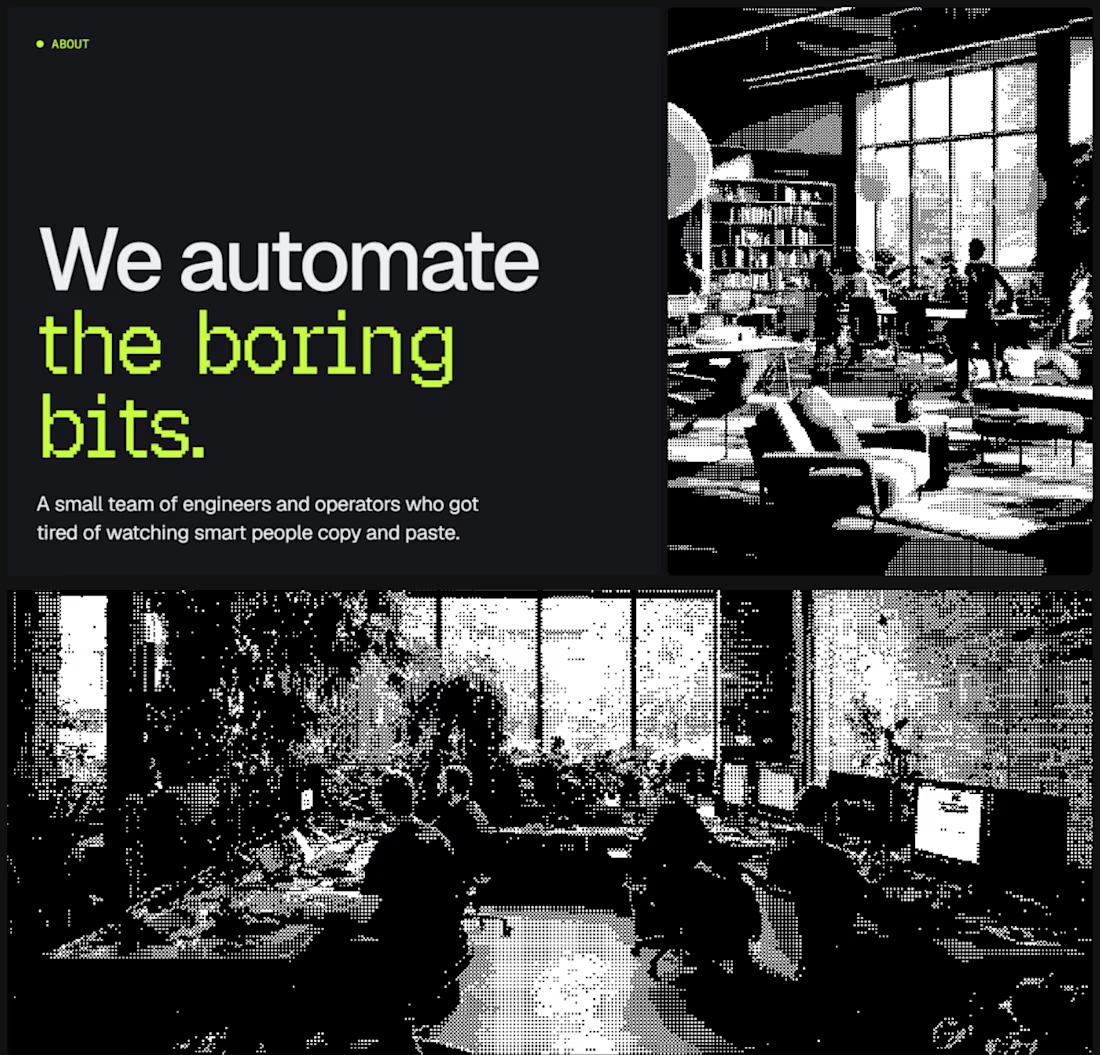
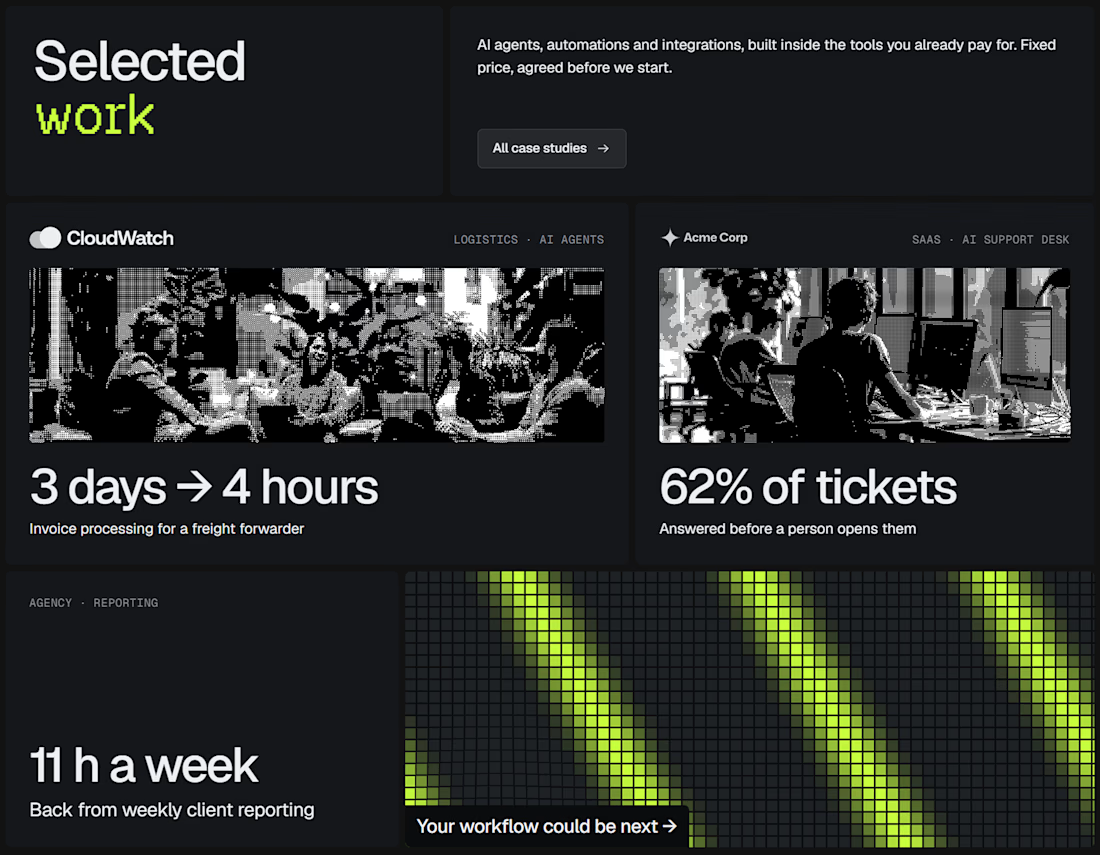
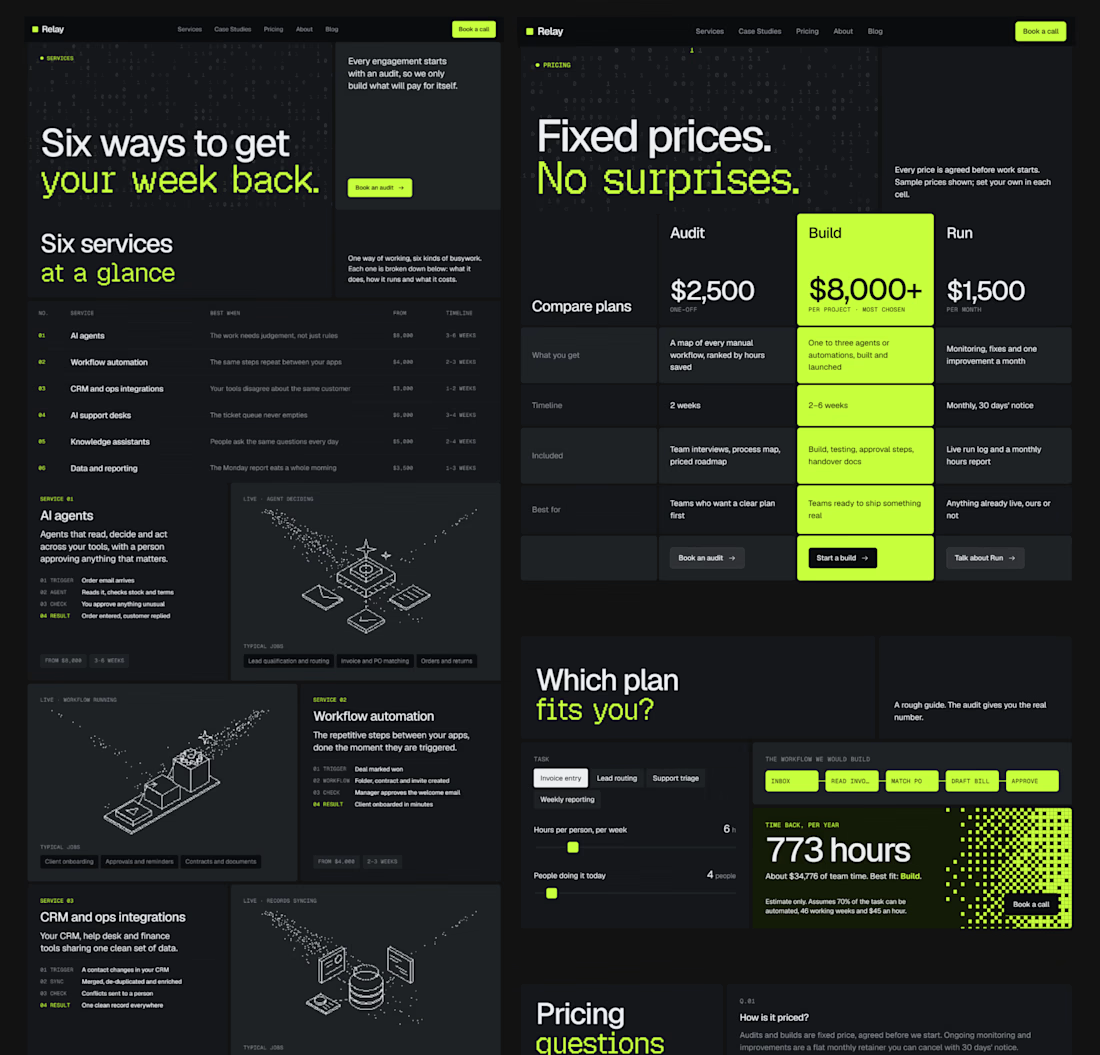

good work!!

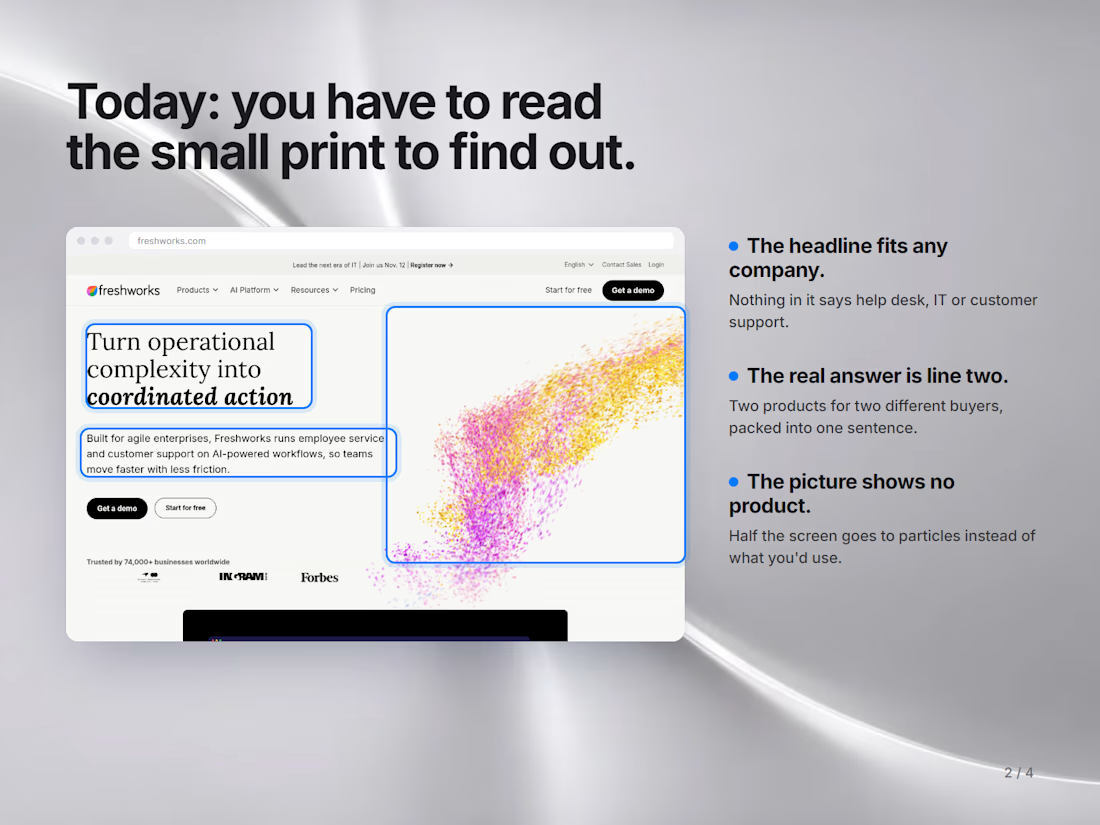
"Turn operational complexity into coordinated action."
That's the headline on Freshworks' homepage. Read it again. Could you tell what they sell?
The real answer is hiding in line two: an IT help desk and customer support software, two products for two very different buyers.
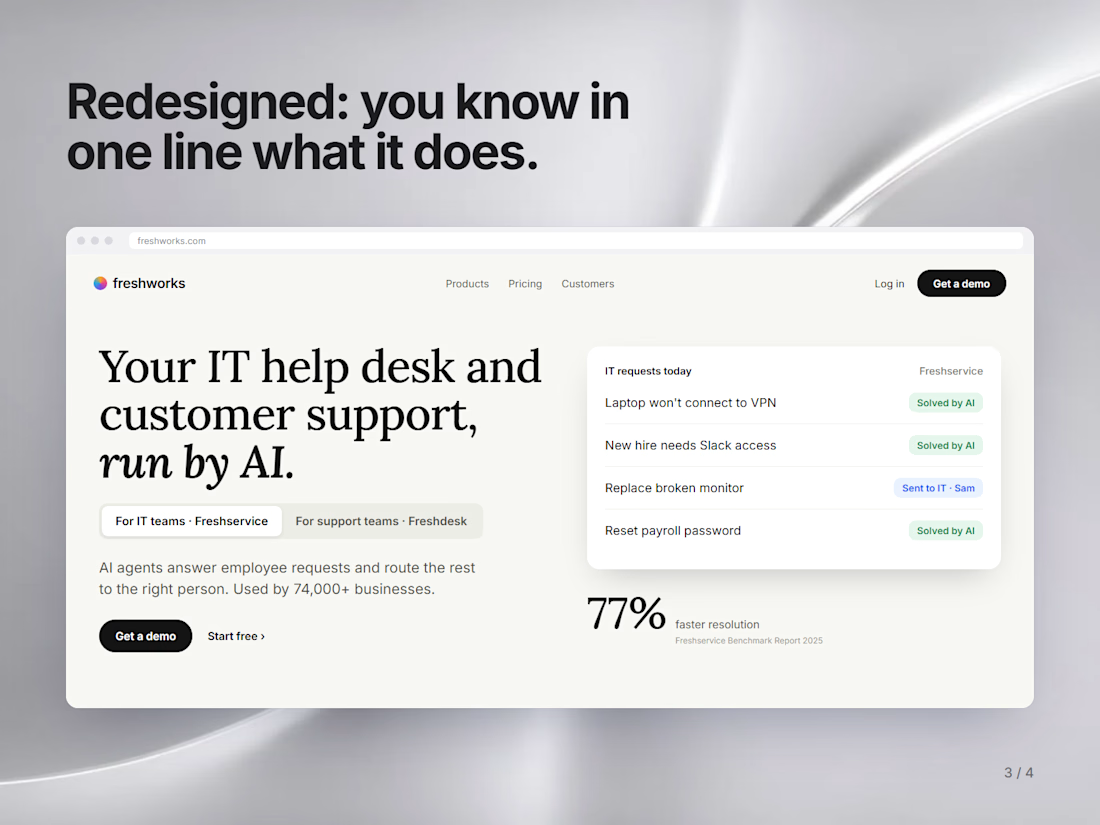
So I redesigned the hero (unsolicited, just for practice):
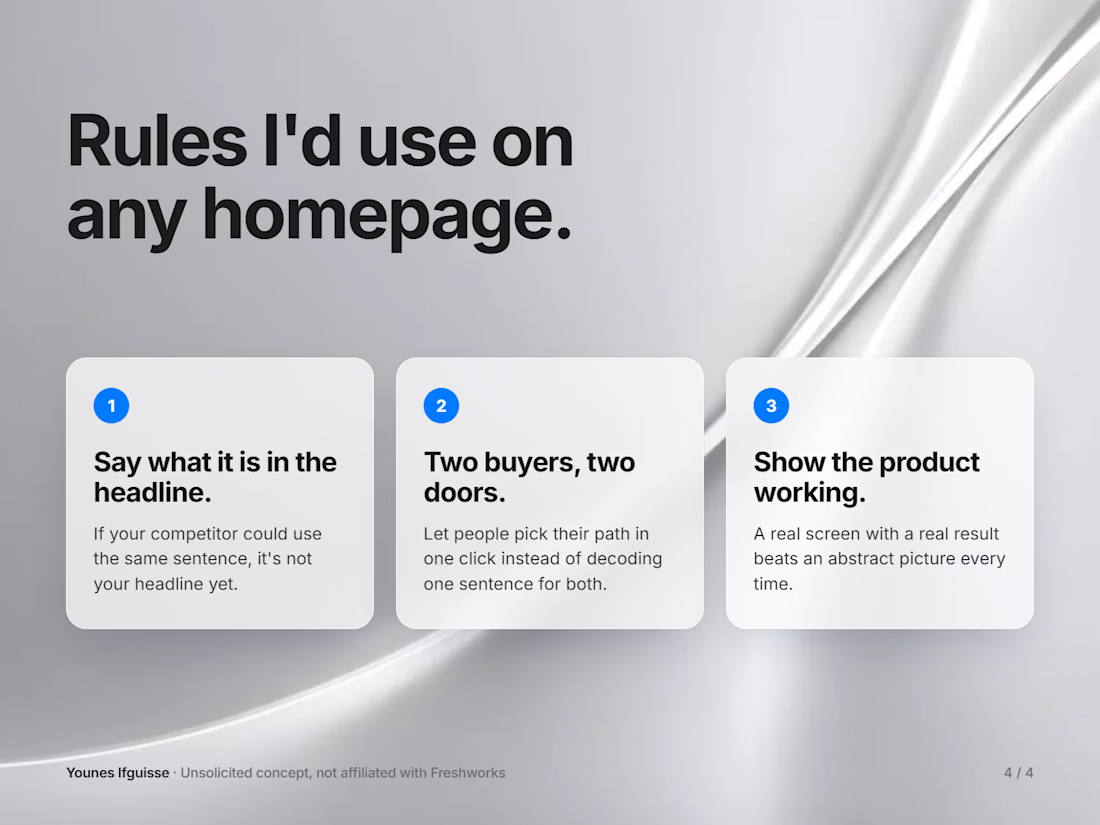
Say what it is in the headline. If a competitor could use the same sentence, it's not your headline yet.
Two buyers, two doors. IT teams and support teams each get their own path, one click.
Show the product working. A real screen with a real result beats an abstract picture.
Read your own homepage headline out loud. Would a stranger know what you sell?

The Freshworks example is a good one: if the real answer sits in line two, it probably should be the headline. The five second test is the one I'd apply to every SaaS hero.

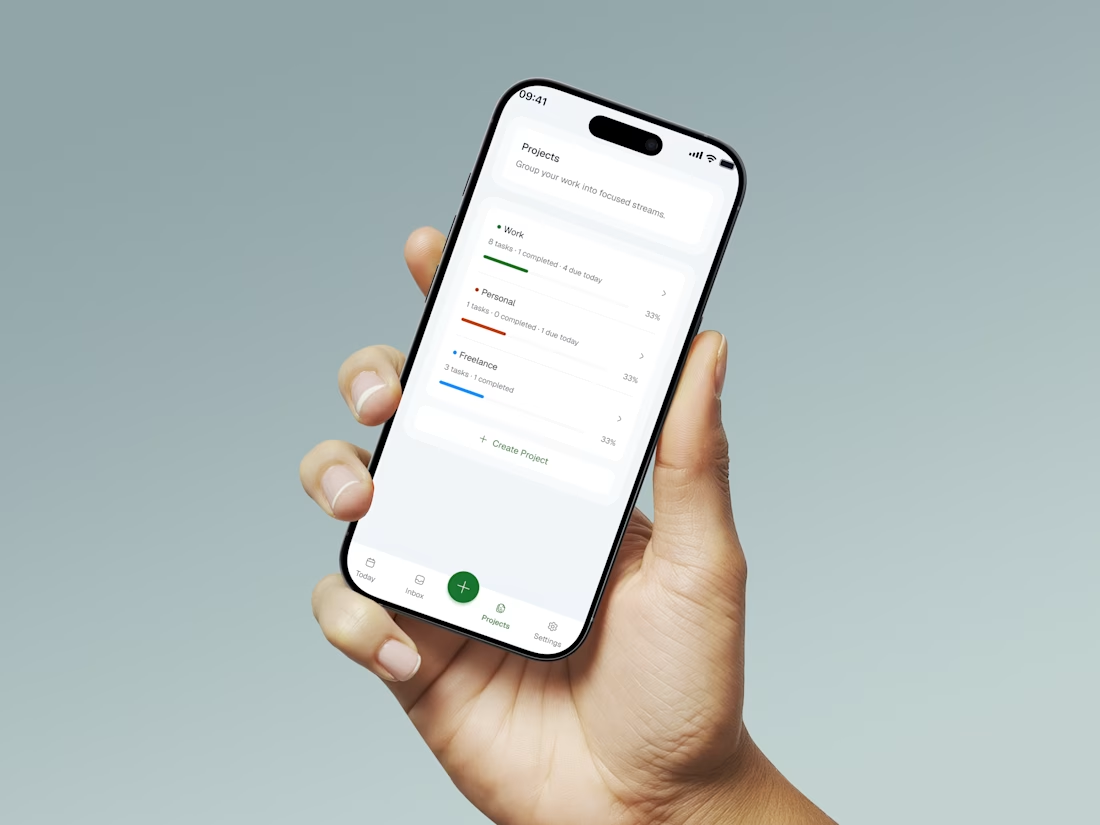
I designed a task management app from scratch. Here's every decision I made and why:
Most task apps have a problem hiding in plain sight , they're so loaded with features that by the time you've organised your tasks, you've lost the energy to do them.
That's what I wanted to fix with PLANORA
One question drove every decision: what does someone actually need when they sit down to get things done?
Here's what I focused on:
One screen for everything: no nested menus, no switching views. Just your tasks and your day.
Add a task in under 3 seconds: one tap, type, done. Friction at the capture stage kills habits before they form.
Visual hierarchy over visual noise: white space and contrast do the work, not badges and colour coded labels competing for attention.
The goal wasn't the most powerful task app. It was the one people would actually use every day.
Simplicity is the hardest thing to design. But it's almost always the right answer.
What's the most cluttered app you use daily that needs a redesign? 👇


So minimal. Does it support recurring tasks?