The network for creativity
Join 1.25M professional creatives like you
Connect with clients, get discovered, and run your business 100% commission-free
Creatives on Contra have earned over $150M and we are just getting started
Back to feedPost

On TaleBloom I have worked to create a full webapp with ai agents for KDP publishers to generates entire books with AI and make them ready for publishing on platforms


The network for creativity
Join 1.25M professional creatives like you
Connect with clients, get discovered, and run your business 100% commission-free
Creatives on Contra have earned over $150M and we are just getting started
Related posts

Bloop, a Framer template for AI agent startups. I had a lot of fun animating it and creating its playful mascot.

A mascot is a nice way to stand out from all the dark gradient AI templates. The playful animation gives Bloop a real personality, Firdavs.

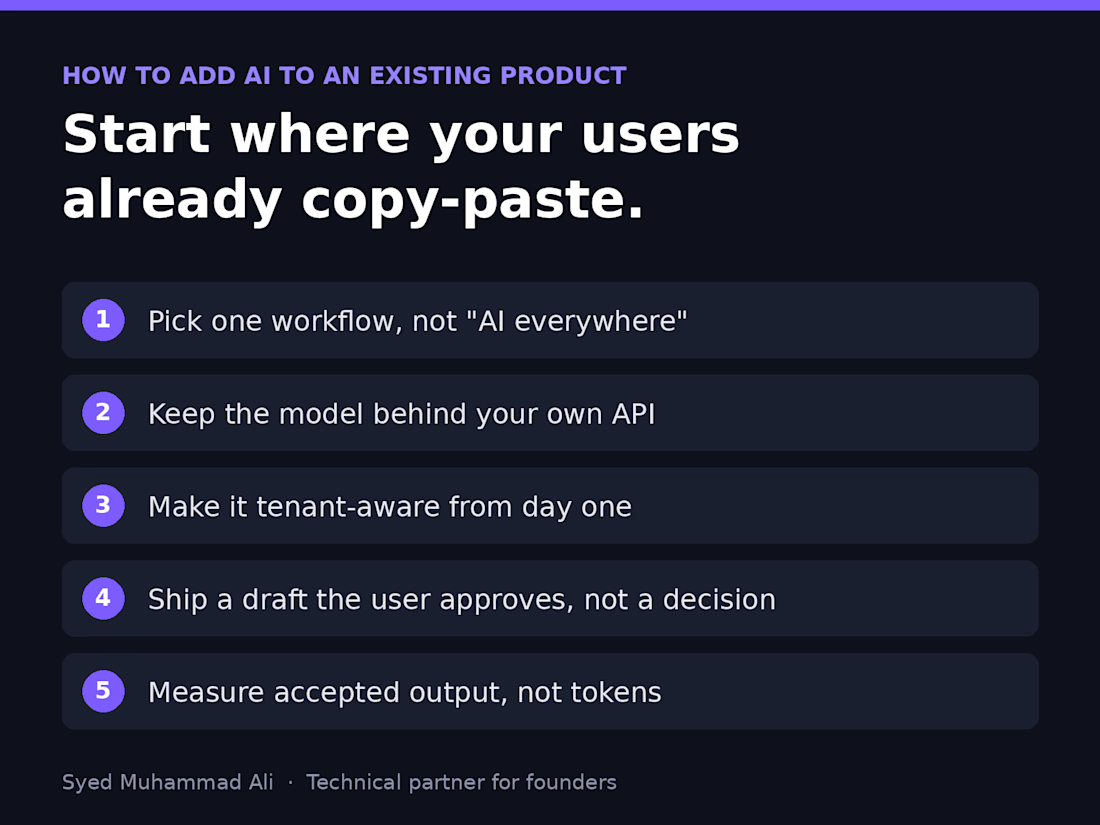
Before you add AI to your product, find the screen where your users already copy and paste.
That's usually where the real AI feature lives. Not a chatbot in the corner, but a step people already do by hand: summarising a ticket, drafting a reply, tagging an upload, pulling fields out of a PDF.
Here's the order I follow when a founder asks me to add AI to an existing SaaS:
1. Pick one workflow, not "AI everywhere." Watch where users leave your app to paste something into ChatGPT and come back. That round trip is your feature.
2. Keep the model behind your own API. One service owns prompts, retries, logging and cost limits, so you can switch providers without touching the frontend.
3. Make it tenant-aware from day one. Each customer's data, prompts and usage stay scoped to their account, or the first enterprise security review will stop you.
4. Ship a draft, not a decision. Let the AI suggest and the user approve. You earn trust and get real feedback before you automate anything.
5. Measure accepted output, not tokens. If users rewrite most of what it produces, the prompt or the context is wrong, and that's your real roadmap.
Most AI features that flop didn't fail because of the model. They were bolted onto the wrong step.
What's the one task your users still copy into ChatGPT?

Watching where users paste into ChatGPT and come back is such a practical way to find the real feature. Most teams start with the chatbot instead.

🚀 Aurora: a real-time 3D website system, built from scratch with Three.js.
Everything in this 20-second showcase is real. The 3D shape is a live shader, and the site footage is a screen recording of the finished build, not a mockup.
What's inside: 6 finished pages, a mobile-first layout, scroll-reactive motion, and Figma-ready design tokens. Plain HTML, CSS and JS, so it deploys free on Netlify or Cloudflare Pages.
Need a custom 3D site or a rebrand of Aurora for your studio? Message me. I reply within 1 to 2 working days.
The full kit is on my Products tab. Live demo: aurora-3d-kit.netlify.app
#threejs #webgl #webdesign #3dwebsite #frontend


A live shader instead of a rendered video makes a big difference in how the hero feels. Plain HTML, CSS and JS with free deploys on Netlify is a nice choice for a kit like this.