The network for creativity
Join 1.25M professional creatives like you
Connect with clients, get discovered, and run your business 100% commission-free
Creatives on Contra have earned over $150M and we are just getting started
Back to feedPost

QA-Driven Testing of Purchase, Access & Email Automation Flows
This work involved QA-driven testing and validation of complete digital purchase and access flows for online products and summit-related offers.
The scope covered functional verification of the full user journey — from checkout to post-purchase access — with a focus on system reliability, logical consistency, edge cases, and real user behavior.
Key responsibilities included:
- End-to-end testing of purchase flows (products, add-ons, upsells, all possible paths)
- Verification of checkout behavior, pricing logic, and product availability
- Validation of redirects, thank-you pages, and upsell sequences
- Testing of post-purchase access logic (email delivery, member area access, product unlocks)
- QA checks of email automation systems (tags, lists, sequences)
- Validation of form logic and embedded workflows (e.g. Typeform)
- Re-testing after implemented fixes to ensure stable behavior
Testing was performed with a strict QA mindset, focusing on functional correctness and system behavior — not on visual design, UX/UI, or business strategy.
Service Output:
Documented QA findings and a validated purchase & access flow, including minor fixes where feasible.
Scope boundary:
This work concludes with documented QA validation and implemented minor fixes. Ongoing optimization, redesign, or long-term system responsibility are excluded.


The network for creativity
Join 1.25M professional creatives like you
Connect with clients, get discovered, and run your business 100% commission-free
Creatives on Contra have earned over $150M and we are just getting started
Related posts

Your ecommerce store could be losing sales even while you're sleeping.
A customer visits your store, browses your products, adds something to their cart and leaves without completing the purchase.
What happens next?
Without a proper email automation system, that potential customer might never return.
This is one of the problems I focus on solving through email marketing and automation.
I recently developed a sample Klaviyo email marketing strategy for a fashion ecommerce brand, covering:
📩 Welcome email automation
🛒 Abandoned cart recovery
💜 Post purchase email sequences
📊 Customer segmentation
📧 Promotional email campaigns
The goal is simple: help ecommerce brands turn subscribers into customers and customers into repeat buyers.
Email marketing is more than sending newsletters. It's about building a system that works throughout the customer journey.
Is your ecommerce email marketing doing enough for your business?
#EmailMarketing #Klaviyo #EmailAutomation #EcommerceMarketing #Contra
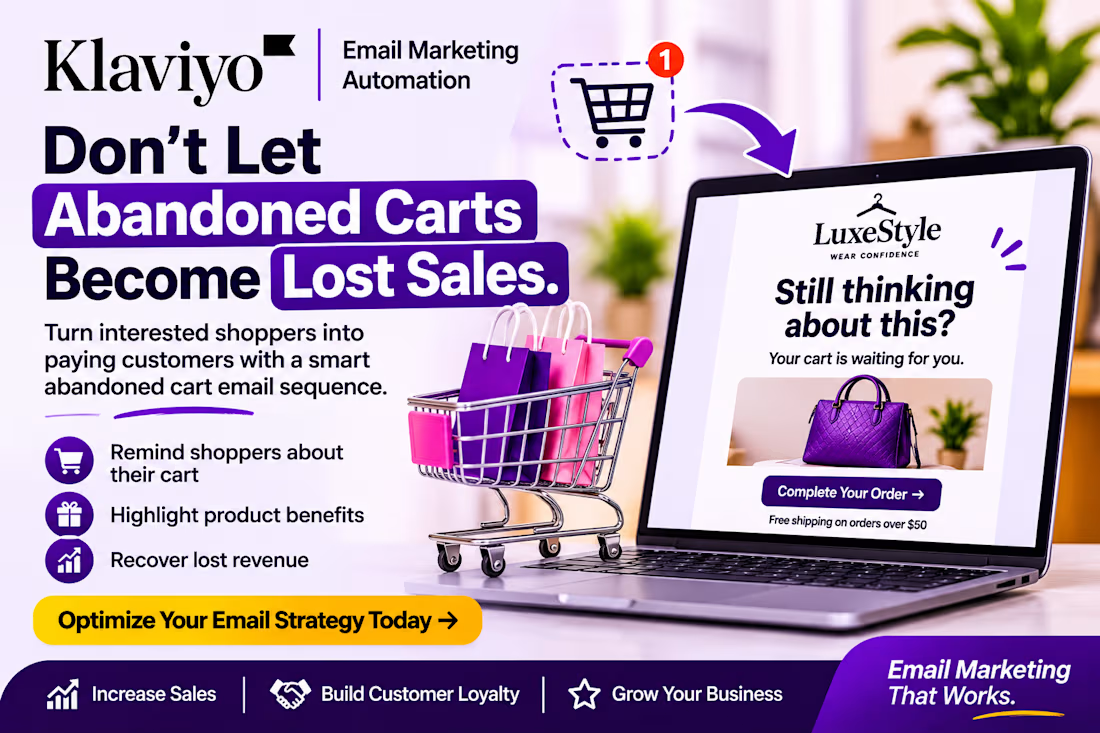

Abandoned cart emails are the most underused sales tool for stores. What do you send first in the sequence: a plain reminder, or a nudge with social proof?

E-commerce admin dashboard with KPIs, revenue charts and order management in one clean view.


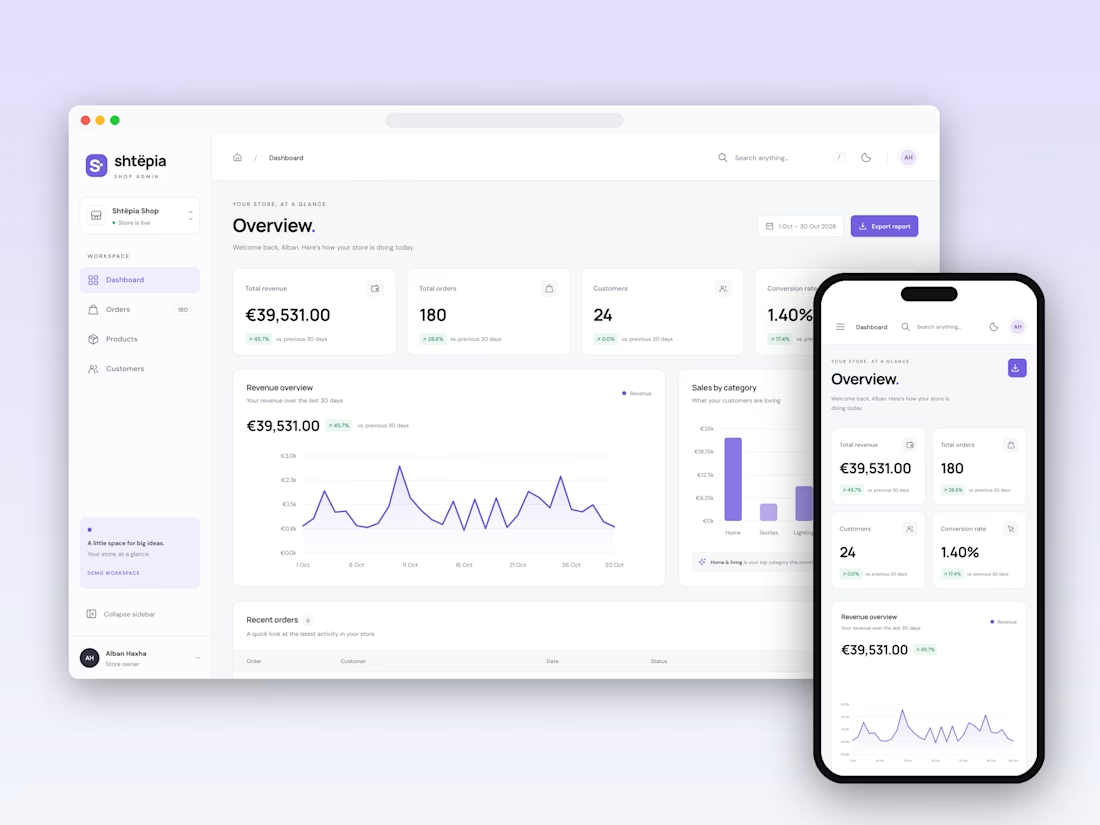

Keeping KPIs, revenue and orders in one view is hard to balance. Which one did you place first, and why?

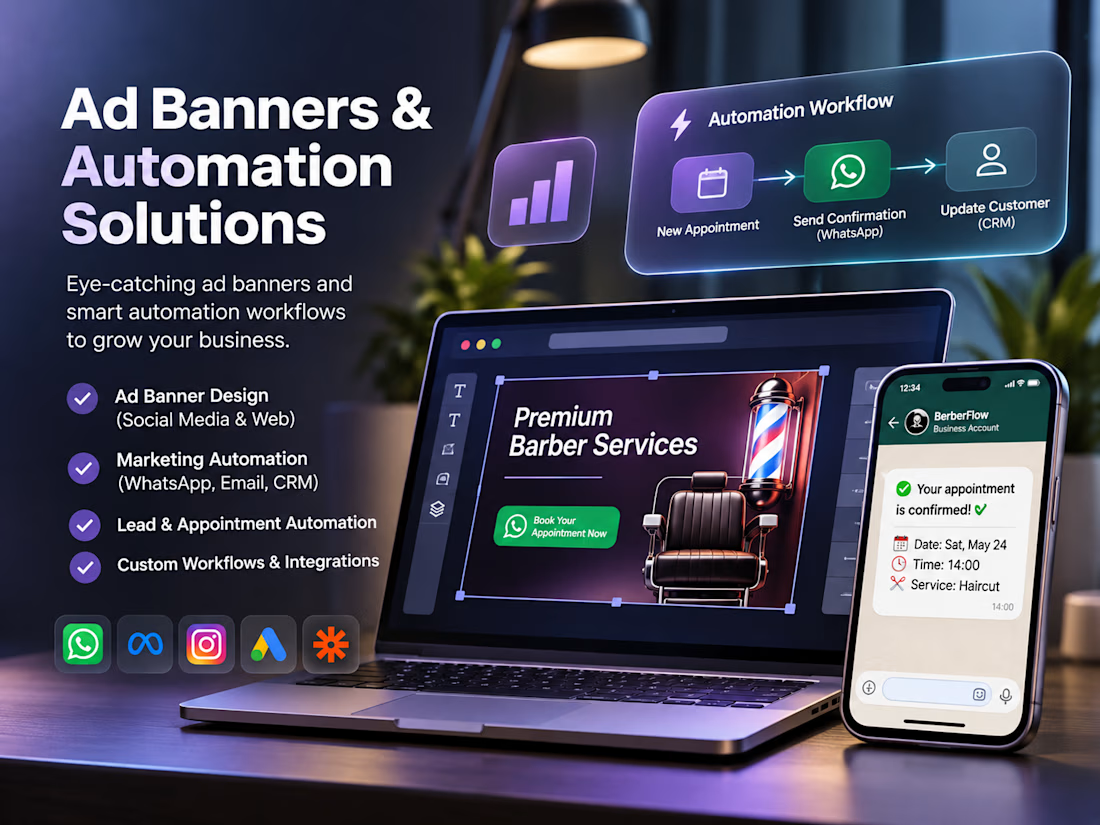
We create eye-catching advertising banners and professional marketing visuals that help businesses attract customers and strengthen their brand presence. We also build smart automation solutions for WhatsApp, email, lead generation, and customer management to save time and grow your business.