AI-Powered Business Analytics Dashboard | Python + React + Replit Built Solution 360, an AI-drive...AI-Powered Business Analytics Dashboard | Python + React + Replit Built Solution 360, an AI-drive...
The network for creativity
Join 1.25M professional creatives like you
Connect with clients, get discovered, and run your business 100% commission-free
Creatives on Contra have earned over $150M and we are just getting started
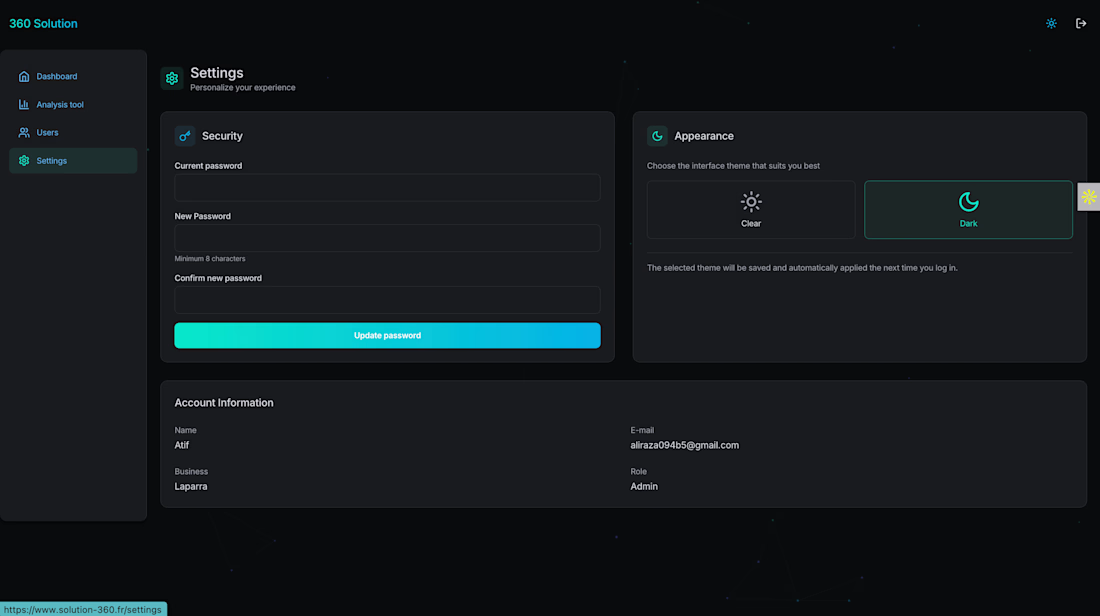
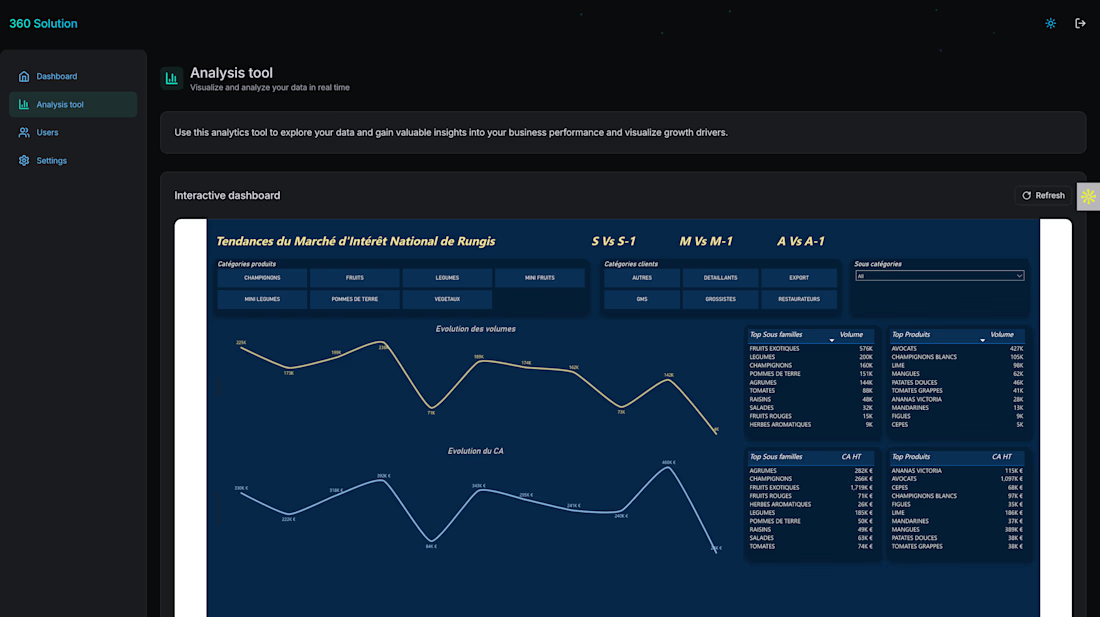
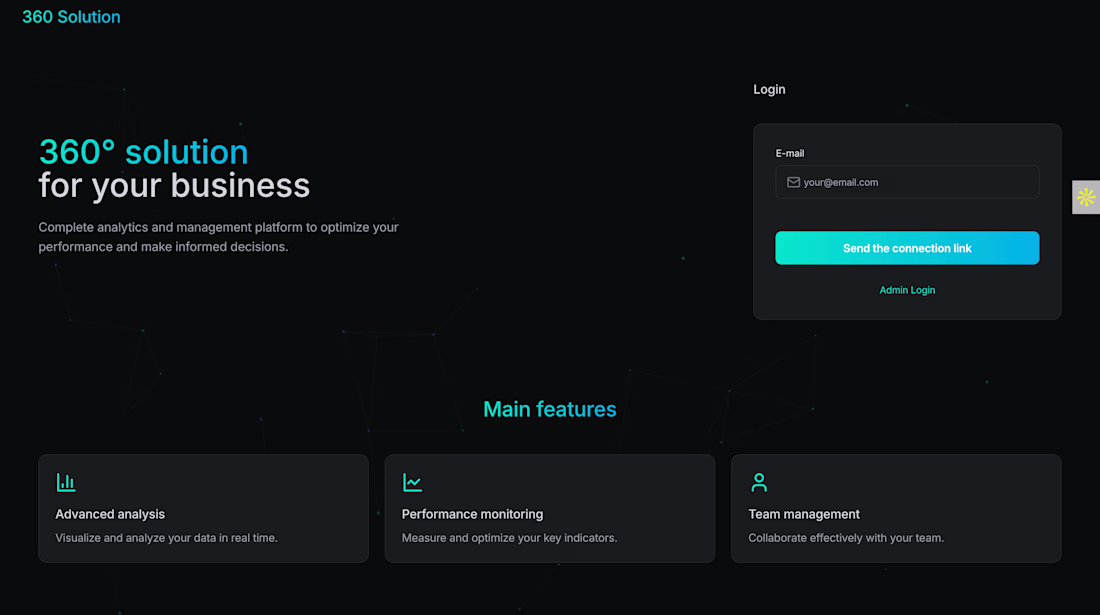
AI-Powered Business Analytics Dashboard | Python + React + Replit
Built Solution 360, an AI-driven analytics and management platform with Python backend (Replit) and React frontend. Delivers real-time KPI tracking, team collaboration, and API integration. Enables businesses to monitor performance through interactive dashboards. Focused on AI-powered business intelligence solutions.
Back in 2016 I made a lot of cinemagraphs for HBO.
They took a surprising amount of work. Masking footage, finding the right loop, freezing parts of the frame and getting everything to transition cleanly.
I’ve had an idea for a simpler cinemagraph tool kicking around in my head ever since.
About a month ago I built another small tool using Toolcraft as the starting point, so yesterday I wanted to see if it could handle this idea too.
A few hours later I had a working cinemagraph editor.
Drop in a video → find your loop → choose how it loops → paint the areas you want to keep still → export.
Basically the workflow I used 10 years ago, condensed into a few controls.
Still rough around the edges, but kind of wild to finally build a tool I’ve been thinking about for a decade.
The masking-and-looping history is exactly why a simpler cinemagraph workflow feels valuable; the tricky part is preserving a seamless transition without making the tool feel like a timeline editor. Curious direction for an AI-assisted app.
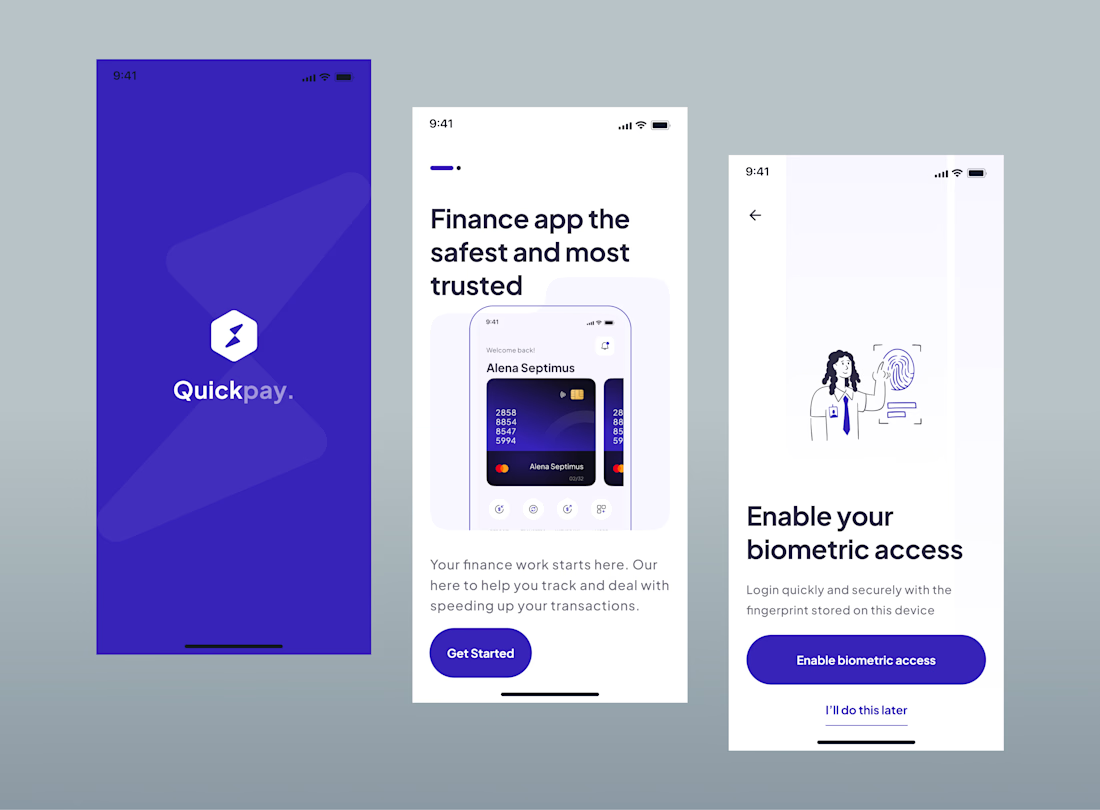
Clean and data-driven UI with key metrics (Sales, Revenue, Profit, Retention), performance charts, product insights, and clear analytics for smarter business decisions.
What if your PC could actually listen, understand, and do the work for you?
I’m building that idea into something real.
Meet AURA — my personal AI voice assistant for Windows.
Instead of building another chatbot that only answers questions, I’m experimenting with an AI agent that can actually interact with my computer and help with everyday work.
So far, AURA can:
• Have live voice conversations
• Convert speech to text and respond with voice
• Open applications like Excel, Power BI, Chrome, and Windows Settings
• Search the web and YouTube through voice
• Perform basic PC and file operations
• Understand requests through Gemini
• Execute actions through a safety-controlled automation layer
• Continue listening after completing a task
But this is only the beginning.
My long-term goal is to make AURA understand my actual workspace — including what’s happening on my screen and inside applications — so I can simply say:
“Open my Excel file, check the sales data, clean the date column, and add a formula for total revenue.”
And let AURA handle the workflow.
I also want it to become useful for my own Data Analytics work — from Excel and Power BI workflows to repetitive desktop tasks, research, and automation.
I’m building AURA with Python, AI, voice technologies, desktop automation, Excel, Power BI, and LLMs, while keeping safety and human control at the core.
It’s still far from the final vision.
But that’s exactly what makes the project interesting.
I’m not just learning how AI agents work.
I’m trying to build one that I can actually use every day.
The screen-reading step is where I would put the guardrail. Once AURA can read what is in the window, everything on that screen is input - and a page it opened from a voice search can hold a sentence written to be read as an instruction. I spent a while trying to rob my own...