The network for creativity
Join 1.25M professional creatives like you
Connect with clients, get discovered, and run your business 100% commission-free
Creatives on Contra have earned over $150M and we are just getting started
Back to feedPost

Framer trick I wish I knew 6 months ago 🔥
I spent months manually duplicating layouts every time a client wanted a new page type. Different hero, different grid, same structure underneath.
Then I discovered Framer's variant components with CMS-driven content.
Here's the trick: build one component with multiple variants (say, "Hero A," "Hero B," "Hero C"), then connect the variant selector to a CMS field. Your client picks a hero style from a dropdown when they create a new page. No code. No duplicating. No calling you at 11pm.
How to set it up:
Create a component with the variants you need (layout shifts, color schemes, icon arrangements, whatever).
Add a new text field in your CMS collection called something like "Hero Style."
Connect the component's variant property to that CMS field.
Done. Each CMS entry now controls which variant renders.
Why this matters:
Your client gets flexibility without touching the design. You build once instead of five times. And when they inevitably want a 4th hero style three months later, you add one variant instead of rebuilding a page.
I used this on my Framer template and it cut my build time by roughly 30%. Every section (hero, features, pricing, FAQ) has 2-3 variants, all CMS-controlled.
One component. Multiple layouts. Zero client confusion.
If you're building Framer sites without this, you're working way harder than you need to.
The network for creativity
Join 1.25M professional creatives like you
Connect with clients, get discovered, and run your business 100% commission-free
Creatives on Contra have earned over $150M and we are just getting started









Related posts

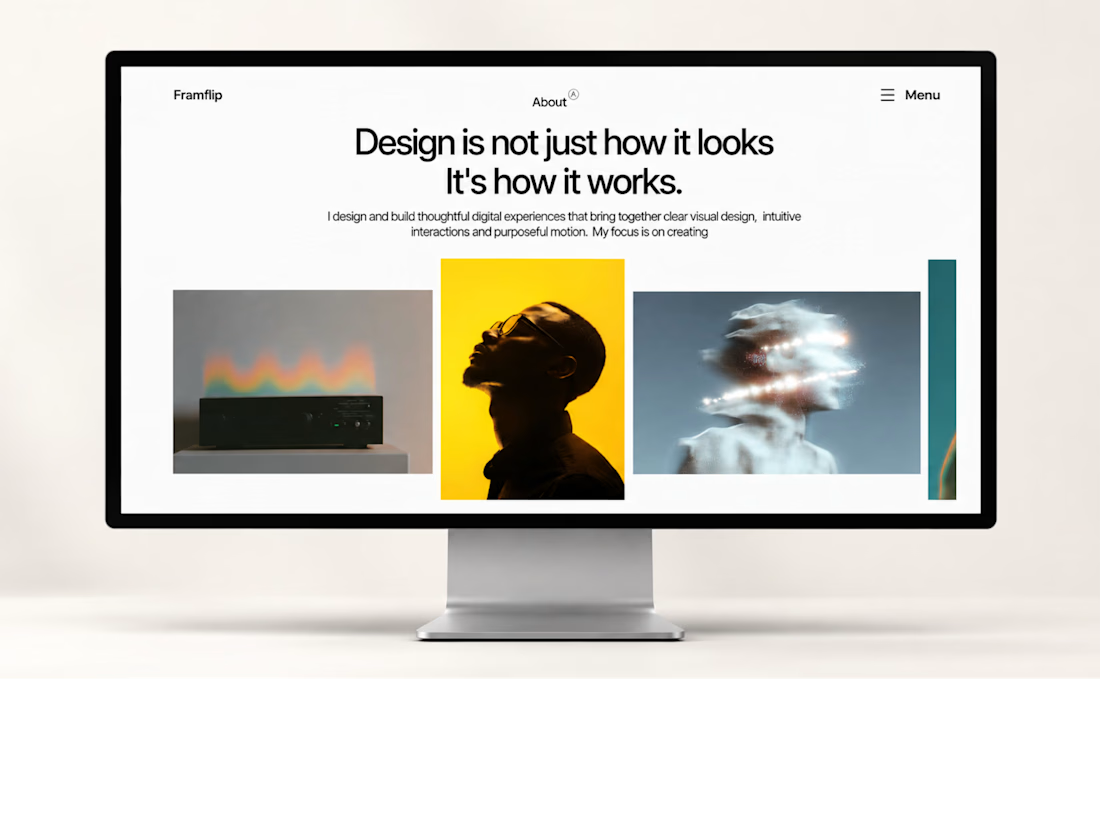
My first Framer template is live!
One step closer to building something great. ✨
#Framer #WebDesign



first templates are always the scariest to ship. curious how you decided what to leave out

Something I probably should've done sooner. 😅
Northbrook has reached 15 purchases on Contra, but I've mostly been showing it through static screenshots.
So I tried something different.
A short motion reel using the actual Framer website, with simple transitions and no unnecessary effects.
I'm building Pacts Studio around digital products, and I'm learning that how you present the work matters almost as much as the work itself.
What do you think? Would this make you more interested in exploring a template? 👀


Cool

A little swirl button animation for my upcoming Framer template 🌼

Oh that looks so cool!